You can contact Elementor support directly through Ask Angie AI Assistant in your My Elementor Dashboard for instant troubleshooting and agent routing. If you are locked out or cannot log in, visit the Knowledge Hub or main Elementor website, click the chat icon in the lower-right corner, and use the Virtual Assistant to recover your account.
What actions should you take before contacting support?
Completing a few quick checks before opening a chat helps us resolve your request much faster:
- Create a Site Backup: Always make a full backup of your website before making technical troubleshooting updates or granting support access.
- Gather Account & Subscription Details: Have your account email address and subscription ID ready so we can verify your Pro status.
- Check Scope of Support: Confirm that your issue falls within core Elementor features rather than third-party theme or plugin conflicts. See: What does Elementor Support cover?
How do you submit a support request when logged into My Elementor?
To get support for your active subscription, connect directly through your dashboard so your Pro status is automatically recognized:
- Log Into Your Account: Go to My Elementor Dashboard and enter your account credentials.
- Launch Ask Angie: Click the Ask Angie icon in the lower-right corner of your screen to open Ask Angie AI Assistant.
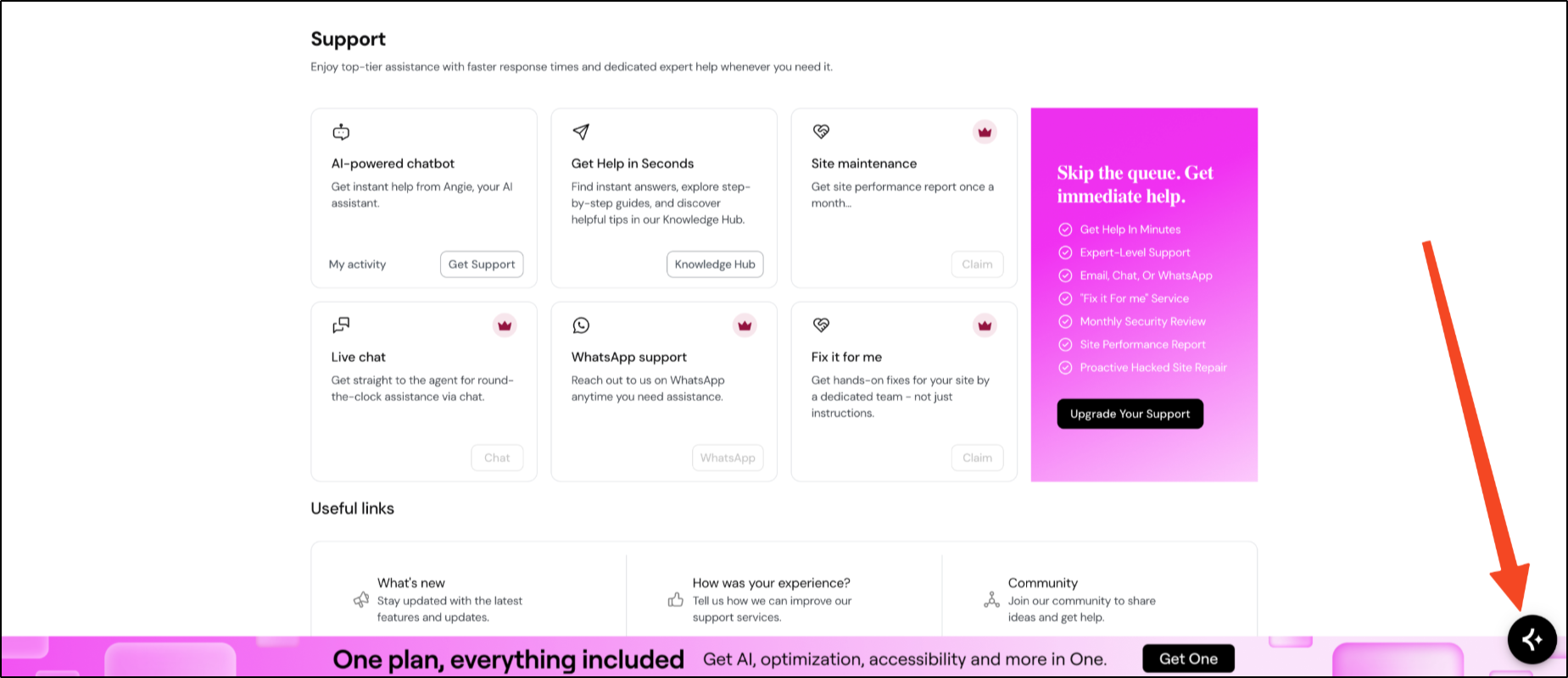
- Describe Your Issue: Type your question or error details into the prompt. Ask Angie AI Assistant will guide you through resolution steps or connect you directly with a support agent.
How to view your support ticket history
To check the status of active requests or view past support tickets:
- Log into My Elementor and go to Support.
- Click My activity inside the AI-powered chatbot card. This opens the My Conversations page in a new window.
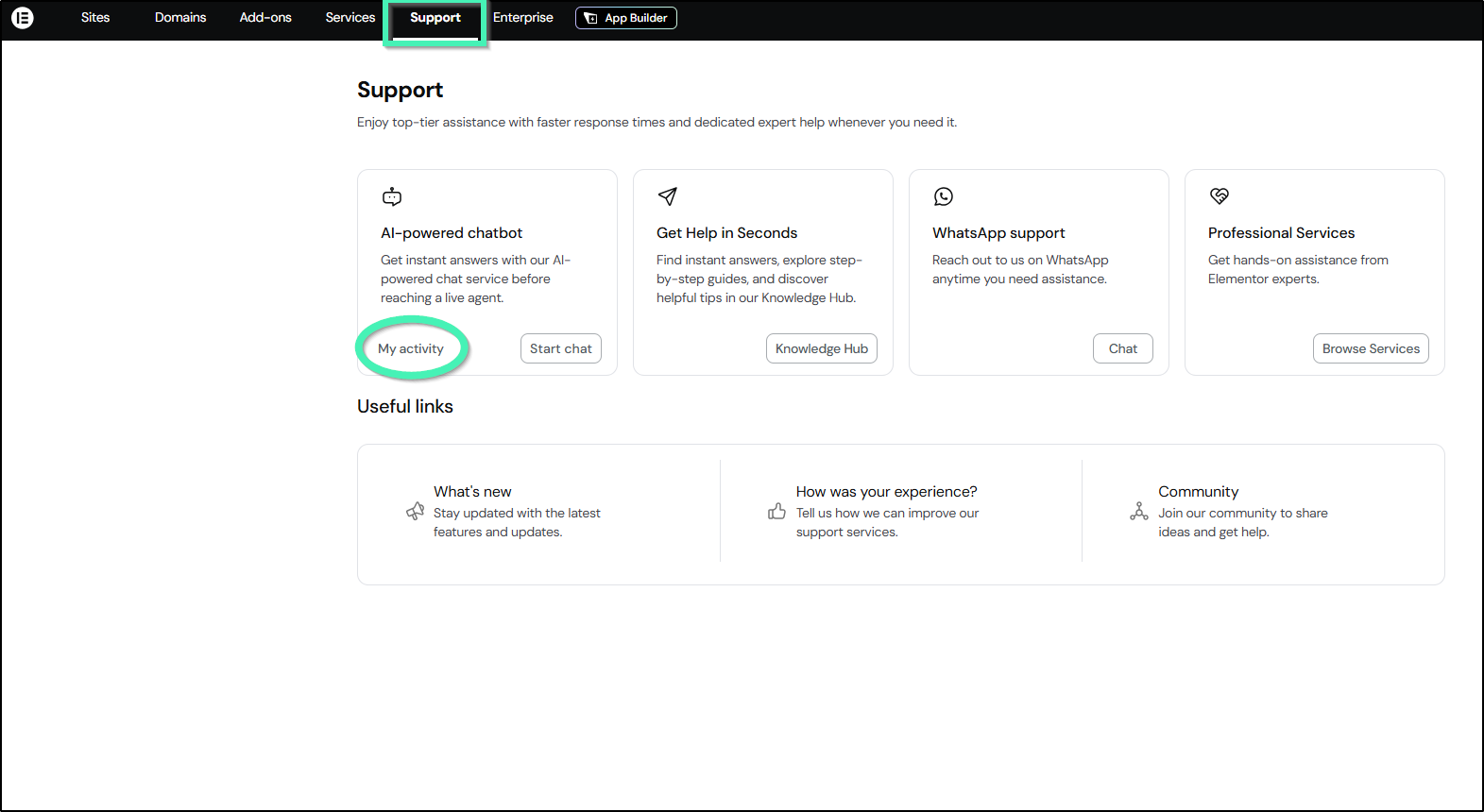
- On the My Conversations page, switch between the OPEN and DONE tabs to track your active or resolved tickets.
How do you access support if you cannot log into My Elementor?
If you are experiencing login issues or are locked out of your account, you can get access assistance without logging in:
- Visit the Website: Go to the Elementor Knowledge Hub, or main website.
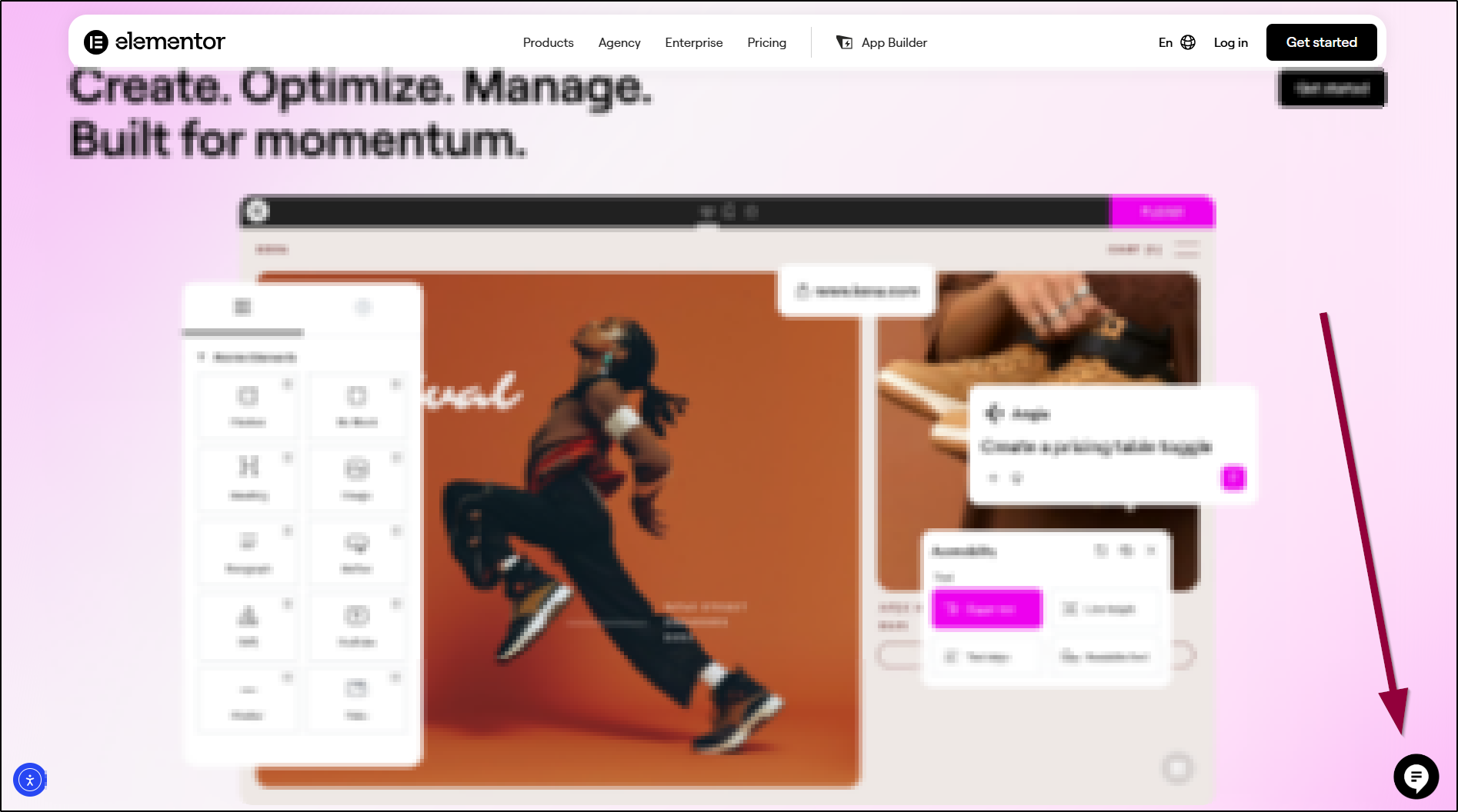
- Open the Virtual Assistant: Click the chat icon in the lower-right corner of your screen to open the Virtual Assistant.
- Select Account Recovery: Click I’m locked out of my account or enter your account recovery details.
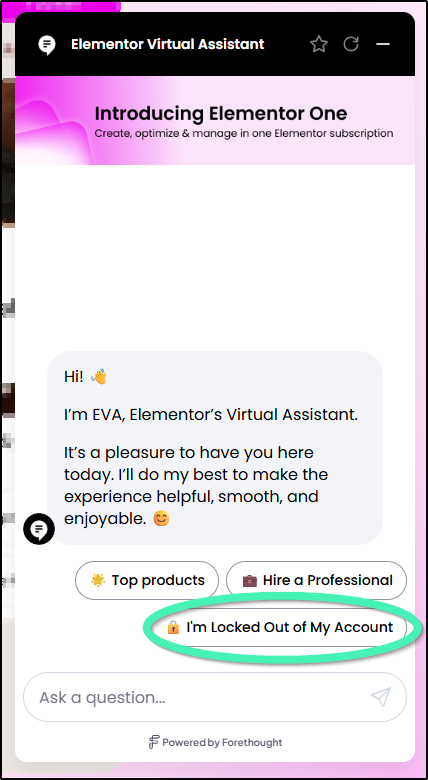
- Follow Guided Prompts: Provide your registered account email and payment details so an agent can verify account ownership and assist you.
What additional support resources are available?
- Account & Subscription Management: