Note: As an AI tool, Angie provides context-sensitive results. Therefore, the results you get may differ from the examples in this article, even if you enter the same prompts.
After installing Angie, the Angie panel accompanies you on the left side of your screen.
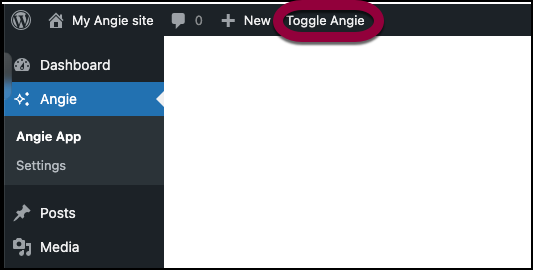
- From anywhere in the WP Admin, toggle Angie on.
- Prompt Angie to delete a user.
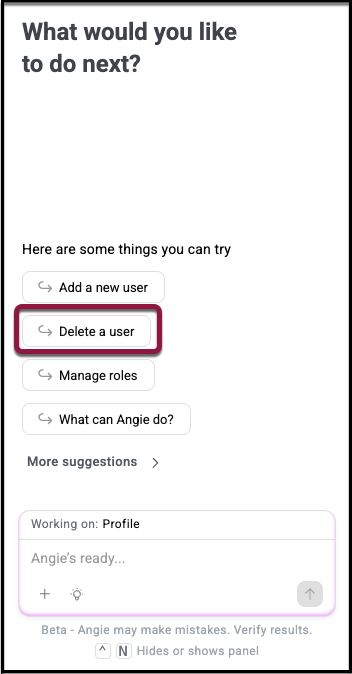
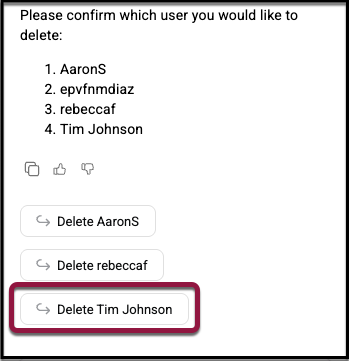
- If you don’t specify which user, Angie will ask you to select the user you want to delete. Click the user’s name to delete them, or type their name into the prompt box.
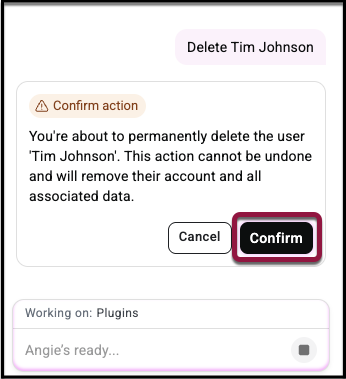
- A pop up box appears asking you to confirm deletion. Click Confirm. The user is deleted.