Depending on your hosting plan, your website has a limited amount of space to hold files, including media files. If you begin running out of storage space for your site, one way to free up space is to delete unused media files, these include images, videos and sound files – all of which can take up a lot of storage space.
Delete media
The safest way to delete unused media files is by using your site’s Media Library.
To delete media using the Media Library:
Go to WP Admin.
In the panel, click Media.
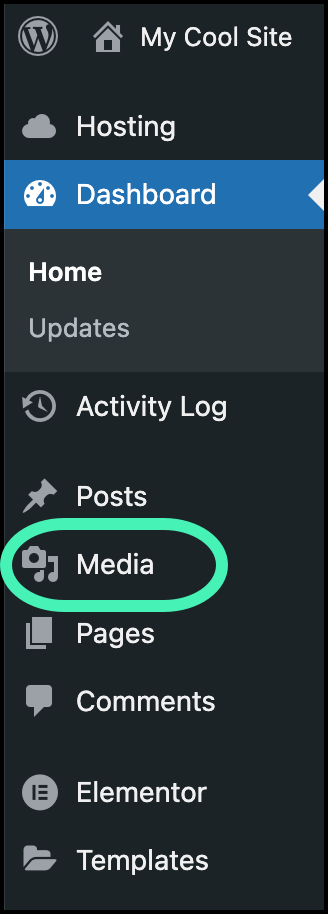
This opens the Media Library.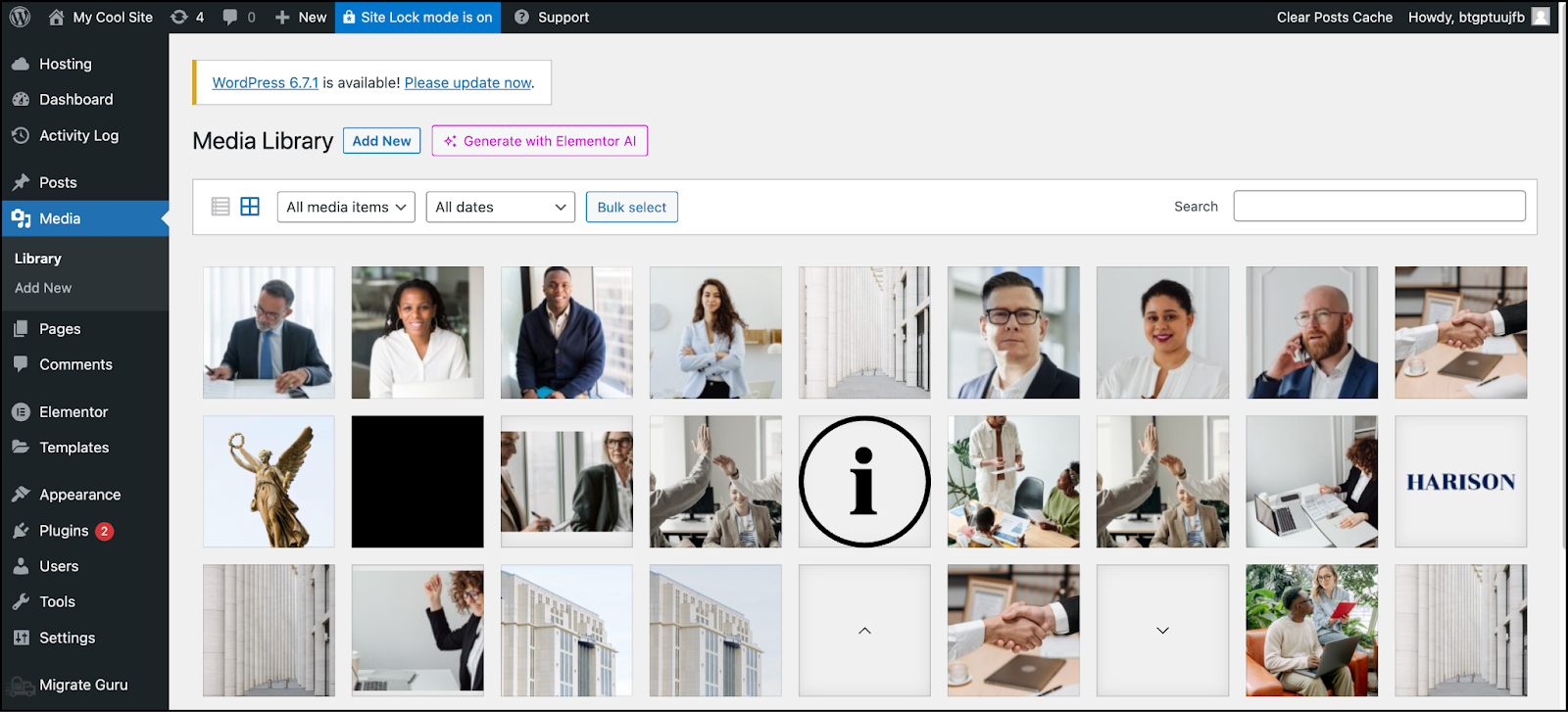
Your site’s media is displayed in the table layout.
Delete media from the table layout
Click a media item.
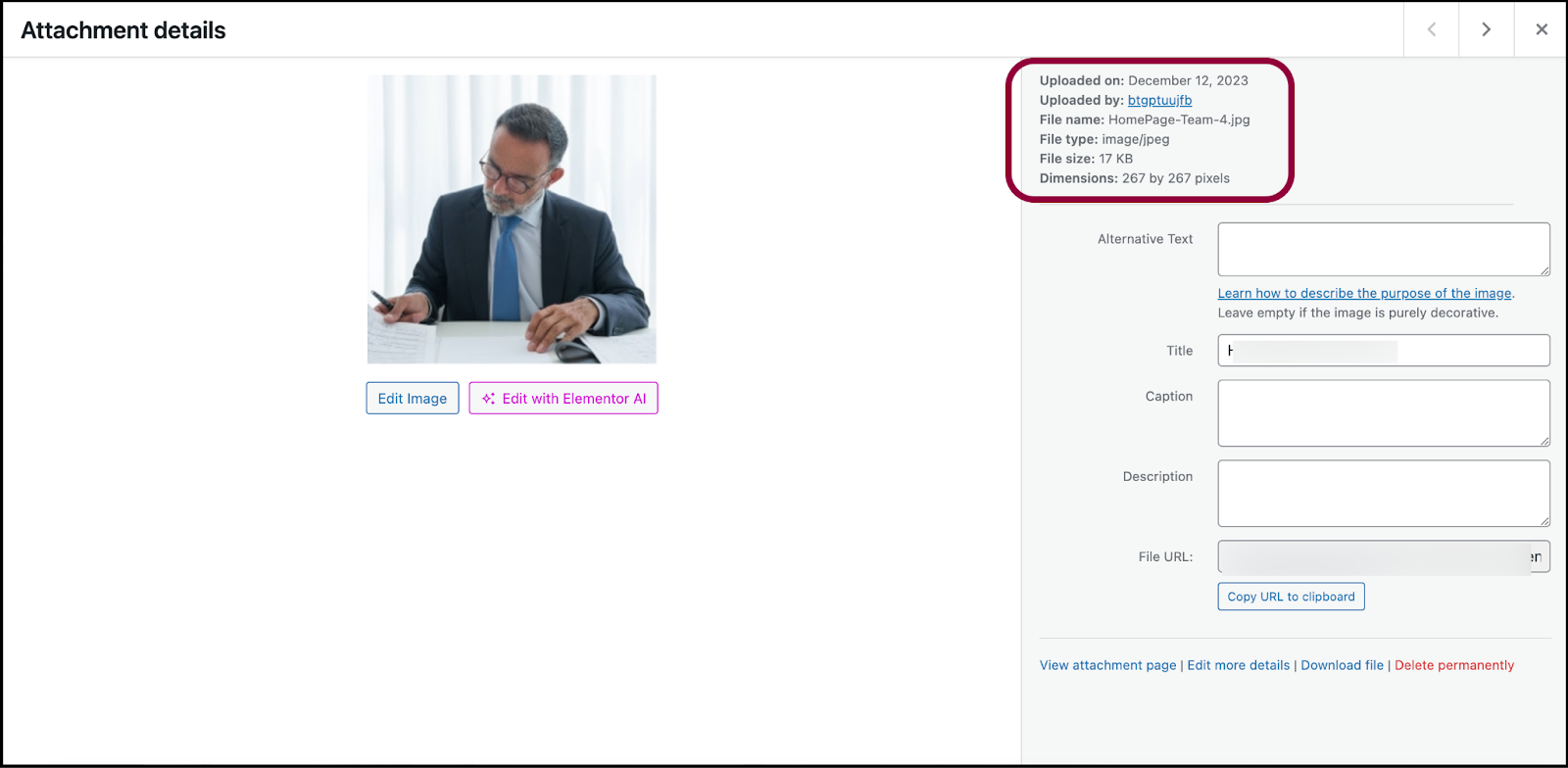
This displays the media attributes, including the size in the right panel.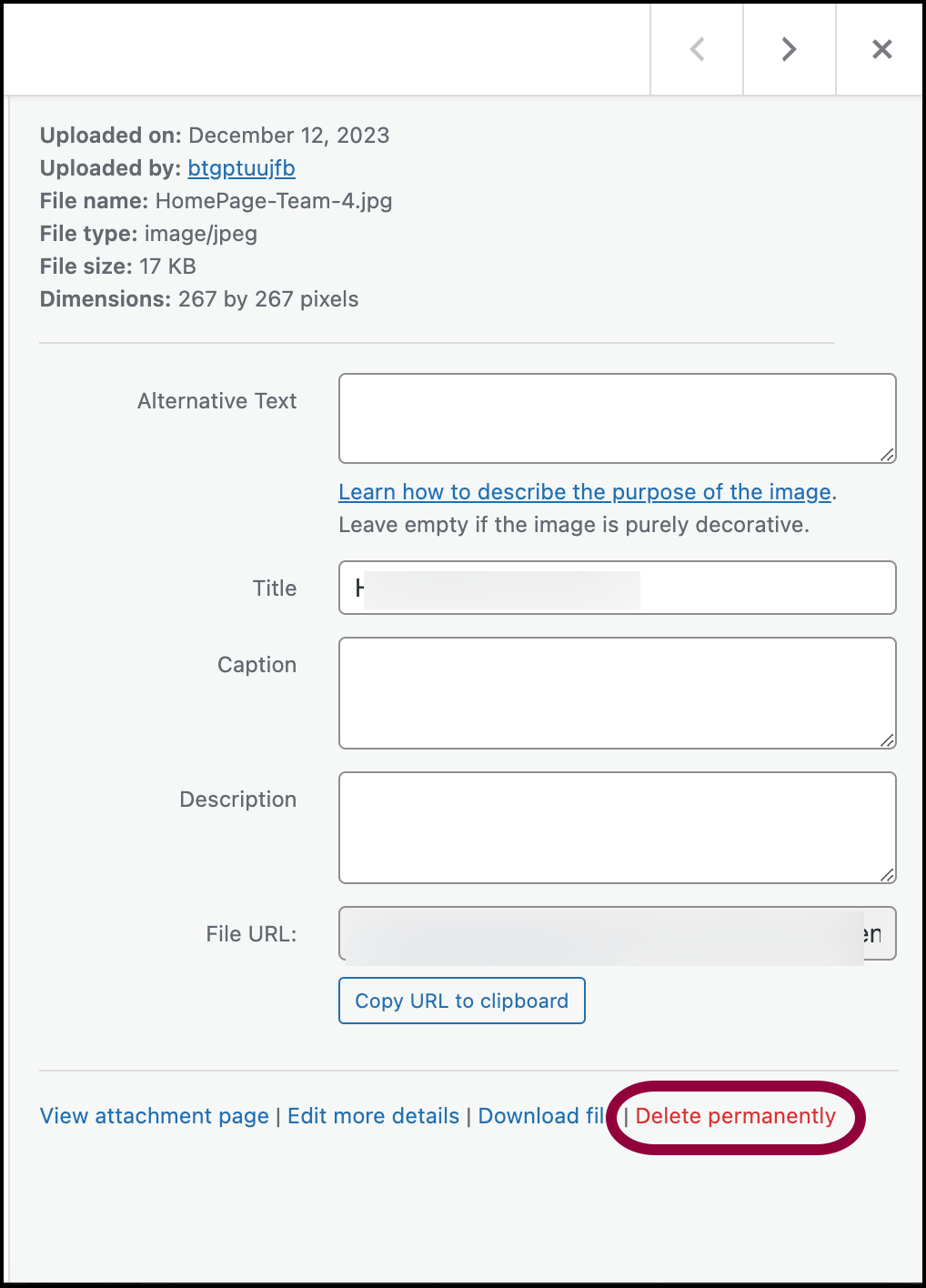
In the bottom of the right panel, click Delete Permanently.
The media item is permanently deleted from your site.
Delete media from the list layout
Click the list icon

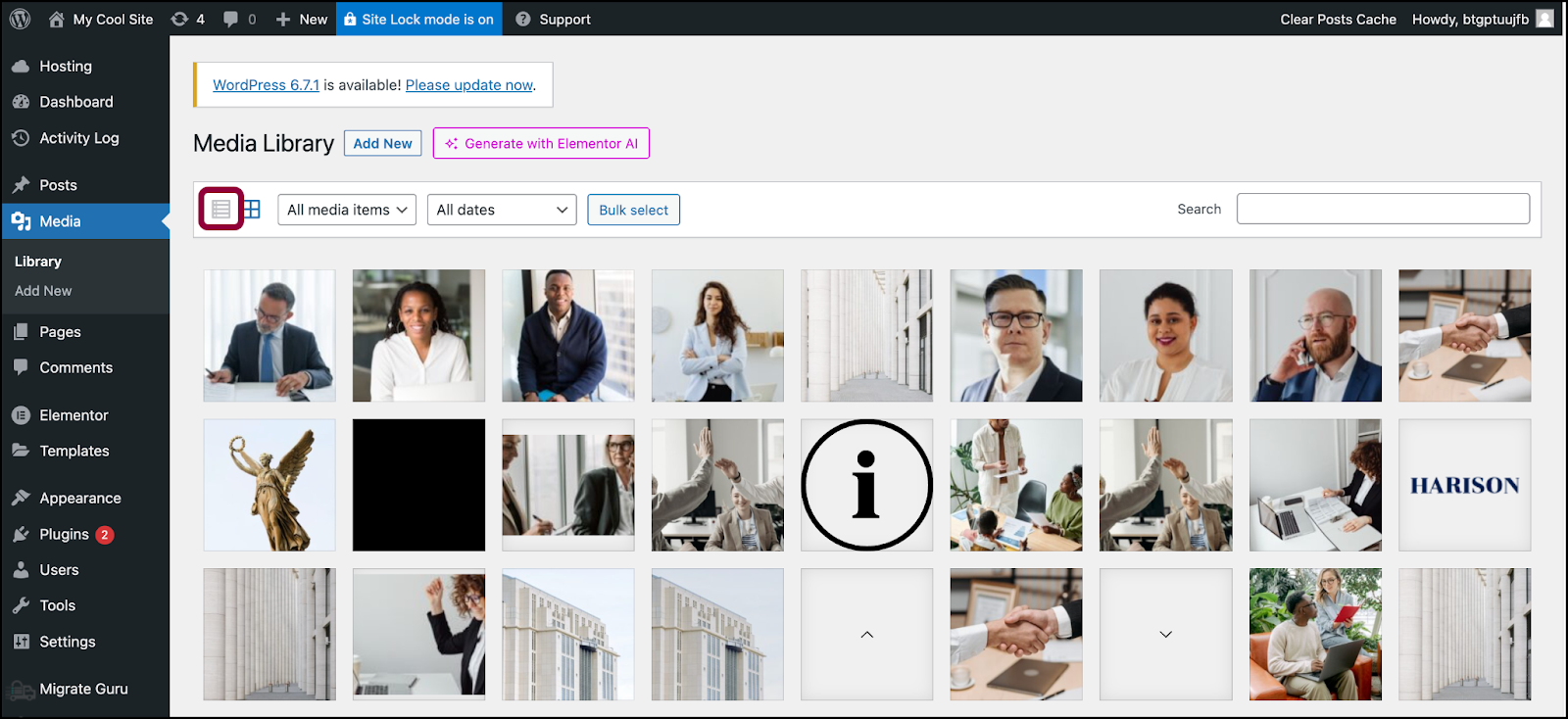
The media items appear as a list.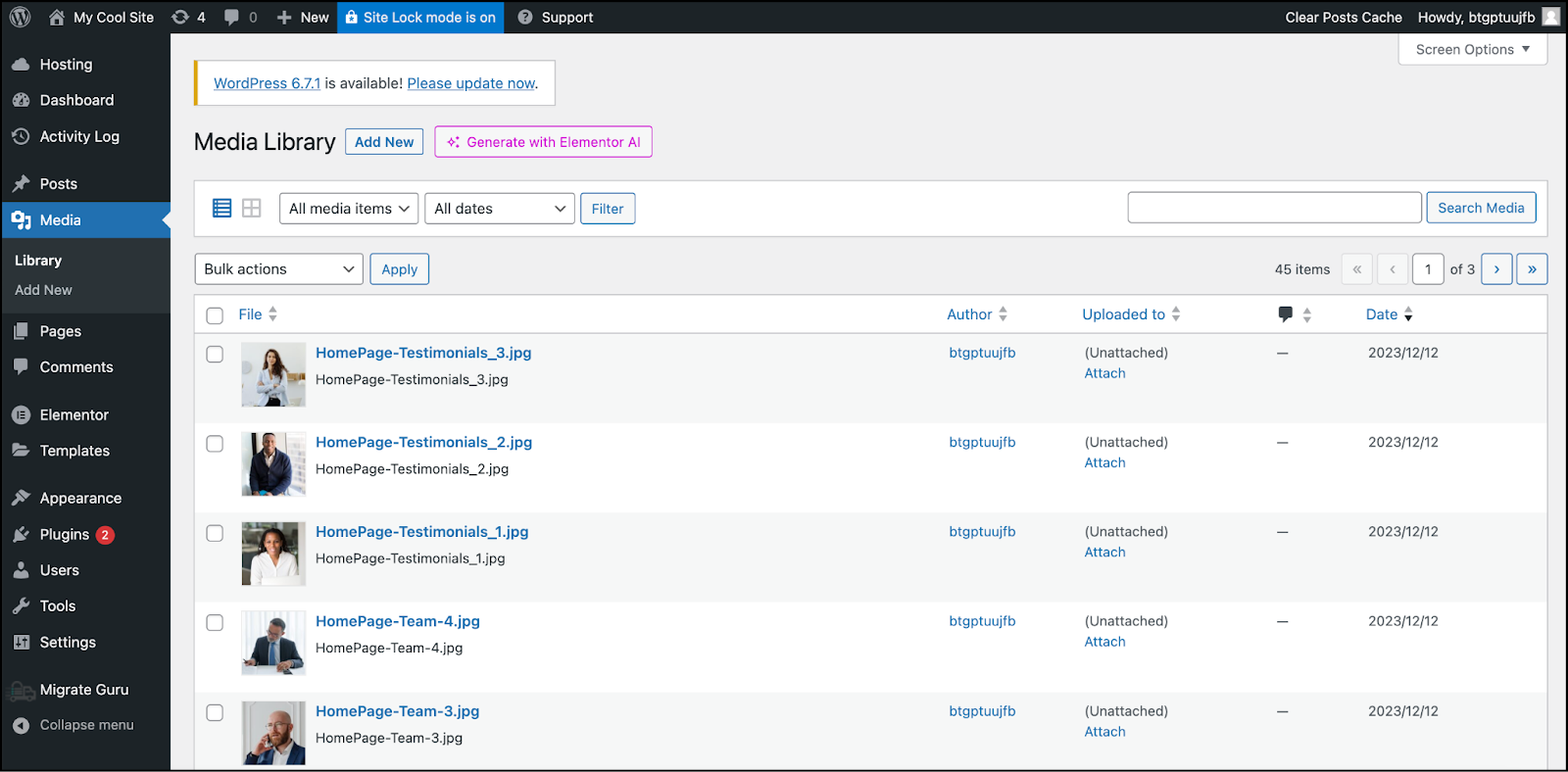
Hover over a media item and click Delete Permanently.
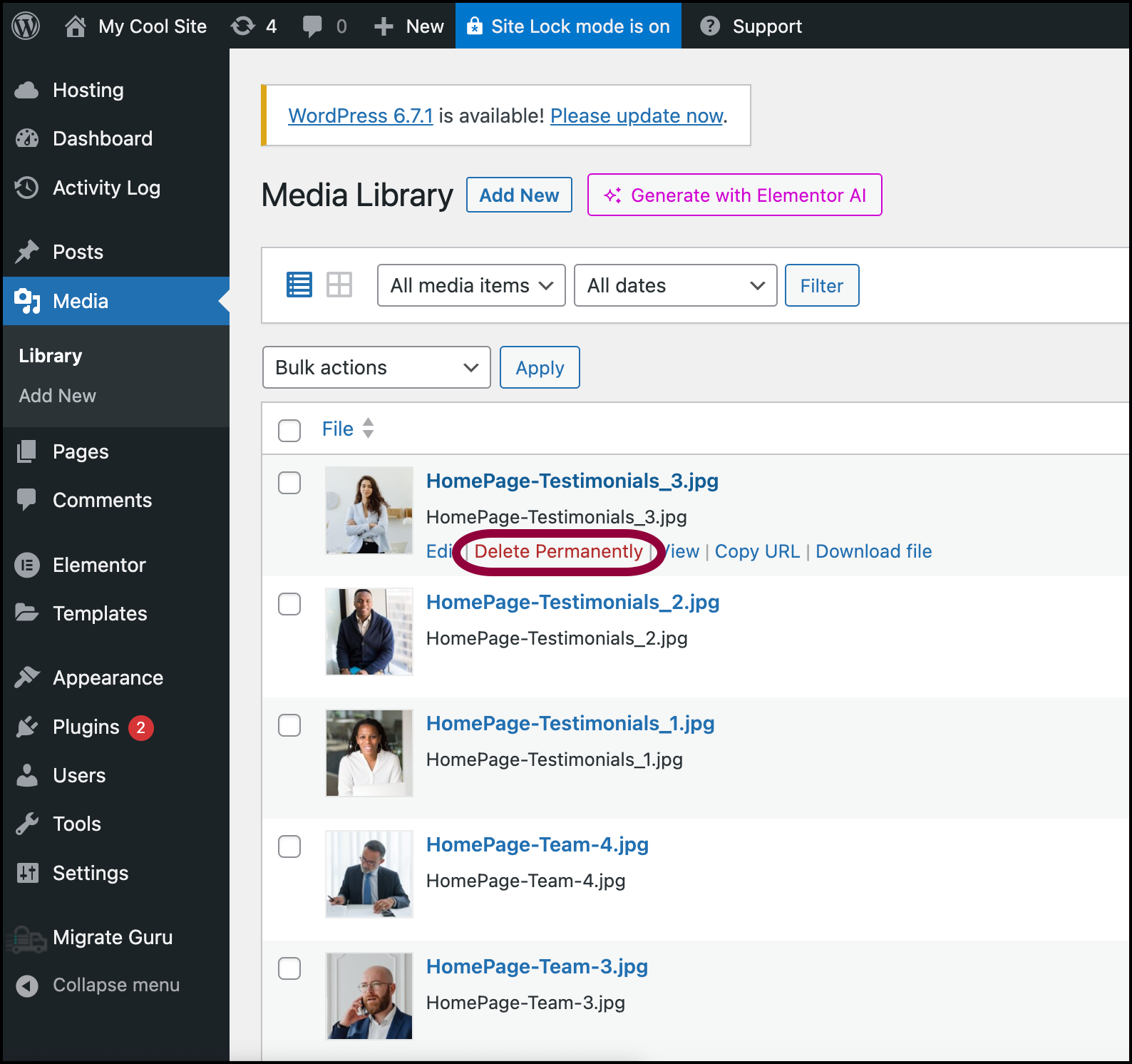
The media item is permanently deleted from your site.NoteYou can click Edit to view the media properties before deleting.