Do you have an awesome suggestion that you believe can improve Elementor or Elementor Pro?
There are three ways to request new features:
GitHub
- Leave a suggestion at https://github.com/elementor/elementor
My Elementor
You can use the My Elementor dashboard to submit suggestions.
To submit a suggestion:
- Go to your My Elementor dashboard.
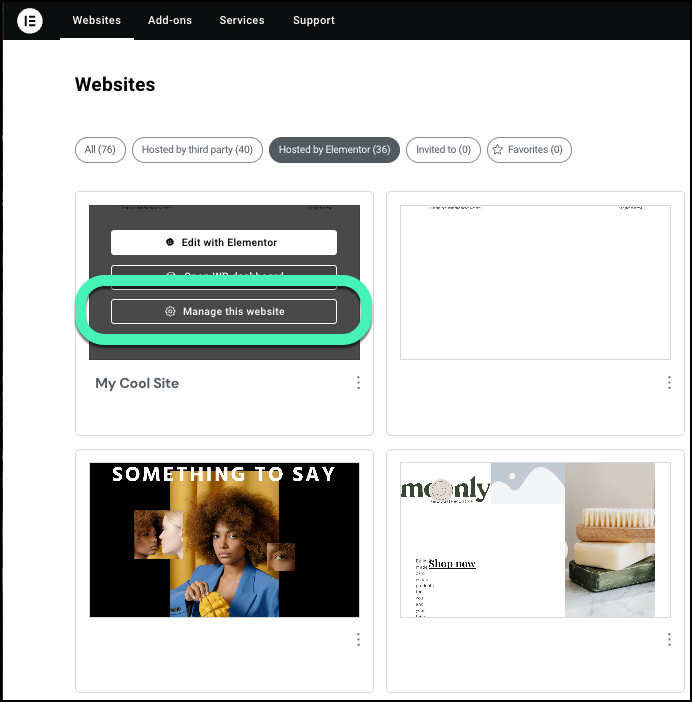
- Hover over the website card of one of your sites and click Manage this website.
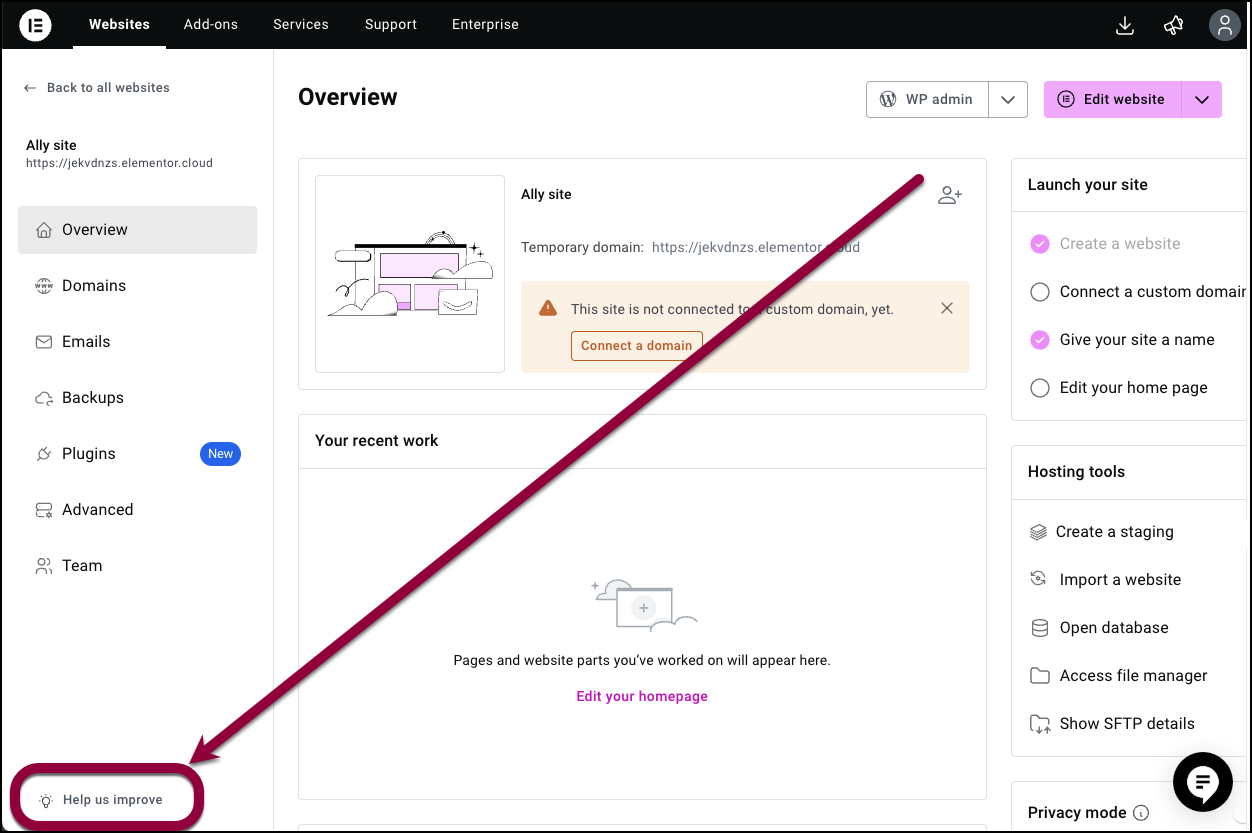
- In the lower left, click Help us improve.
Follow the feature request wizard to submit your request.
Elementor Home
To submit a suggestion:
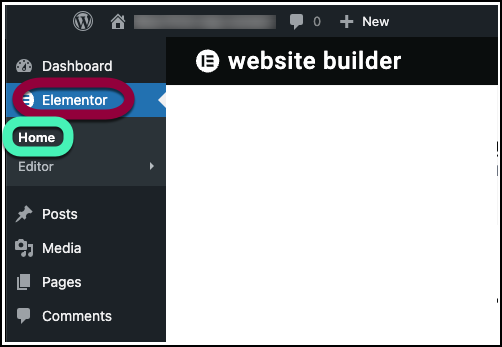
- From WP Admin, navigate to Elementor>Home.
- In the top bar, click the suggestion icon.
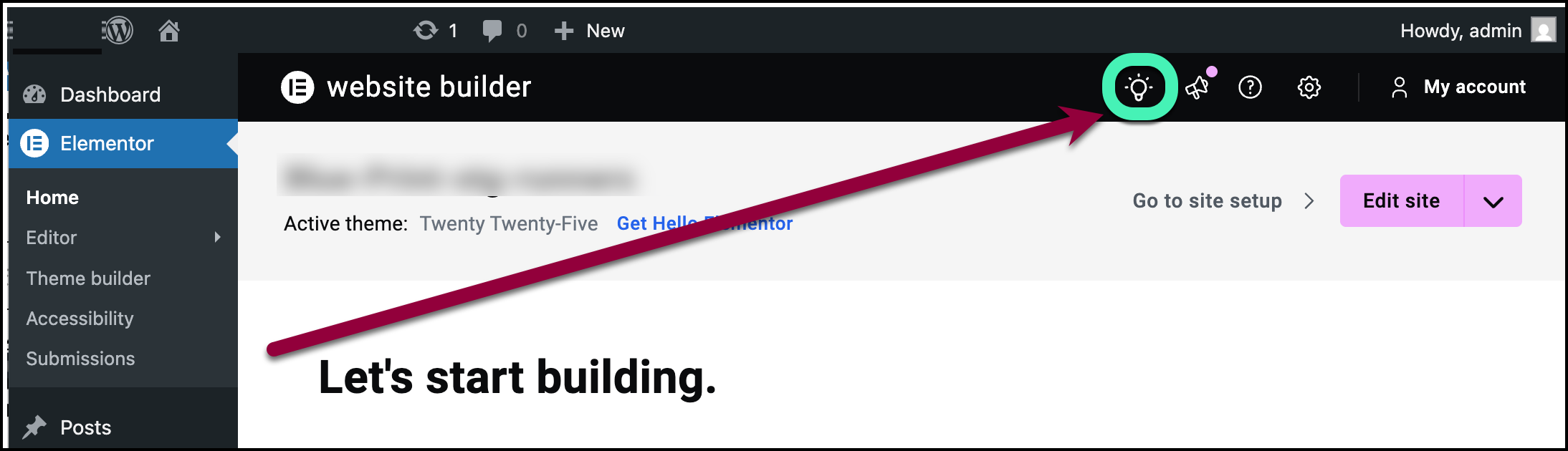
Follow the feature request wizard to submit your request.