Why move?
One Click Accessibility was developed in 2015. Since then accessibility standards, and legal requirements have greatly grown and changed. These new circumstances led to a decision that we needed to create a new, more robust plugin capable of fulfilling accessibility needs far into the future.
Web Accessibility offers several advantages over One Click Accessibility including:
- A choice of accessibility icons
- The ability to place the accessible icon where you want
- The ability to choose which accessible features you want to display.
- The ability to create a web accessibility statement
In addition to the above, the new plugin is only the start of introducing a complete accessibility environment. The goal of Web Accessibility is to provide users with an all-in-one tool giving website owners a complete solution to making their websites accessible.
How do I upgrade to Web Accessibility?
If you’re a One Click Accessibility user, you’ll receive a notification in your WP Admin about upgrading to Web Accessibility.
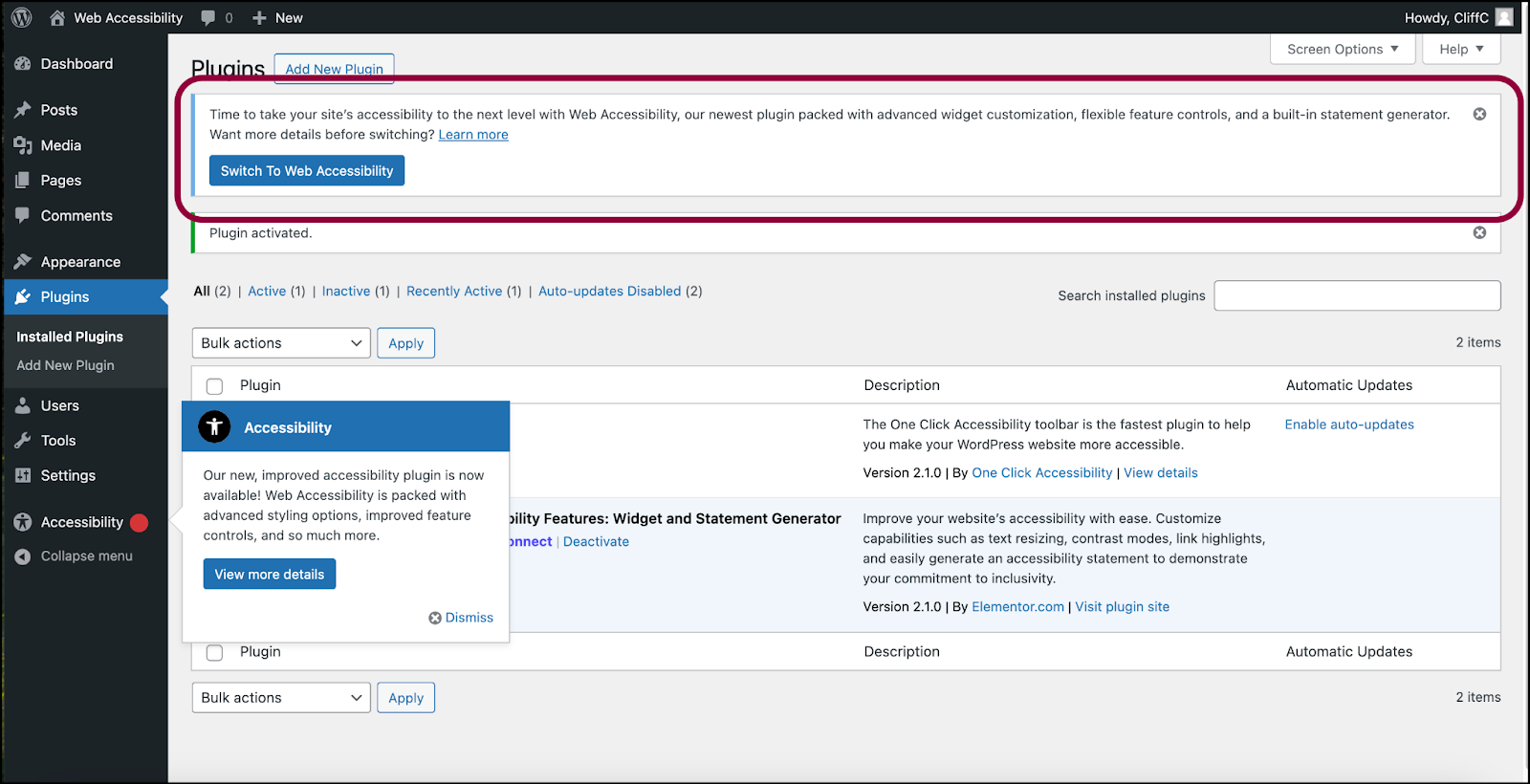
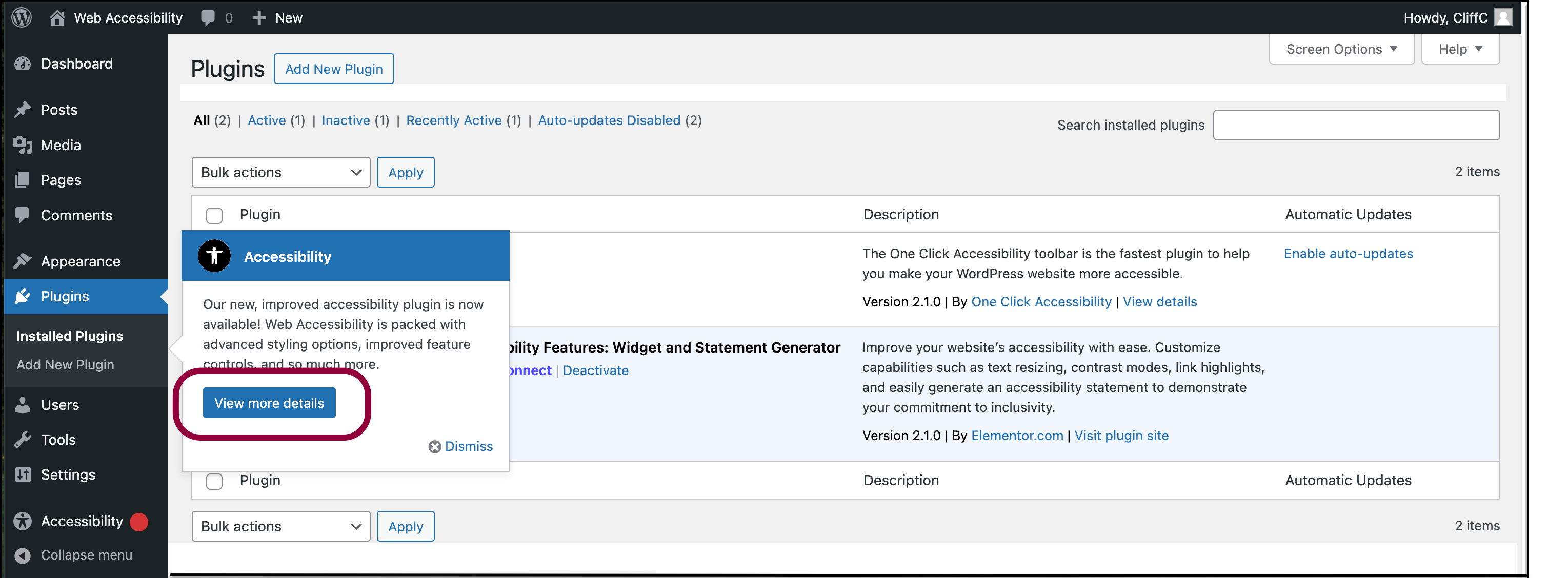
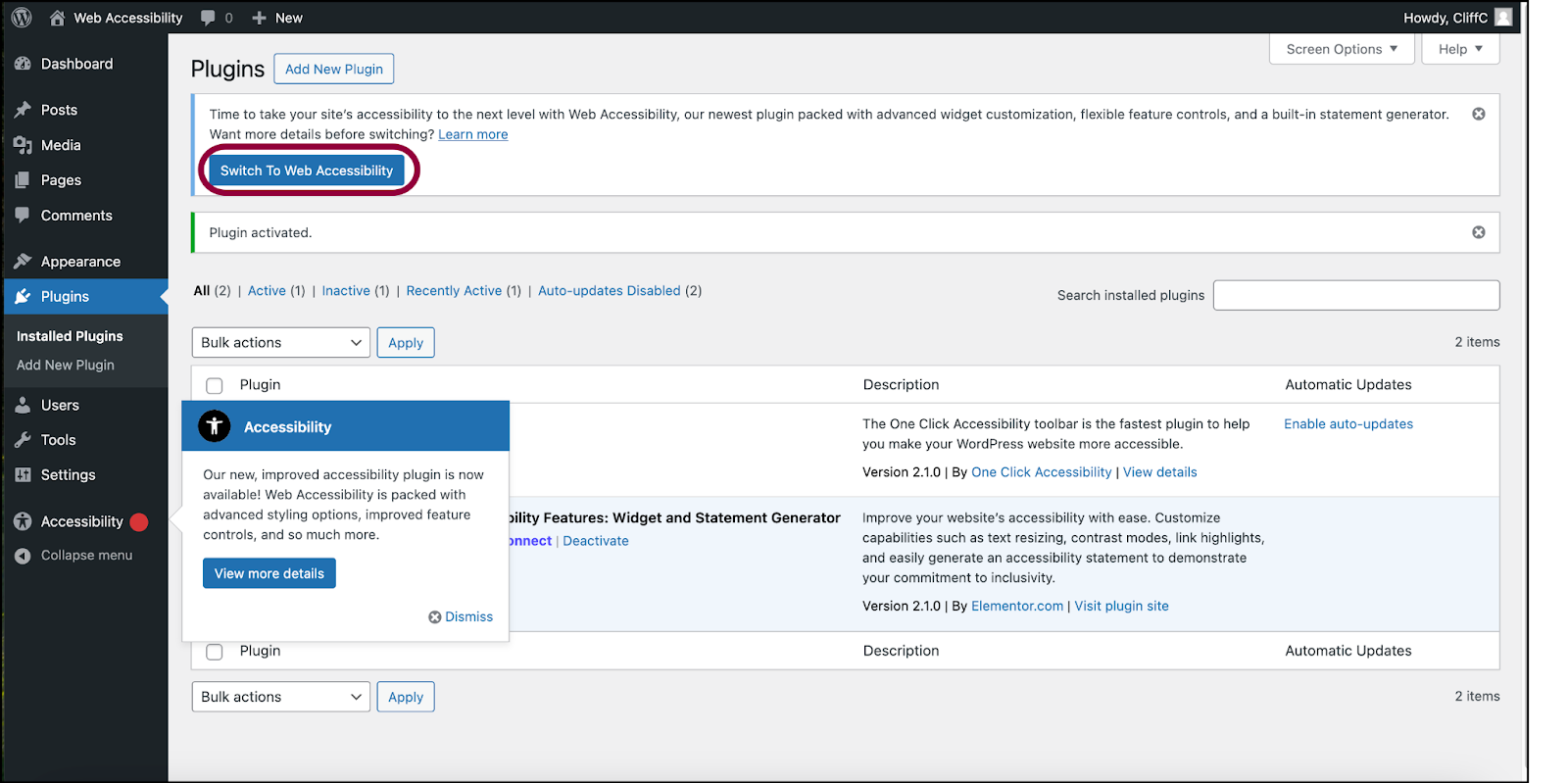
- Click Switch to Web Accessibility.NoteIf you want to learn more before switching, click View more details.
 WarningOnce you switch to Web Accessibility, you cannot revert to One Click Accessibility.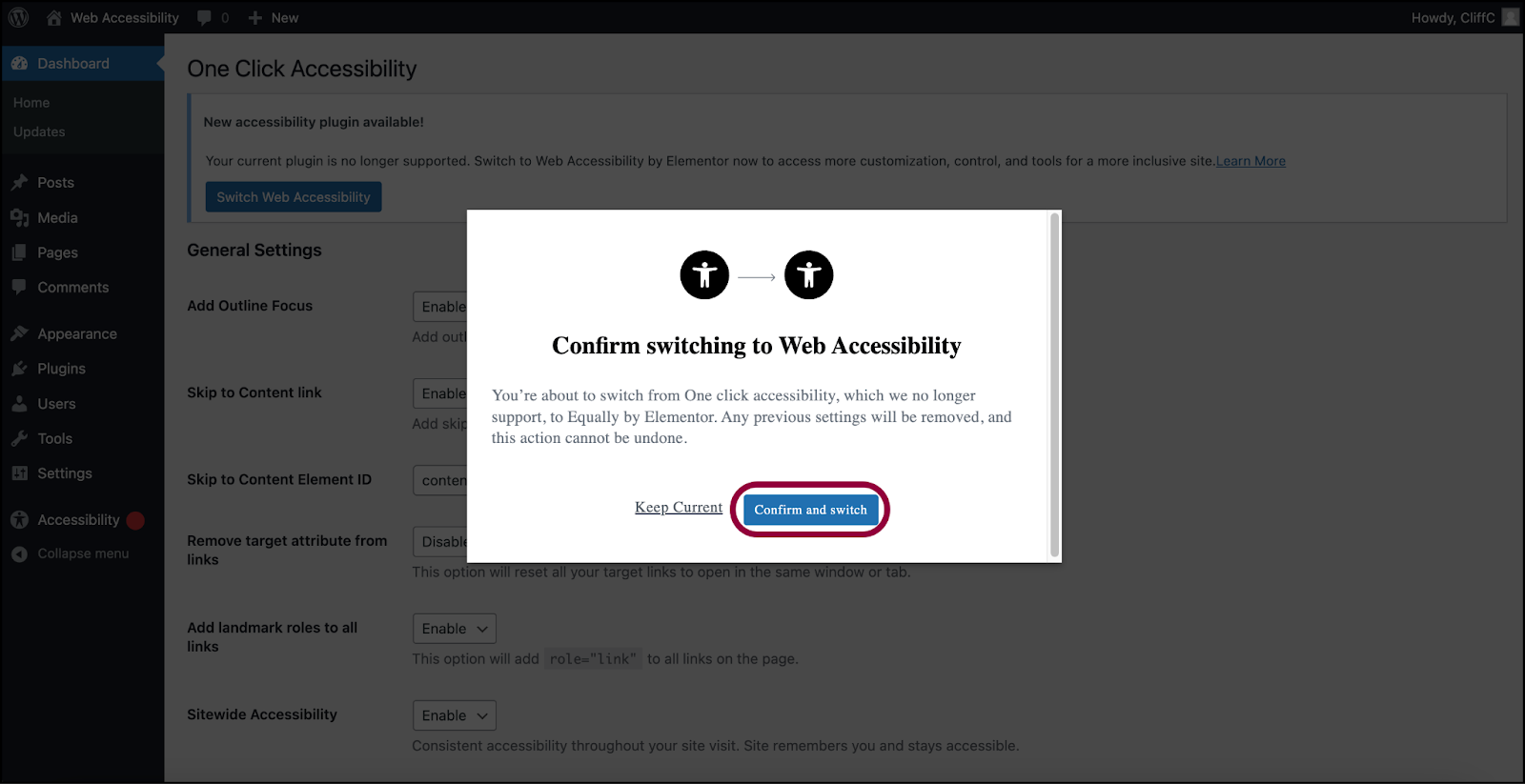
- Click Confirm and switch to confirm the upgrade to Web Accessibility.NoteIf you decide to stay with One Click Accessibility, click Keep Current.
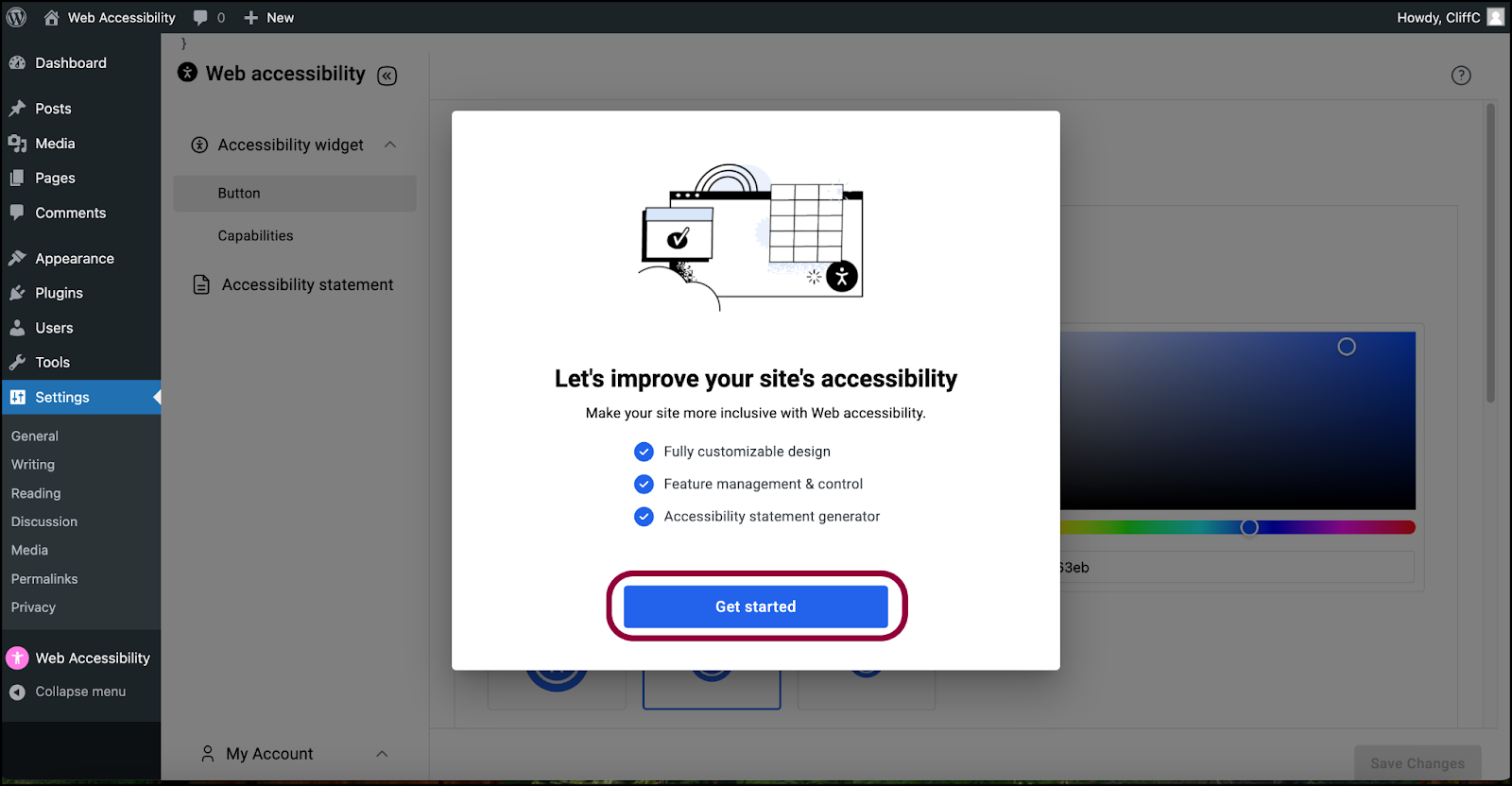
- Once the Web Accessibility app is installed, click Get Started.
- If you don’t have an Elementor account, you’ll need to create one. For details, see Create an account.
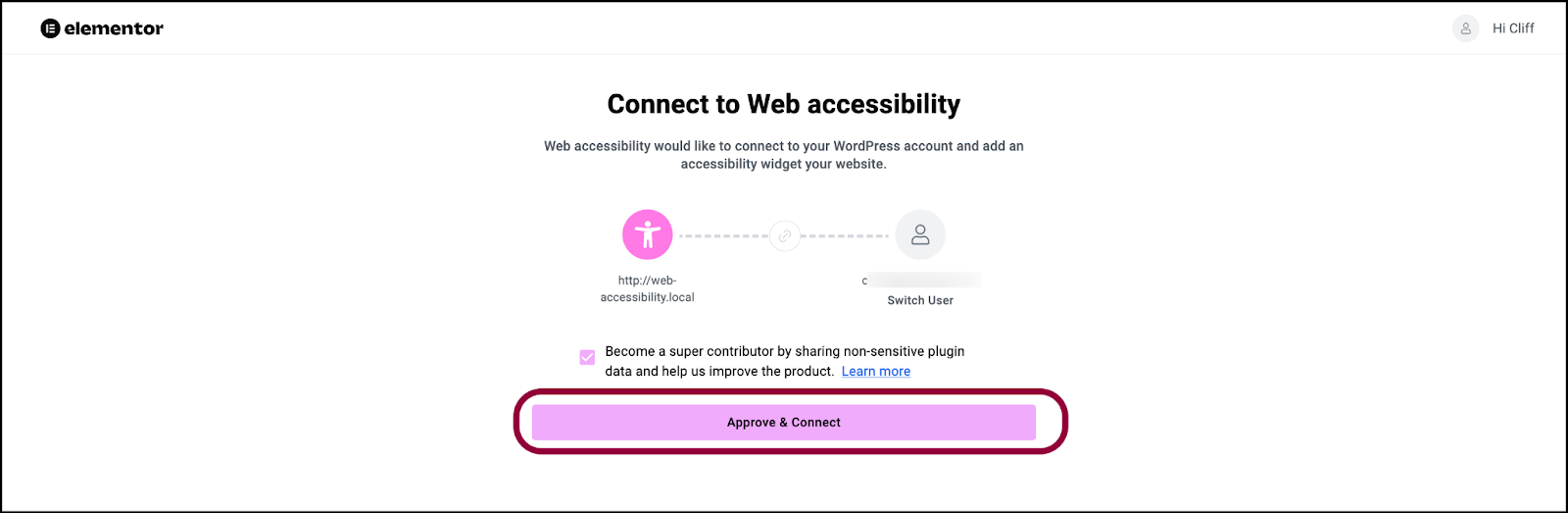
- Use your Elementor account to activate Web Accessibility by clicking Approve & Connect.
You’re ready to get started using Web Accessibility. For more information, see Start using Web Accessibility.
What will happen to One Click Accessibility?
Current installations of the One Click Accessibility plugin are unaffected by the Introduction of Web Accessibility, however:
- One Click Accessibility is being deprecated and will no longer be updated. This may, in the future, lead to security and other issues.
- If you upgrade to Web Accessibility, the new plugin will replace One Click Accessibility and you will no longer have access to One Click Accessibility.