Angie is an AI agent fine-tuned to help you create, manage and expand WordPress websites.
Note
Angie is a subscription-specific tool linked to a specific account and therefore cannot be shared with other users.
Note
Angie is an agentic AI tool that works with WordPress and Elementor. It is separate and distinct from both Elementor AI and Elementor’s AI Site Planner.
To install Angie:
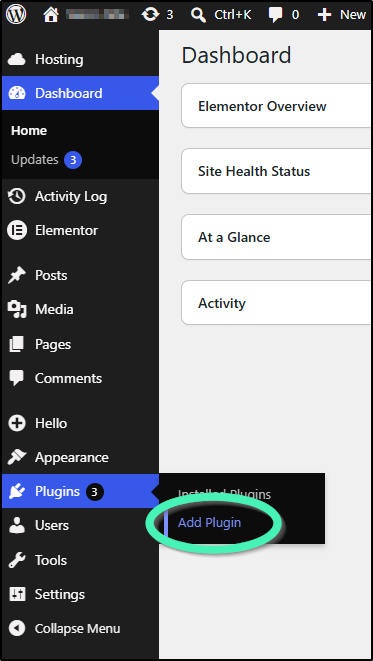
- Go to WP Admin and navigate to Install Plugin.
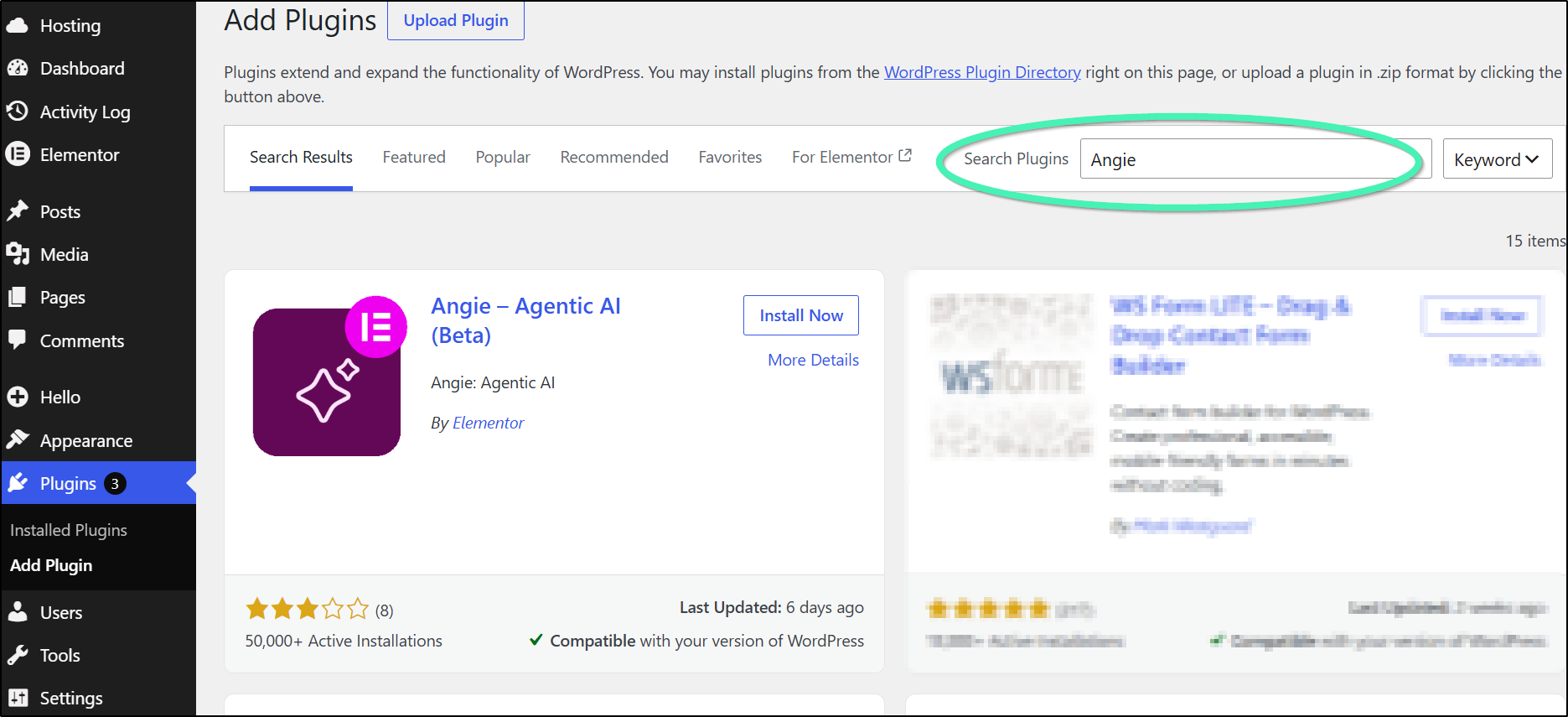
- Enter Angie in the search box.
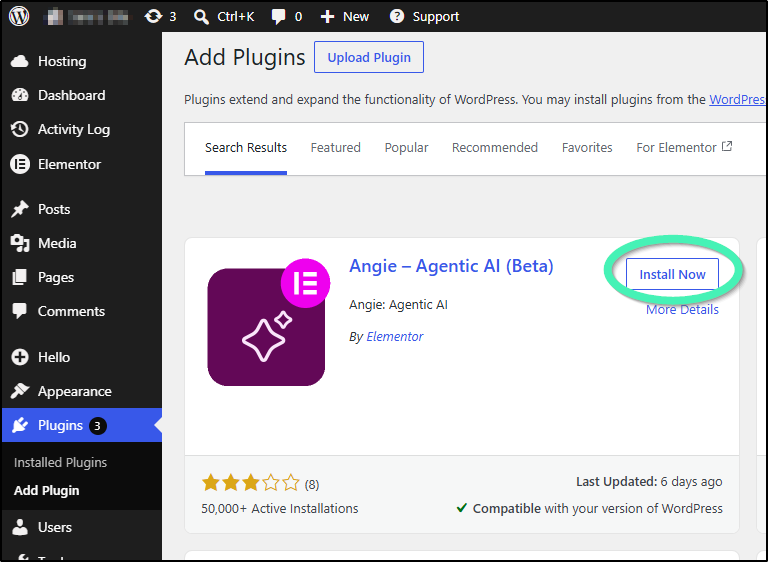
- Click Install Now.
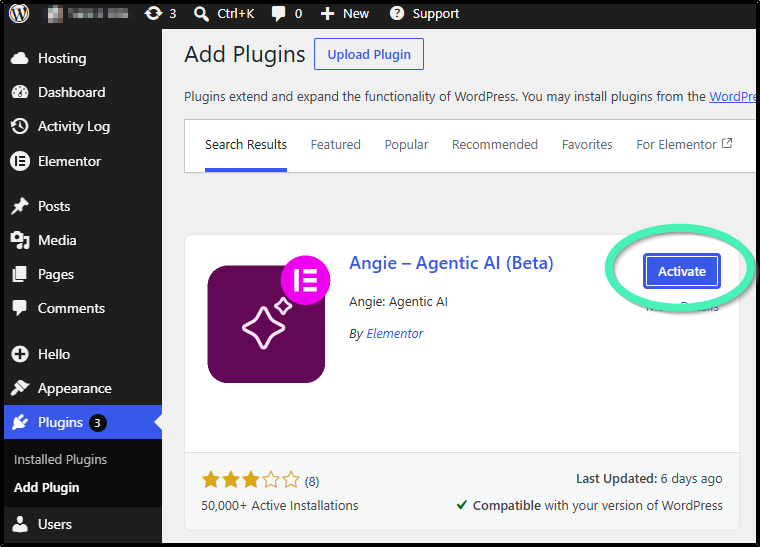
- Click Activate.
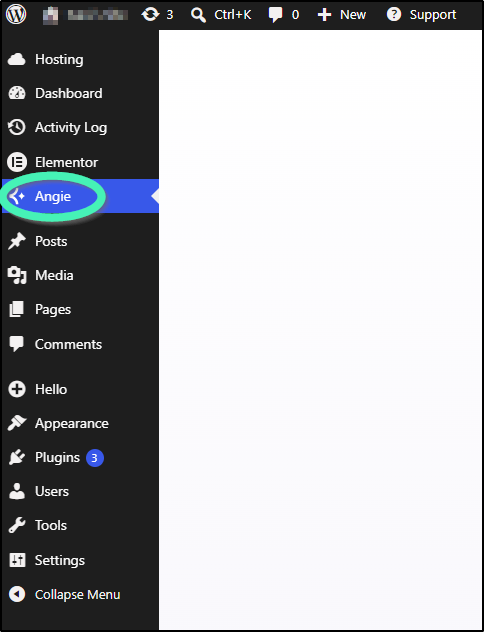
- Click the Angie option that now appears in your WP Admin panel.
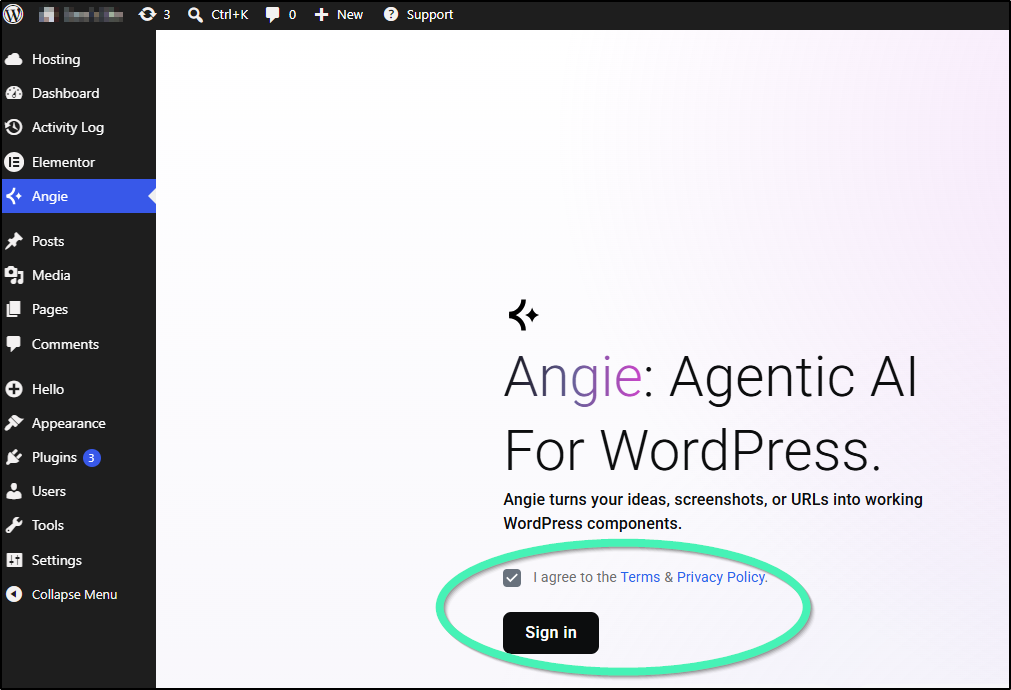
- Use the checkbox to agree the terms and conditions and click Sign in to continue.
- You may need to log into your Elementor account to continue. If you don’t have an Elementor account, you’ll need to create one.
- In the top bar of WP Admin, click Angie.
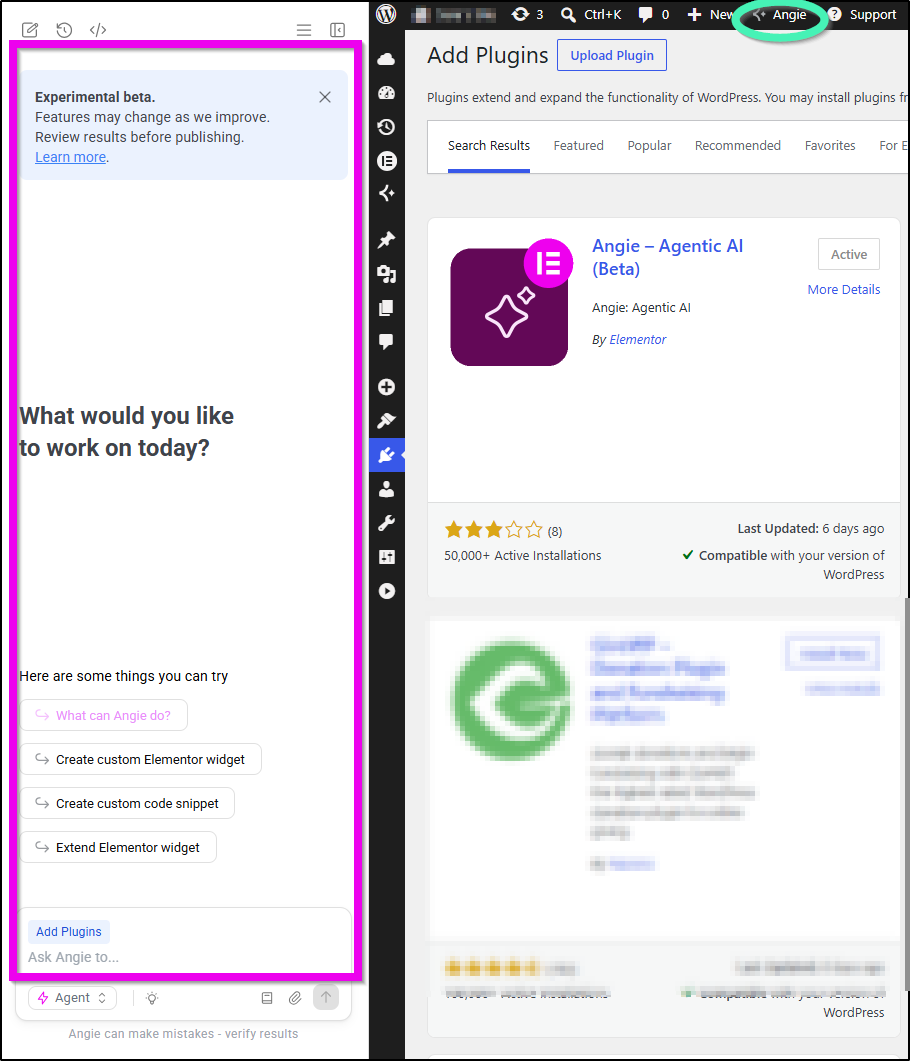
The Angie panel appears on the left side of your screen, ready for work.
You can turn Angie off by clicking Angie again.