Why WordPress?
Welcome to the WordPress community! Since you’re just starting out, we know how crucial it is to choose the right platform to build a professional-looking and professionally functioning website. While WordPress is just one of many content management systems (CMS) it powers 43% of all websites worldwide.
One reason for WordPress’ dominance is the fact that it is open source – the code behind WordPress is available to anyone to use and edit. Not only does this make WordPress free to use, it also means that there is a whole world of third-party developers who’ve created plugins extending and expanding the power and functionality of WordPress. You can even write or commission your own plugins if you don’t find one that fits your needs. Basically, with WordPress you can create the site you want.
Additionally, by working in the open source world, you’re less likely to be locked into a specific technology supplier – a supplier that may decide to raise prices or institute other changes you have no control over.
What is hosting?
Web hosting is a service that stores your website data on servers and makes your site accessible online. To keep your website operating efficiently and securely, you’ll need a web host that provides the required resources and technology.
In most cases, when you sign up for a web hosting service, the host will install a CMS for you, and most will help you install WordPress.
Of course, the easiest way to get started with WordPress is with an all-in-one package such as an Elementor hosted website, which offers hosting for WordPress along with page and site building tools.
Top 3 plugins to add to your WordPress website
Plugins are small pieces of software that you can add to your WordPress site for additional features and functionalities. You can find thousands of free plugins through the plugins tab on the WordPress dashboard, but here are three of the most important plugins you can add to your WordPress website.
1. Elementor Website Builder
The Elementor plugin allows you to build and edit pages on your website –
with no coding required. With this plugin, you build your website with a visual editor that has drag-and-drop functionality and instant, live preview. Elementor is an open-source solution that includes numerous pre-installed widgets. Check out our Pro features for more perks and expanded features. 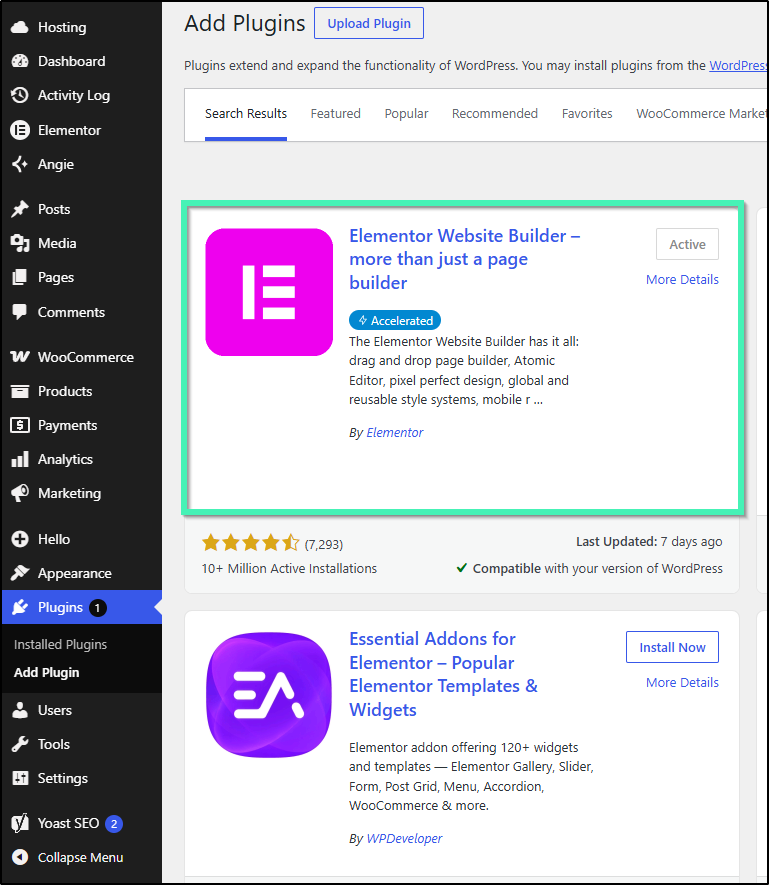
2. Yoast SEO
Search engine optimization (SEO) allows you to boost your website’s discoverability, relevance, and popularity. If you want to rank higher in search engine results, Yoast SEO can help you learn and automatically comply with SEO best practices.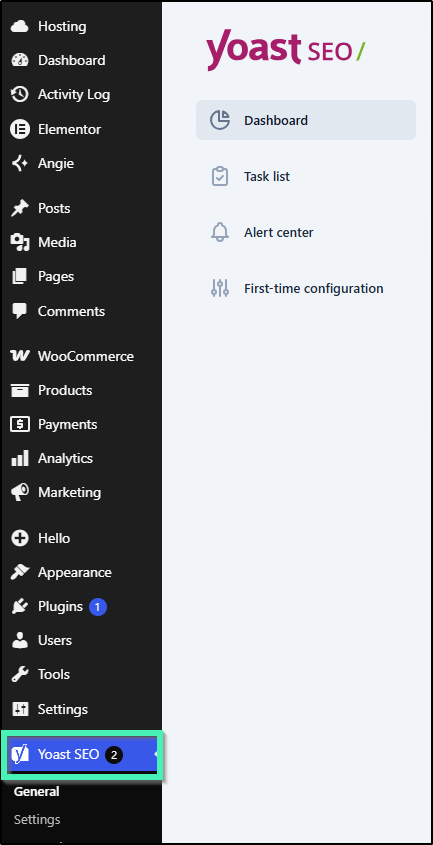
3. WooCommerce
WooCommerce is the most widely used, free plugin to sell products online directly from your website. With WooCommerce, you can customize your storefront to fit your brand and business. If you use an Elementor Website Kit designed for an online store, it will automatically install the WooCommerce plugin for you. 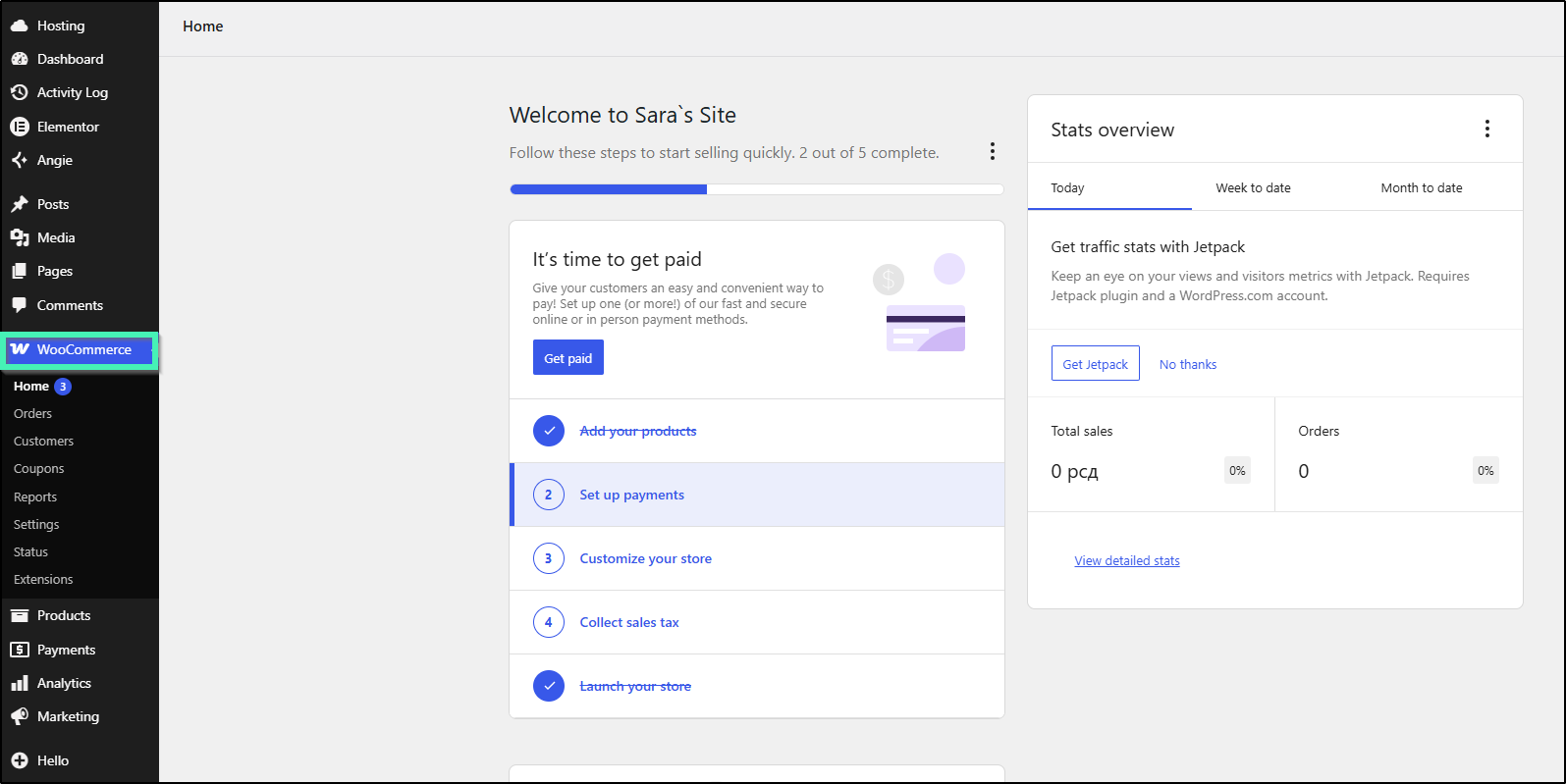
Choosing your theme
Every WordPress website needs a theme. These themes change the appearance of your website’s design. Elementor hosted websites automatically install the Elementor Hello Theme onto your site. We highly recommend using the Hello Theme for those who’ve installed Elementor manually.
If you choose to upgrade to Elementor Pro, you can efficiently create a custom theme using the Elementor Pro Theme Builder. With Elementor, you can also take advantage of website kits, which give you a complete, responsive website design right out of the box.
Creating your site’s pages
Pages are the backbone of any website and contain all of your content. WordPress includes a ready-to-use page builder; but, you’ll probably be better off using a third-party editor such as Elementor. Elementor’s robust features allow you to efficiently create a professional-looking, high-quality website.
The menu
Your website menu helps your visitors quickly navigate to the most important pages and sections of your website. Menus are typically located in the website header, but they can also be in the footer. The Hello Theme’s customizer and the Menu widget are great ways to build your menu.
Next steps
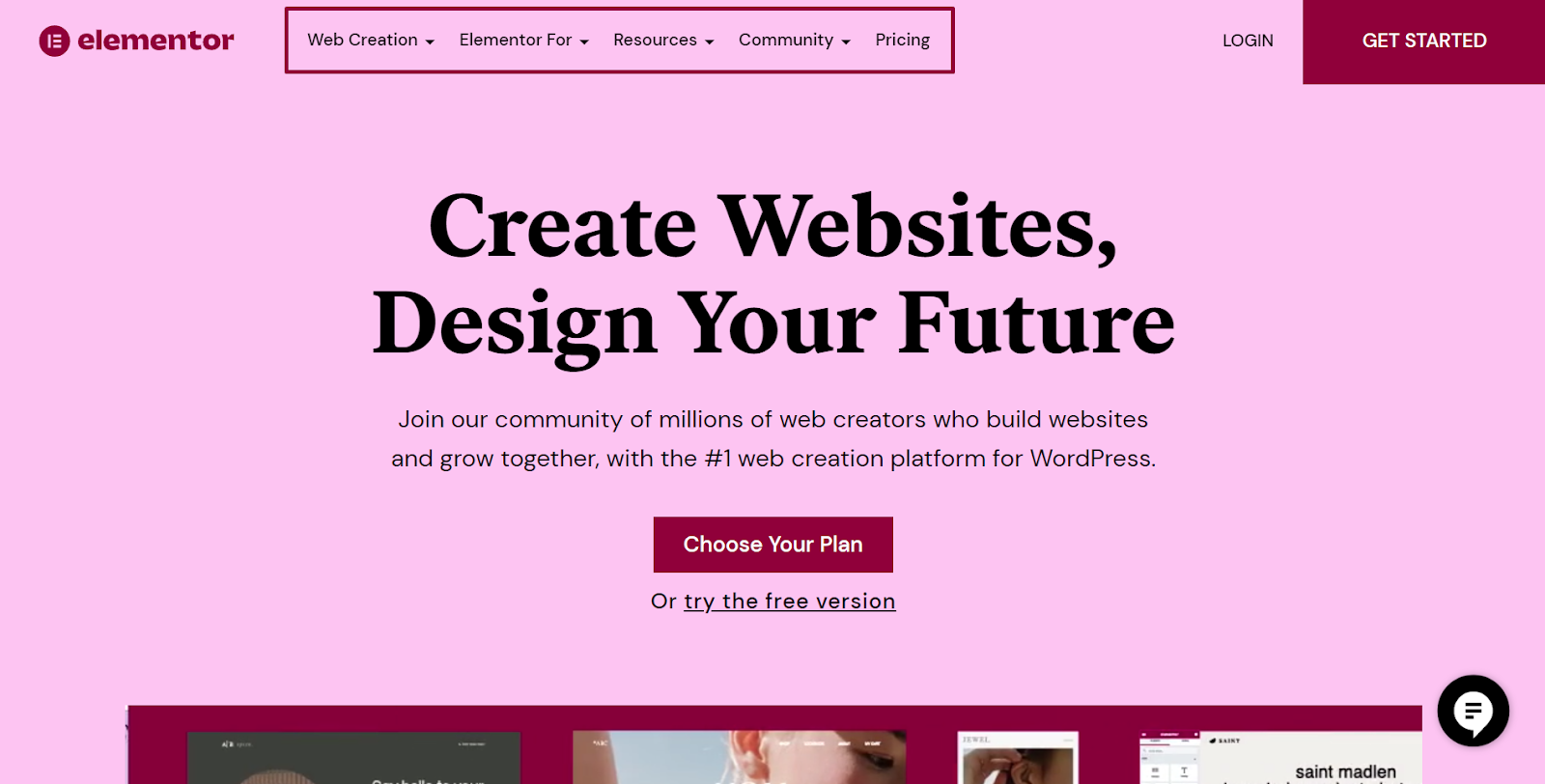
You’re now ready to start building your WordPress website! You have a few options as to where to go from here. If you’re looking to get started right away with a hosting and website building package, check out the Elementor hosted website. If you’re looking to separately purchase site and page building software, check out the Elementor and Elementor Pro plugins, which will work on any WordPress site.
To get the most out of Elementor, check out the Knowledge hub for helpful learning resources.