To get help with Elementor, log in to My Elementor Dashboard to launch Ask Angie AI Assistant, or use the Virtual Assistant on the Knowledge Hub or main Elementor website if you cannot log in.
Standard support covers the full Elementor Product Suite (Core, Pro, Hosting, Elementor One apps, and Angie AI), while custom code and third-party integrations fall outside our standard scope.
What core features and services are covered by support?
Elementor technical support assists customers with the following platform capabilities and account services:
- Official Product Ecosystem: Investigating software bugs, styling errors, and platform glitches across Elementor Core, Elementor Pro, Elementor Host, Elementor One (including official apps and add-ons), and native Angie AI features.
- Theme Builder and Native Widgets: Diagnosing issues with Elementor Theme Builder templates, global design settings, dynamic tags, and native widgets.
- Official Integrations: Supporting direct platform integrations, including WooCommerce core modules and Advanced Custom Fields (ACF).
- Account and License Verification: Resolving billing questions, subscription management, license activations, and account access issues.
- Elementor Host Infrastructure: Assisting with server uptime, custom domain connection and management, platform DNS configurations, and native hosting features for Elementor Host accounts.
- Angie Malfunctions: Technical support covers platform glitches or system errors caused by Angie malfunctioning when operating within supported features.
What issues and tasks are excluded from support coverage?
The following technical categories and AI custom workflows fall outside the scope of standard Elementor support:
| Excluded Support Category | Out-of-Scope Details & Limitations |
| Page & Data Corruption | Rebuilding corrupted page JSON, repairing damaged database tables, or recovering lost content caused by server failures or database conflicts. (Note: Support can assist with built-in Revision History. For Elementor Hosting, restoring automated server backups is supported.) |
| Angie AI & Prompt Engineering | Writing custom prompts, providing prompt optimization services, or guaranteeing specific design outcomes. Users seeking guidance on prompt optimization should consult the Prompt Library and official Angie Best Practices documentation. |
| Third-Party AI & MCP Integrations | Debugging issues caused by third-party AI tools, external AI agents, or Model Context Protocol (MCP) integrations interacting with Elementor. Support covers built-in Elementor AI functionality, not external AI services or custom agent configurations. |
| Custom Code, Internal Architecture & External AI Outputs | The following custom workflows fall outside technical support: Custom Code: Writing custom PHP/JS functions, custom CSS tweaks, or manually editing code generated by Angie or Elementor AI. Product Architecture: Explaining “under the hood” mechanics, internal hooks, or underlying system logic. External AI & Connectors: Debugging code, custom scripts, or site modifications created by third-party AI tools, external agents, or MCP connectors. |
| Design, Styling & Custom Development | Building custom page layouts, creating bespoke website designs, or troubleshooting custom PHP, CSS, JavaScript, and custom hooks (unless directly tied to a confirmed bug). |
| Third-Party Plugins, Themes & Child Themes | Debugging conflicts caused by third-party plugins, third-party themes, or child themes. Technical issues involving non-Elementor themes or child themes must be directed to the respective developer. |
| Performance & Speed Optimization | Conducting general Core Web Vitals audits, database cleaning, asset minification, and external CDN configurations. Note: For Elementor Hosting, server-level performance and speed optimization are supported when connected directly to Elementor infrastructure. |
| Third-Party Hosting & Administration | Resolving downtime, email deliverability, firewall blocks, .htaccess modifications, or PHP environment settings on non-Elementor hosting providers. |
| Outdated Software & Legacy Apps | Technical support requires all installed Elementor plugins, products, and Elementor One integrated apps (Image Optimizer, Site Mailer, Angie AI, etc.) to be updated to supported software releases. Legacy versions prior to supported stable releases are not covered. |
| Malware Removal & Security Cleanup | Cleaning compromised databases, removing malware injections, and resolving security vulnerabilities are excluded from standard support. Note: Professional Malware Cleanup is available as a paid service through Elementor Expert Services. |
| General WordPress Administration | Managing core WordPress updates, SEO setup, analytics tracking scripts, form spam mitigation, or general site management. |
How do you access technical support from your account?
Follow these steps to open a technical support inquiry:
- Log Into Account Dashboard: Navigate to My Elementor Dashboard and enter your credentials.
- Open Ask Angie AI Assistant: Click the chat icon in the lower-right corner of the screen to expand Ask Angie AI Assistant.
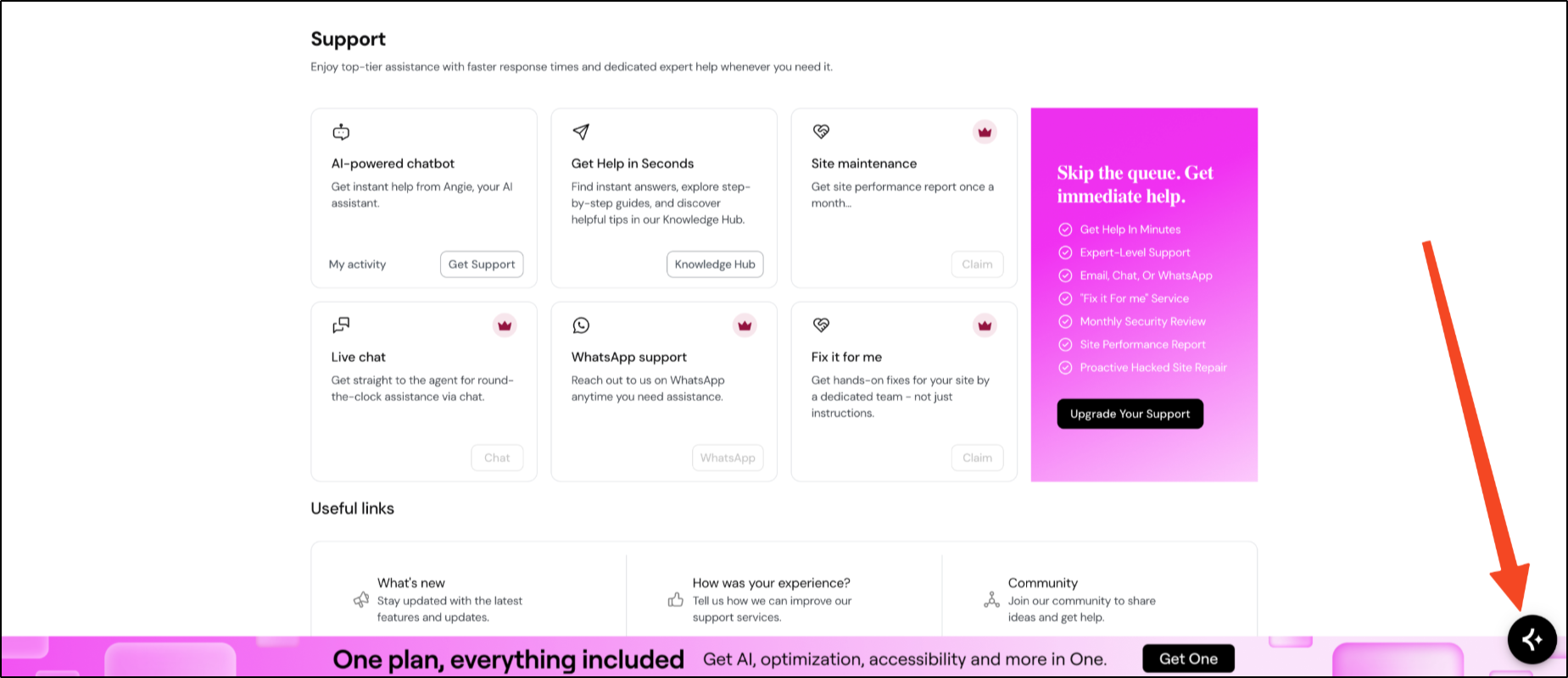
- Describe your issue: Type your technical error or question into the chat box to receive guided troubleshooting steps.
- Connect to support: If guided troubleshooting doesn’t fix the problem, Ask Angie will transfer you to the support options available for your plan level.
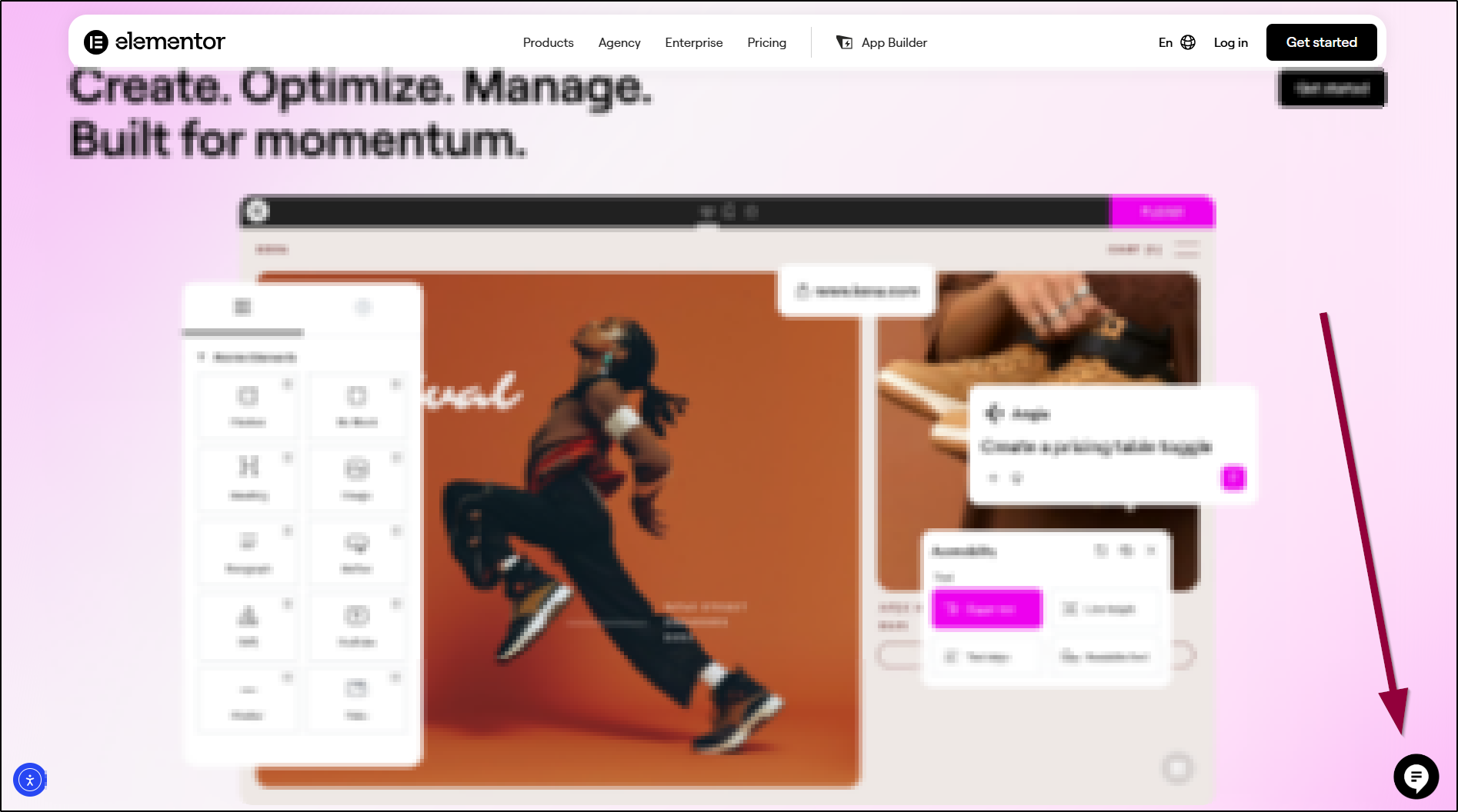
- Recover your account: If you are locked out, go to the Knowledge Hub or main Elementor website, click the chat icon in the bottom-right corner, and let the Virtual Assistant guide you through account recovery.
What professional services can help with out-of-scope requests?
When your project requires technical assistance beyond standard support boundaries, consider these advanced support solutions:
- Elementor Expert Services: Hire verified WordPress and Elementor specialists for hands-on technical help. Get support with custom design tweaks, site speed tuning, code fixes, and complex migrations.
- Priority Support Plans: Upgrade your plan to get faster response times and direct support whenever you need urgent help with key client sites.