Sometimes you may add a style setting . If you add an option to an element, and then decide you want to revert to the default setting, you can click the reset icon and restore the default.
To reset a setting:
- Enter a Style setting
- Hover over the Style setting.
The reset icon appears.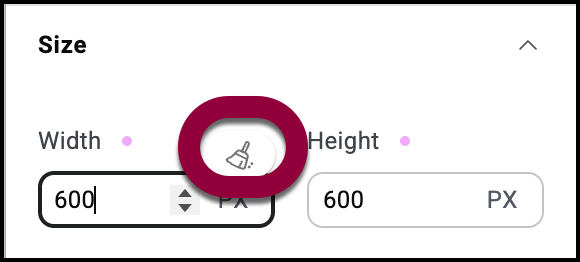
- Click the reset icon
The setting goes back to its default setting.