A Full-Width Page means the content spans from right to left and takes the full 100% of the screen’s width.
With Elementor there are several ways to do this, here are three:
- Use a Full-Width page template
- Use the Canvas page template
- Use Full Width containers
Create a full width container
Containers are the basic building block of your page. Adding your content to a full width container will create a full width page.
To use full width containers:
- Create a container. For details, see Create a Flexbox container.
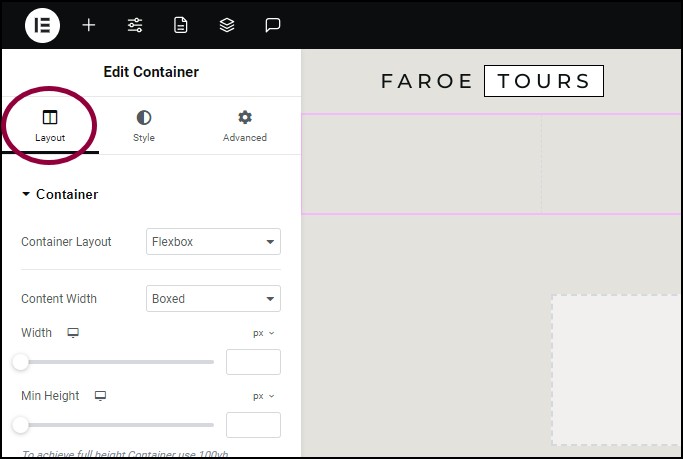
The container options appear in the left panel, open to the Layout tab.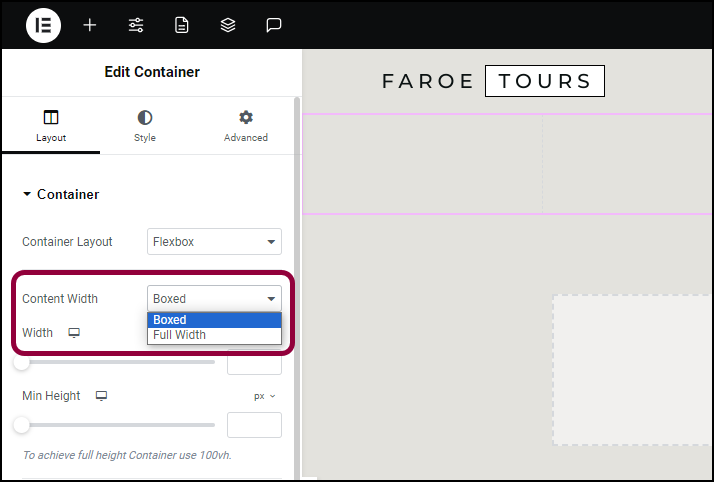
- In the Content Width field, use the dropdown to select Full Width.
Content added to the container will take up the full page width.