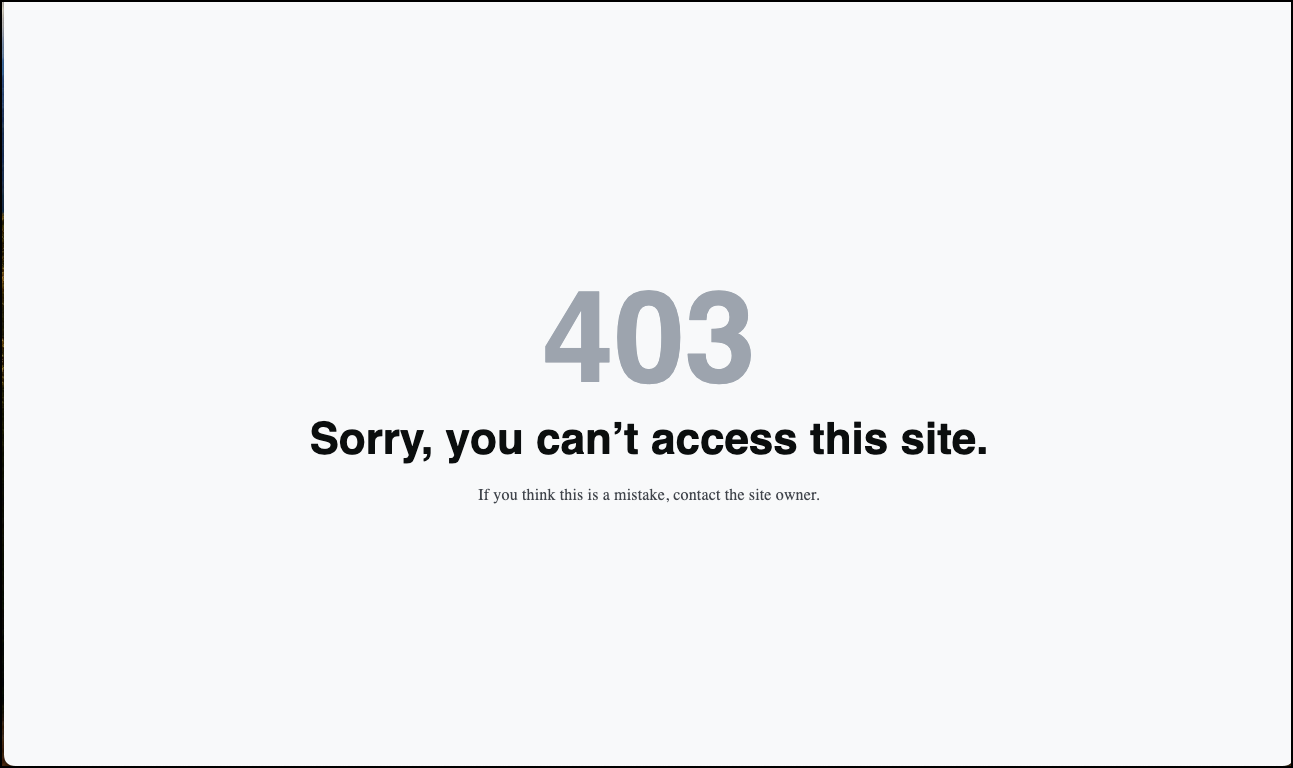
There are certain cases where you may want to block visitors from accessing your site. For example, if your online store does not ship to country X, you may just want to block access to your site from country X.
Block visitors
You can limit access to your site by either blacklisting certain countries or creating a whitelist of countries with access.
To limit access to your Elementor hosted site:
Navigate to your My Elementor dashboard.
Navigate to your Elementor hosted site

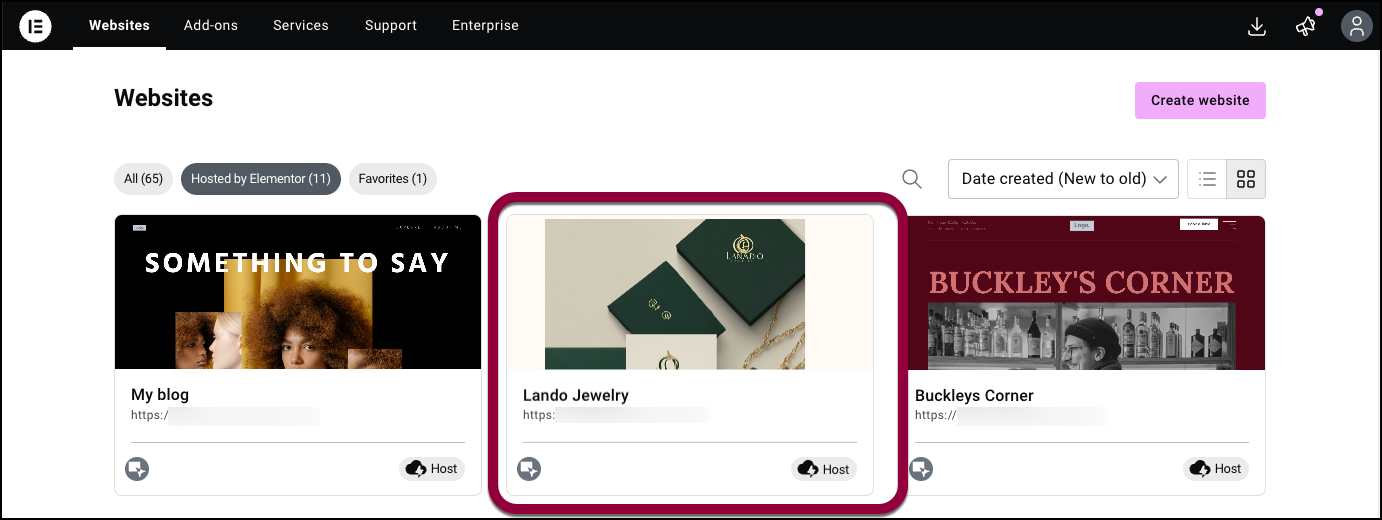
Click the website card of the site you want to access.
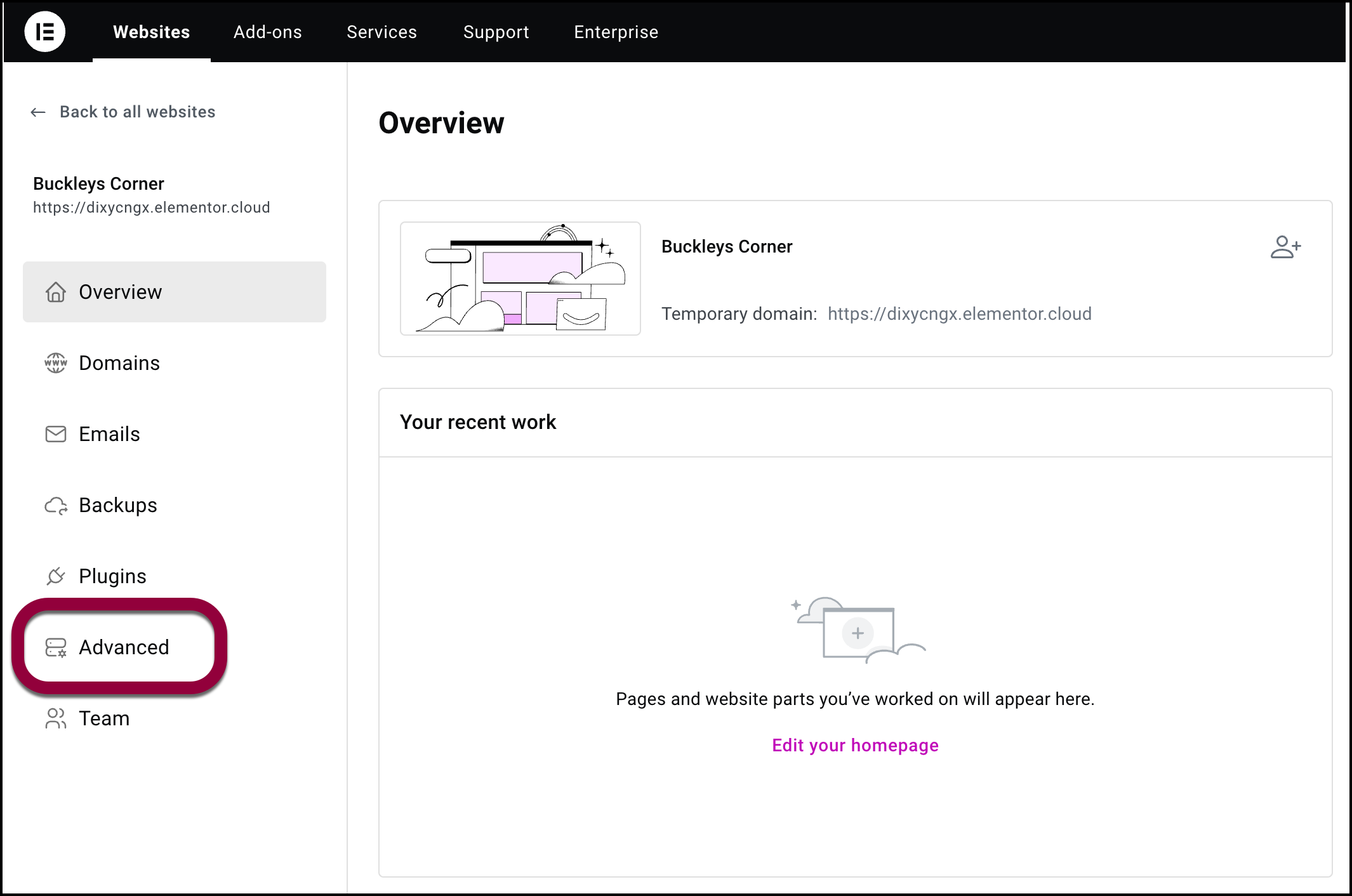
In the panel, click Advanced.
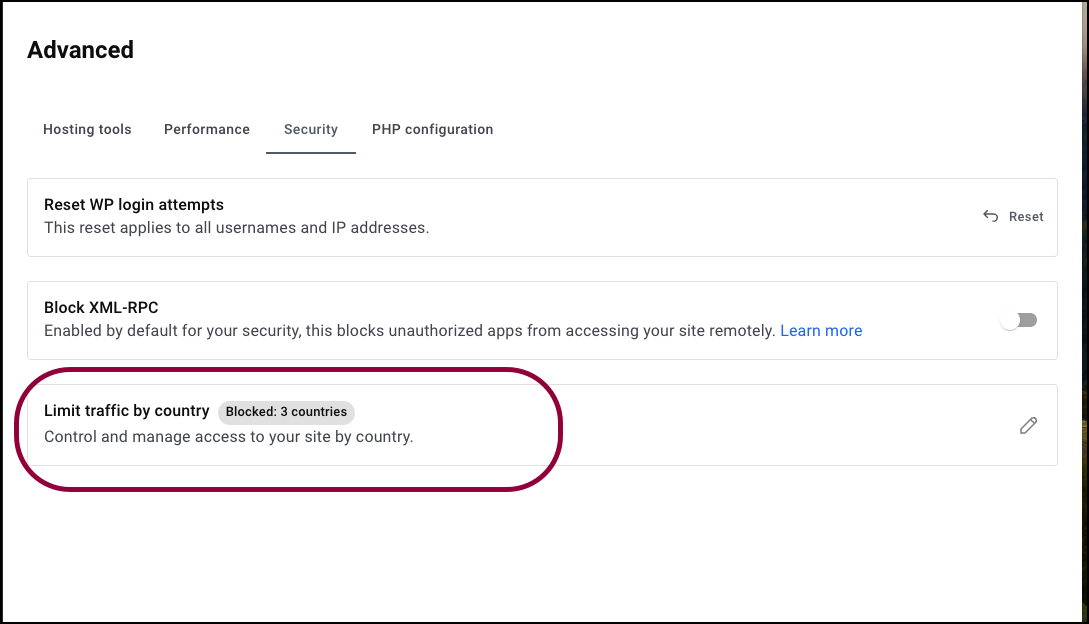
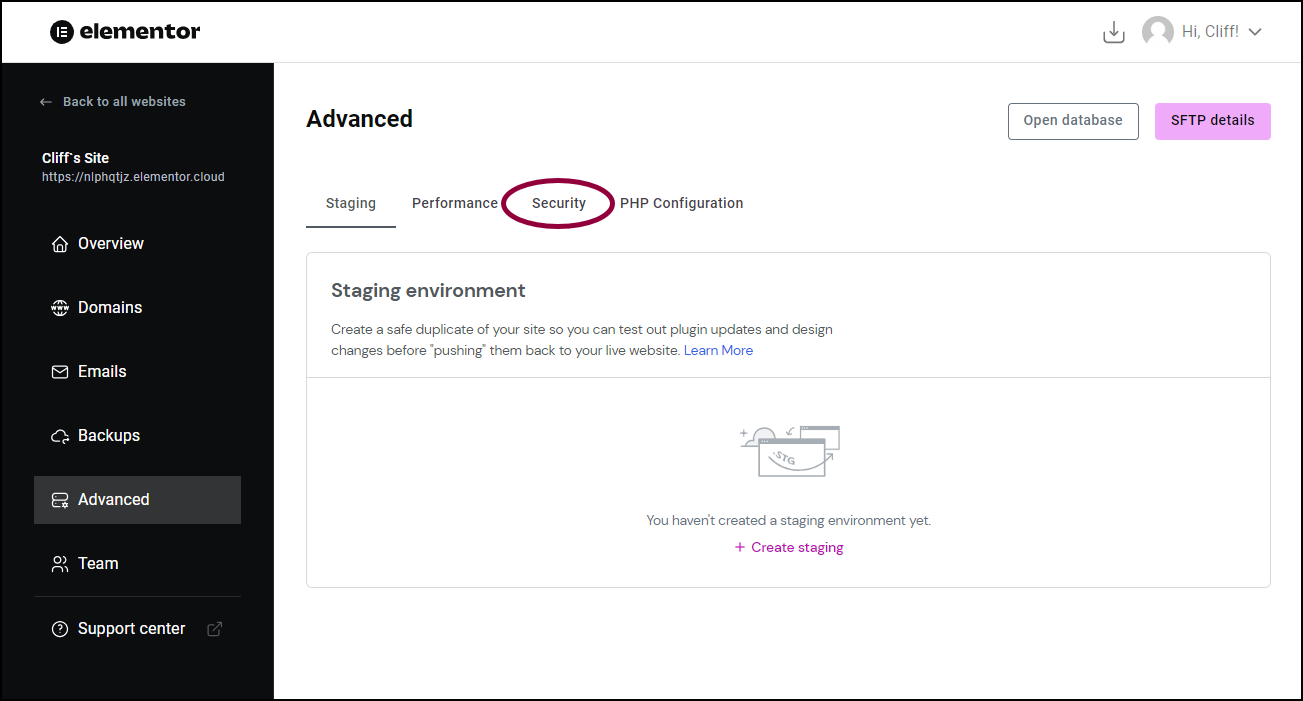
In the right pane, click the Security tab.
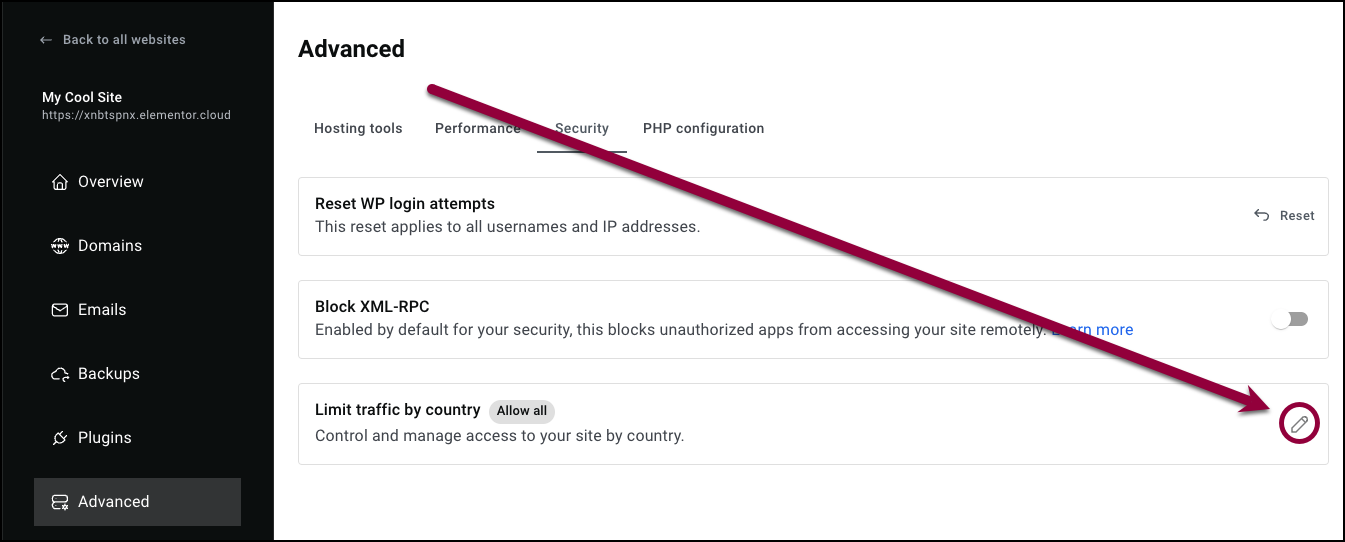
In the Limit traffic by country field, click the pencil icon
The Limit traffic by country window appears.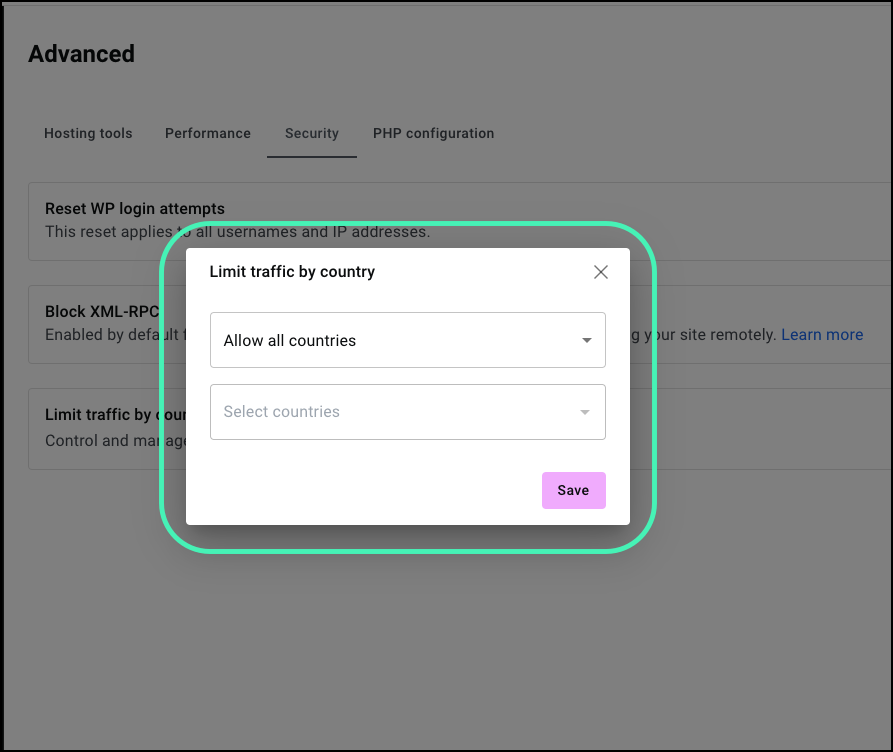
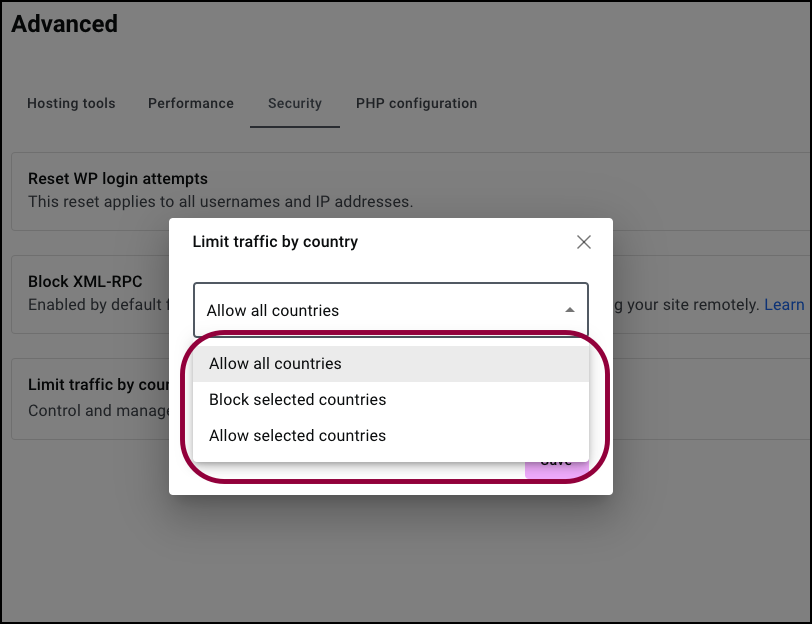
Open the top dropdown menu.
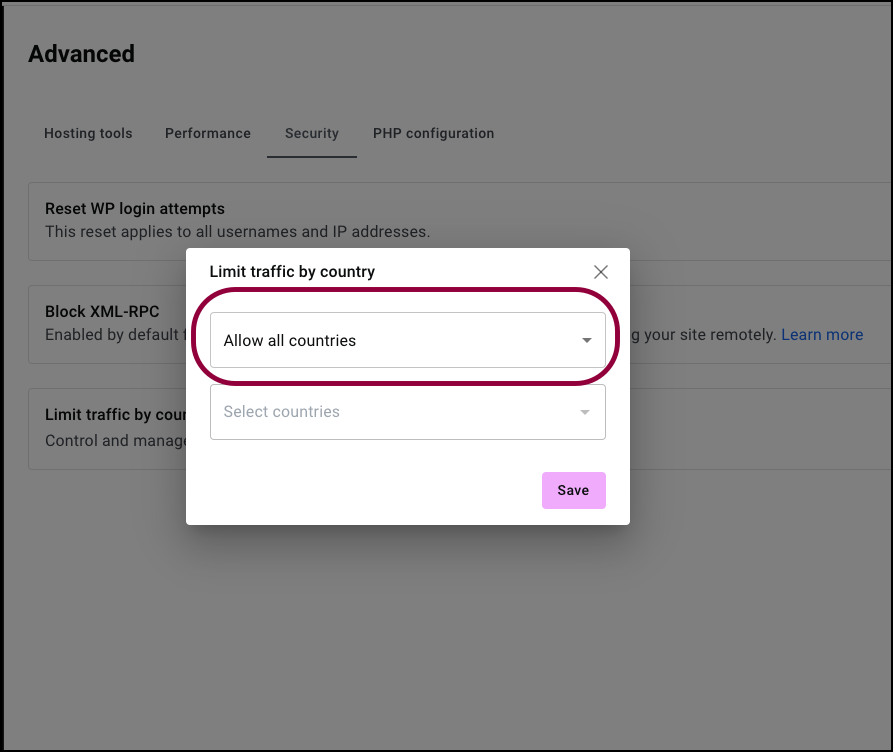
Choose between:
Enabling all countries
Blocking certain countries
Enabling access from certain countries
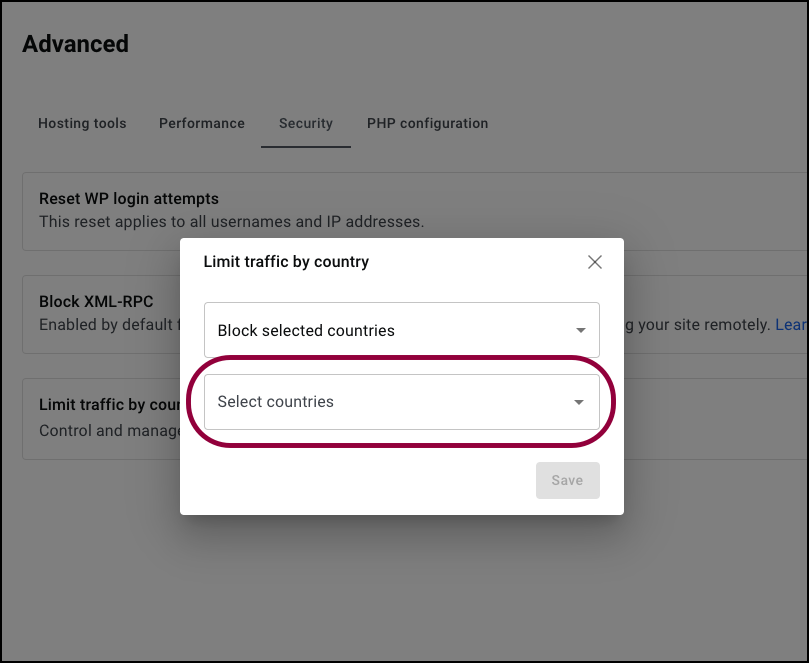
Open the lower dropdown.
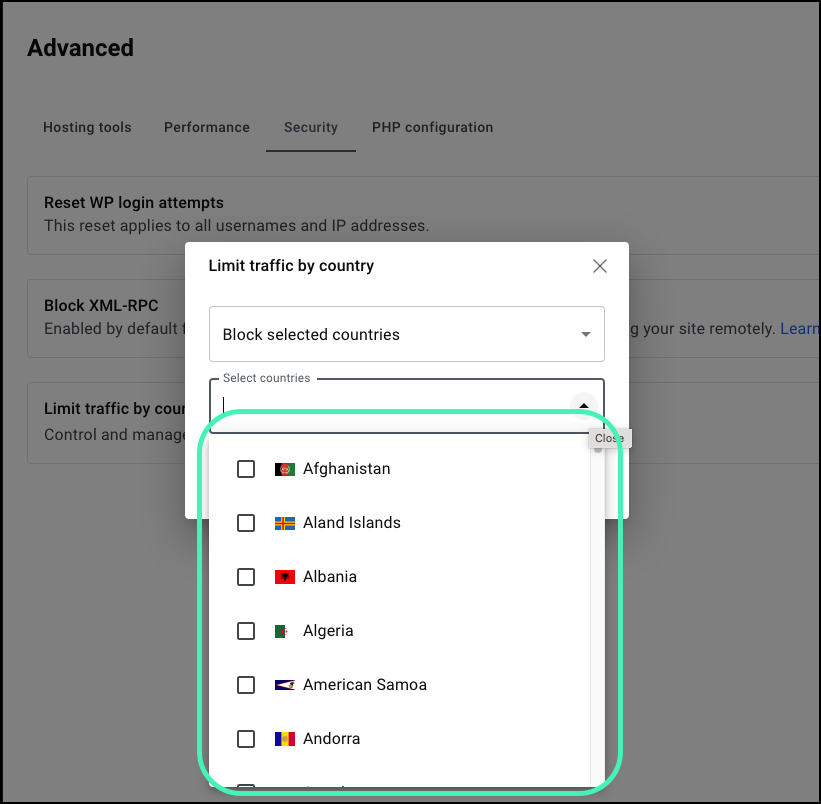
Use the checkboxes to select the countries you want to block or permit.
Click Save.
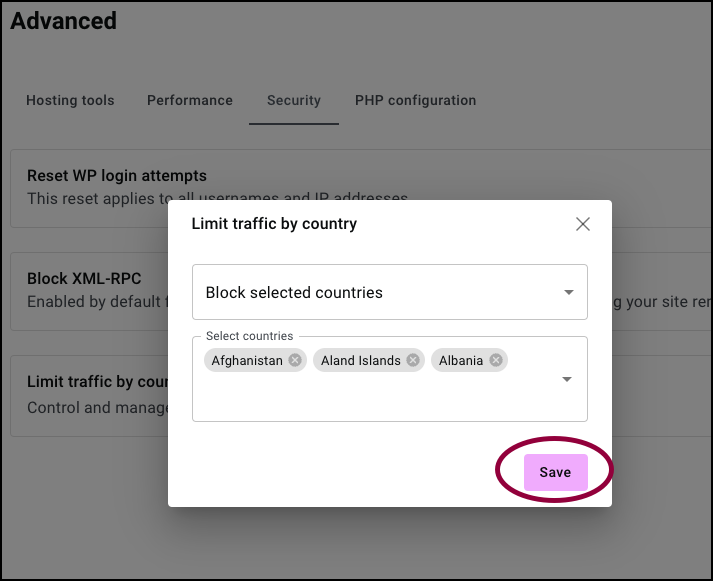
The selected countries are blocked or enabled.