Sometimes you’ll want to go over your previous prompts to get a better sense of how you’ve worked with Angie to build your page. This can be done through the History feature.
Warning
Certain changes Angie makes are irreversible. Before making an irreversible change, Angie will ask you to confirm the action.
Note
When you create a widget or code snippet you enter test mode so you can check the widget before publishing it. For details, see How to use Angie Test Mode for Elementor widgets and snippets.
Access History
In order to access the changes made by Angie:
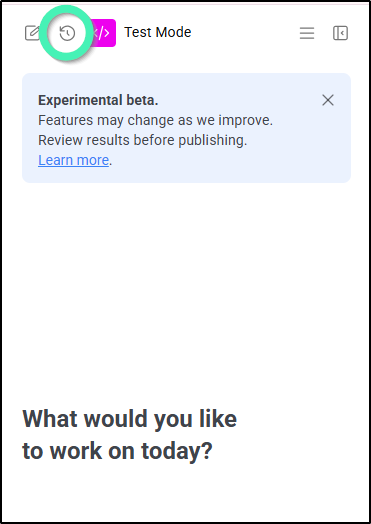
- In the Angie panel, click the history icon.
The history panel appears. This panel contains a list of times and dates when you entered prompts.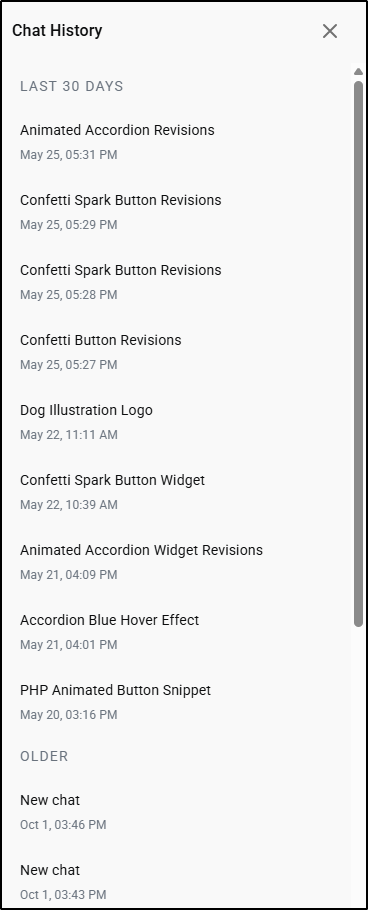
- Click a change to see the prompt you entered and the results of those prompts.
- Hover over Angie’s response to your prompt.
- Click Undo.
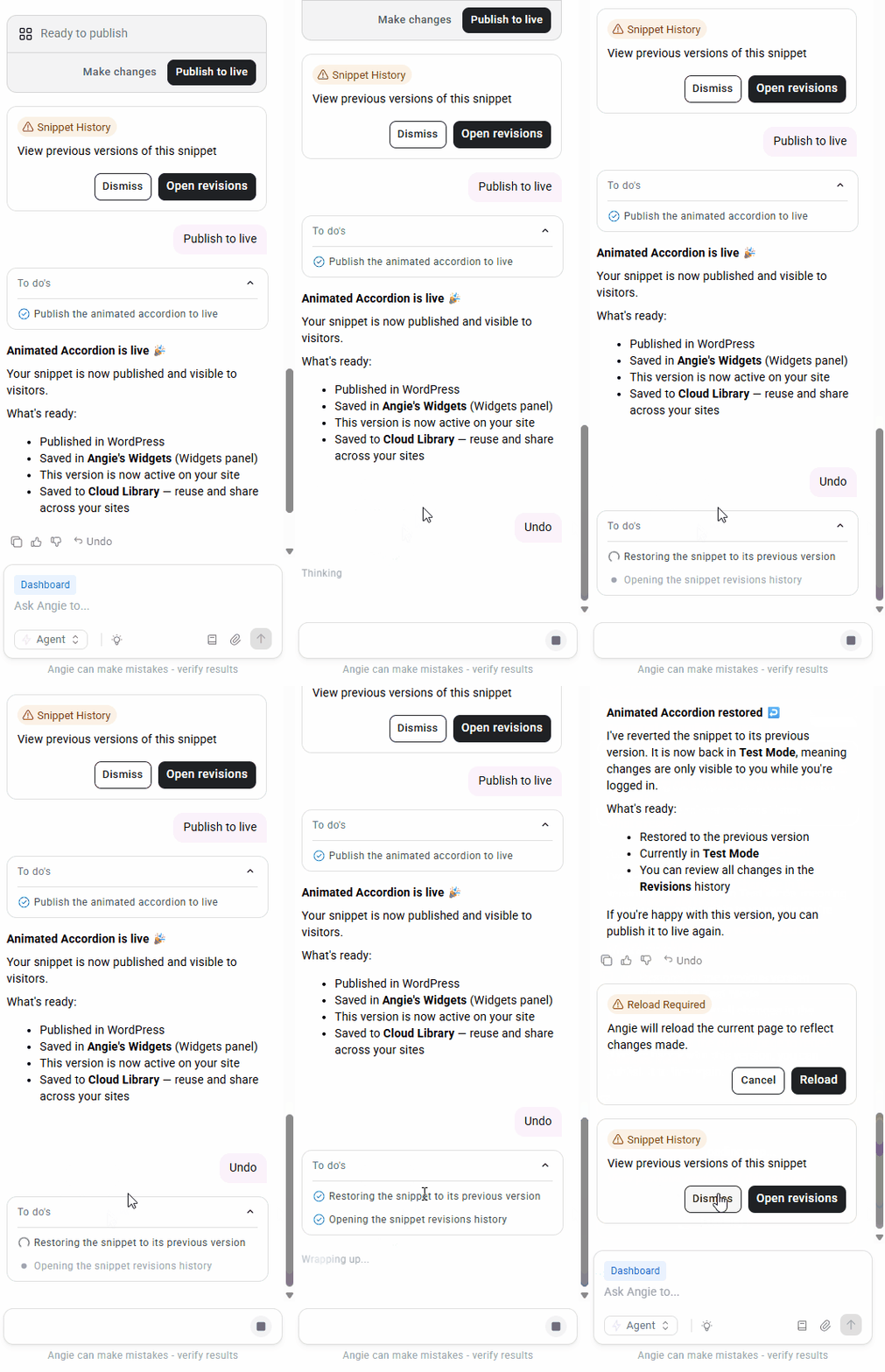
The change is reversed.
Delete, rename or copy the ID of a change from the history panel
You may want to remove, edit or copy the ID of some changes from the history panel in order to keep the list more organized.
Warning
Deleting a change is permanent, it cannot be undone.
- Open the history panel as described above.
- Hover over a chat and click the ellipses to the right.
- Select the desired action from the dropdown menu.
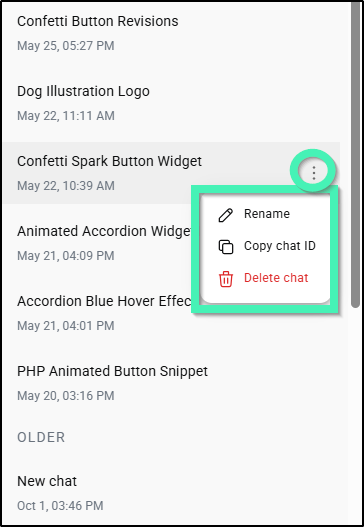
- If you’re deleting a chat, confirm the deletion.
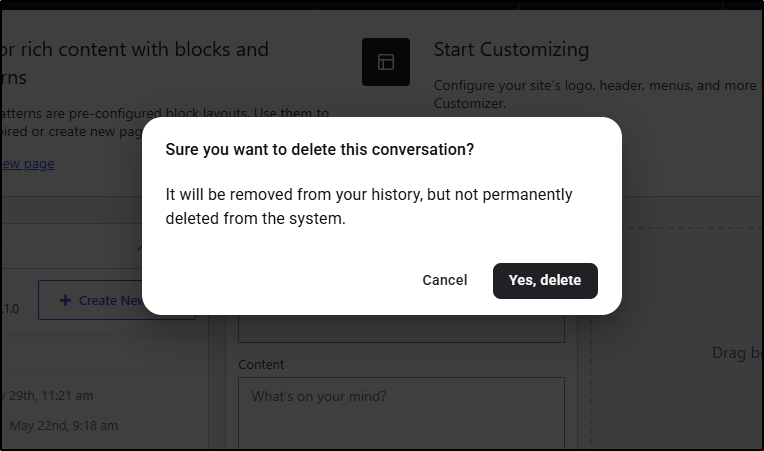
The change is deleted.
Irreversible actions
Some actions taken by Angie cannot be undone. These include:
- Delete a page or post
- Delete media
- Delete a menu
- Delete a menu item
- Delete a category, tag or other taxonomy
- Delete a comment
- Delete a user
- Delete a theme
- Delete a custom post type
- Delete a Gutenberg block
- Delete a wireframe