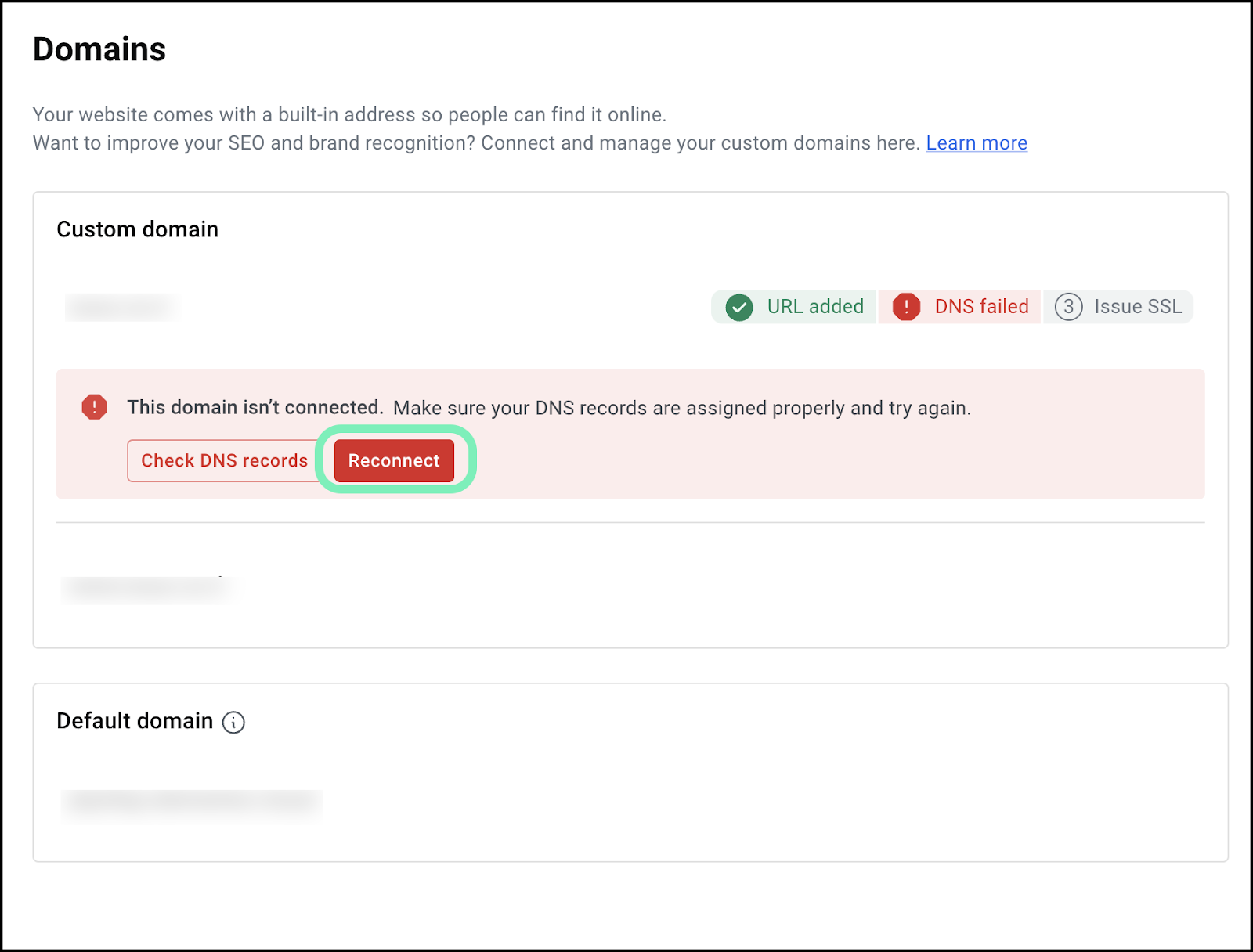
The Issue
When you create an Elementor Hosting site, you are assigned a domain name, for example sdrfghnmb.cloud.elementor.com. However, in most cases, you’ll assign a custom domain name to your site, such as mybusiness.com. This new name “points” to your website address, making the original domain name redundant.
These redundant domain names are deactivated, however, if there is an issue with your custom domain, this can lead to your site becoming disconnected.
Solution
If your site is disconnected, a message appears in your My Elementor dashboard.
- Go to your My Elementor dashboard.
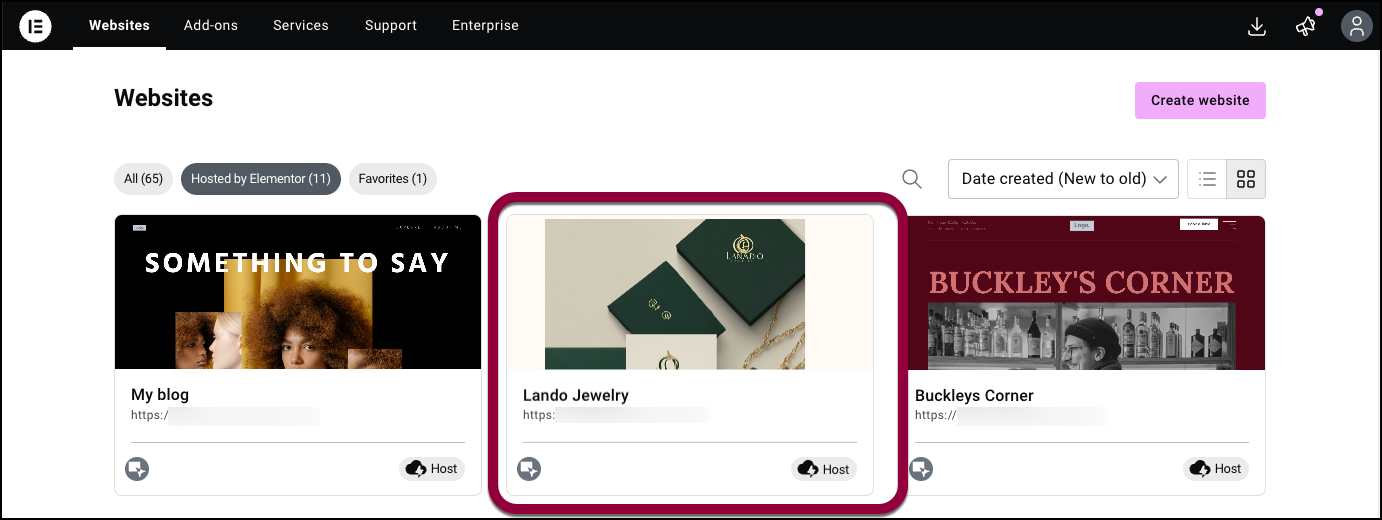
- Click the website card of the site you want to troubleshoot.
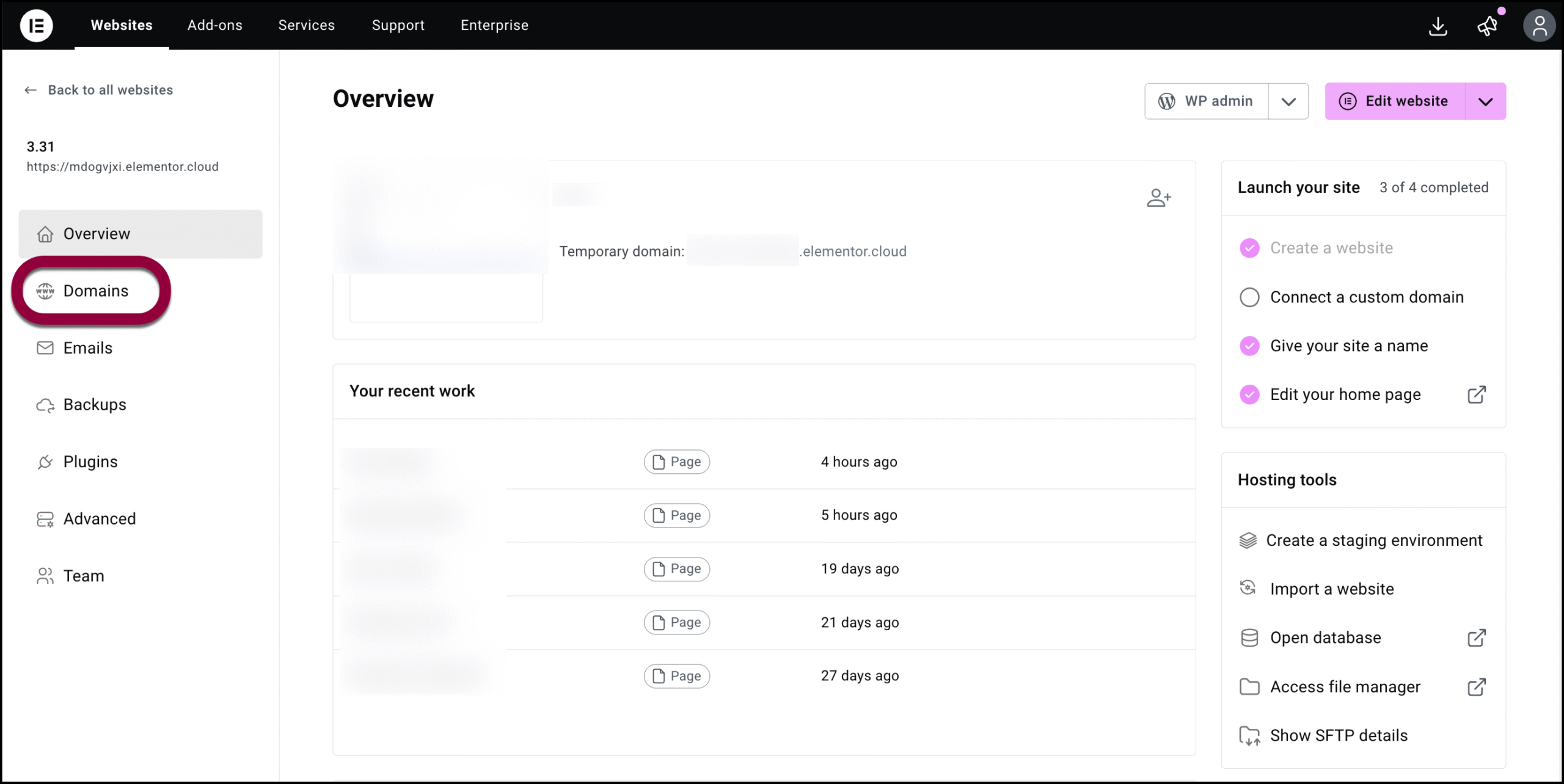
- In the panel, click Domains.
- If the domain has been disconnected, you’ll see a warning message.
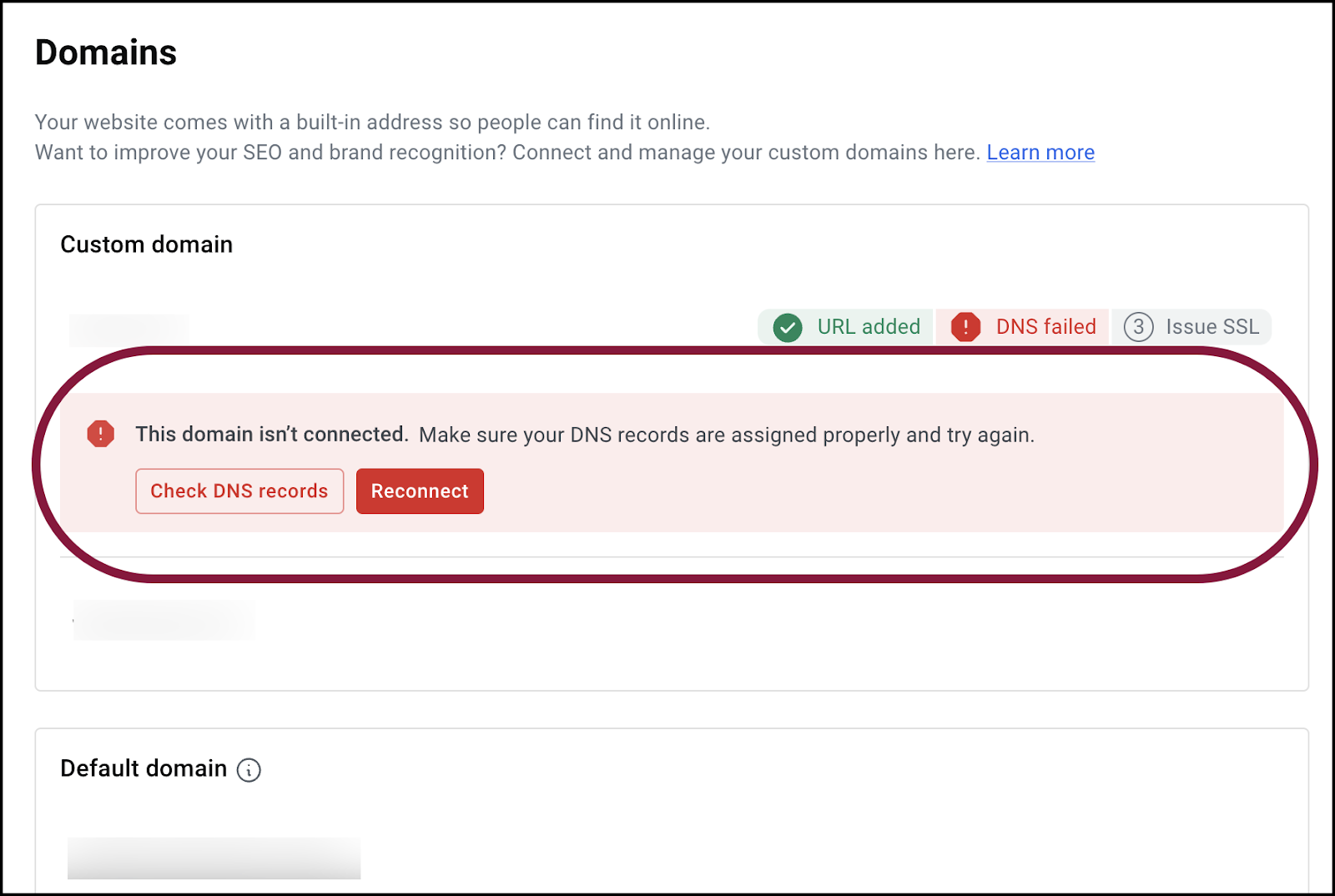
- (Optional) Click Check DNS records to see what the issue is.
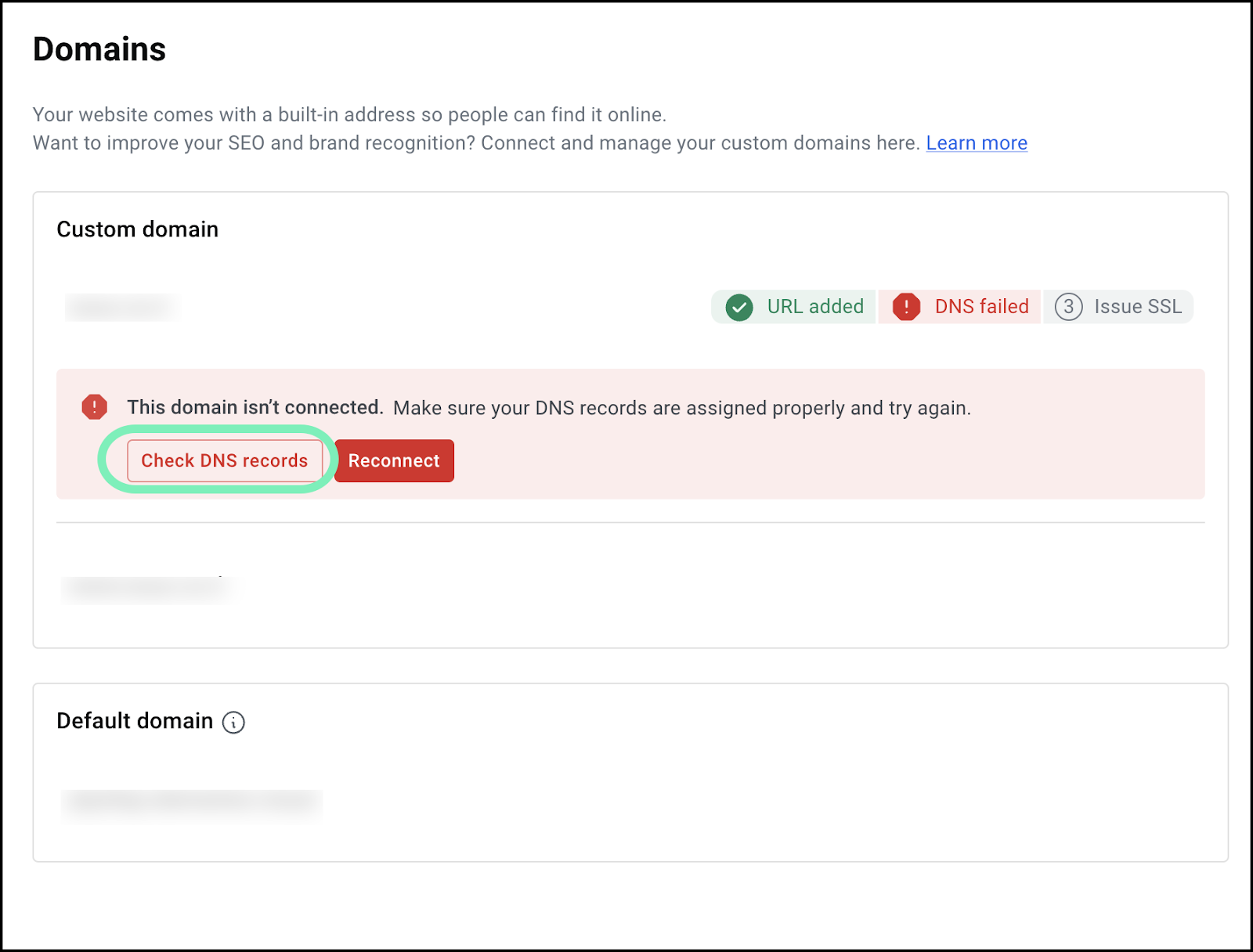
- Click Reconnect to reestablish the domain connection. For details, see Connect a custom domain.NoteDNS changes may take up to 48 hours to fully propagate. Only after that will Elementor issue the SSL certificate.
Your domain is Reconnected.