There are three keys to creating better prompts:
Detailed description of your vision
Utilizing adjectives
Using examples
Detailed description of your vision | Creating a good AI prompt is key to producing just the image you want. Remember that AI is designed to follow your instructions as closely as possible, so be as descriptive as possible. The prompt “flower delivery” will produce these images: 

|
Utilizing adjectives | Liberal use of adjectives is a great way to convey what emotions you want the image to evoke and provides the AI with the technical details to produce a more exact image. |
Use examples | One of the easiest ways to let the AI understand the style you want, is to find an artist who matches that style. Add phrases like, “in the style of Salvador Dal” or “by Monet” and the AI will have a precise idea of what you want. |
Enhance your prompts
Use AI to improve your prompts with the enhance prompt feature:
Enter a prompt.
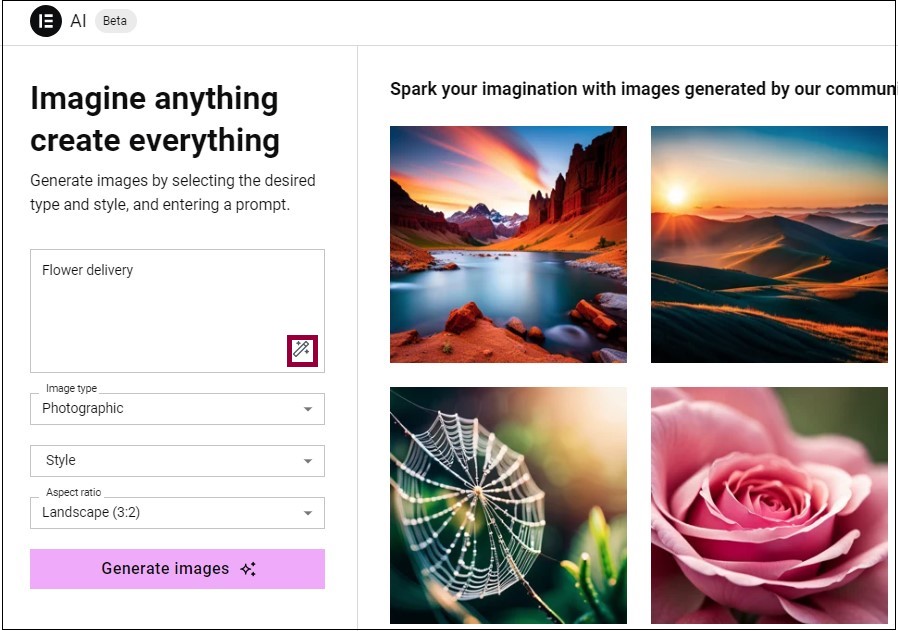
Click the enhance prompt icon

.
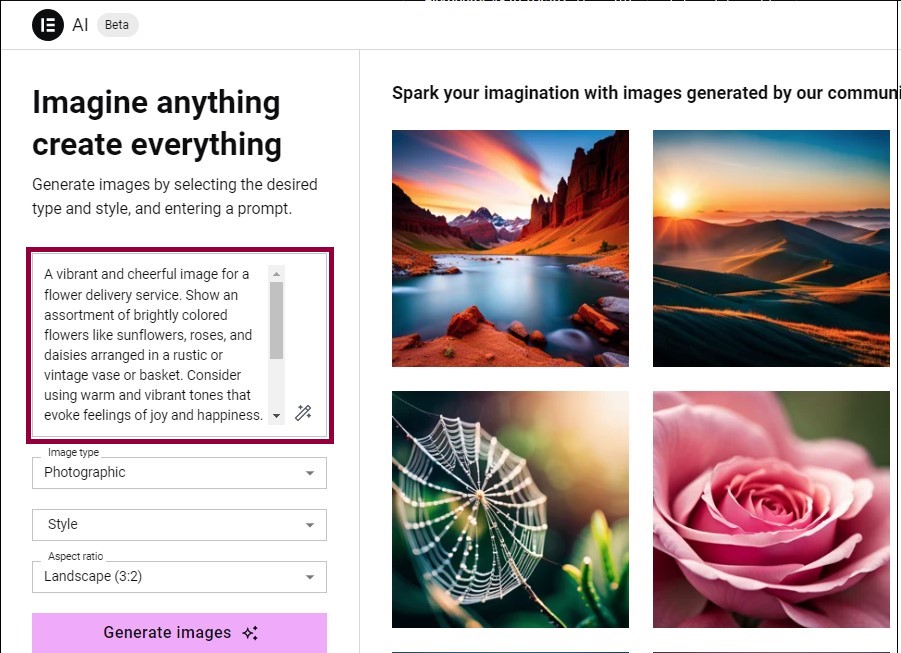
AI generates an enhanced prompt.Edit the enhanced prompt to reflect the image you want to create.