Angie is still in beta, so we’d love to hear how we can improve and about any bugs you may have run into.
To request a feature or report a bug:
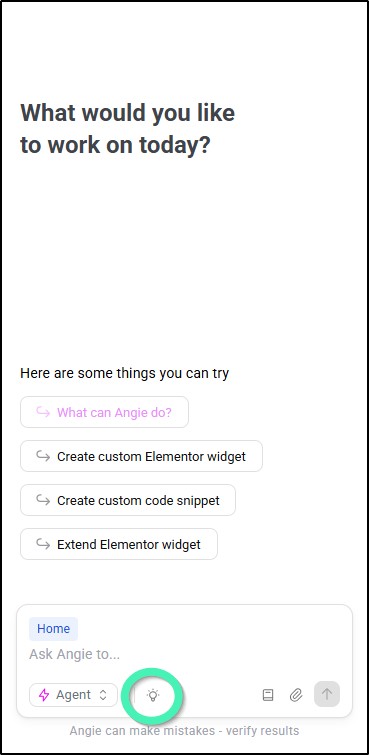
- Click the give feedback icon at the bottom of the Angie chat.
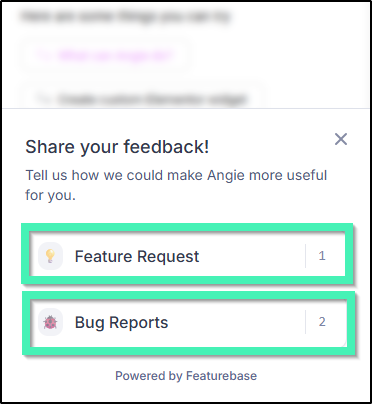
- Select:
- Feature Request
- Bug Reports
- Enter a title for your feedback.
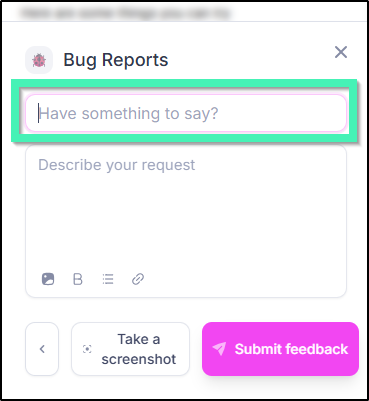
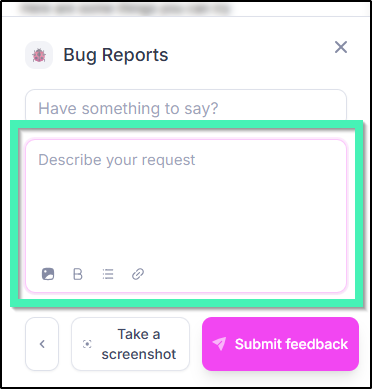
- Describe your feedback.
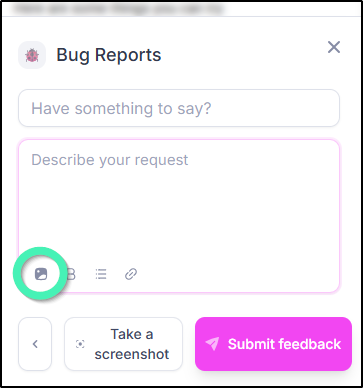
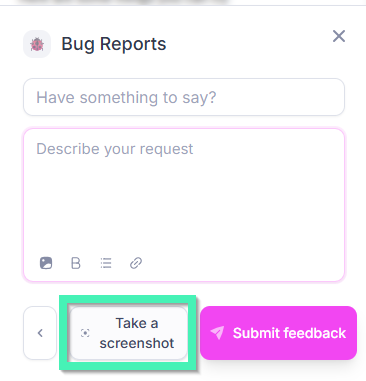
- (Optional) Click Take a screenshot to make an image of your screen and attach it to your feedback. You have the option to highlight, draw around and hide parts of your screen before taking the screenshot.
- (Optional) Attach an image file to help illustrate your feedback.