Patchstack Vulnerability Detection in Manage identifies security risks in WordPress plugins in real-time. It integrates Patchstack’s global vulnerability database directly into your dashboard, categorizing threats by severity (Low, Medium, or High). This allows users to monitor plugin security across single or multiple sites without installing additional tools, ensuring proactive site protection.
Note
Elementor One users are able to make changes with Manage. The free plugin provides a read-only version of the app.
What is Patchstack Vulnerability Detection?
Patchstack is an industry-leading security research organization that monitors vulnerabilities for WordPress, ecosystems. By integrating this intelligence, Manage provides:
- Technical Guidance: Direct links to Patchstack for detailed vulnerability reports.
- Real-time Visibility: Instant alerts on plugin security flaws.
- Severity Ratings: Clear indicators of High, Medium, or Low risk levels.
- Zero Setup: Security tracking is active by default within the dashboard.
How do you view vulnerabilities for a single site?
- Go to your My Elementor dashboard.
- In the left panel, click Managed sites.
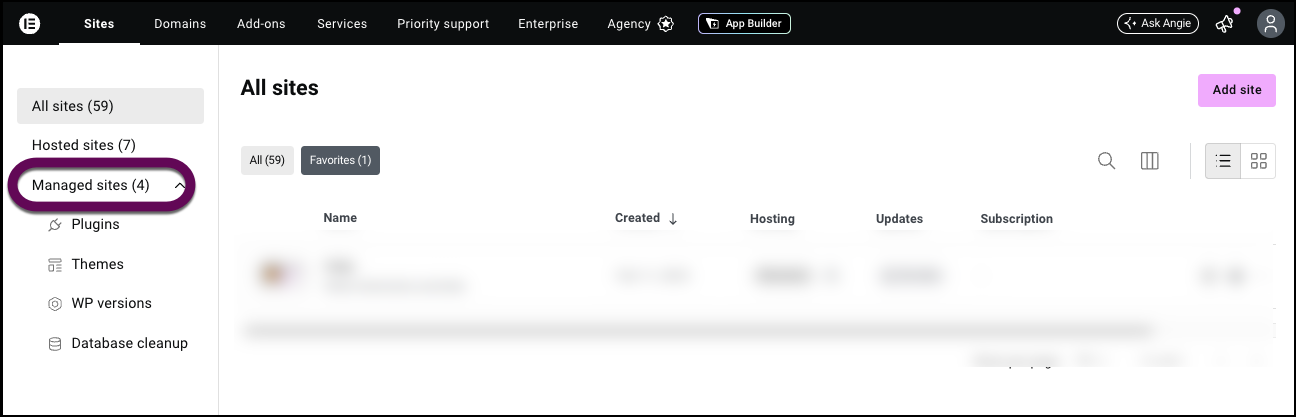
- In the left panel, click Plugins.
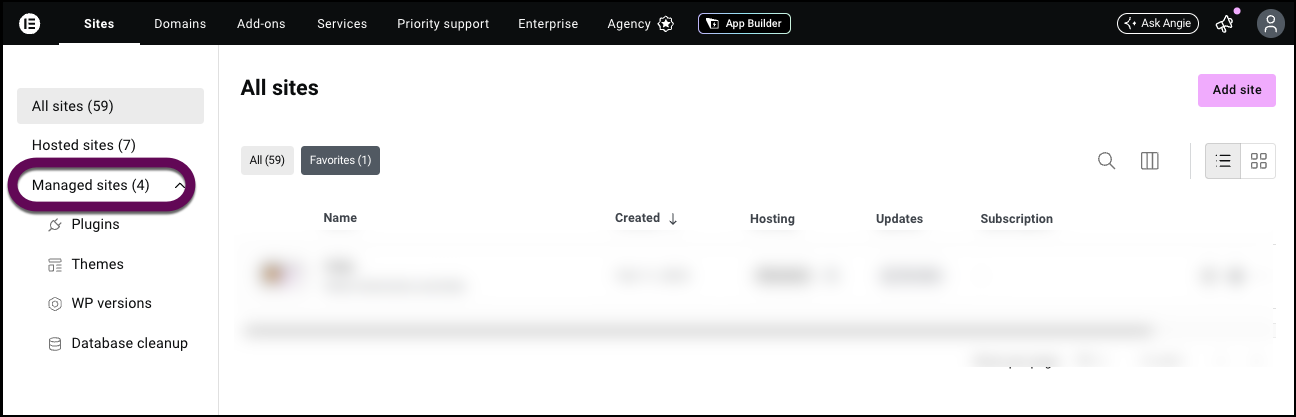
This shows a list of the site’s plugins.
Plugins with security issues are flagged.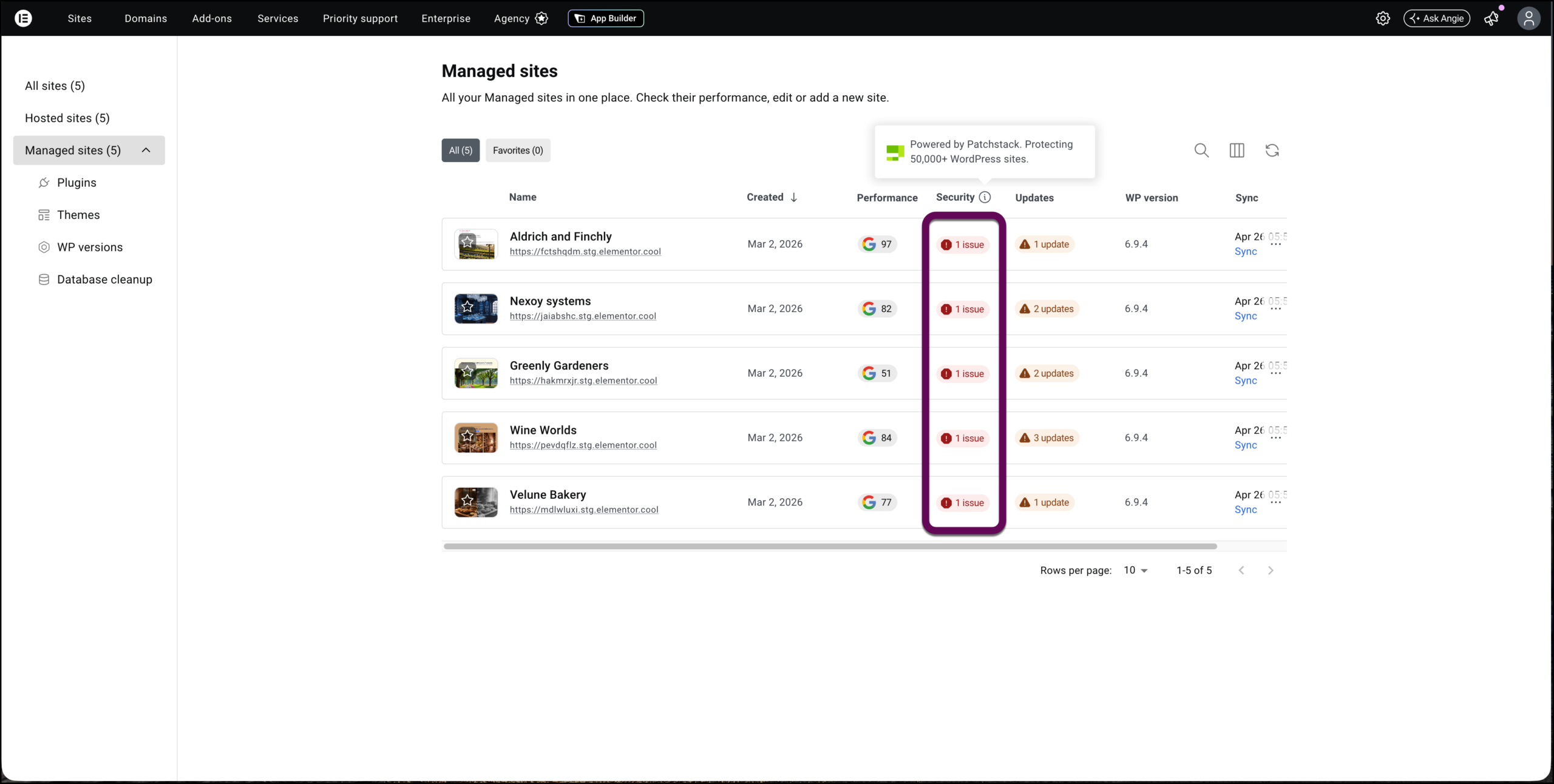
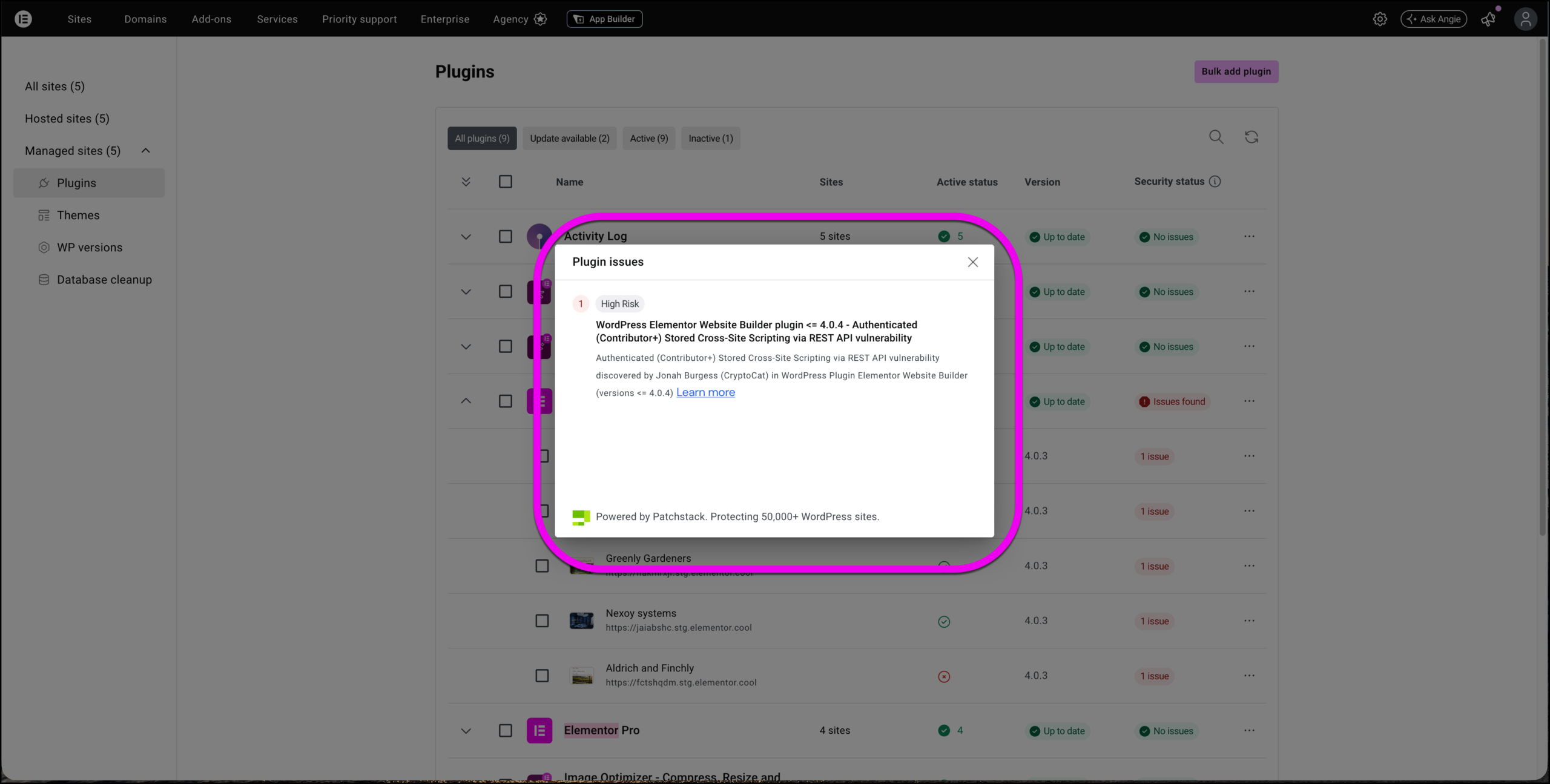
- Click the flag to see the the vulnerability title, description, and a Learn More link to Patchstack for deeper technical guidance.
Why it matters
Security isn’t just about fixing issues after they occur, it’s about early awareness and proactive management. With Patchstack built into Manage, you can:
- Detect vulnerabilities early, before they are exploited.
- Prioritize fixes based on severity.
- Keep track of vulnerable plugins across multiple sites from a single dashboard.