Help Center Improve Accessibility Check your Ally subscription details

Check your Ally subscription details

Last Update: December 22, 2025

You may want to check your subscription details to see if you need to upgrade your subscription.

To check your subscription details:

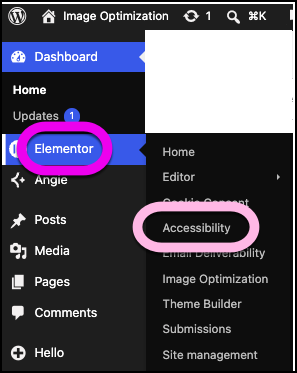
  1. Go to your WordPress dashboard.
  2. Navigate to Ally
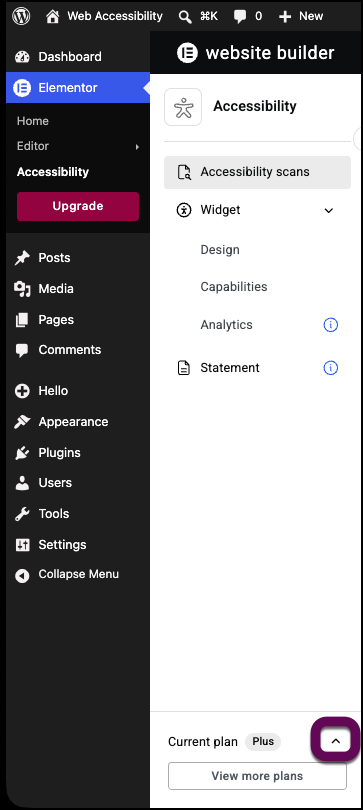
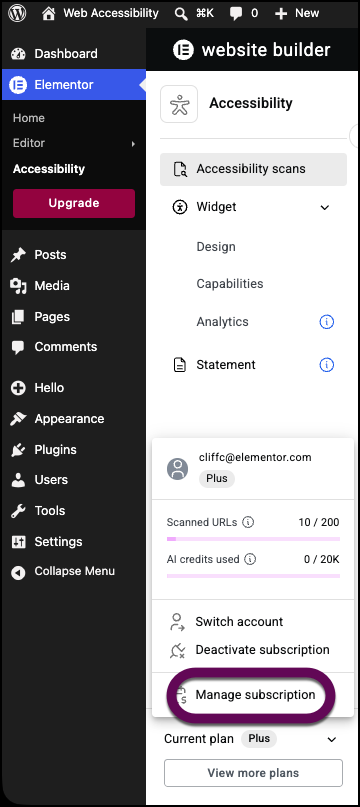
  3. In the left panel, click My Account.
  4. Select Subscription.

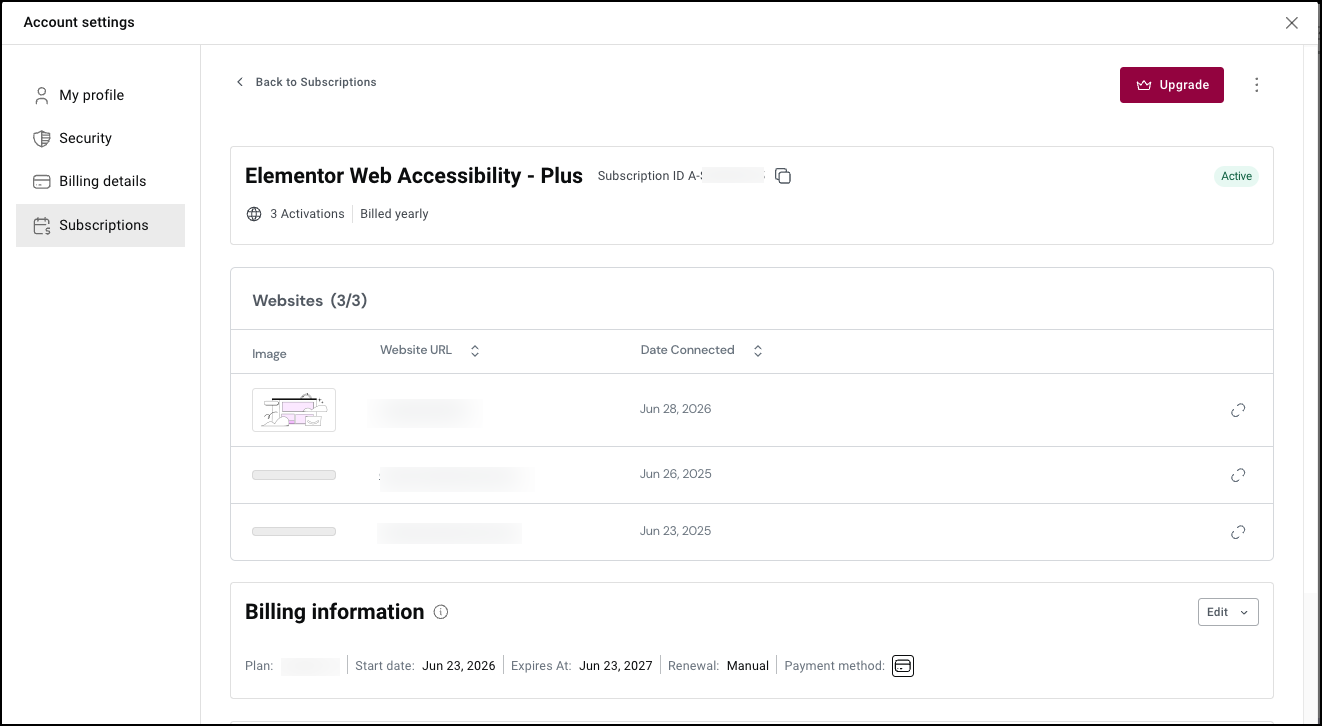
    This takes you to the My Elementor dashboard.
  5. Click the account icon in the upper right.
  6. Select Purchases from the dropdown menu. 
  7. Locate your Ally subscription to view the details.

Have more questions?

Can’t find the answers you’re looking for? We’re more than happy to assist.

Contact support

Related Articles

On this page

Share this article