To make sure Email Deliverability (formerly known as Site Mailer) is working properly, send a test email after installing Email Deliverability and after making any changes to the settings.
To send a test email:
In WP Admin, navigate to Elementor>Email Deliverability>General settings.

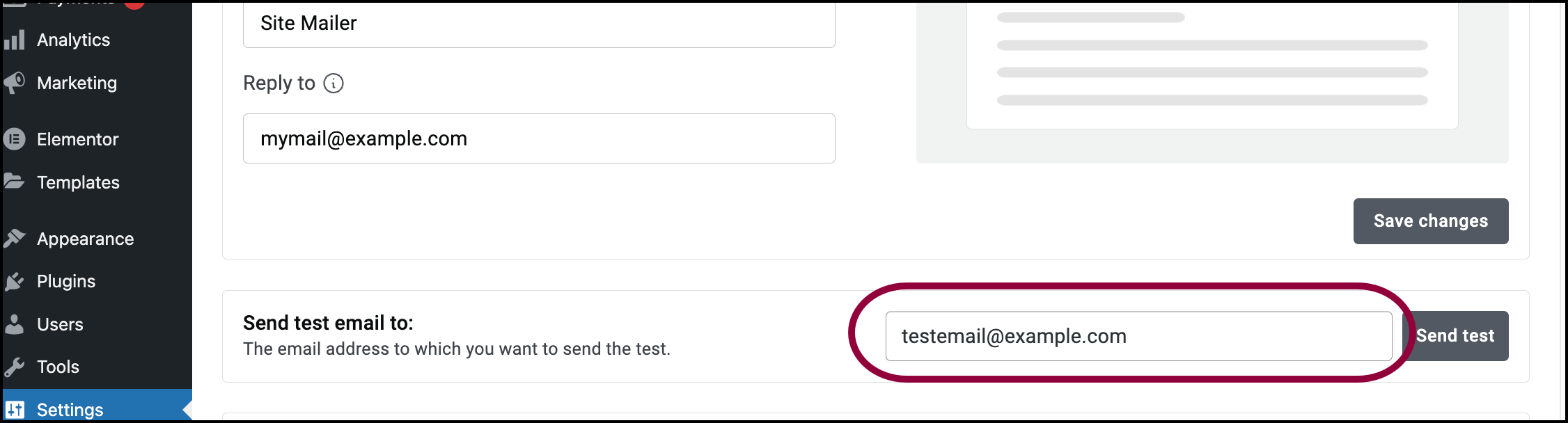
You will find the Send test email to option in the General settings.

Enter the email address where you want the test message sent.
Click Send test.
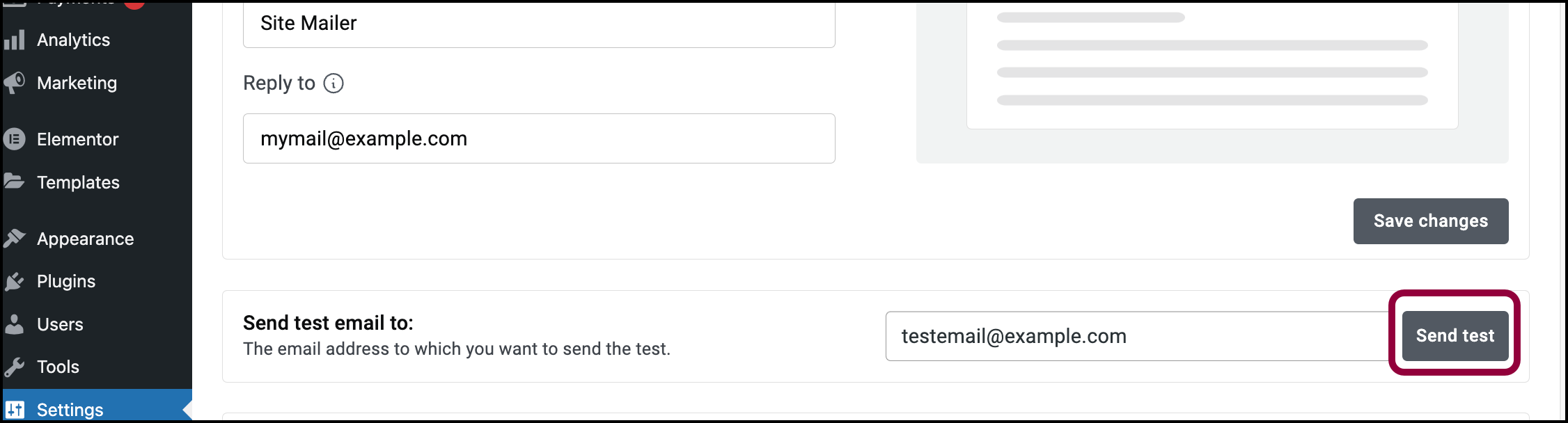
An email is sent to the address you entered.
Note
The test email will appear in your email log. However, you must have email logging enabled in order to see the email text. For details, see Enable/Disable email logging.