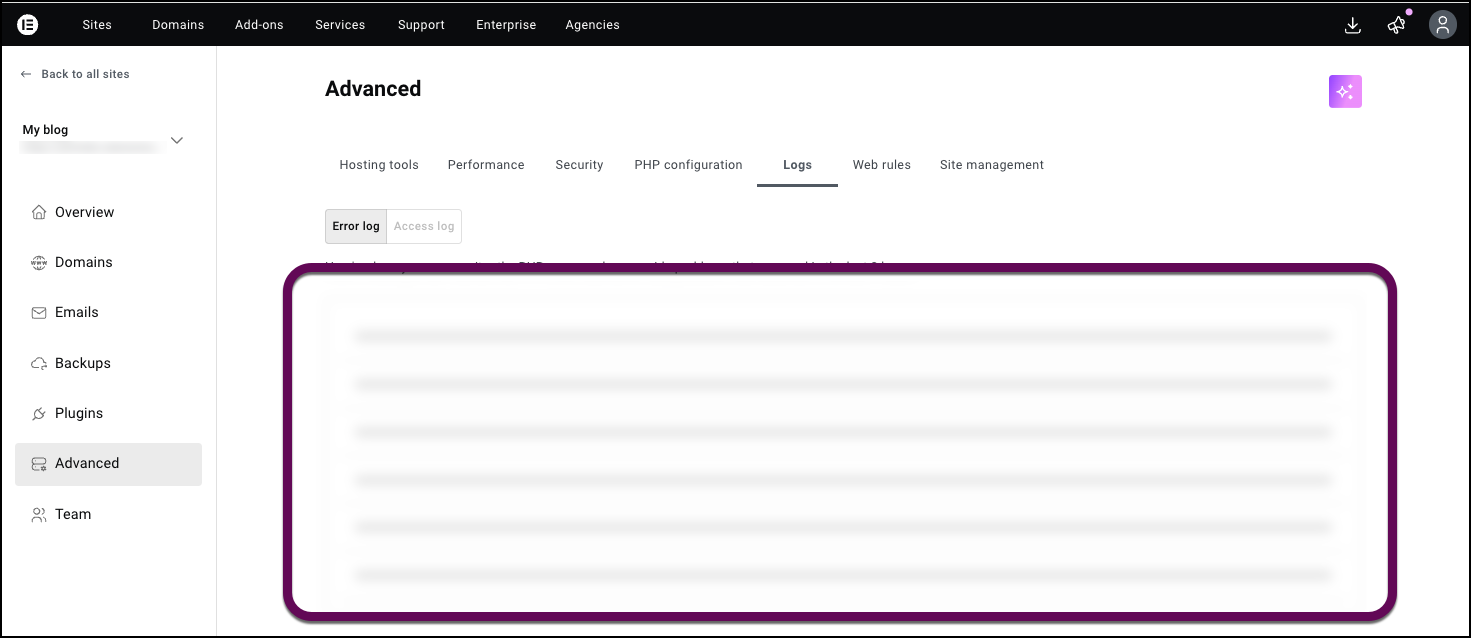
To review your Elementor Host error logs, log in to your My Elementor dashboard, select your website, and click the Advanced tab. From there, select the Logs sub-tab to view recent PHP error entries. This allows you to identify specific plugins or scripts that are impacting your site performance.
How do I access the error logs in Elementor Host?
Reviewing error logs is a critical step in troubleshooting performance issues or site crashes. Follow these steps to find your logs:
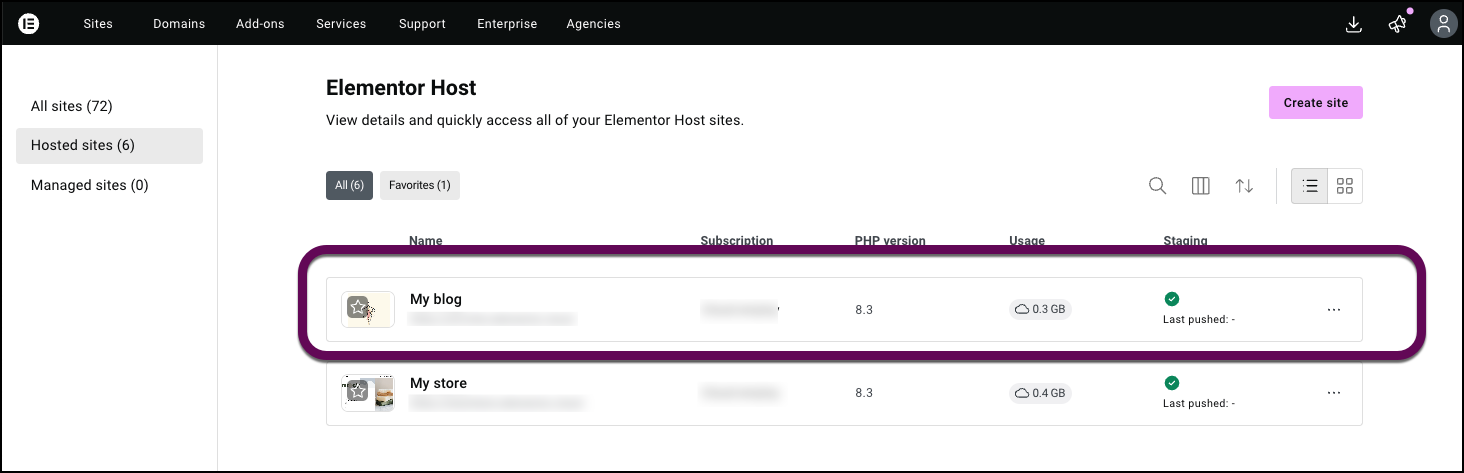
- Go to your My Elementor dashboard.
- Select your website.
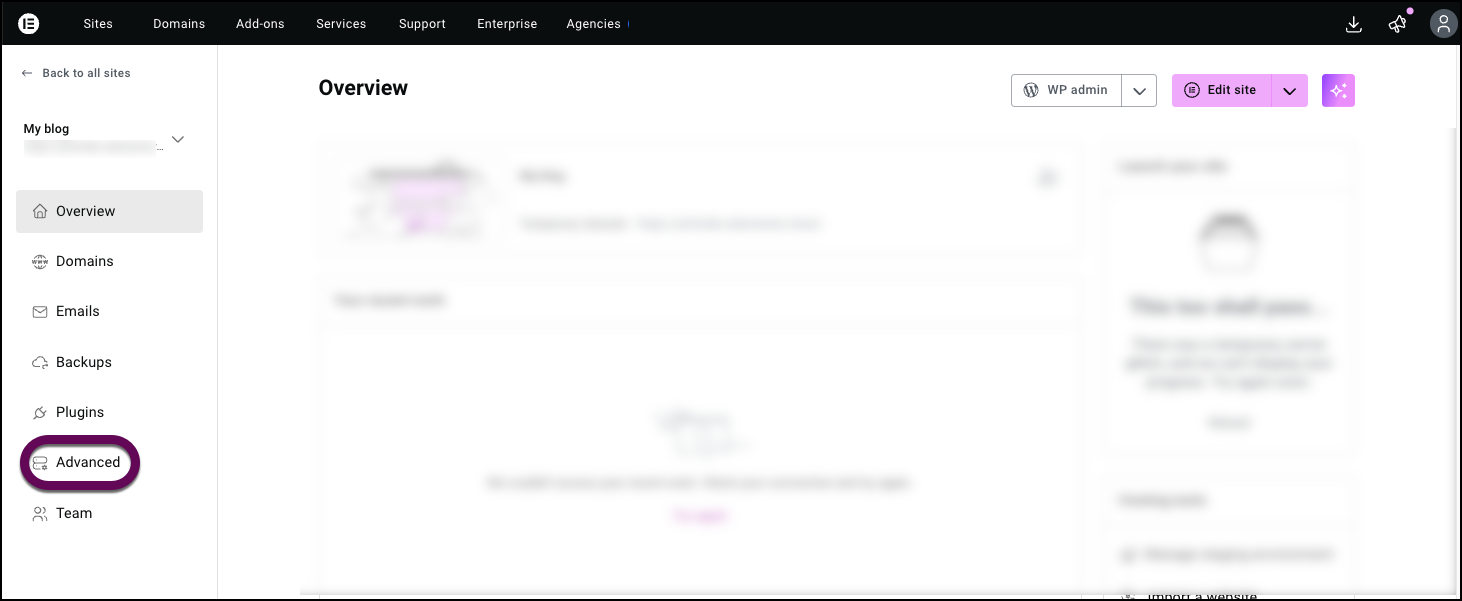
- Click the Advanced tab.
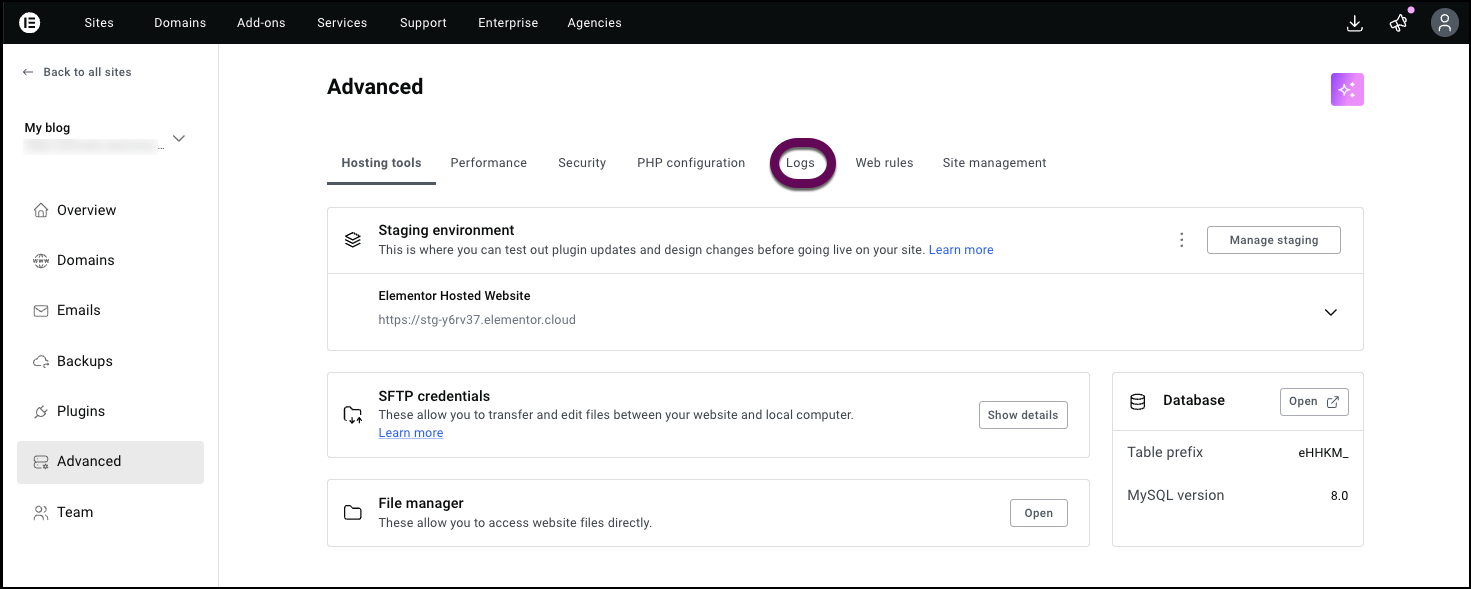
- Select Logs.
Review recent entries to identify plugins or scripts generating frequent errors.