Site Mailer is a plugin designed to manage transactional emails from your website.
Note
Elementor One users, learn how to add email deliverability to your site here.
Install Site Mailer
Site Mailer is installed from the official WordPress plugin directory.
To install Site Mailer:
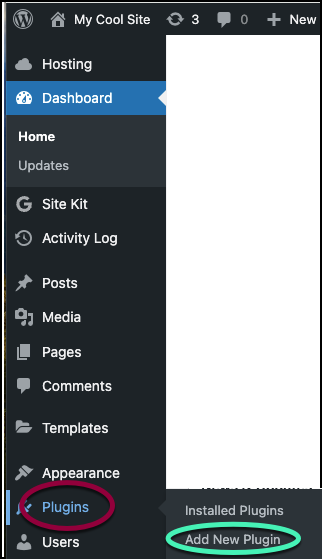
- From WP Admin, navigate to Plugins>Add new plugins.
The plugin directory appears. - In the search box, enter Email Deliverability by Elementor.
- In the card, click Install Now.
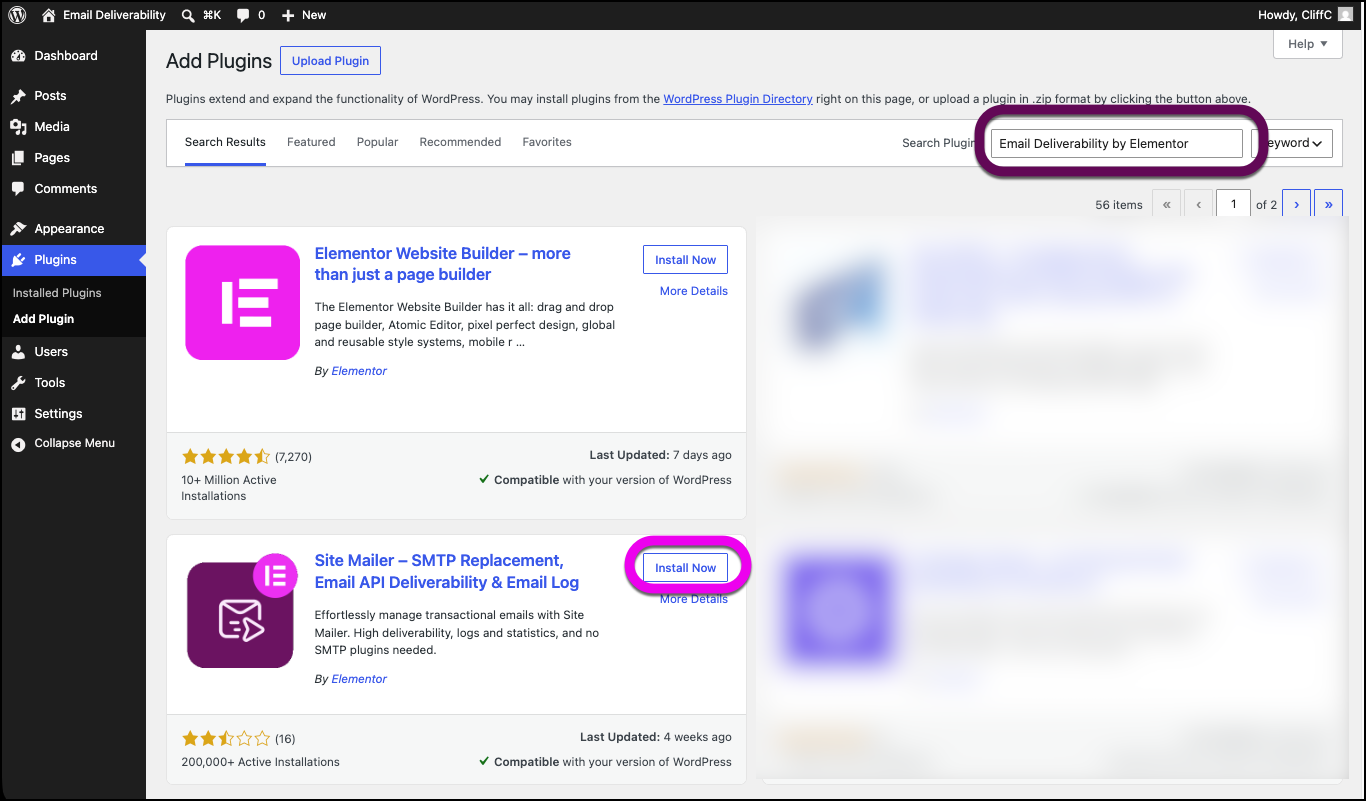
- After the plugin is installed, click Activate.
Email Deliverability is installed on your site and is accessible from the Elementor tab. Now you need to connect the plugin to your account.
Connect Site Mailer
Before using Email Deliverability, you need to create and connect to your account.
To create and connect to your account:
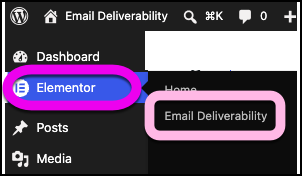
- From WP Admin, navigate to Elementor>Email Deliverability.
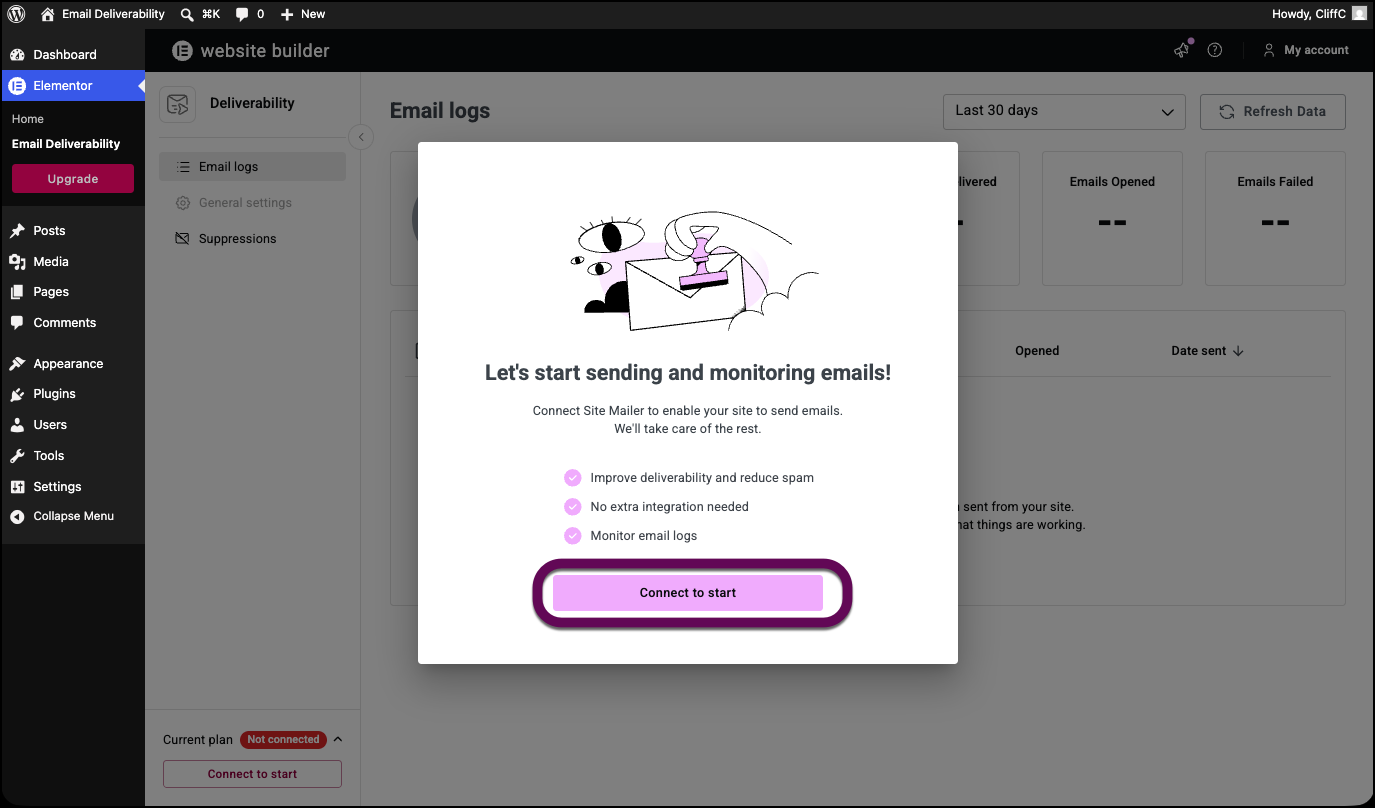
- Click Connect to start.
If you do not have an Elementor account, you’ll need to create one. A wizard will walk you through the process. For details, see Create an account.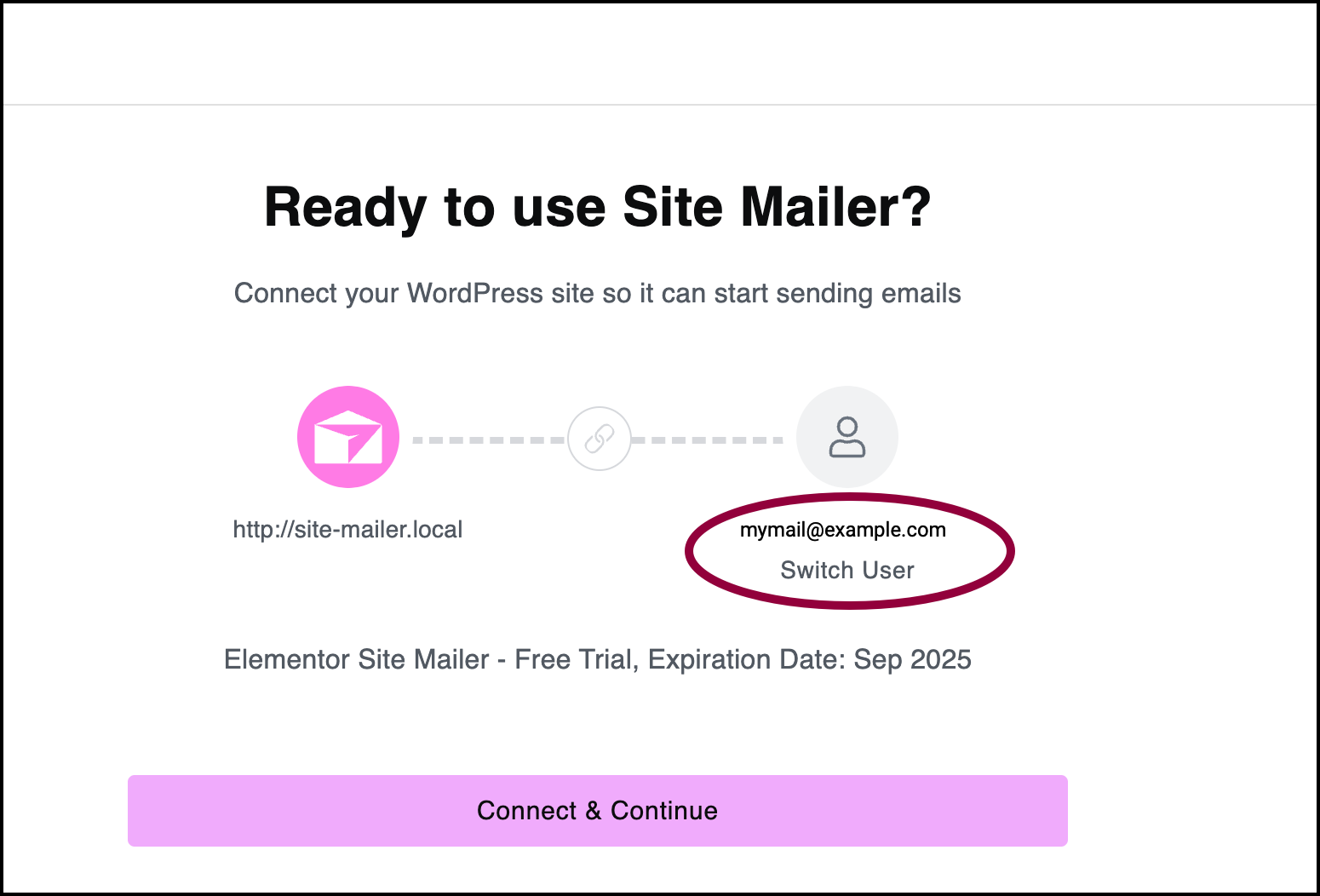
- Confirm that you’re connecting to the correct account. If the correct account does not appear, click Switch User and connect to the correct account.
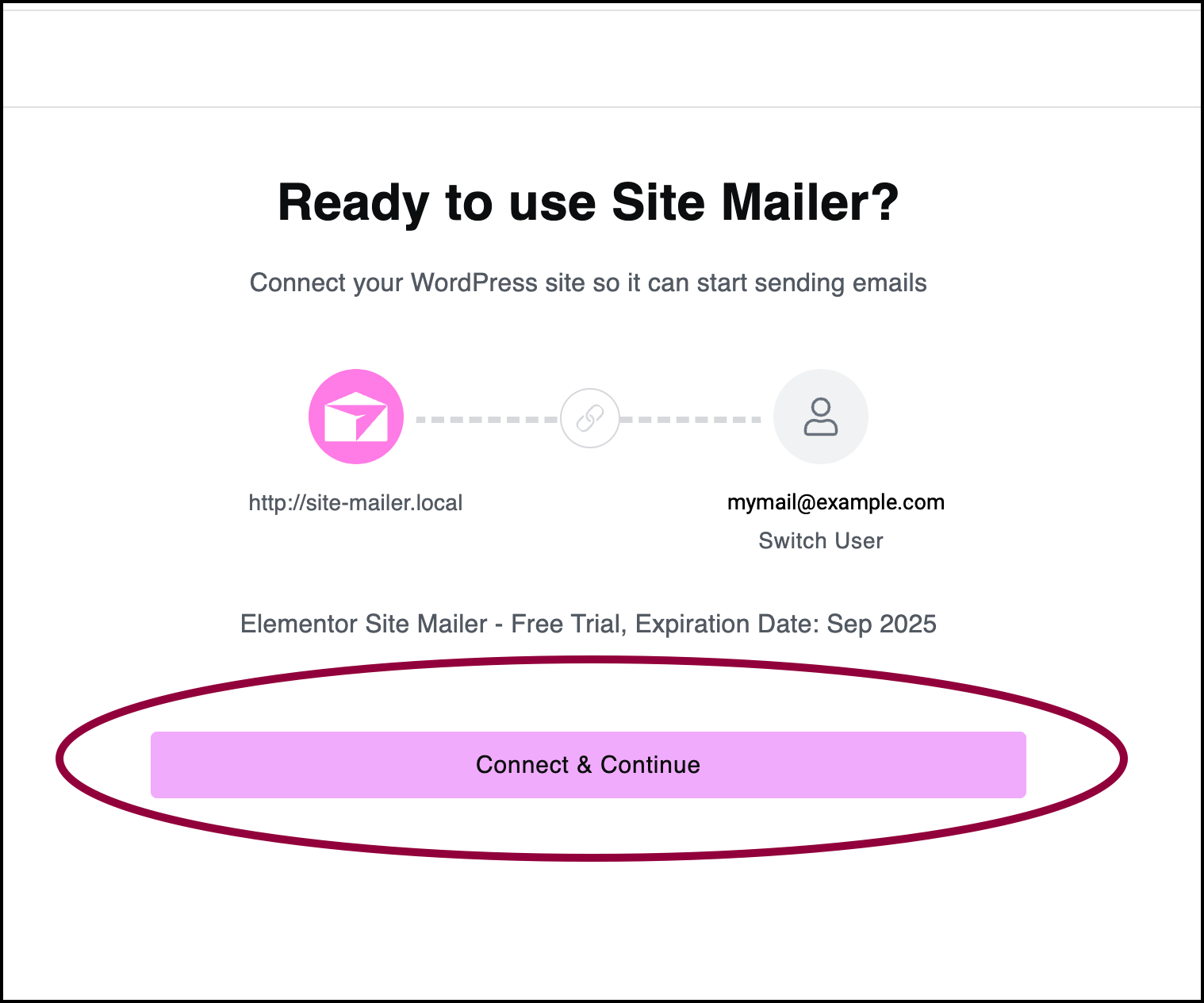
- Click Connect & Continue.
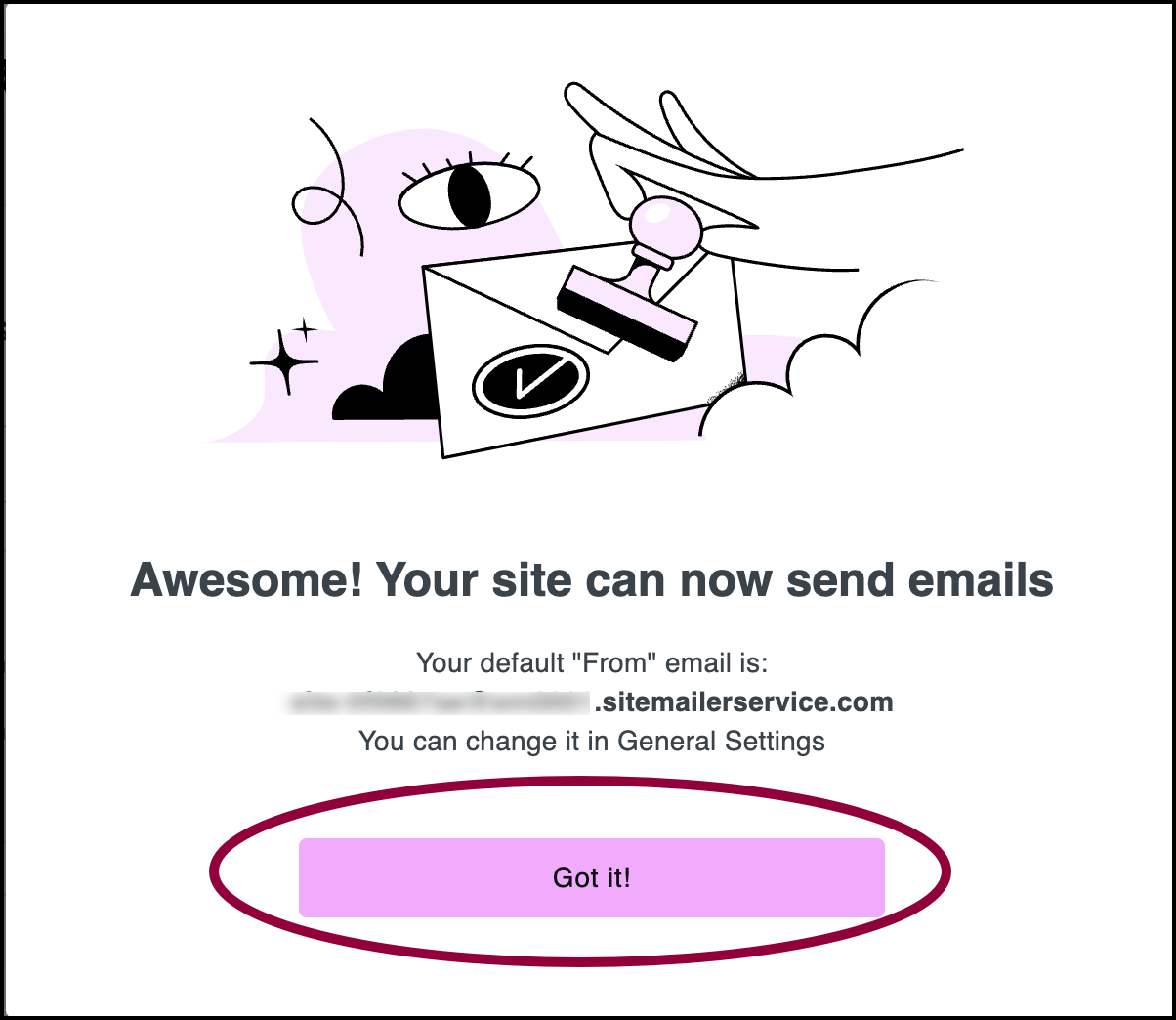
- Click Got it!
Site Mailer is connected to your account.
Once you’ve finished installing Site Mailer, we suggest you send a test email and create a custom domain. For details, see Send a test email and Create a custom domain.