Issue
You can’t drag widgets to the canvas or add them using the Structure window. This can be accompanied by the widgets on the canvas glitching.
Solution
- Click a widget on the canvas.
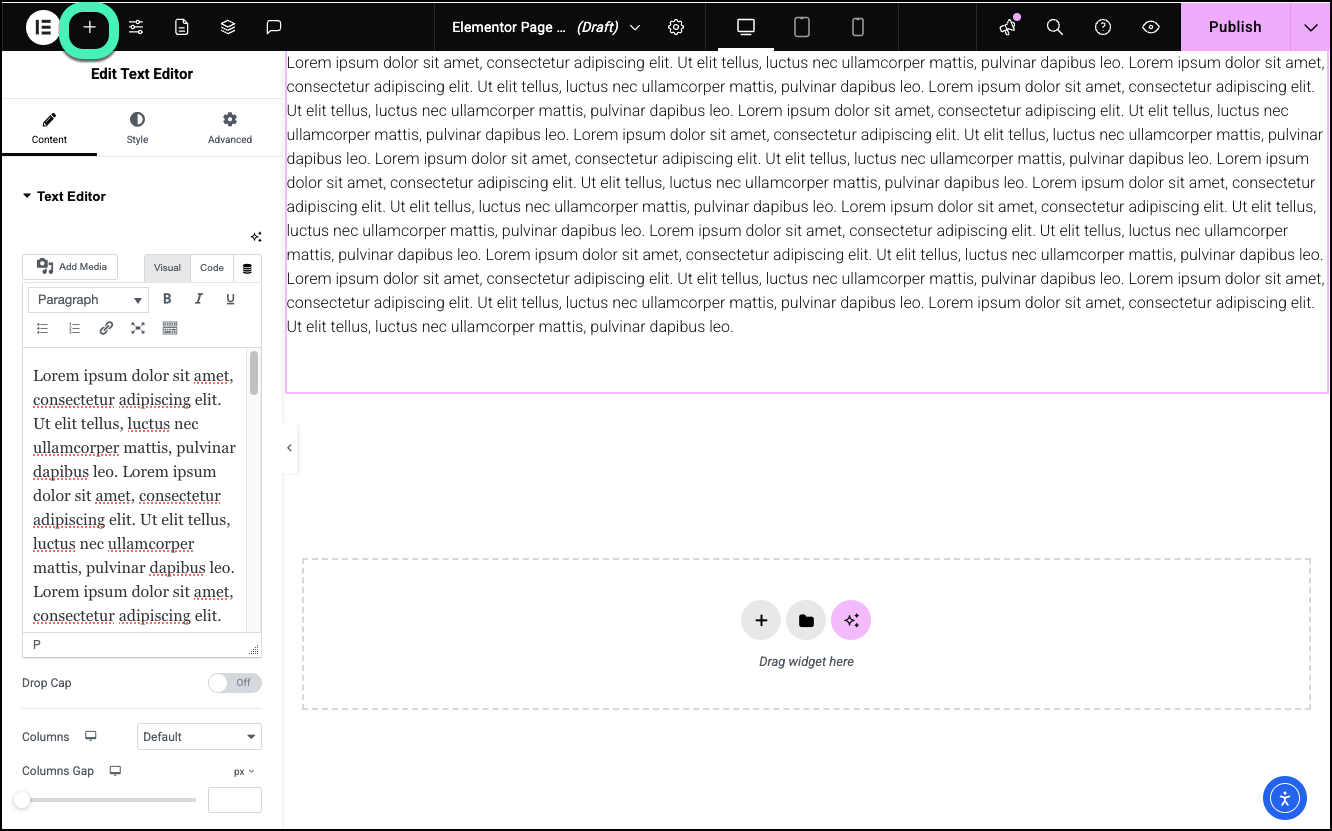
- Click the plus sign on the upper toolbar.
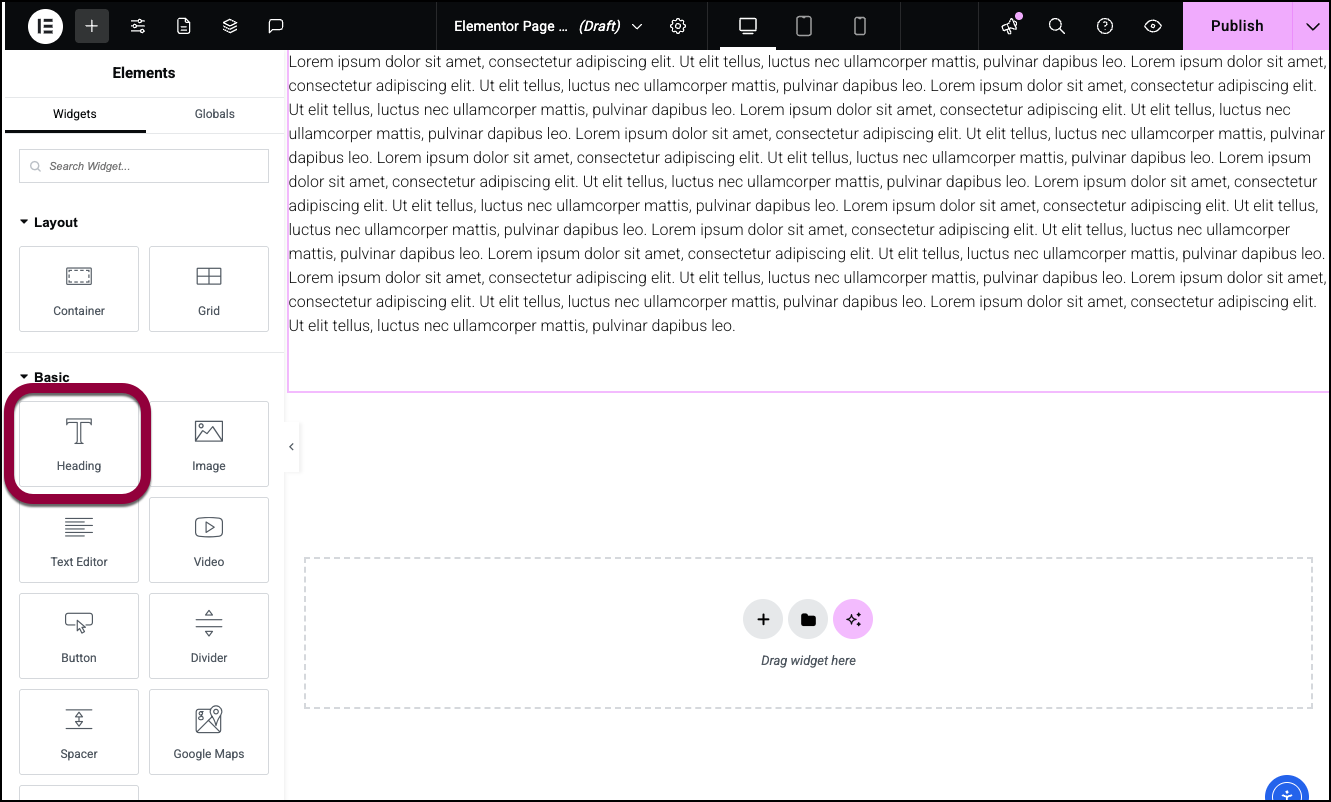
- Click a widget in the panel to add it to the canvas.
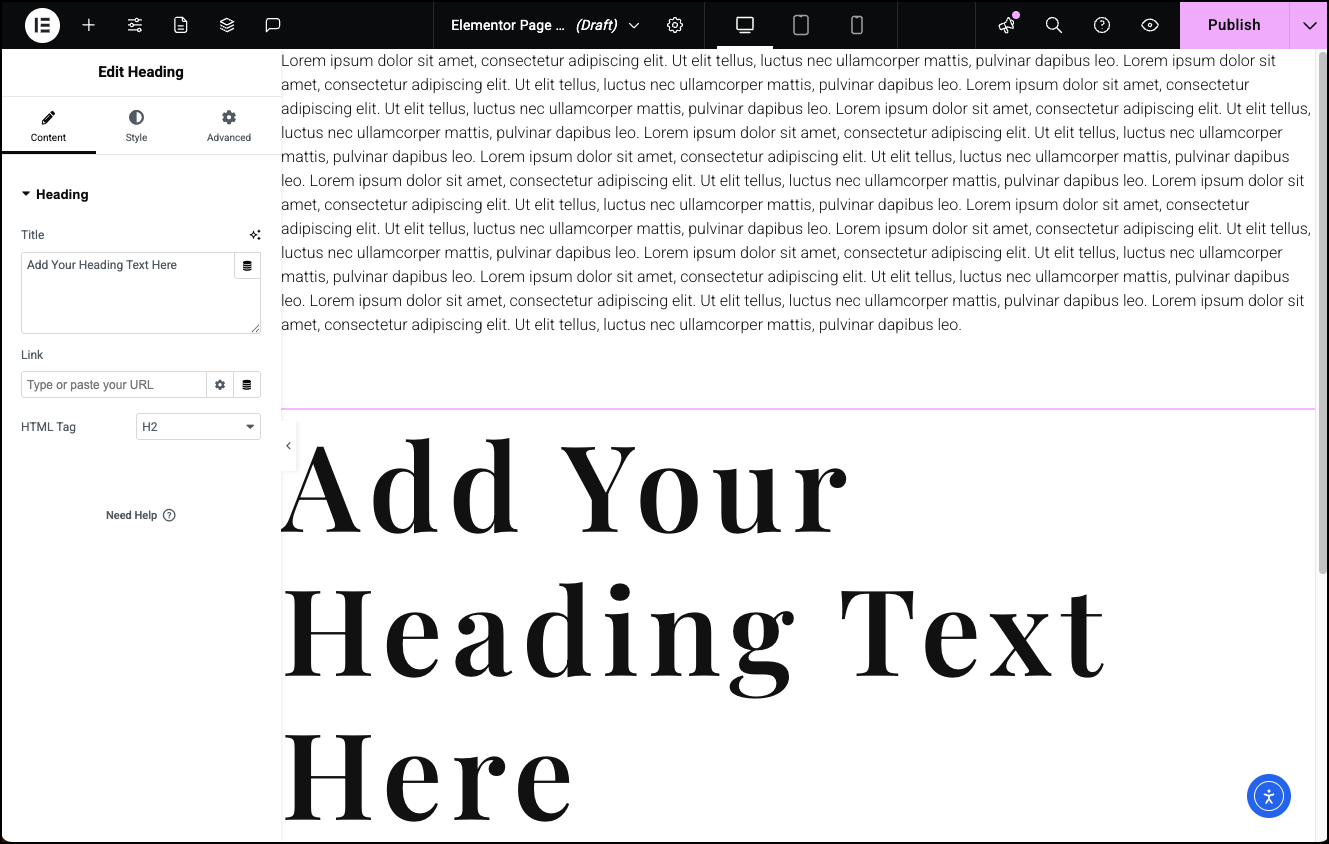
You should now be able to drag widgets to the canvas.
Elementor requires the use of modern desktop web browsers. Using outdated browsers can lead to the element panel not loading or glitches on the canvas. For details about what systems Elementor supports, see Elementor’s system requirements.
You cannot edit with Elementor on mobile phones or tablets. The Elementor Editor is designed exclusively for Desktop Computers to provide the necessary screen real estate and processing power for complex layouts.