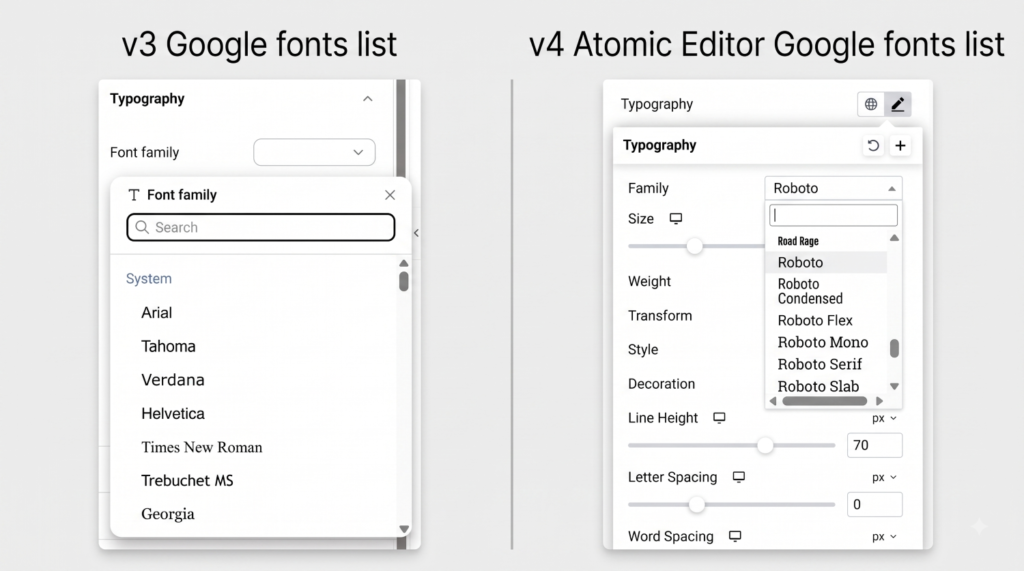
Elementor uses Google Fonts in the core to allow you to use fonts from their library. While many fonts in their repository are supported, newly added fonts may not yet appear in your typography settings.
- Access your Typography settings under the Style tab. Open the Font family control – displayed as an expanded popover search modal in the v4 Atomic Editor or a dropdown selector in v3 – to search for your desired font.
- Checking Supported Fonts: The list of currently supported Google fonts is located here. This list is frequently updated – please check it if you cannot locate a specific font in the editor.