Web Accessibility helps you make your website more accessible to all potential clients and customers. Upgrading to Elementor One offers you several important benefits, such as access to the entire range of Elementor apps, improved analytics and a screen reader. Paid plans also offer website owners increased numbers of monthly visits. For more details, see the Elementor One product page.
Upgrade to Elementor One
To upgrade your account:
Option 1
- From WP Admin, navigate to Elementor>Accessibility.
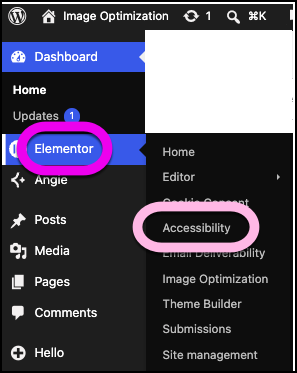
The Web Accessibility options appear in the right pane.
If you are using the free version, paid features are marked with a crown icon.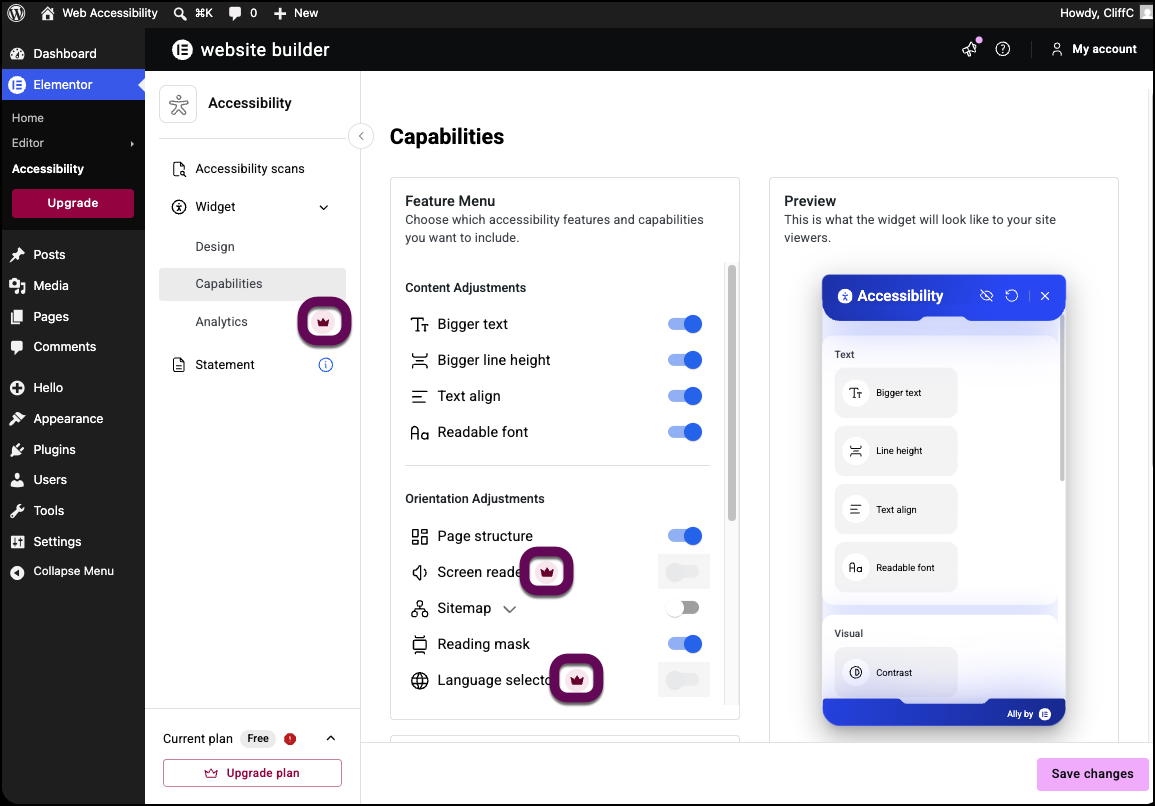
- Click one of the crown icons.
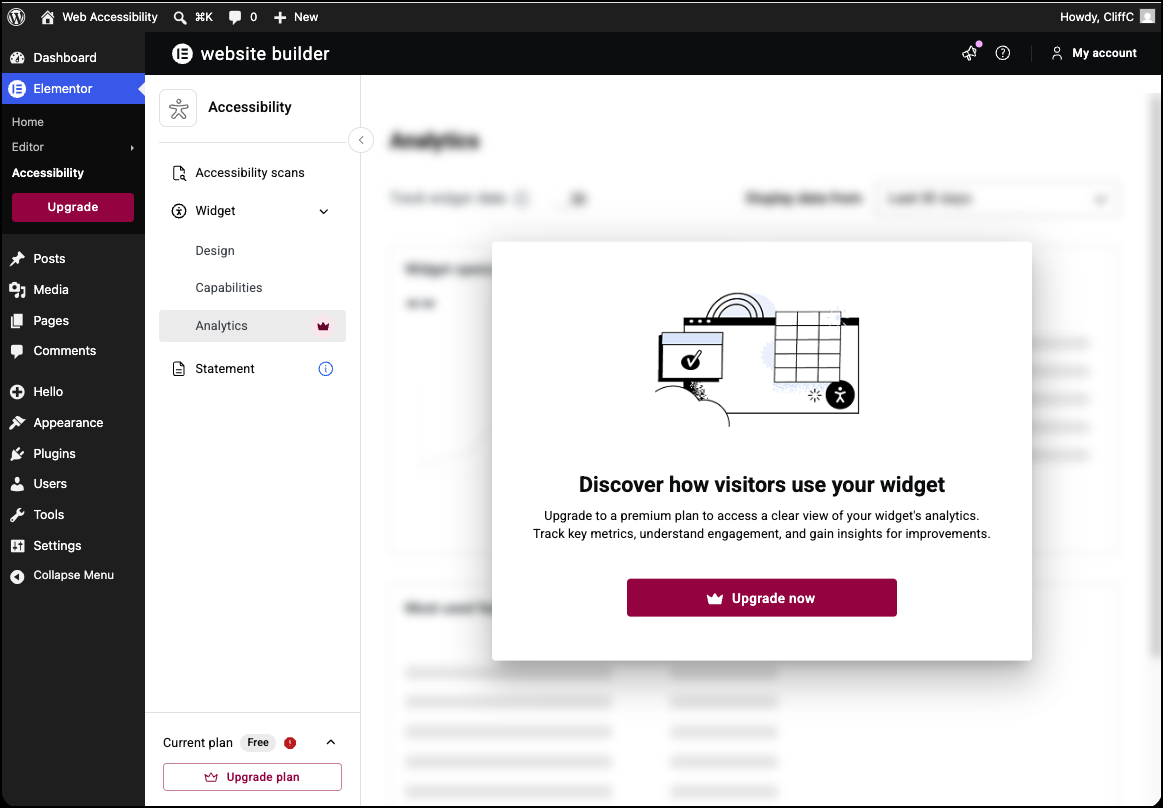
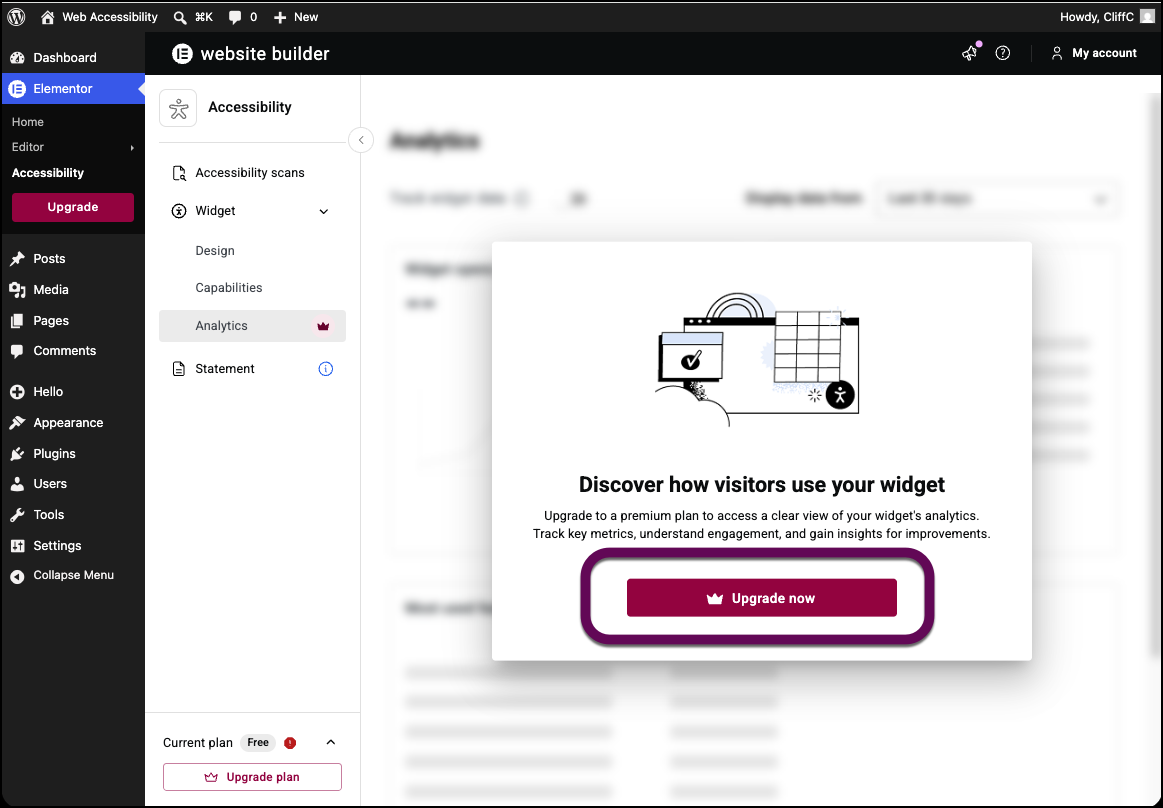
- In the upgrade window, click Upgrade Now.
Option 2
- From WP Admin, navigate to Elementor>Accessibility.
The Web Accessibility options appear in the right pane. - In the lower left corner, click Upgrade plan.
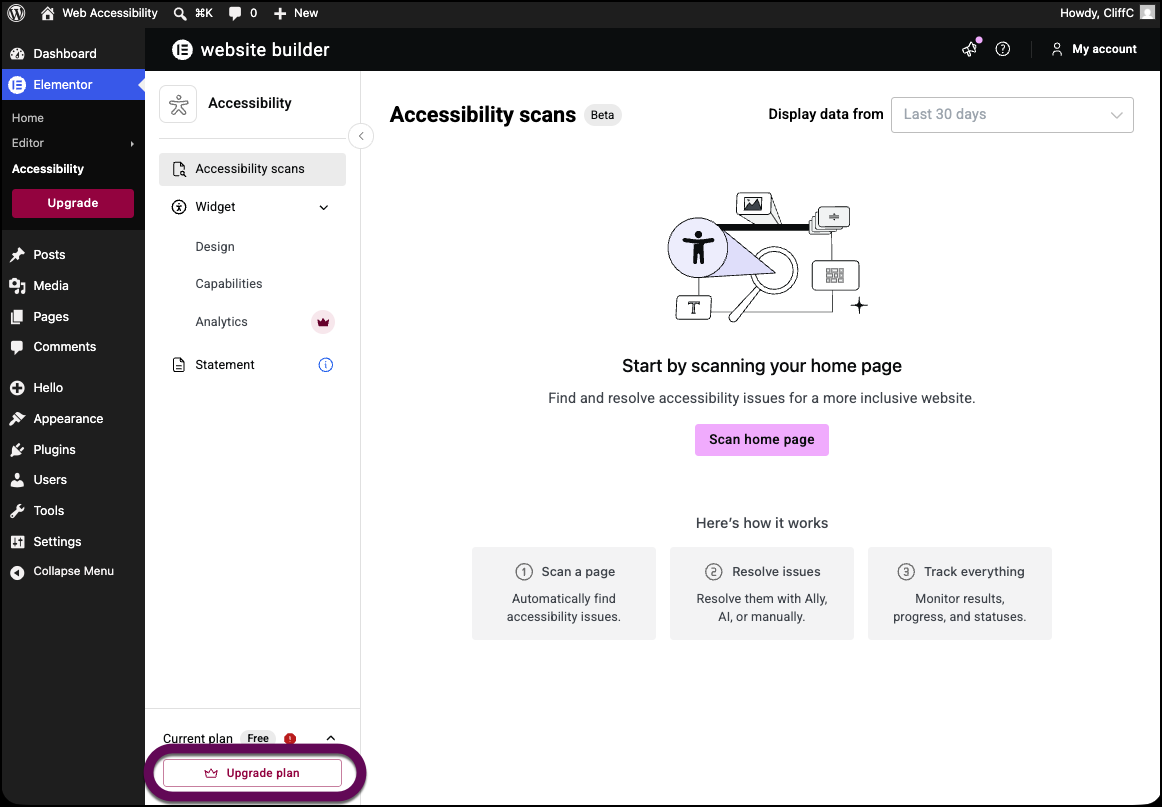
This takes you to the upgrade page.