By default, your Elementor Pro license or Elementor Hosting site is automatically renewed annually.
To turn auto-renewal on/off:
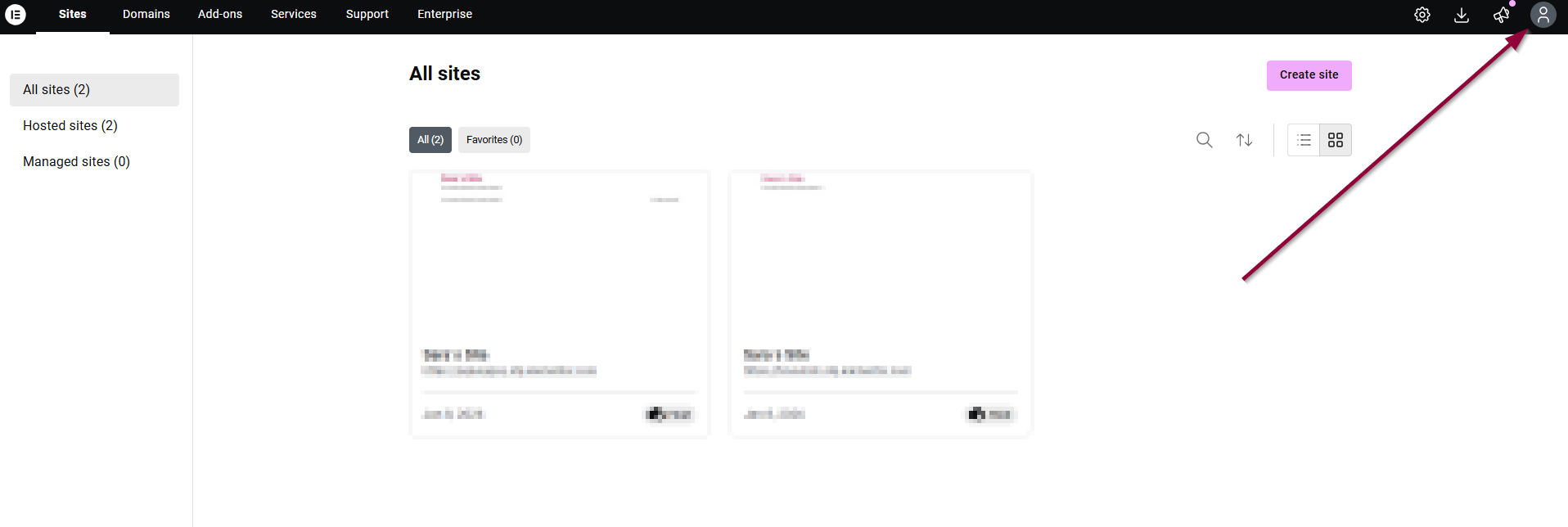
- Go to your My Elementor dashboard. Click the account icon in the upper right.
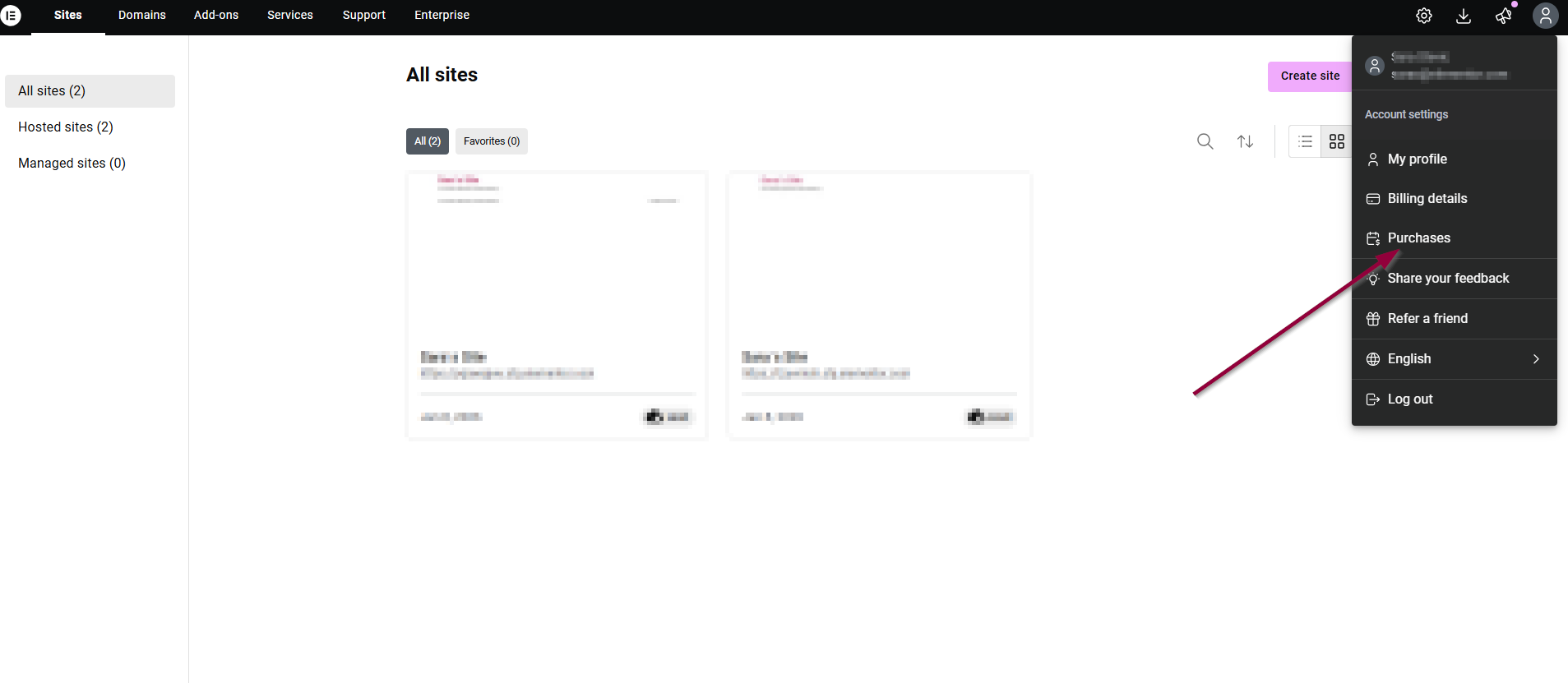
- Select Purchases from the dropdown menu.
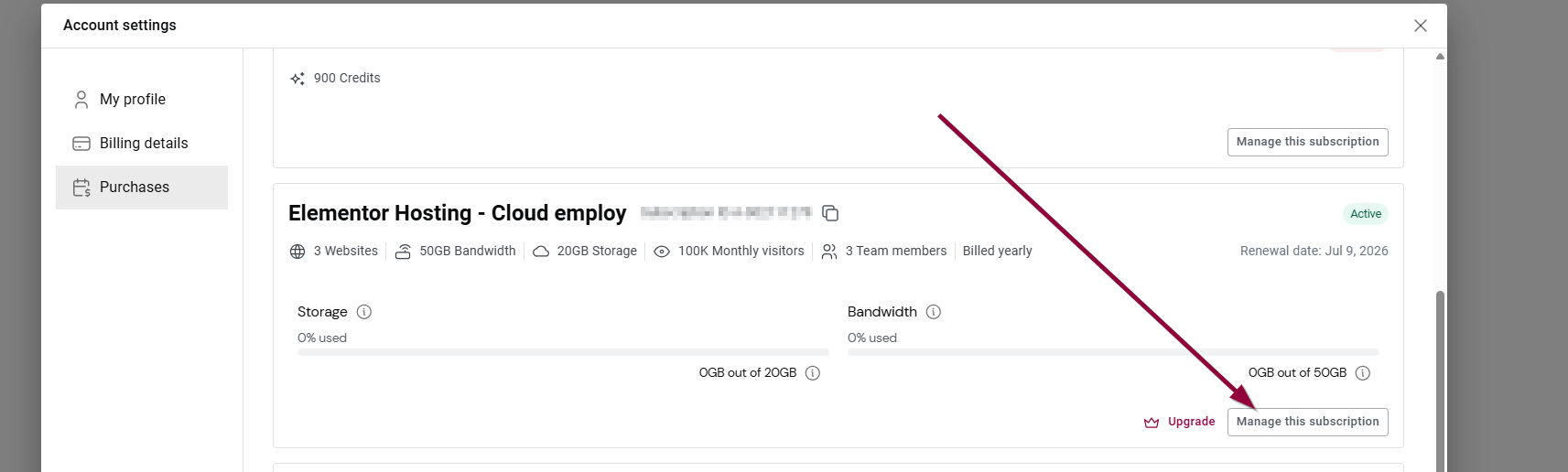
- Click Manage this subscription.
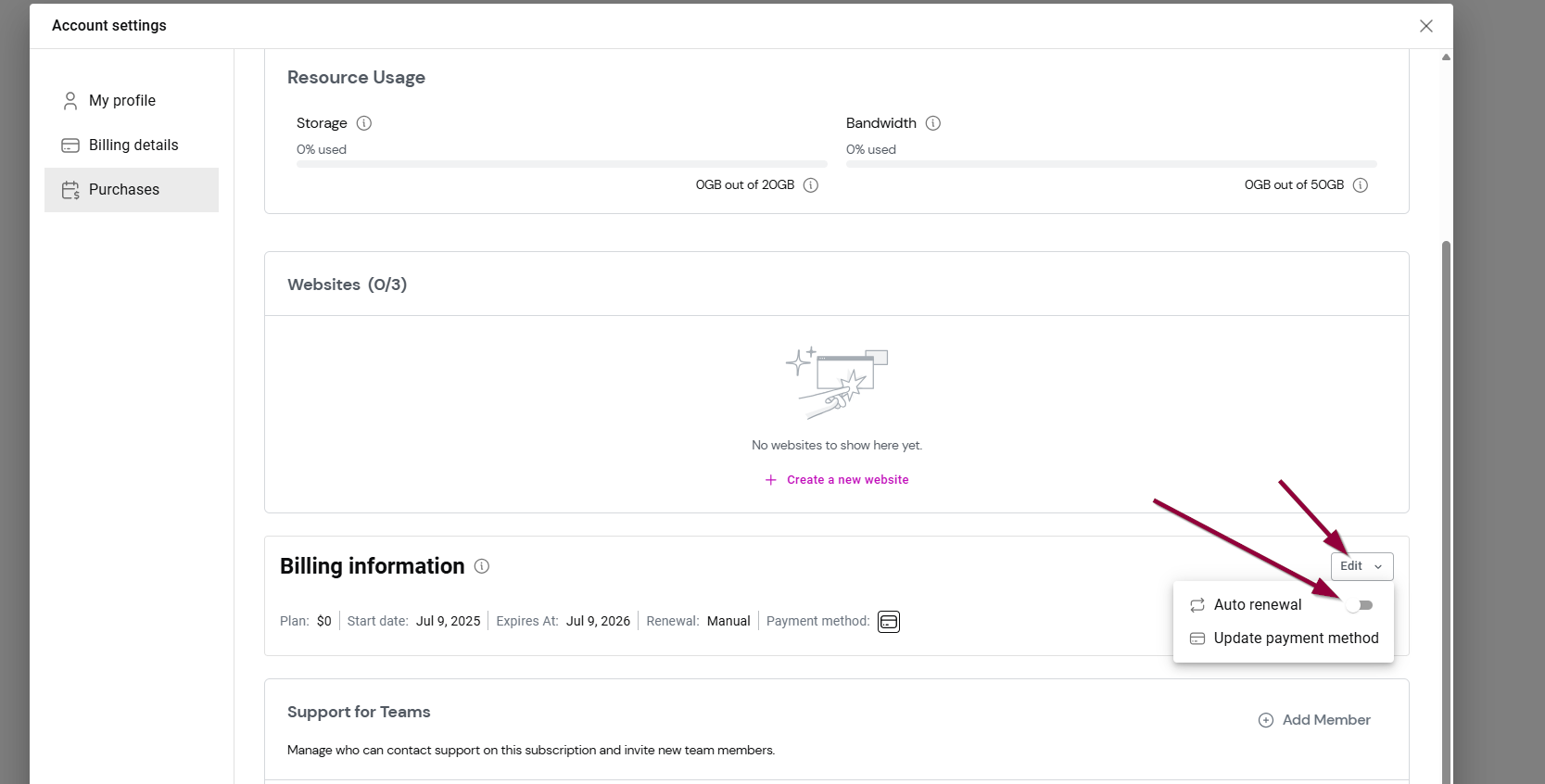
- In the Billing Information section, use the Auto renewal toggle to turn auto renew on and off.
You can renew your subscription manually. We will notify you via WP Admin and via email that your license is about to expire. For more details, see Renew your subscription.
Find out more about what happens to your site if you do not renew Elementor Pro.
Important
Canceling your subscription auto-renew does not mean you get a refund, it means you canceled your auto-renewal.