Website kits are a great way to start your website. However, in rare cases website kits may not install into your site.
Issue
You select a website template and attempt to install the entire template. The process times out and the template is not installed.
Possible causes
The most common cause of templates failing to install is that the process times out due to the size of the template and its content.
Solutions
There are two possible solutions to this issue:
- Ask your provider to increase your site’s limits
- Import the template in two steps.
Ask your hosting provider
If a template is too large for you to apply, you can ask your hosting provider to raise the following limitations on your site:
PHP Time Limit:
PHP Max Input Variables:
Max Input Time:
Import a template in two steps
When you install a template, you are given an option to only import part of a template. This allows you to import the template in two parts, avoiding timeout issues.
To install a template in two parts:
- Begin in the installation process. For details, see Apply a website template.
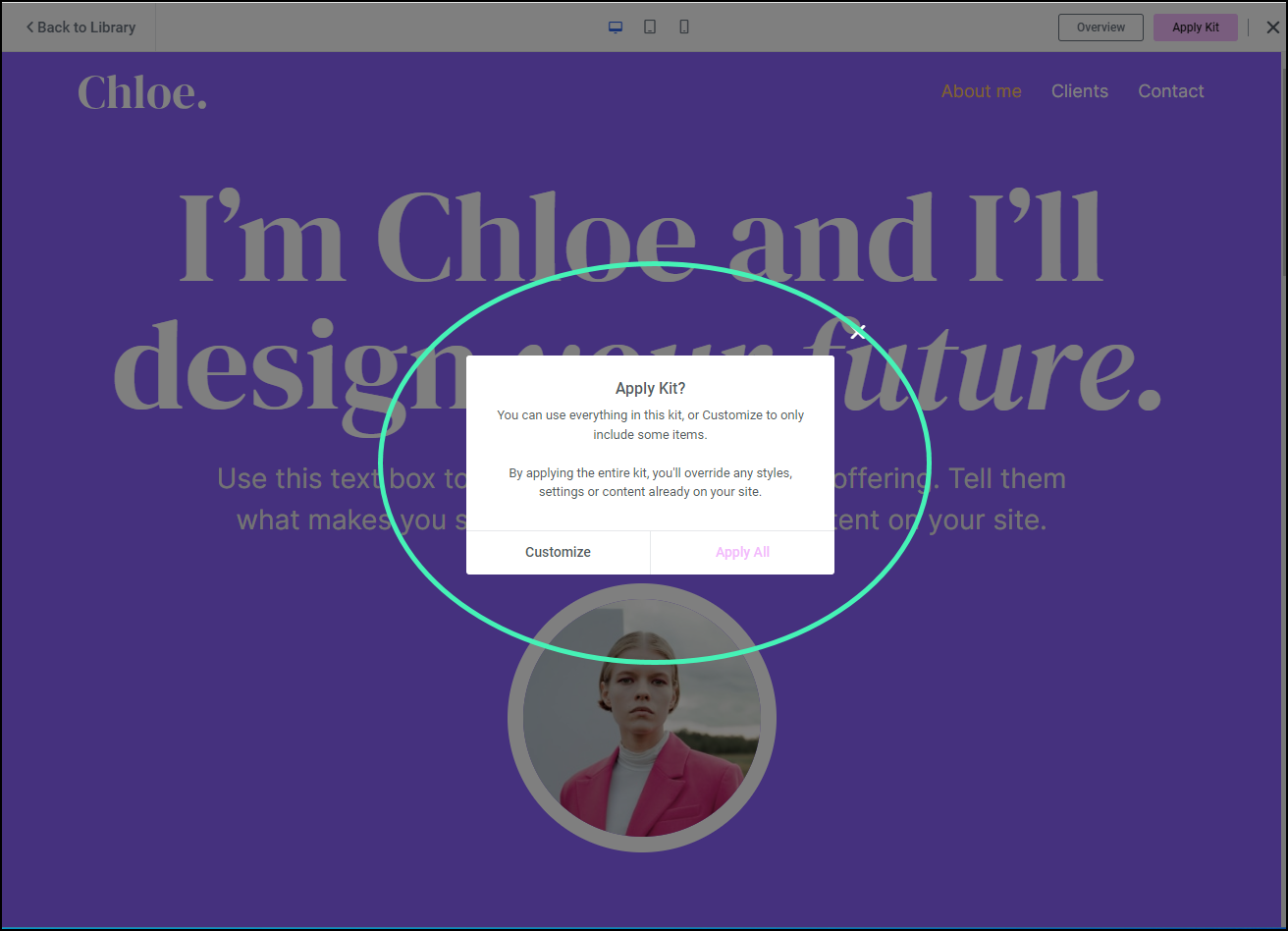
- Stop when you reach the Apply kit? Window.
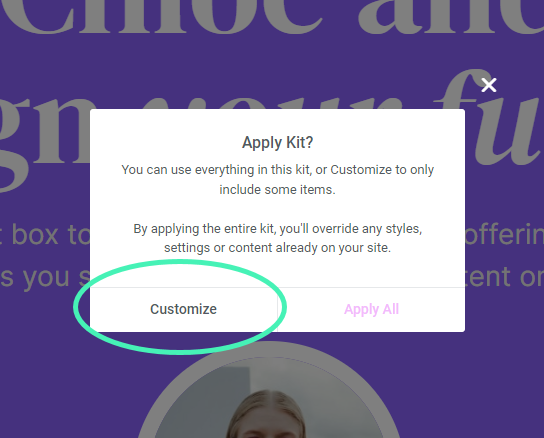
- Click Customize.
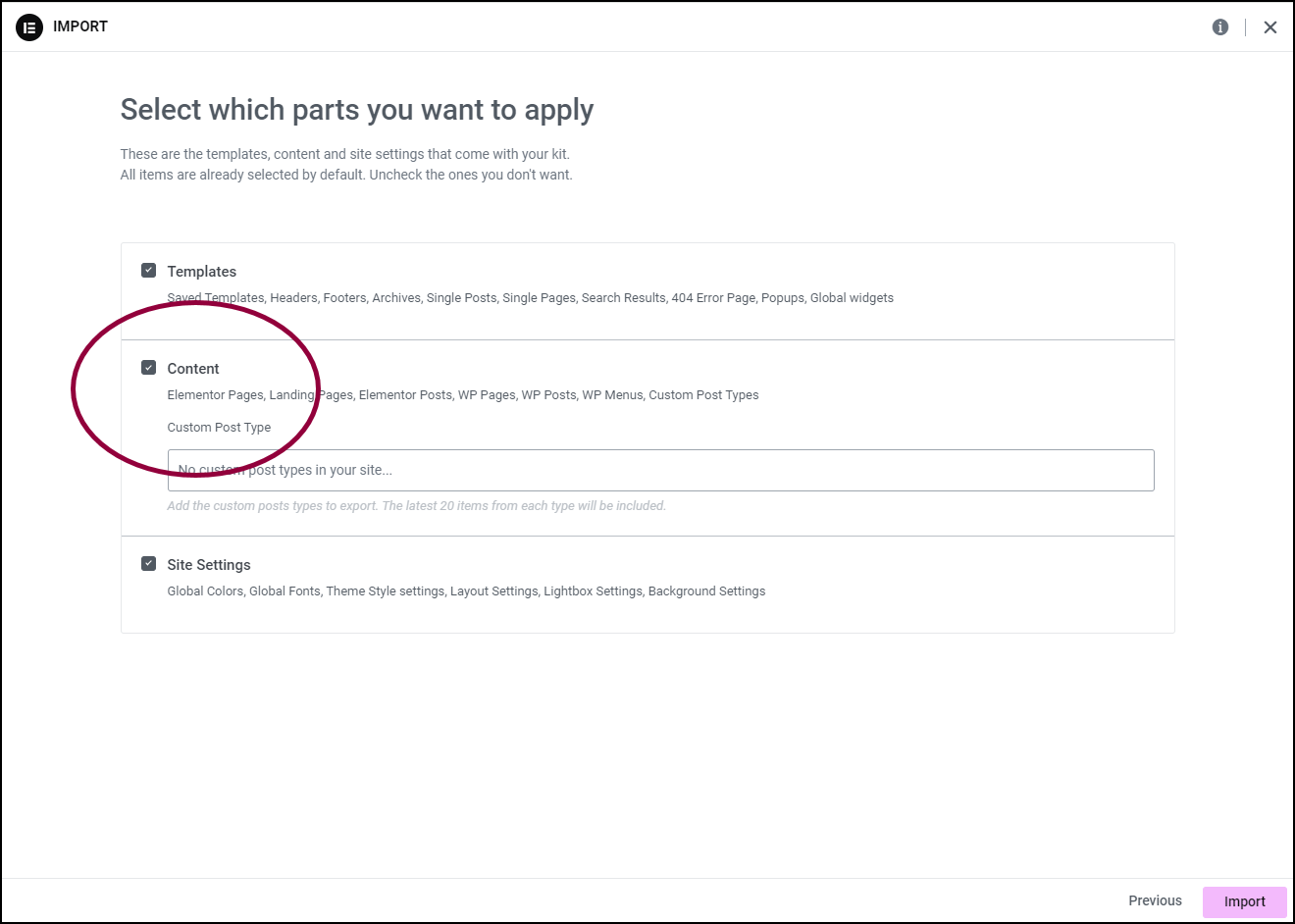
- Use the checkbox to deselect Content.
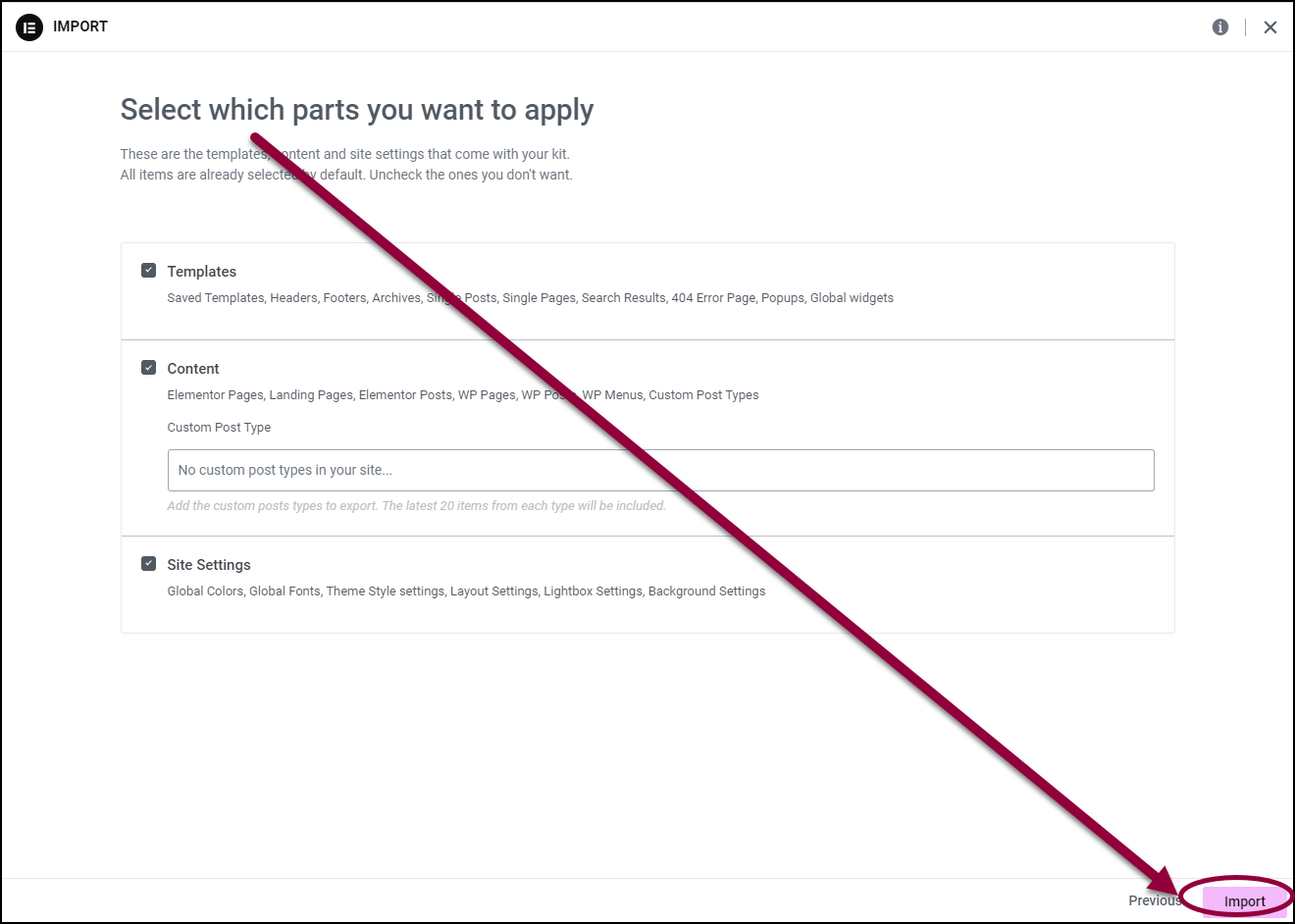
- Click Import.
- After importing the kit, repeat this process, using the checkboxes to deselect everything except Content.
- Click Import.
The entire kit is now applied to your site.