Revisions are old versions of pages and posts. When you edit a page or post in WordPress, the old version is saved in case you want to restore it. However, these old versions can weigh down to your site’s website, making it slower to edit and load.
Clear revision history allows you to delete these older versions, making your site lighter.
Warning
Clearing revision history is not reversible.
Clear your revision history
To clear your revision history:
- Go to your My Elementor dashboard.
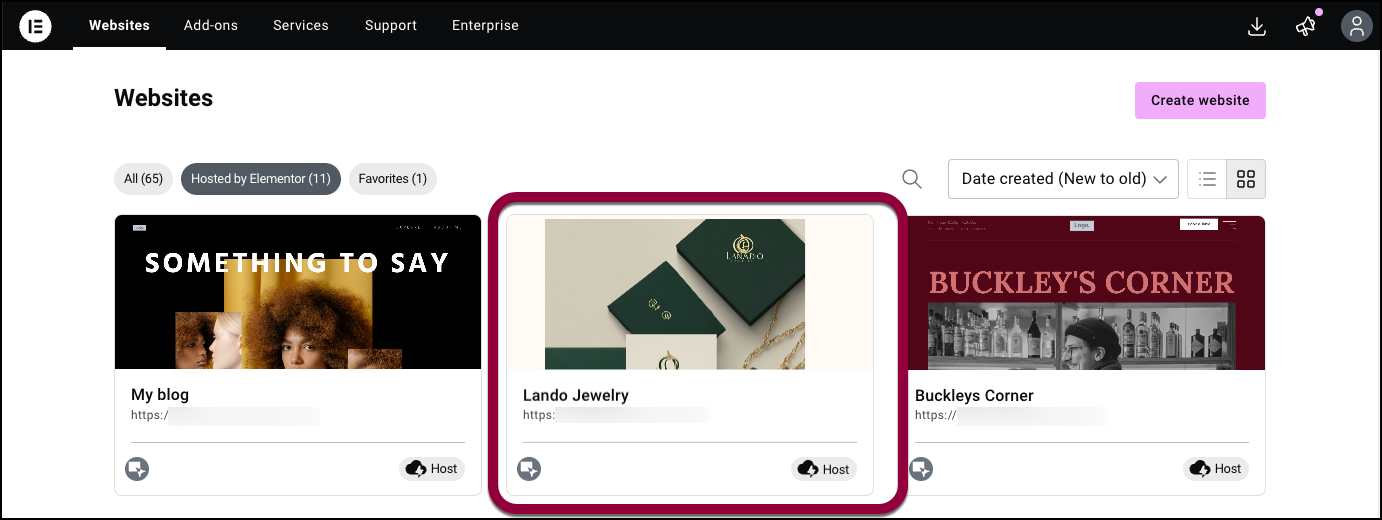
- Click the website card of the site you want to edit.
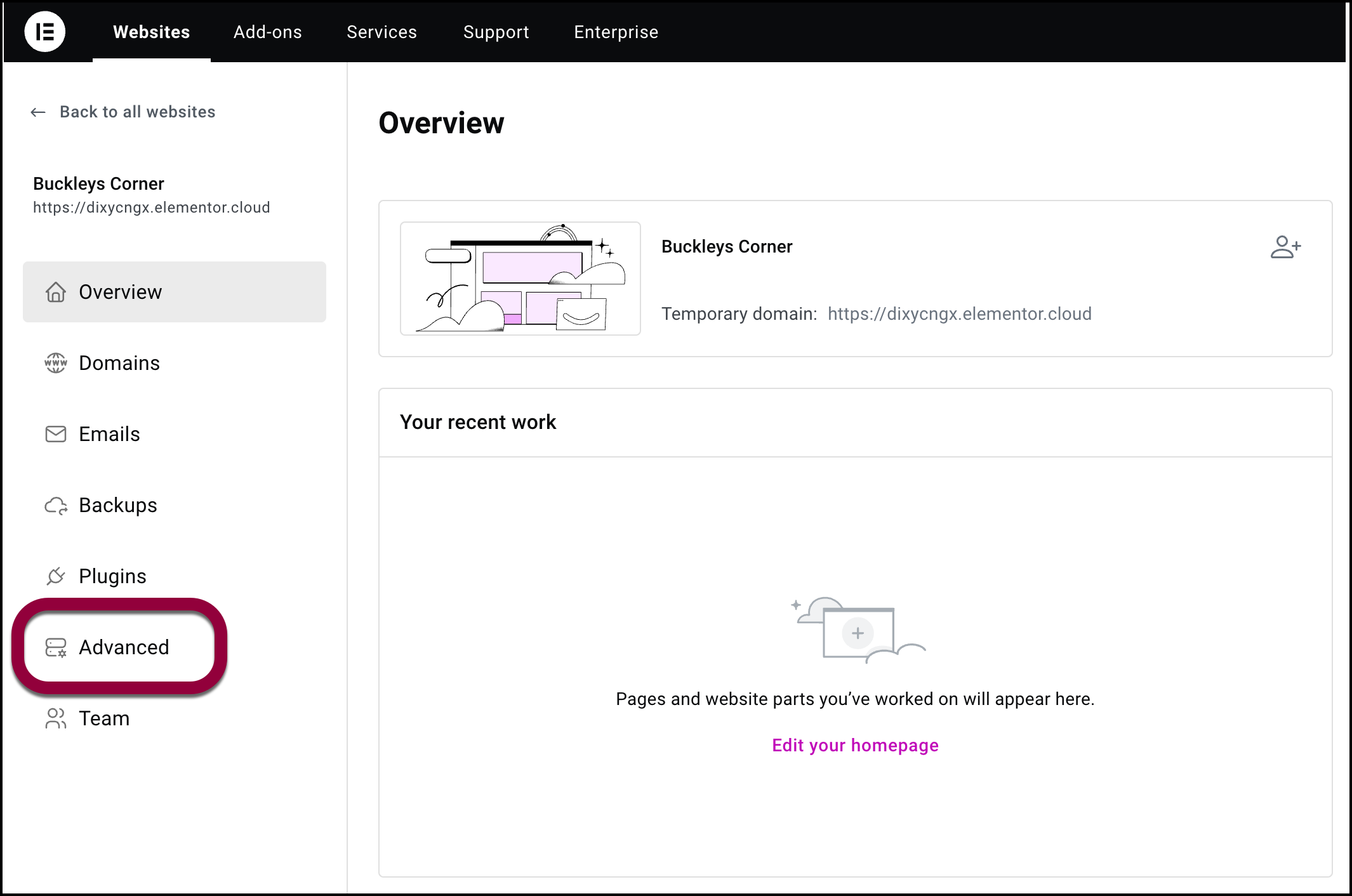
- In the panel, Click the Advanced tab.
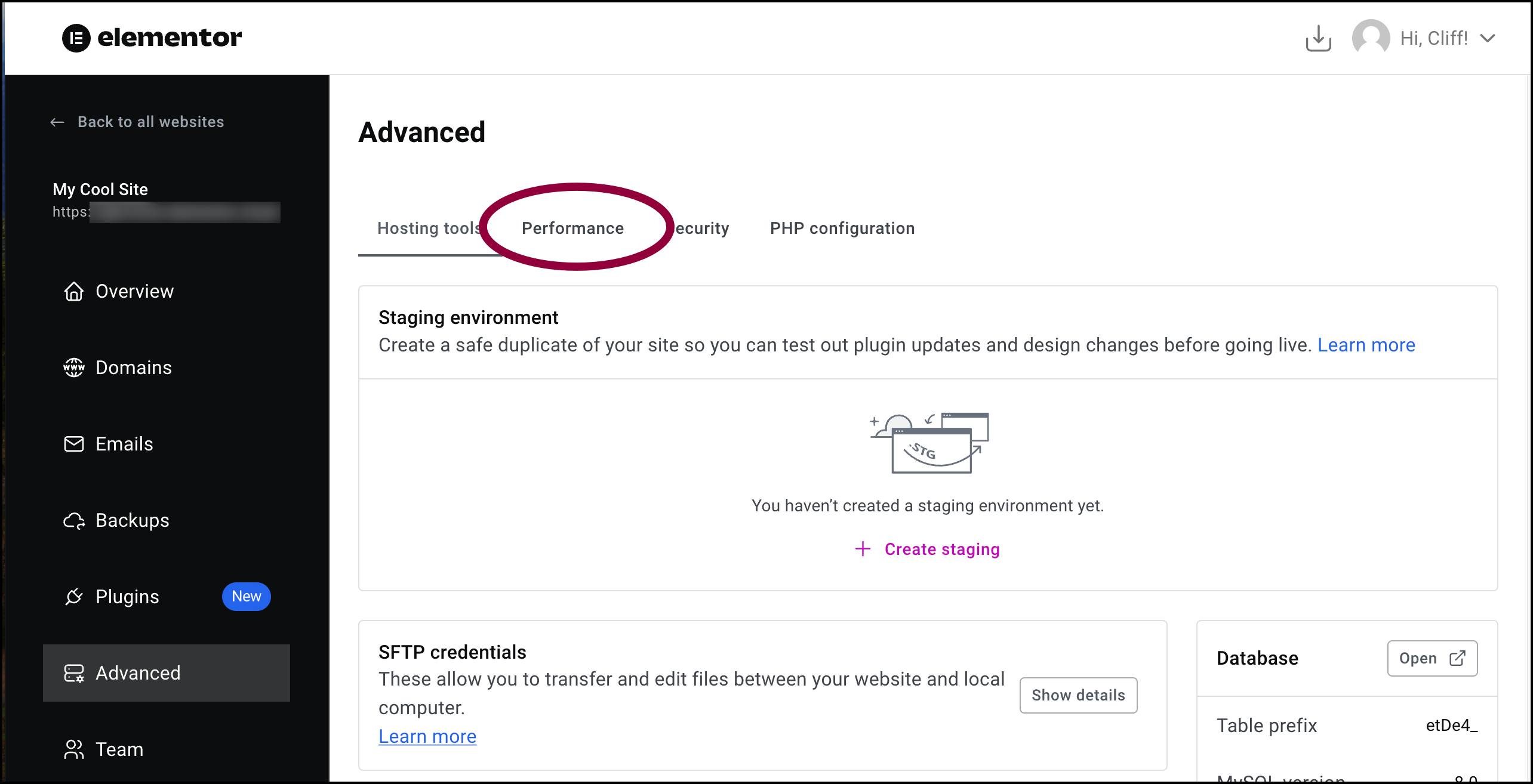
- Click the Performance tab.
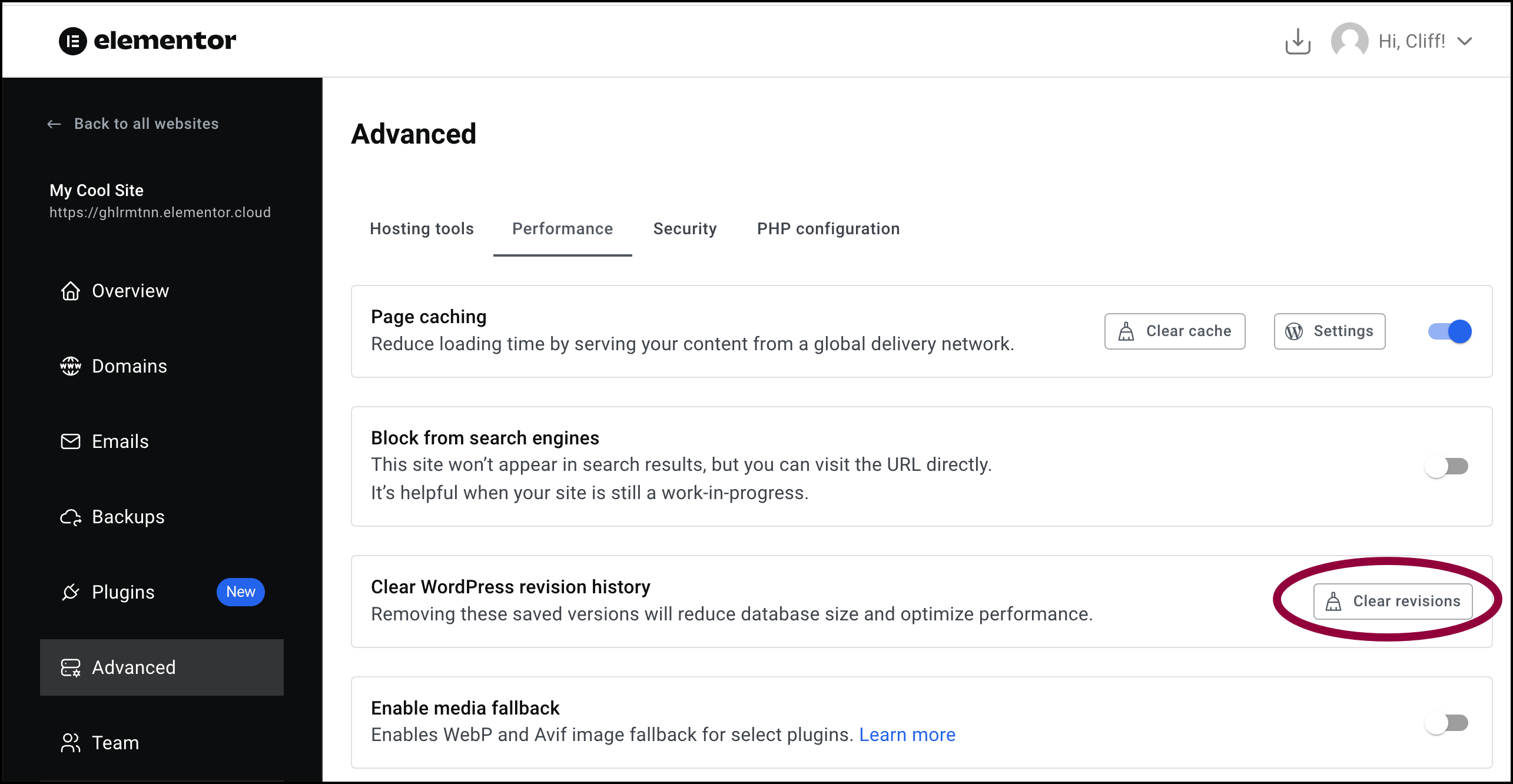
- Click Clear Revisions.
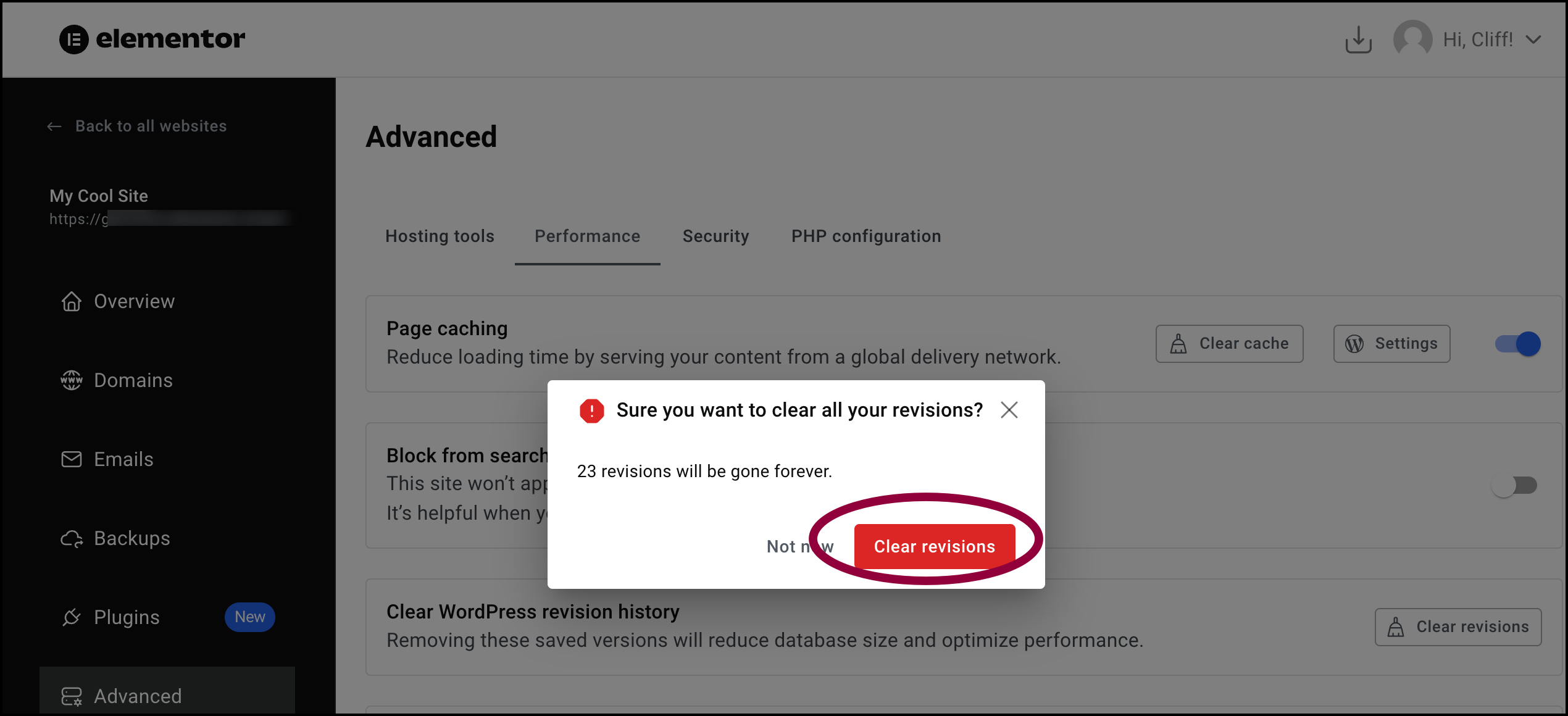
- In the window, click Clear revisions to confirm the deletion.
Page and post revisions are cleared.