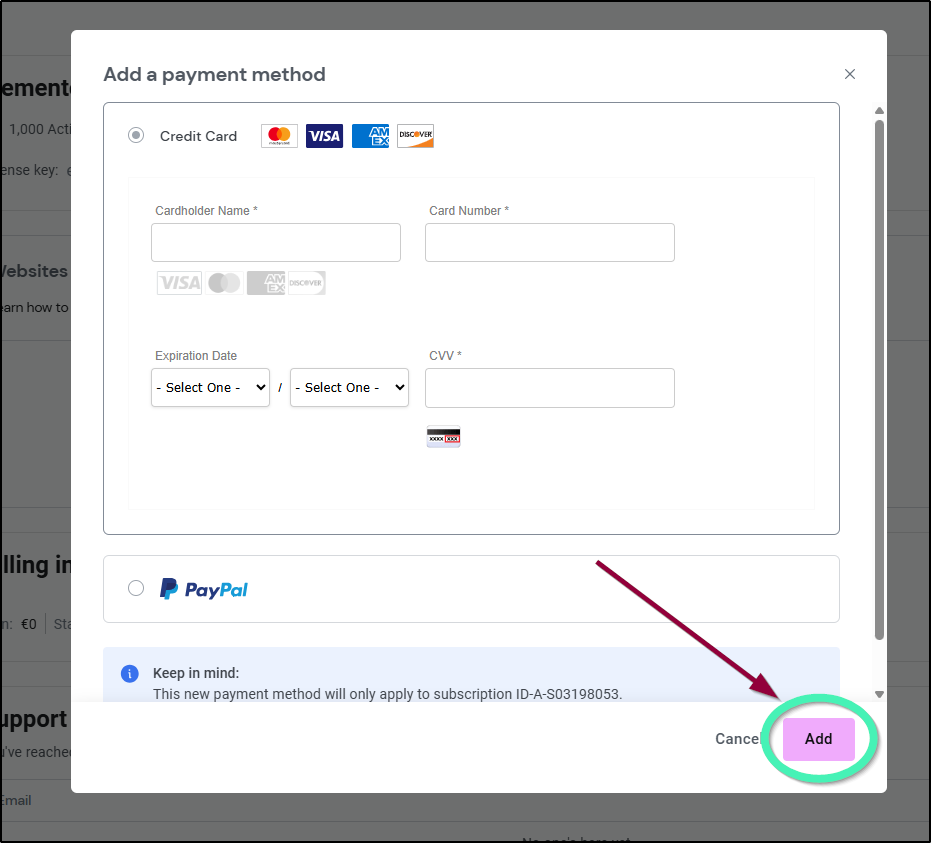
If you change your payment method, for example if you get a different credit card, it’s important to update your billing information to ensure your subscription does not run out.
You can add as many payment methods as you would like.
To add or update a payment method:
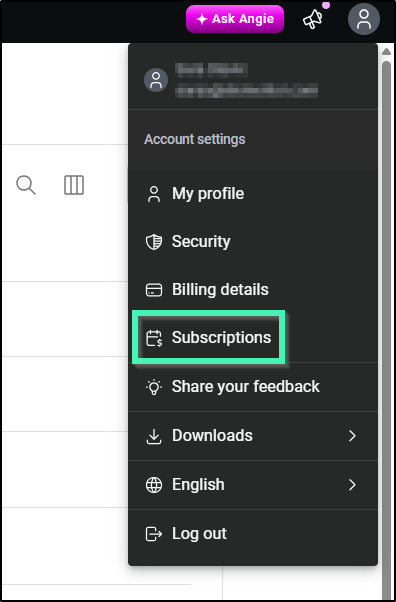
- From your My Elementor dashboard, click Subscriptions.
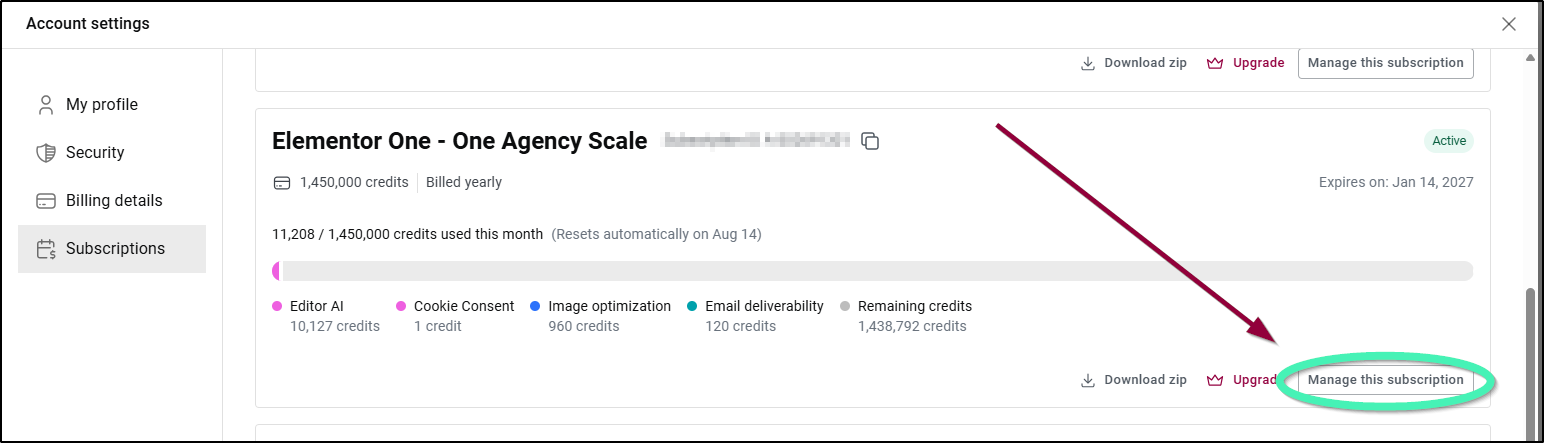
- Click Manage this subscription.
- Scroll down to the Billing Information section.

- Click Update payment method.
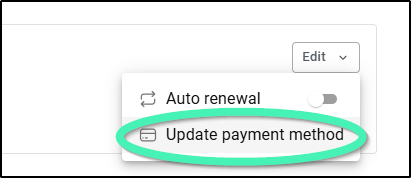
- Click Add a payment method
- Fill in your updated billing information and click Add.