At some point you may decide to delete your staging site – generally this is when you want to work on a clean version of your staging site.
To delete your site, follow these steps:
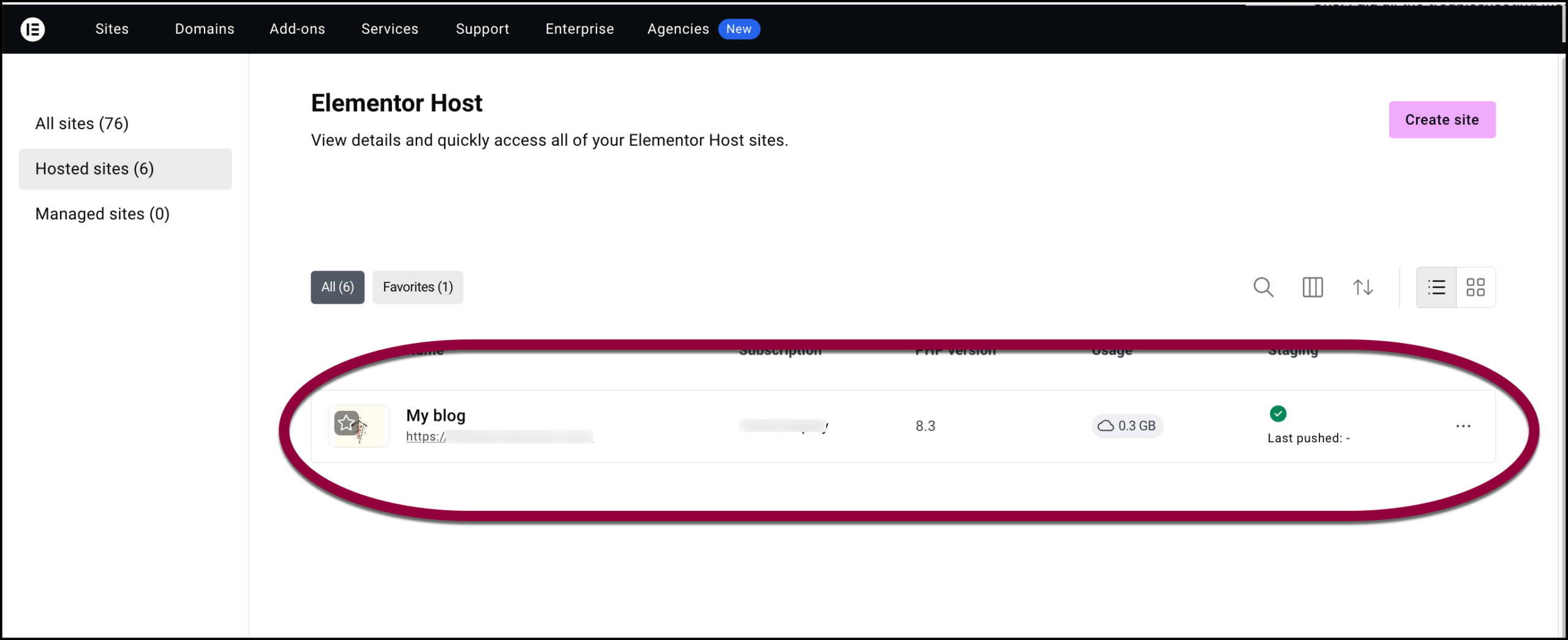
- Go to your My Elementor dashboard.
- Click the site associated with the staging site you want to delete.
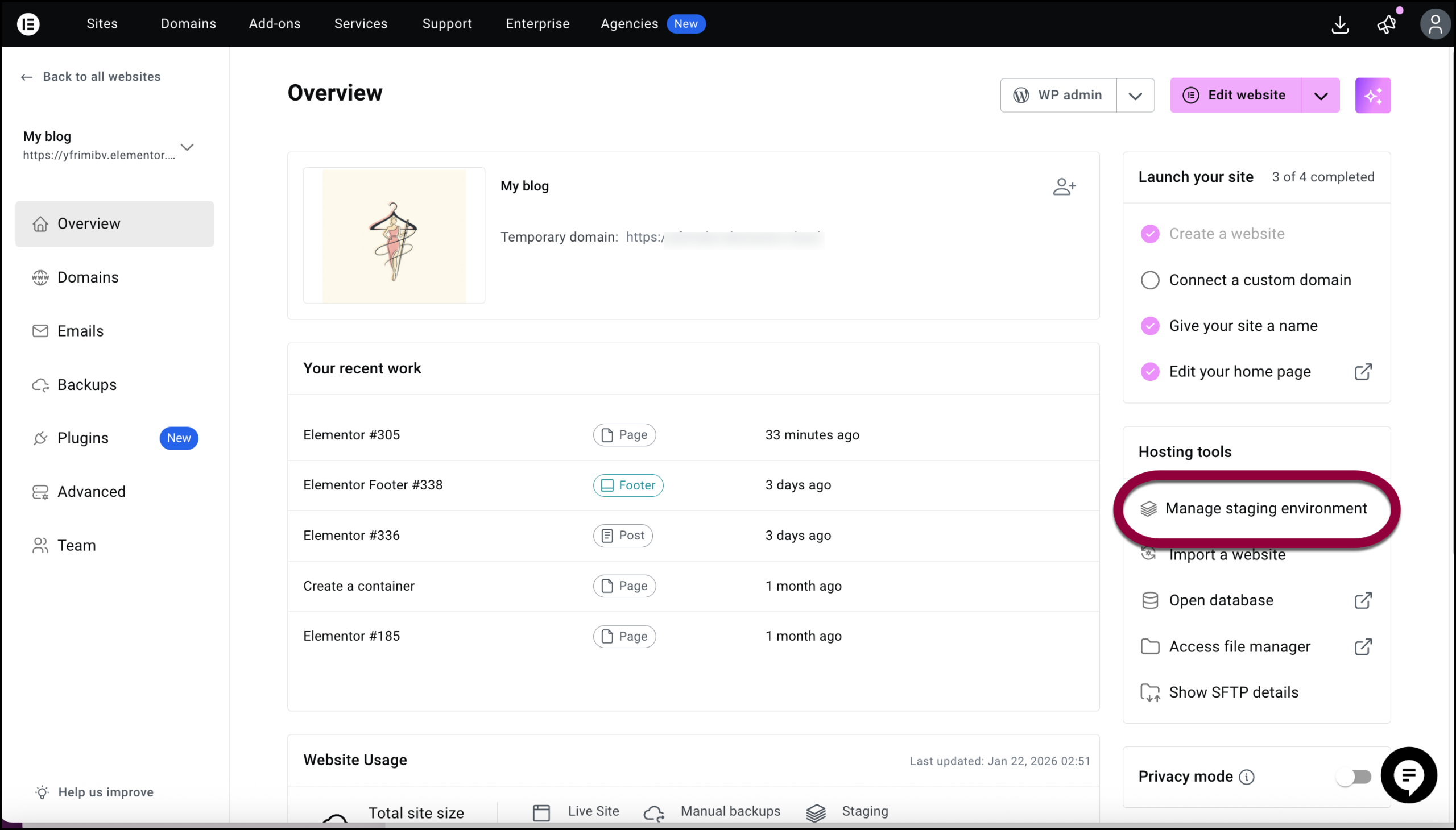
- In the right panel, click Manage Staging Environment.
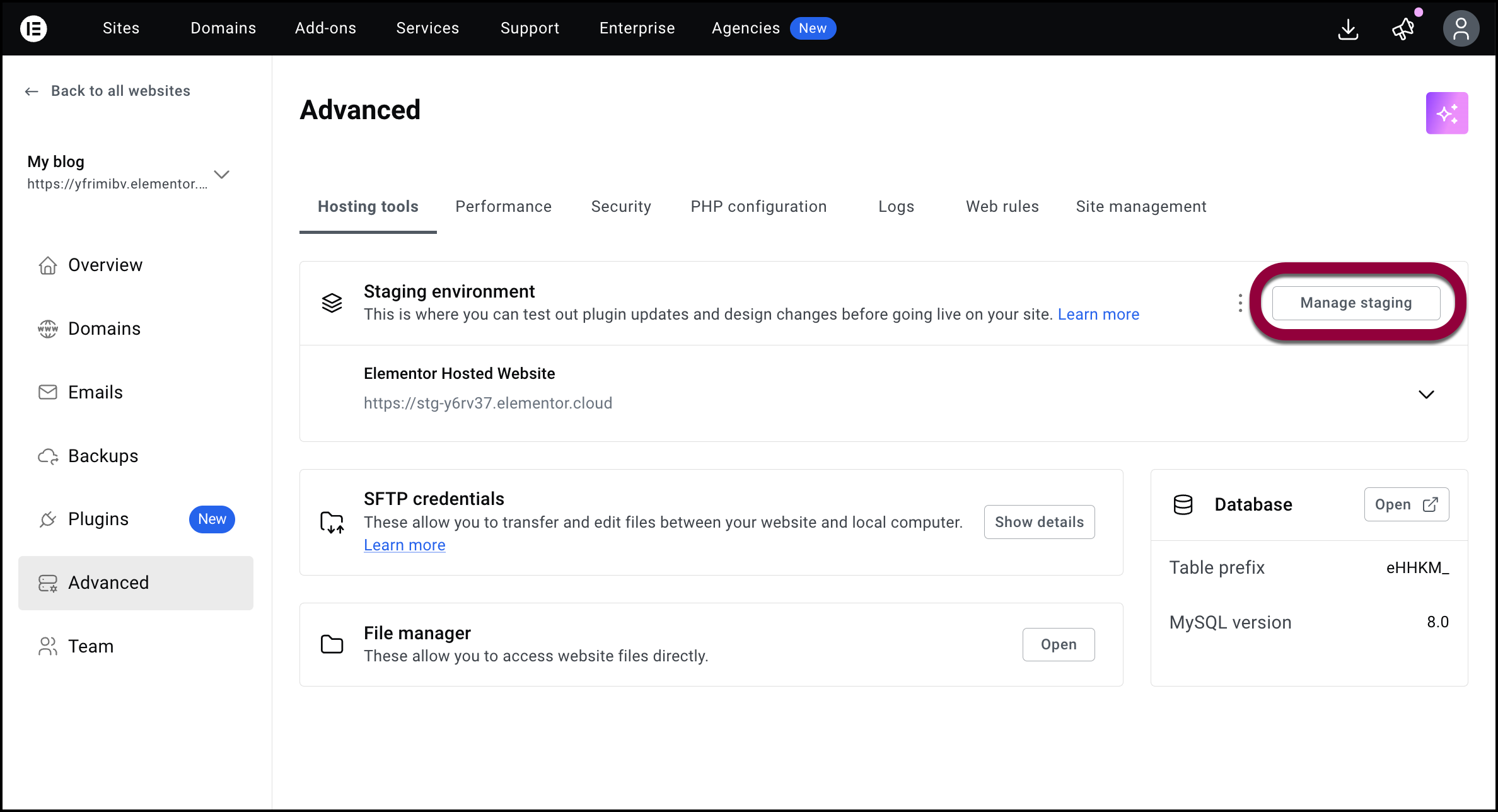
- Click Manage staging.
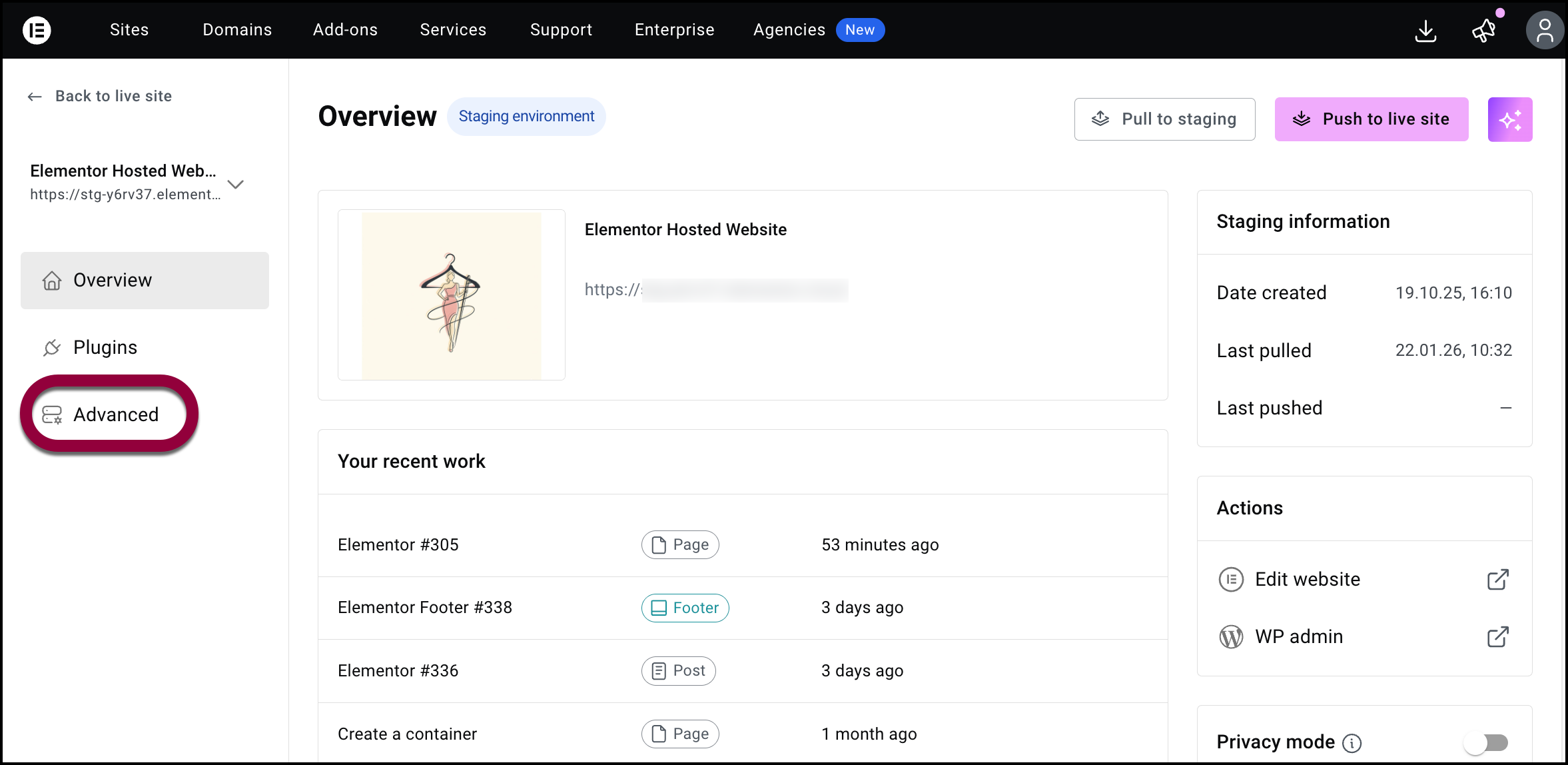
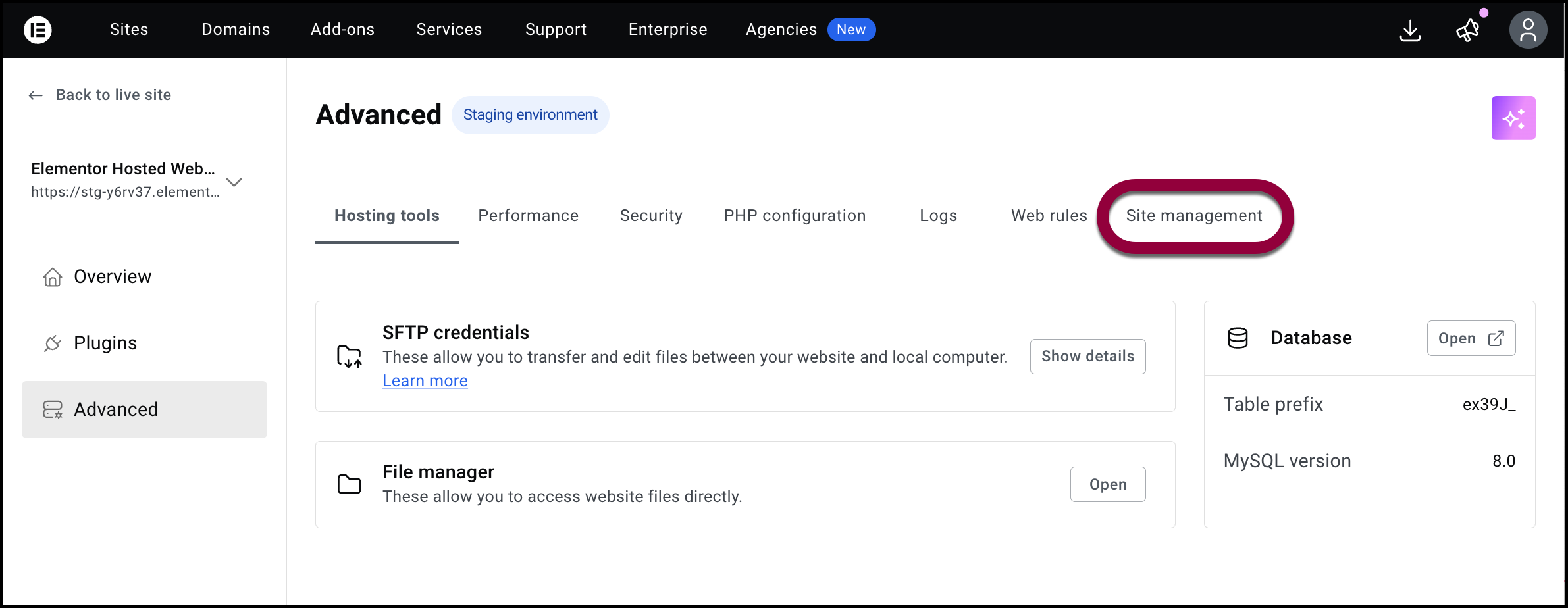
- In the left panel, click Advanced.
- Select Site Management tab.
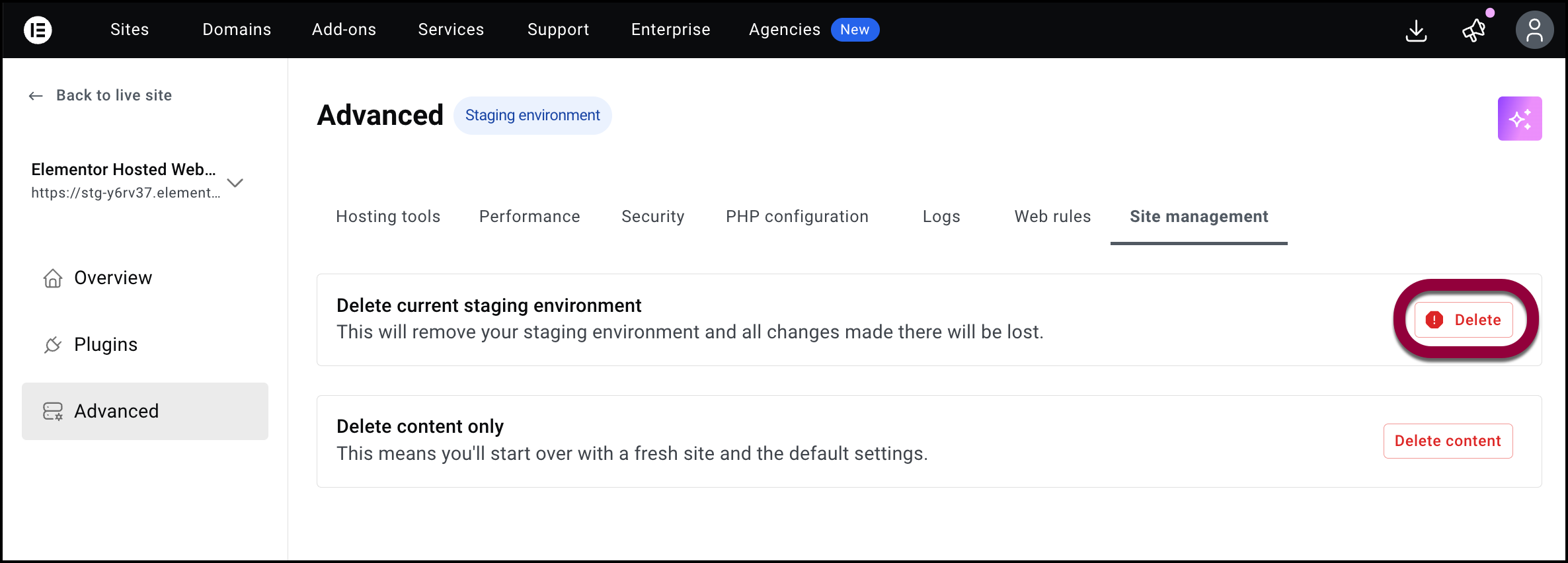
- Click Delete.
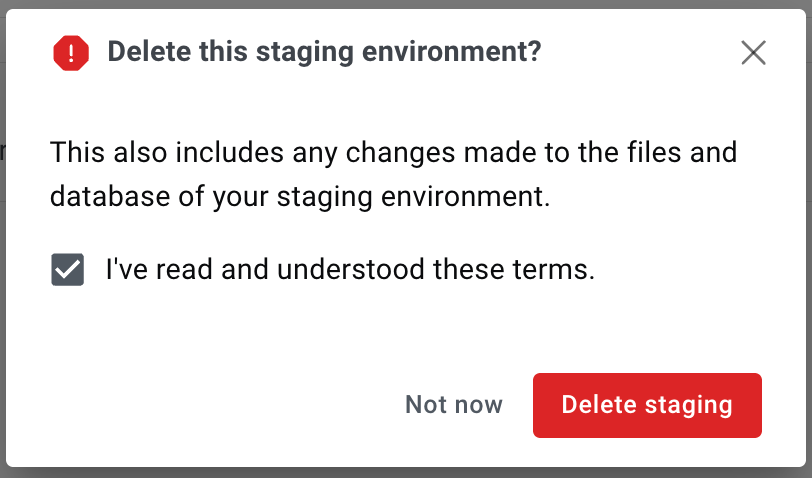
- Use the checkbox to acknowledge you are deleting the site and then confirm the deletion.
Related article
Create A Staging Site
Move A Staging Site To A Live Site
Access/edit A Staging Site