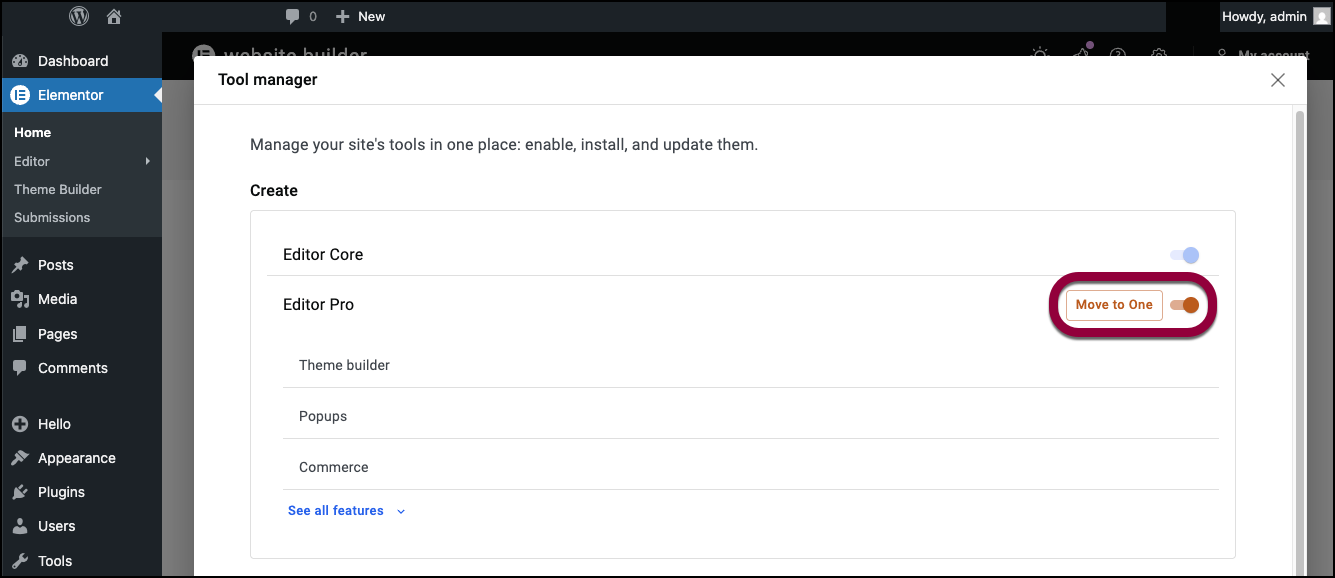
Elementor One offers a complete suite of tools to help you build, manage and optimize your site. This suite includes:
- The Elementor Pro editor and website builder
- The Ally website accessibility tool
- Image Optimizer
- Site Mailer, which manages email to and from your website
In order to upgrade from Elementor Pro to Elementor One:
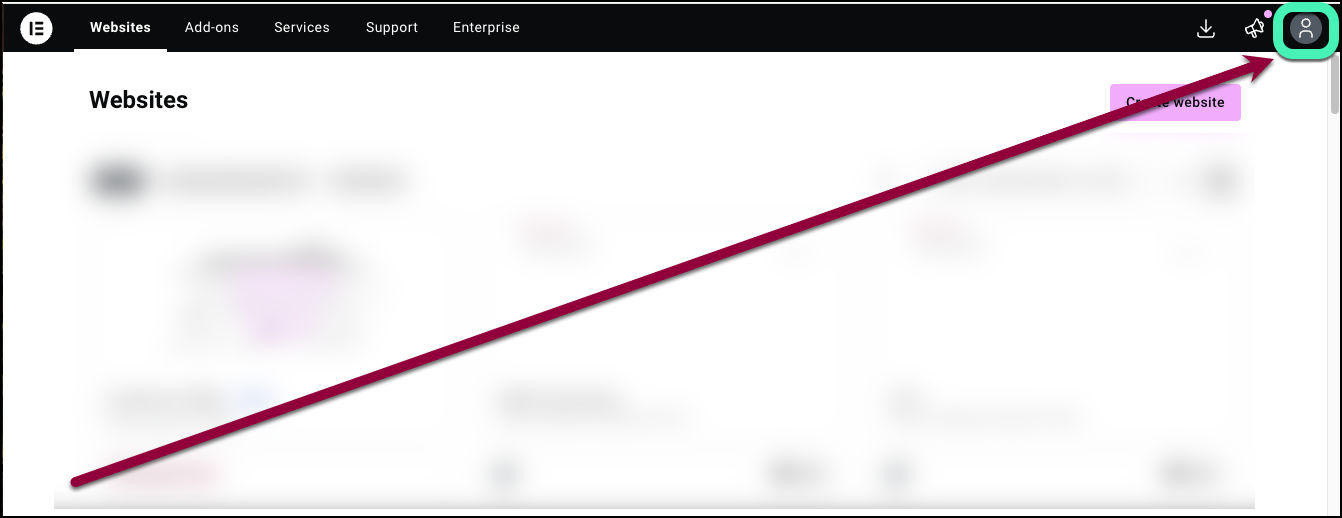
- Go to your My Elementor dashboard.
- Click the account icon.
- Select Subscriptions from the dropdown menu.
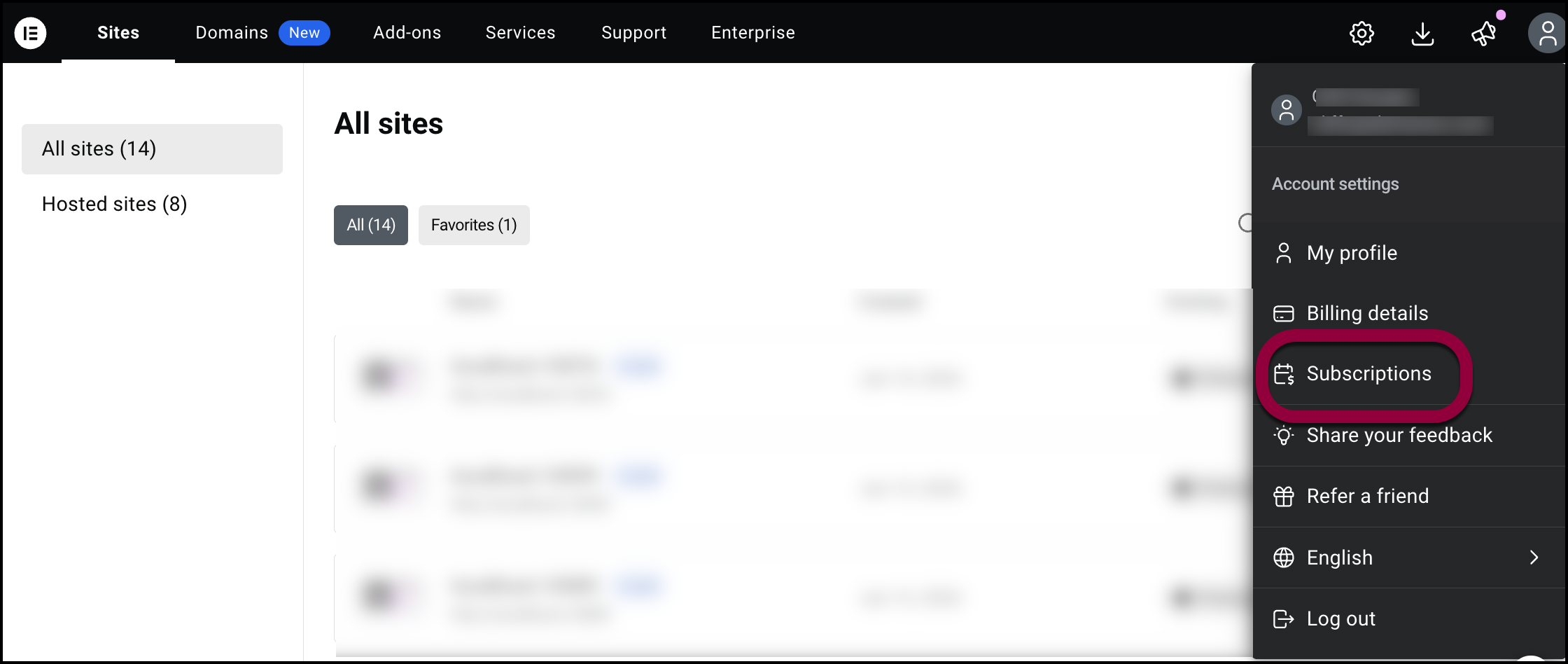
- Locate the subscription you want to upgrade and click Upgrade.

- Select a single site subscription or an Agency 1000 site subscription.
- Update either the Elementor Pro, Image Optimizer, Ally or Site mailer. For details, see Update WordPress and WordPress plugins.
- From WP Admin, navigate to Elementor.
- Click Activate it here.
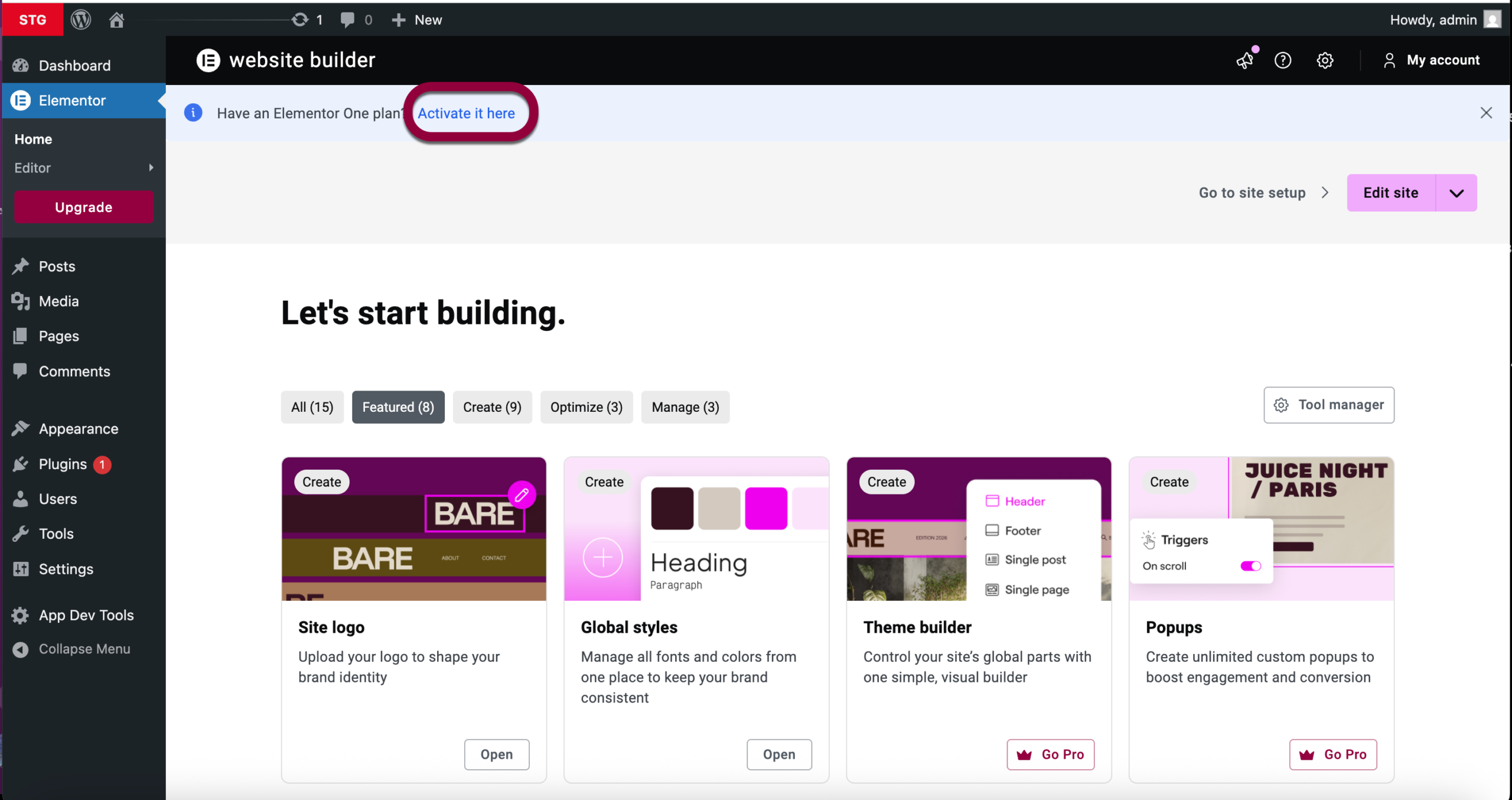
Now you’ll need to migrate your subscription to Elementor One. - From Elementor>Home, click Tool Manager.
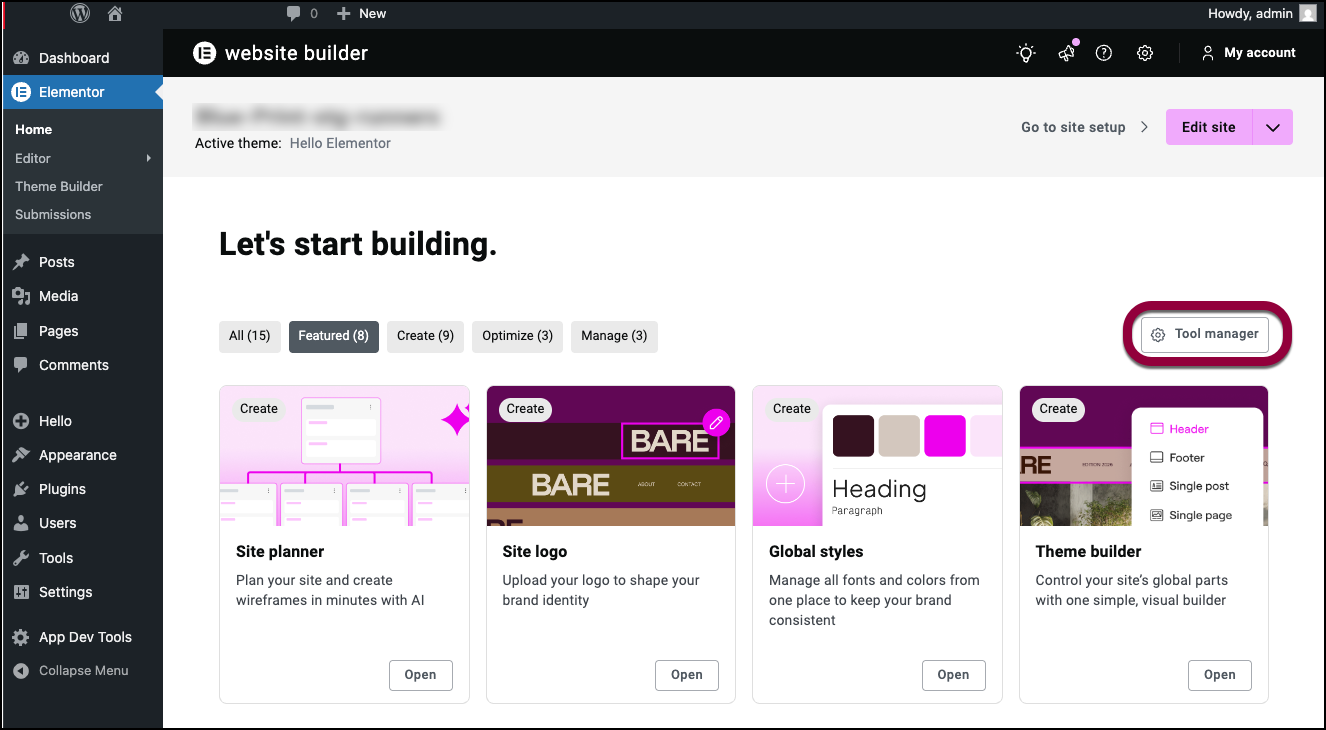
- Toggle Move to One on.