Elementor offers a full suite of website creation and maintenance products. You can use the My Elementor dashboard to see what product you’ve purchased for your site(s):
To see what products are associated with a site:
- Go to your My Elementor dashboard.
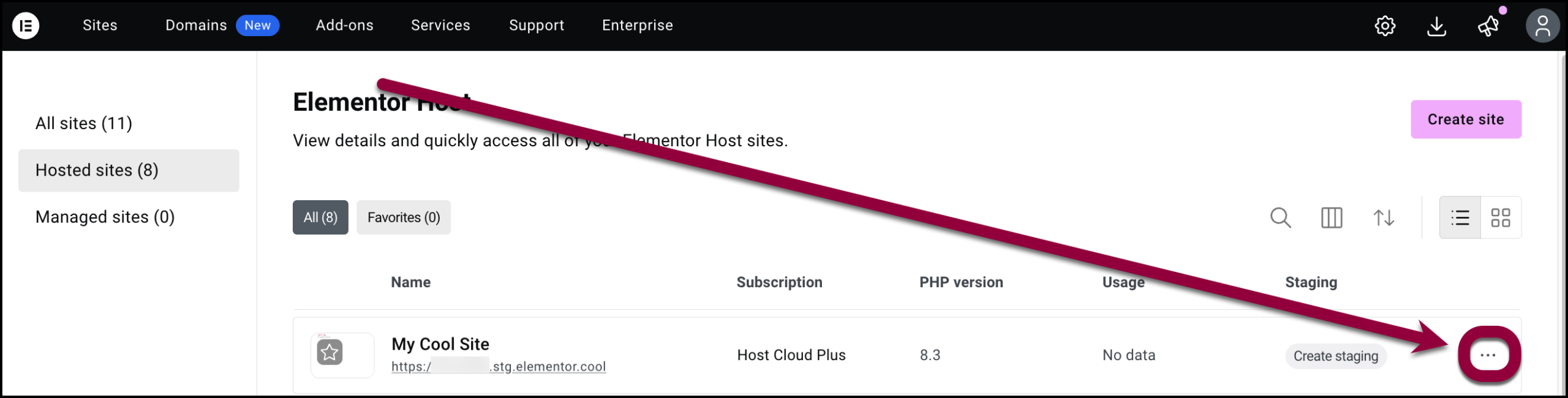
- Find the site your want to examine and click the ellipses on the right.
- Select View related subscriptions.
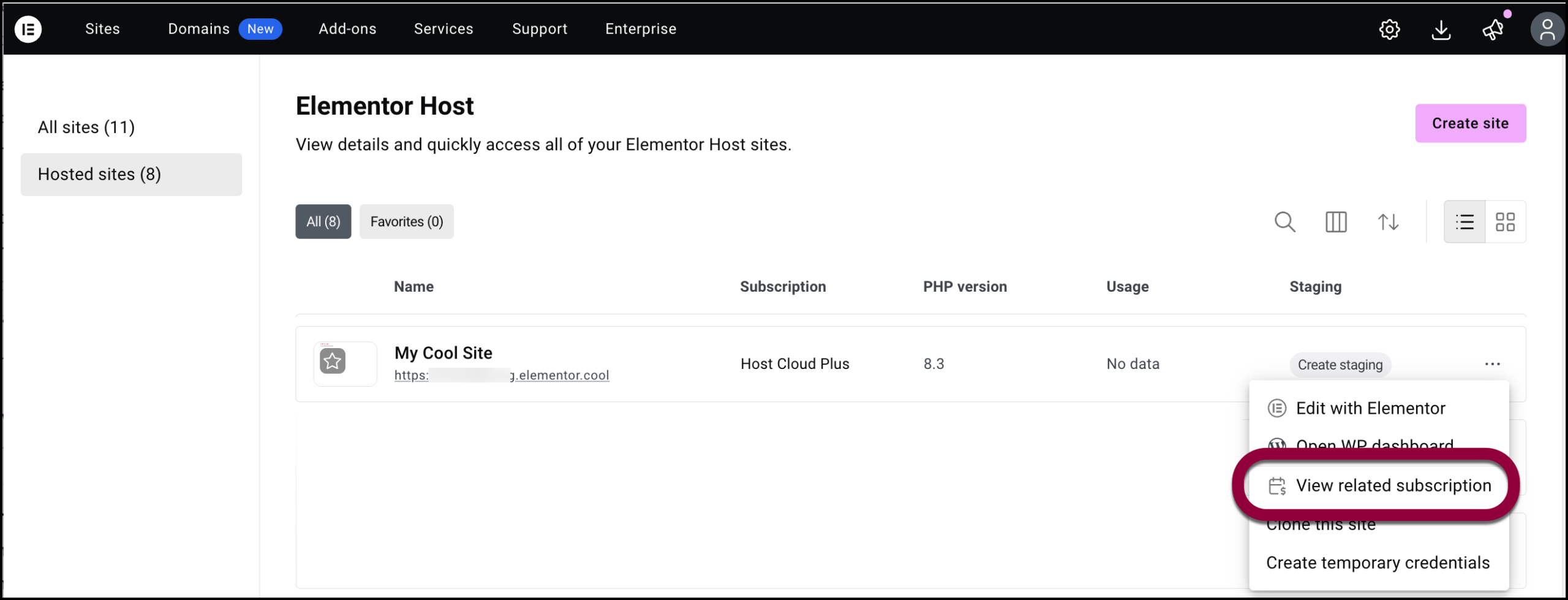
A list of Elementor apps associated with the site appears along with the subscription details.