Issue
Changes you make in the Editor do not show on the live site.
Possible cause
This can be due to caching issues.
Solution
Follow these steps:
- Log in to WP Admin.
- Go to Elementor > Tools
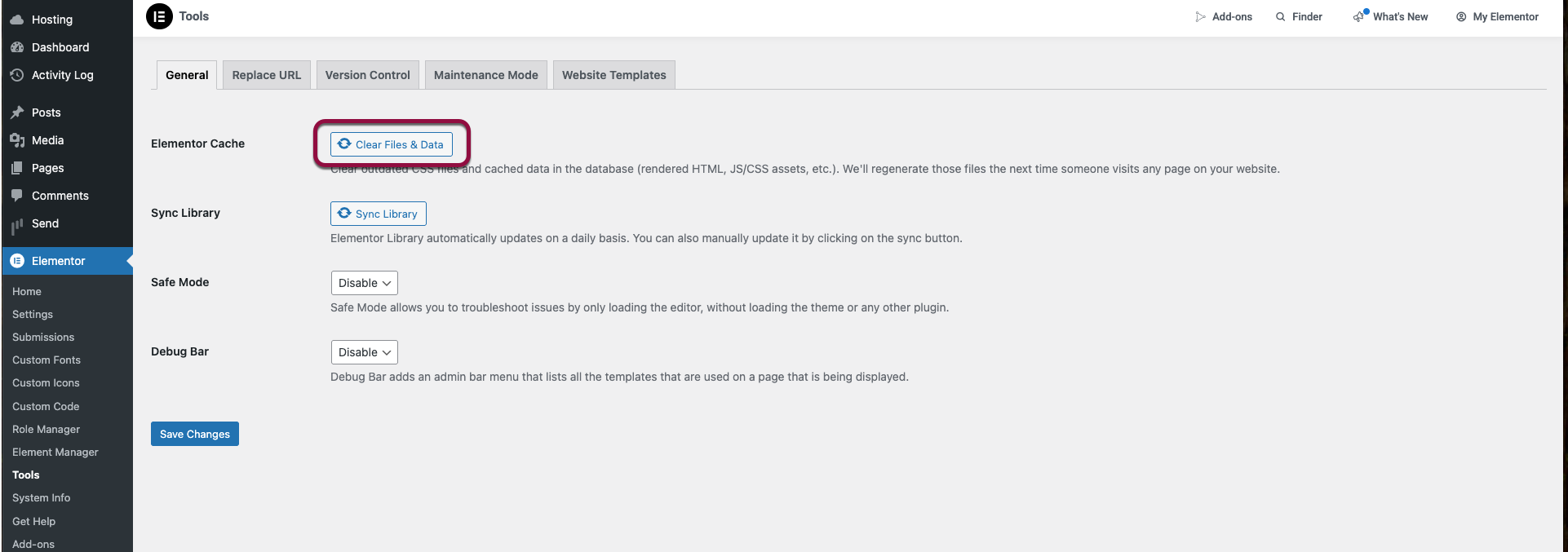
- Click Clear Files & Data. Make sure to click Save changes.
- Go to Pages.
- Edit any page. Note: You need to make some changes in order to enable the Update button.
- Click Update.
- Clear all cache, including the following:
- Server cache, if it exists.
- WordPress caching plugins, if you are using.
- Your own browser cache.
Note
You can also try checking in another browser, or in an incognito browser.