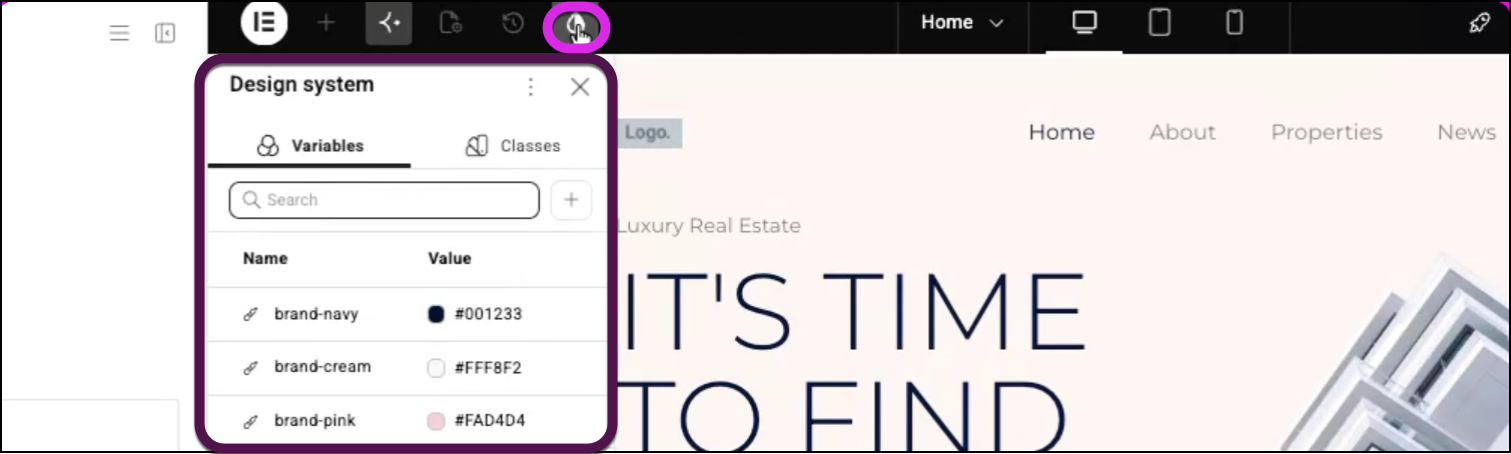
You can use Angie AI in Elementor to automatically generate reusable variables and classes from an existing website image. By pasting a screenshot into the Angie panel within Elementor, the AI analyzes the visual style, creates color and typography variables, and configures primary class tokens instantly.
To create the variables and classes:
- Copy an image of the page you want to base your design on.
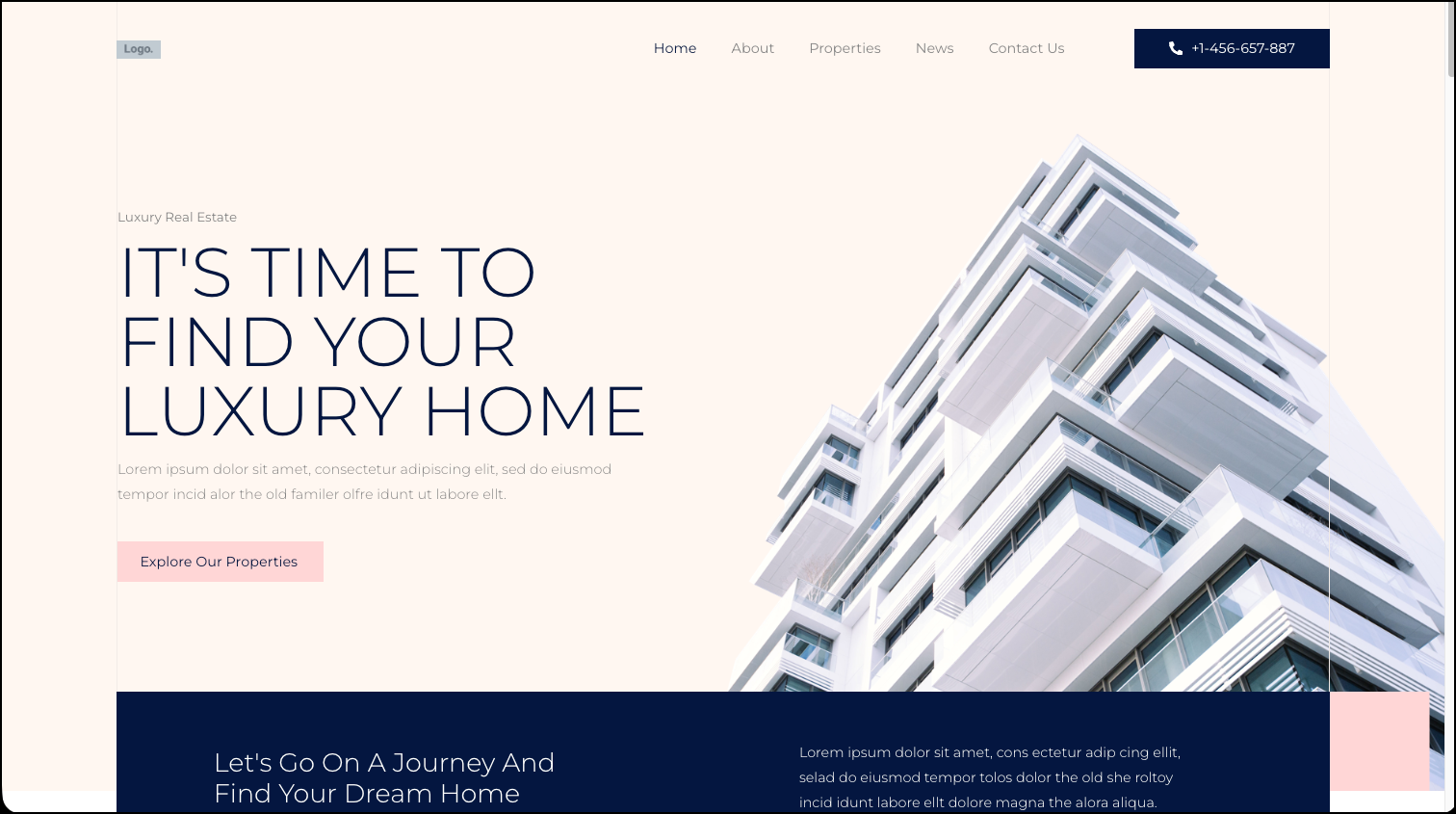
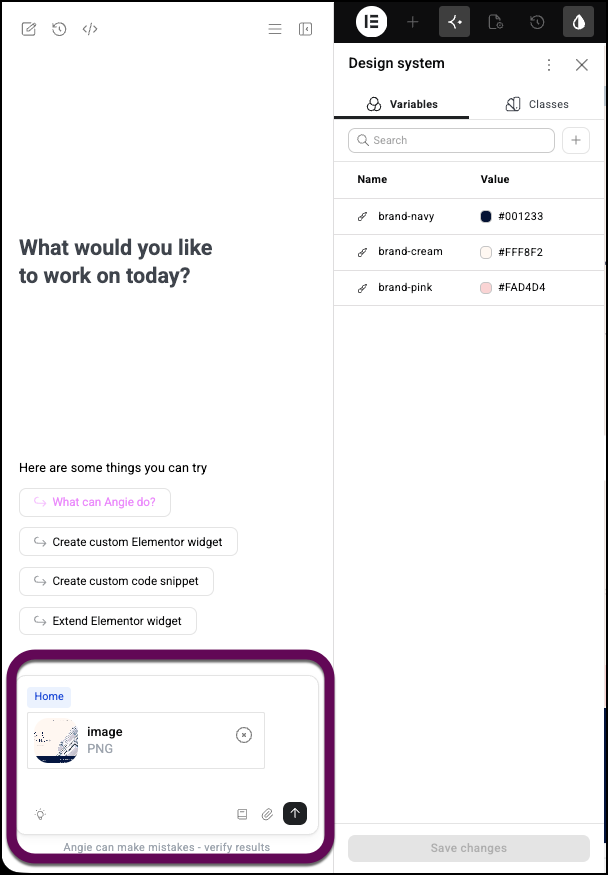
- Paste or upload the image to the Angie prompt box.
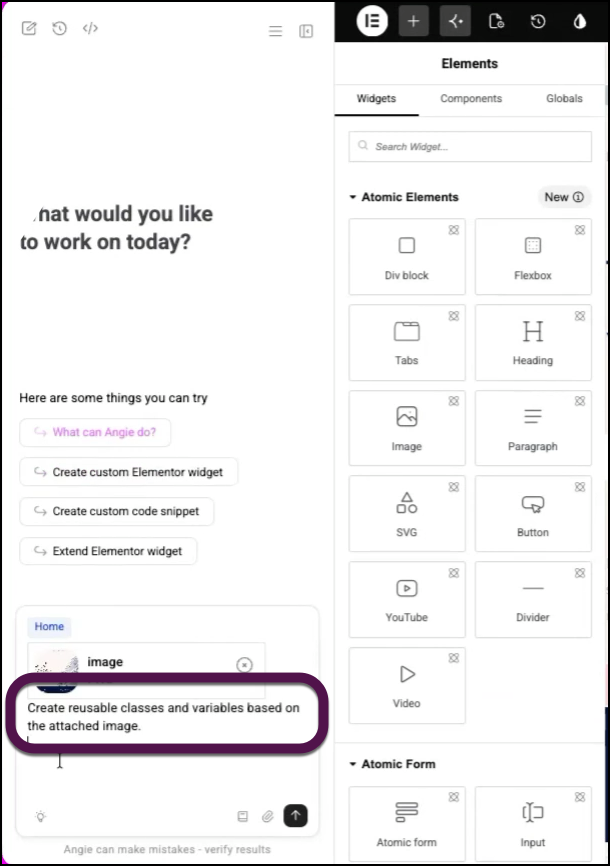
- Enter a prompt such as Create reusable classes and variables based on the attached image.
- Angie creates the variables and classes.
Open the Design System to see the variables and classes.