Alt captions, also known as alt text, are brief descriptions of images used on web pages. They are crucial for web accessibility, allowing visually impaired users who rely on screen readers to understand the content of images. Furthermore, alt captions improve SEO by providing search engines with additional context about the image, which can help with indexing and ranking
Angie can help generate alt captions quickly and efficiently, saving you hours of tedious work.
To add alt captions:
In this example, we will assume you have a media library with several images.
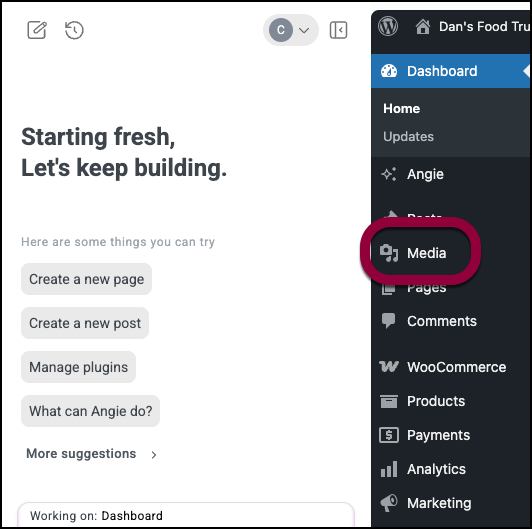
- Go to WP Admin and navigate to Media>Library.
- In the Angie panel, enter the prompt:
Add alt captions to all the images.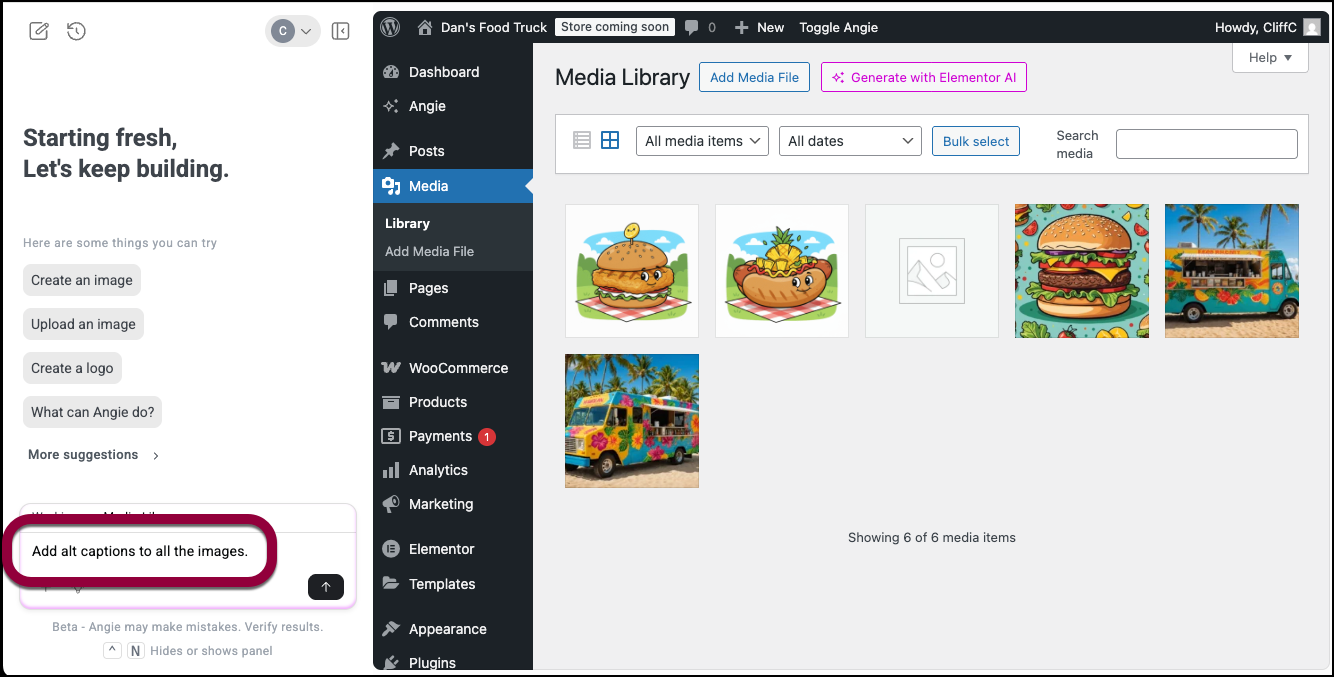
Angie adds alt text to your images.
.