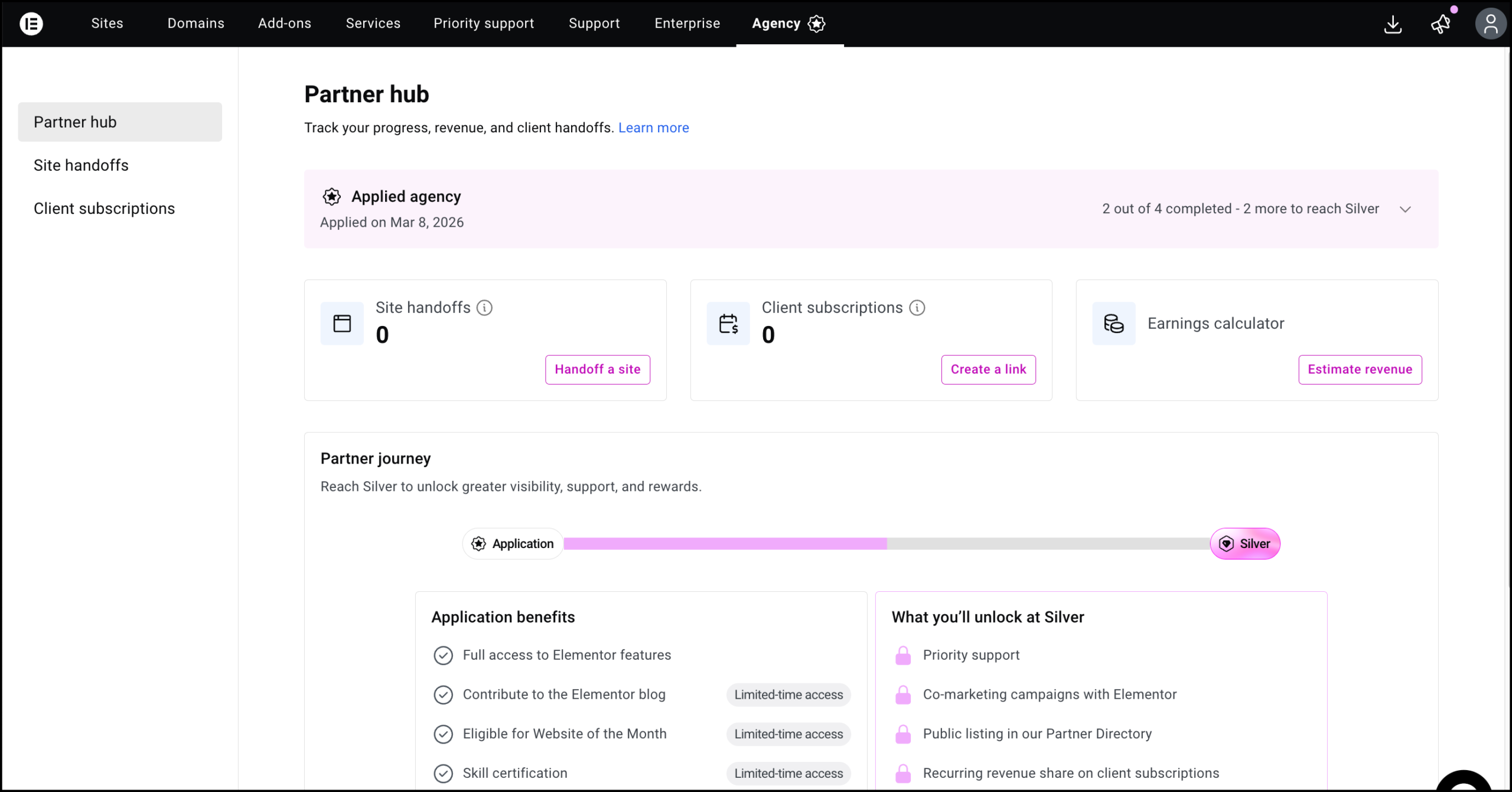
To become an Elementor Partner, you must submit an application through the My Elementor dashboard. Navigate to the Agencies tab, enter your contact information, and click the Apply Now button. As soon as your information is logged in, you will receive the status of Applicant.
To apply for Partner status:
- Go to your My Elementor dashboard.
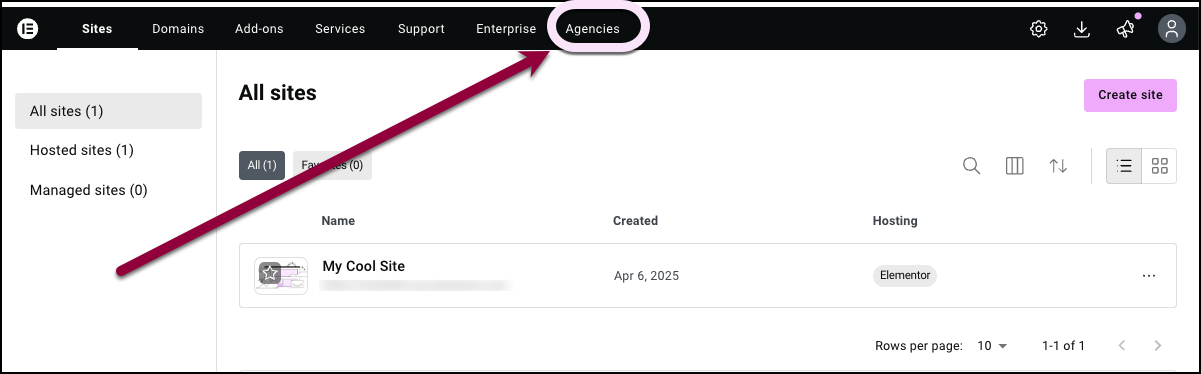
- In the top panel, click Agencies.
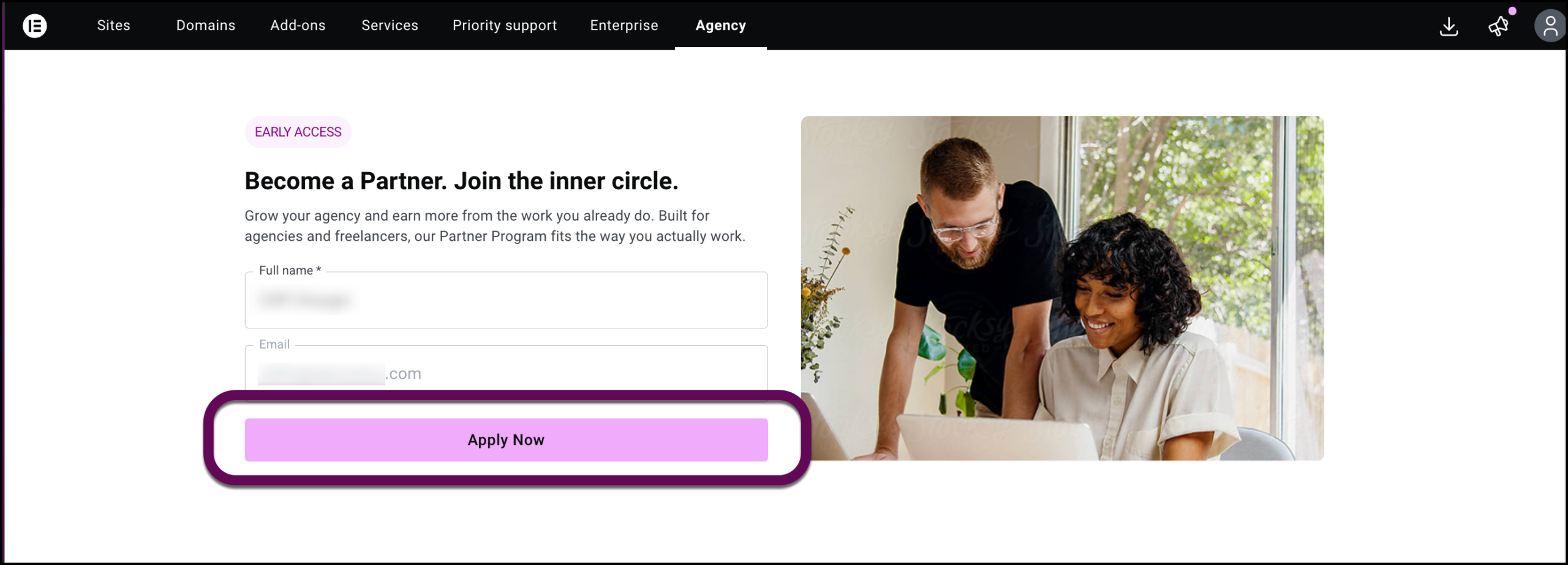
- Fill in your name and email and click Apply Now.
- Fill out a few questions about your agency and submit them to Elementor.
After submitting this information, you will receive the status of Applicant.
You can now access the Partner dashboard.