
How to Create Outstanding Popups in WordPress Using Elementor
Learn how to use Elementor Popup Builder to design and target popups in WordPress like never before.
Learn how to use Elementor Popup Builder to design and target popups in WordPress like never before.
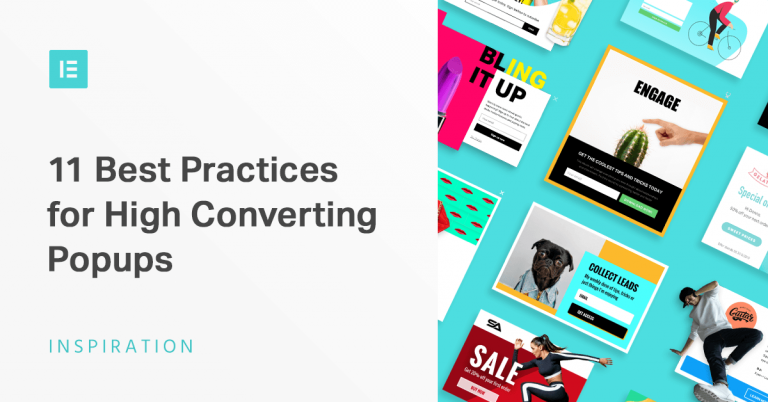
In this article, we’ll show you essential popup practices that will help you get subscribers, sales and make your marketing measures more effective.
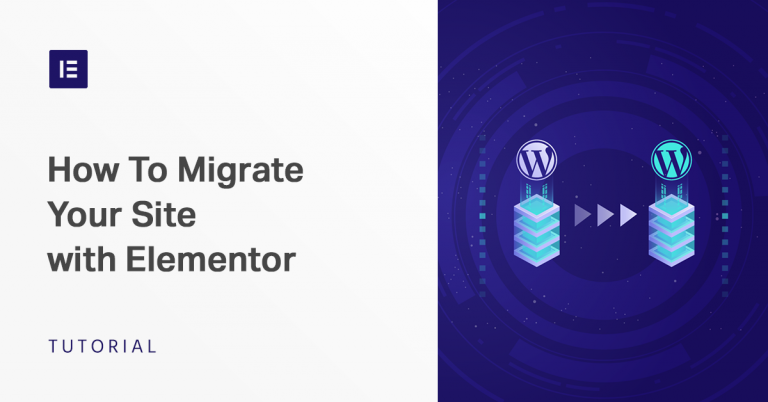
Need to change hosts? moving your site to a live server? In this post, we’ll show you how to migrate WordPress and your Elementor content to a new host and/or a new domain name, step by step.
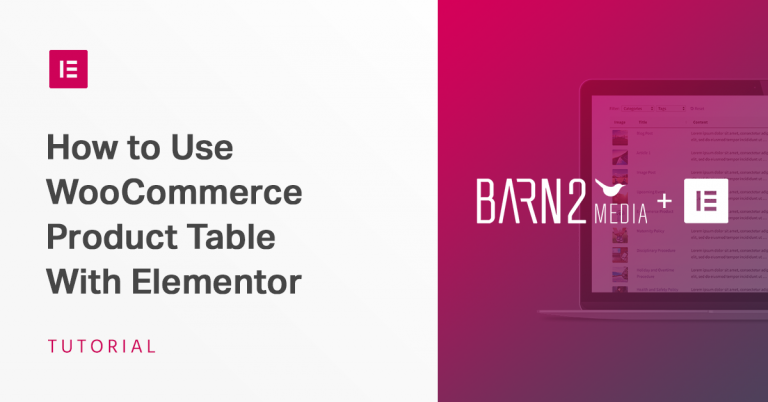
In this post, we’ll show you how to use Elementor and WC Product Table together to achieve better-customized WordPress site, and increase your WooCommerce store’s sales.

Here are our top picks of Elementor sites for December 2018. Check them out!

So long expensive bulky marketing tools! Grab the new Evergreen Countdown, Star Rating, Reviews and Sitemap, 4 different widgets to supercharge your marketing workflow.
In this article, we’ll give you a brief overview of what TranslatePress does, and show you how to use it with Elementor to translate your site’s pages directly from the front-end.

In this comprehensive tutorial, we’ll show you how to use WordPress and Elementor to create your website and walk you through the entire process step by step.
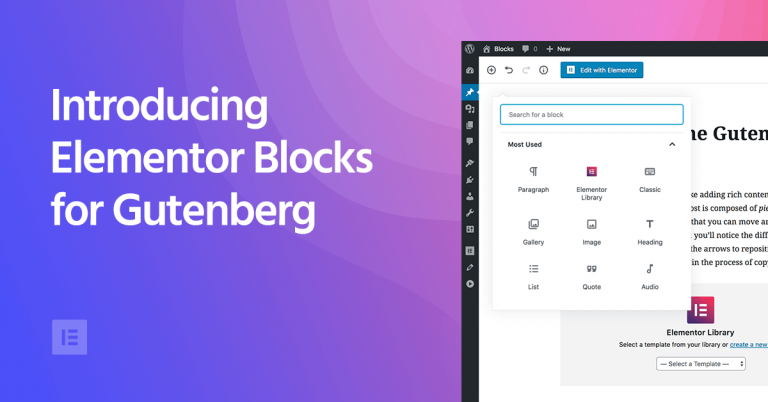
Wondering how Elementor and Gutenberg will work together? Easily add Elementor templates as Gutenberg blocks using this standalone plugin.

In this tutorial, we’ll walk you through setting up a custom search with multiple advanced features.

Learn how to visually customize your WooCommerce product pages using Elementor.

In this article, we provide you an in-depth review of three of the most popular custom post types plugins.

In this step-by-step guide, you will learn how to create a mind-blowing sticky scrolling effect with Elementor.

Learn what a custom post type is, when you need to use it, and how you can create dynamic pages using Elementor, CPT plugins and WordPress.

To make a strong visual impact on visitors, designers need to select not only the right images but also to spice them up with the right visual effects. This article explores creative ways to apply Filter effects and blend modes.
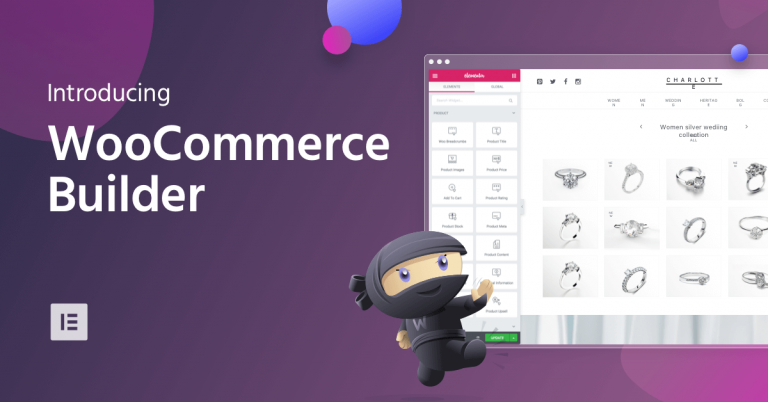
Elementor introduces WooCommerce Builder – a new streamlined way to build online stores visually and more efficiently.

Never lose an opportunity to get more contacts for your marketing campaigns and increase your conversion rates with our selection of the top WordPress contact form plugins.
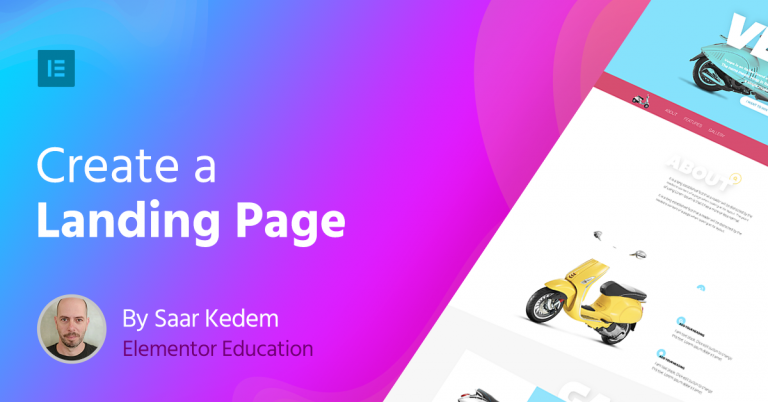
In this guide, we’ll go over how to build and design a landing page in WordPress, using Elementor. We will cover the essential steps and guidelines you need to follow to create an effective design.

In this post, we go over several examples of Call-To-Action boxes that appear throughout Elementor’s templates.
Elementor Theme Builder allows you to design your own single post template from scratch, no coding skills needed! In this tutorial, we will show exactly how to do it, so you can design your own beautiful blog posts.

Elementor now offers never-before-seen flexibility to visually design the header & footer areas, including Sticky Header, 25+ brand-new stunning header-footer blocks and full compatibility to virtually any WordPress theme.
We just released Elementor Pro 2.0, the most advanced page builder ever created, with out-of-the-box theme builder capabilities. Check out what it’s going to do for you.
Take a look at the new resource center for Elementor developers, which comes included with complete code reference, as well as tutorials explaining how to develop your own extensions for Elementor.

In this interview, marketing specialist Jacobo G. Polavieja shares the ways in which Elementor has made an impact on his online marketing business workflow.