What Is E-commerce? Definition, Types, History, and Examples
E-commerce (electronic commerce) is the
E-commerce (electronic commerce) is the
Launching a successful website is
a landing page is much
When creating or updating your website, selecting the right website builder is essential. Beaver Builder has been a reliable tool for WordPress users, known for its ease of use and solid performance. However, the digital landscape is always evolving, with new tools and features emerging constantly. Your needs may change as well – you might outgrow Beaver Builder’s capabilities or require more advanced options such as AI features, integrated hosting, or specialized tools.
Building a great website often starts with choosing the right tools. For many WordPress users, specialized plugins have revolutionized the design process. They make it possible to create complex, professional-looking sites without touching code. SeedProd, for example, has carved out a niche. It’s particularly known for helping users quickly create landing pages, coming soon pages, and maintenance modes. People often praise its user-friendly interface and focus on conversion elements.
SiteOrigin’s Page Builder gave many WordPress users their first taste of drag-and-drop design. It offered a free, relatively simple way to build layouts beyond the classic editor. However, web development moves incredibly fast. As we look at 2026, user needs, design trends, and the technology itself have leaped forward.
Hey there! So, you’re looking into website builders and maybe checked out Droip Builder. It’s one tool among many designed to get websites online. But perhaps you’re thinking, “What else is out there?” You may need different tools, more design power, or a platform that can grow with your vision. It’s smart to look around.
Finding the right website builder is key to your online success. Many people start with popular choices like Divi. Divi is known for its visual building experience inside WordPress. But, as your needs change or new tools pop up, looking at alternatives makes sense. Maybe you need different features, faster speed, specific AI tools, or a platform that grows differently. Luckily, the market has strong options.
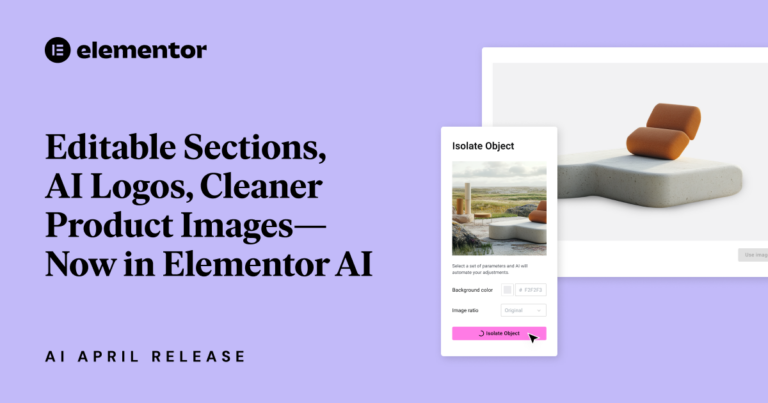
Instant AI logo generation, curated wireframe sections, and smarter image tools – Elementor’s latest updates are built to keep your creative momentum going. With fewer edits and faster approvals, you’ll spend less time tweaking and more time delivering. This release brings fresh features designed to spark ideas and streamline customizations right when you need them most.
Are you thinking about selling items on eBay but worried about the fees? Many people find eBay’s fee structure confusing. It can feel like there are hidden costs that might eat into your profits. But don’t worry! This guide will help you understand all the fees you might face when selling on eBay.
The internet has changed how businesses advertise. Gone are the days when billboards and newspaper ads were enough. Now, companies, big and small, are moving online to reach more customers. But this shift brings both good and bad points.

the Nameserver. Nameservers are important parts of the internet that most people don’t know about. They help connect the website names we type (like www.example.com) to the number codes that computers use to talk to each other.
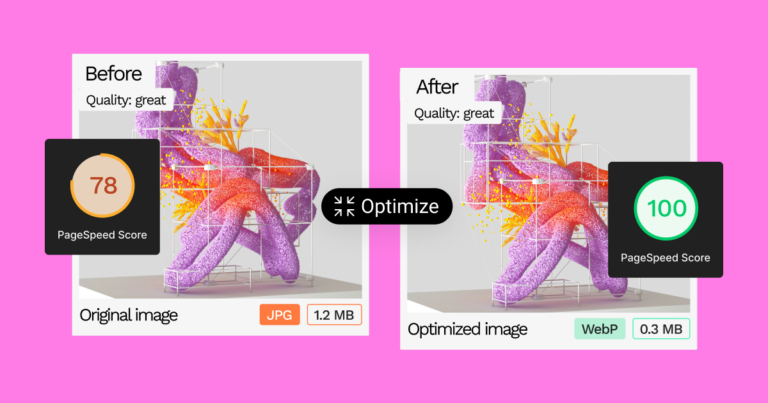
Many people wonder if JPG and JPEG are different. The short answer is that they’re the same thing. Both terms refer to images created by the Joint Photographic Experts Group. Whether you see a file ending in .jpg or .jpeg, it’s the same type of image.
Instagram is a top visual platform today, with over 2 billion monthly active users. It’s a great place for businesses and individuals to share their stories. But there’s a problem: it’s getting harder to get your posts noticed. The good news? Hashtags can help.
E-commerce fulfillment – it’s the backbone of any successful online store. It’s that magical process that gets your awesome products into the hands of your eager customers. But here’s the thing: it’s not just about shipping a box. E-commerce fulfillment is a complex dance of inventory management, order processing, lightning-fast shipping, and even handling those pesky returns.
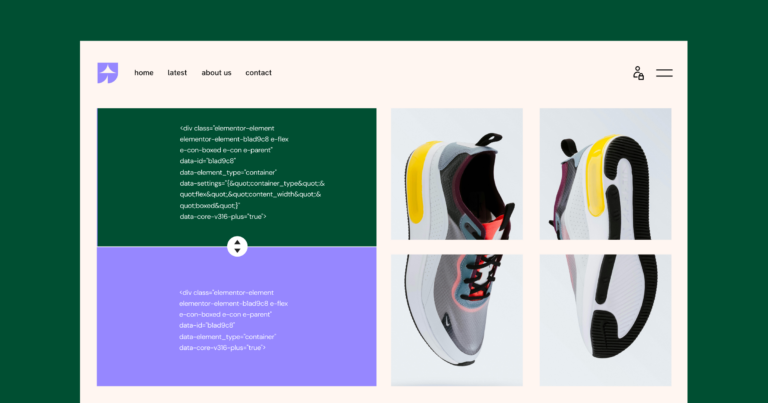
Building a website has always been challenging. Gone are the days when creating an online presence required extensive coding knowledge or hiring a web developer. The advent of no code website builders has revolutionized the landscape, empowering individuals and businesses of all sizes to craft beautiful, functional websites without writing a single line of code.
Have you ever clicked on a link and been excited to visit a new website, only to see an error message saying “ERR_TOO_MANY_REDIRECTS”? It’s frustrating, right? This error, also known as a redirect loop, means there’s a problem with how the website is set up. It’s like being stuck in a maze, always moving but never reaching the end.
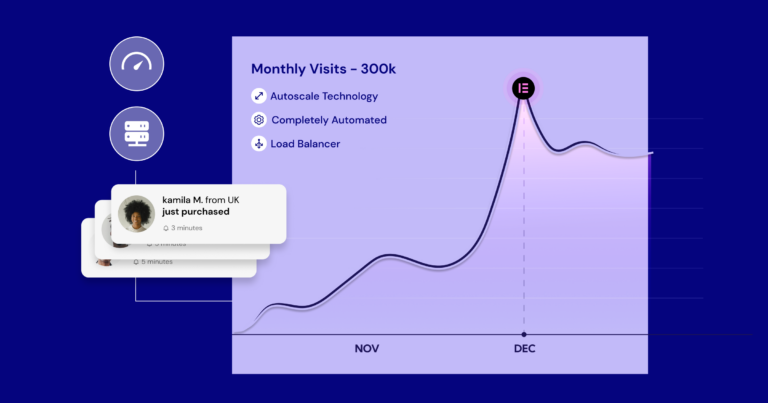
Have you ever dreamed of turning your passion for travel into a fulfilling career? The prospect of sharing your adventures, inspiring others, and even earning income while exploring the world is incredibly tempting. But where do you even begin? The world of travel blogging is a complex landscape of website design, content creation, social media marketing, and monetization strategies.
WordPress is a versatile and widely used content management system (CMS). It powers 42.7% of all websites on the Internet. Key features of WordPress include a user-friendly interface, a vast library of plugins, and extensive customization options.
Have you ever dreamed of being your own boss? Of turning your passions into profit? Of building something from the ground up and watching it thrive? The entrepreneurial journey is a siren song, promising freedom, impact, and the potential for life-changing financial rewards.
You might be targeting a plethora of search terms without a clear structure, leading to keyword cannibalization where your own pages compete against each other, ultimately diluting your website’s authority.
Ready to unleash your ideas onto the world but feeling paralyzed by the choice between WordPress and Blogger? You’re not alone. Choosing the right platform is crucial as it can significantly impact your website’s future growth, design flexibility, and even your ability to make money online. The wrong decision might leave you stuck with limited features, a bland design, or missed opportunities.
Standing out is the name of the game. You’ve likely spent countless hours crafting the perfect layout, choosing the ideal color palette, and curating stunning visuals. But have you considered the power of your typography?
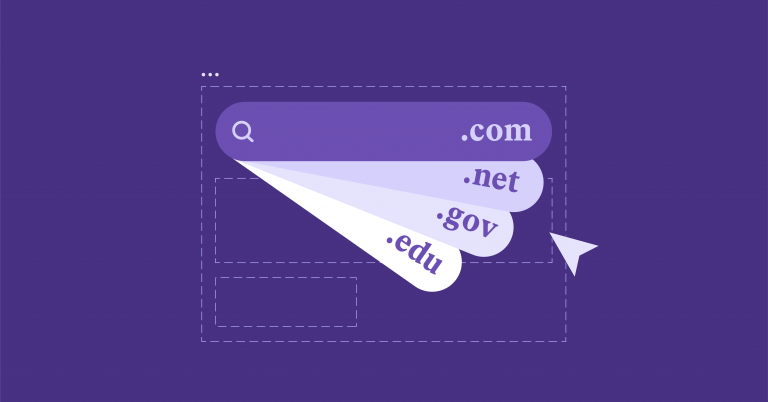
Choosing the right domain name for your website is like picking the perfect storefront for your business. It’s your digital address, your first impression, and a key factor in your online success. With the vast and ever-expanding digital landscape, finding an available and memorable .com domain can feel like searching for a needle in a haystack. Not only that, but other domain extensions can be confusing and need more recognition to build trust with your audience.