Starting a website can feel like a lot when you’re facing dozens of platforms. Good news: it’s easier to build than it looks, and you won’t need to write a line of code. The right platform just depends on your comfort level and your goals.
Key Takeaways
- Visual drag-and-drop builders let you design responsive layouts without touching code.
- Self-hosted options like WordPress paired with a visual builder give the most flexibility and ownership.
- All-in-one hosted solutions handle server upkeep and security but offer less room to customize.
- Integrated AI assistants now help with site planning, writing copy, and generating layouts.
- Mobile responsiveness matters, so pick a platform that adjusts layouts for phones, tablets, and desktop.
Choosing the Right Tool for Your Online Presence
Fully hosted systems handle the software, server, and security in one package. Self-hosted setups mean you install the software yourself, giving you full ownership of your data.
Most modern tools lean on visual editing: drag a heading, drop an image, and watch it happen instantly. Many also build in AI tools to draft copy or generate a layout.
Comparison of the Best Website Creation Platforms
Here’s a quick side-by-side look at how these ten platforms stack up.
| Platform Name | Best Suited For | Hosting Model | Primary Editor Style |
|---|---|---|---|
| Elementor Website Builder | Professional WordPress Sites | Self-Hosted or Hosted Options | Live Drag-and-Drop Editor |
| Wix | General DIY Beginners | Fully Hosted Platform | Unstructured Drag-and-Drop |
| Squarespace | Creative Portfolios & Shops | Fully Hosted Platform | Structured Grid Editor |
| WordPress.com | Simple Blogs & Hosted Sites | Fully Hosted Platform | Block-Based Editor |
| Webflow | Visual Web Designers | Fully Hosted Platform | Visual CSS & Box Model |
| Shopify | Dedicated E-commerce Stores | Fully Hosted Platform | Section-Based Customizer |
| GoDaddy Builder | Basic Fast Business Pages | Fully Hosted Platform | Template Section Swapping |
| Weebly | Very Simple Small Shops | Fully Hosted Platform | Basic Grid Drag-and-Drop |
| Framer | Interactive Design Layouts | Fully Hosted Platform | Canvas Design Interface |
| Hostinger Builder | Budget Quick Site Creation | Fully Hosted Platform | AI-Generated Layout Grid |
The 10 Best Platforms to Build a Website
1. Elementor Website Builder
The Elementor website builder is the standard for building on WordPress, pairing full design freedom with one visual workflow, so your design takes shape in real time.
It comes with global fonts and colors, a theme style system, motion effects, and responsive editing across seven breakpoints, plus a Site Planner, copywriting help, image generation, and a Web Accessibility checker.
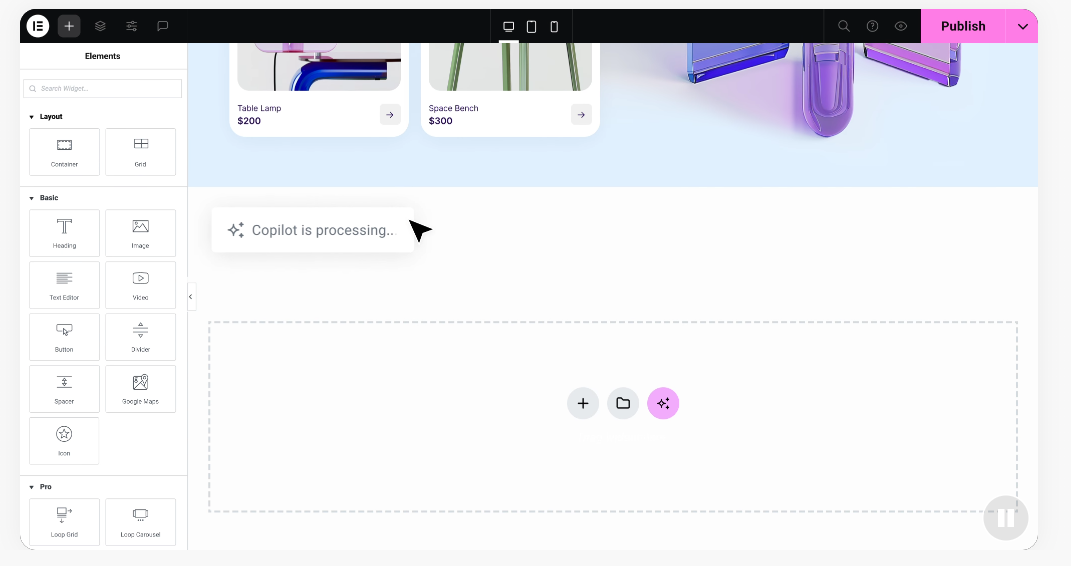
- Builds pages visually with a live, real-time drag-and-drop editor.
- Generates design copy, logos, and custom images with built-in AI tools.
- Adjusts layouts for seven device screens to keep every page responsive.
- Collects customer details with built-in forms, popups, and lead capture.
- Speeds up load times with built-in image optimization and performance tools.
- Connects smoothly with WooCommerce so you can run a full online storefront.
The editor ships with over 100 widgets and 300-plus templates for a homepage, a portfolio, or a full store.
“When choosing a site platform, creators often get caught between design freedom and platform complexity. The sweet spot is a system that grows with your business without locking you into proprietary setups.” Itamar Haim, Web Development Specialist
Pros:
- Live visual editing with instant updates.
- A huge library of templates and pre-built site kits.
- Strong control over responsive layouts for mobile.
- Full ownership of your website files and database.
Cons:
- Needs a WordPress install and separate web hosting.
- The full range of Elementor features takes time to learn.
Our Verdict: A strong fit for small businesses, freelancers, and agencies wanting real visual control without proprietary lock-in.
2. Wix
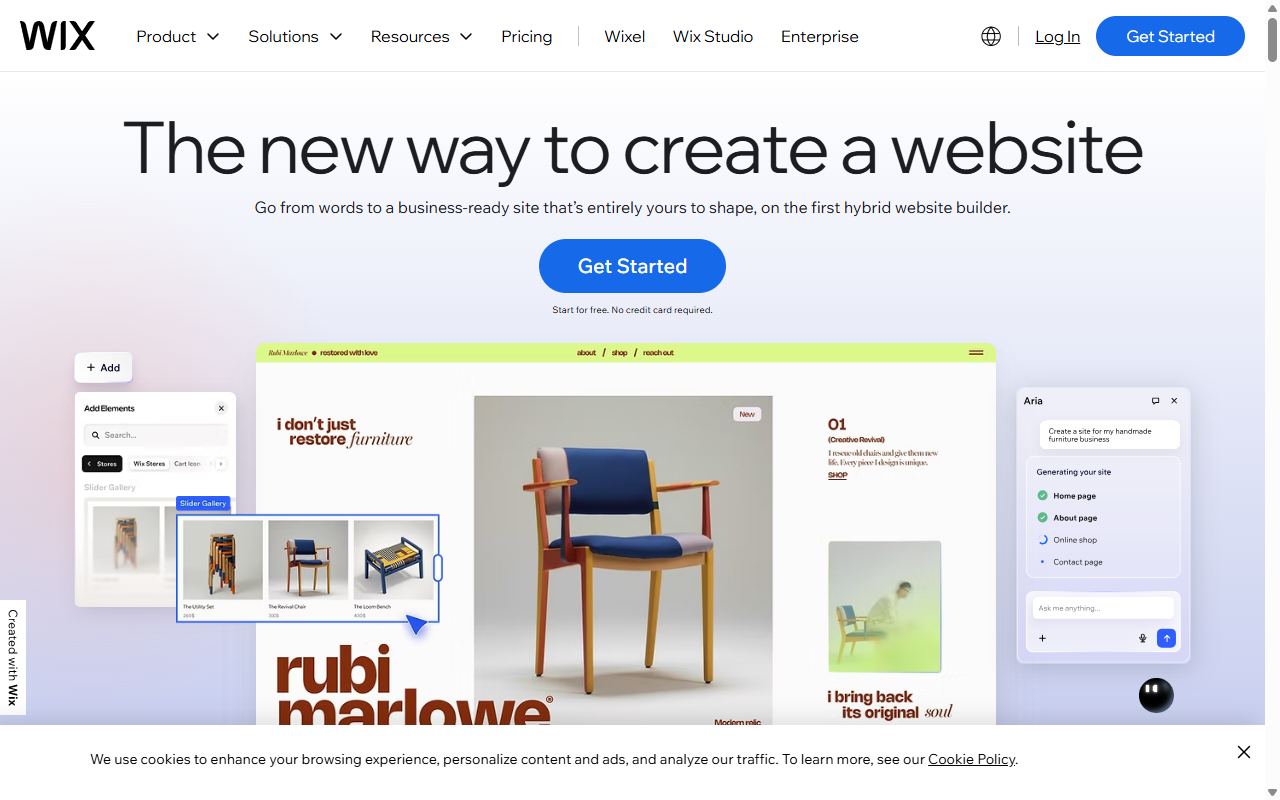
Wix is a fully hosted builder known for its free-form visual editor, letting you drag text, images, or buttons to any exact spot on the page.
- Arranges text, icons, and images anywhere on the canvas, with no grid limits.
- Launches ready-made templates for hundreds of industries and small business niches.
- Automates backend tasks like software updates and security.
Wix handles the technical side for you, keeping your site safe and running, though moving your data to another host later isn’t simple.
Pros:
- Highly visual, with no setup needed.
- Solid built-in hosting and security.
- Friendly for absolute beginners.
Cons:
- Hard to switch templates without rebuilding the site.
- Less room for custom databases or complex integrations.
Our Verdict: A hassle-free pick for personal blogs and simple local business pages.
3. Squarespace
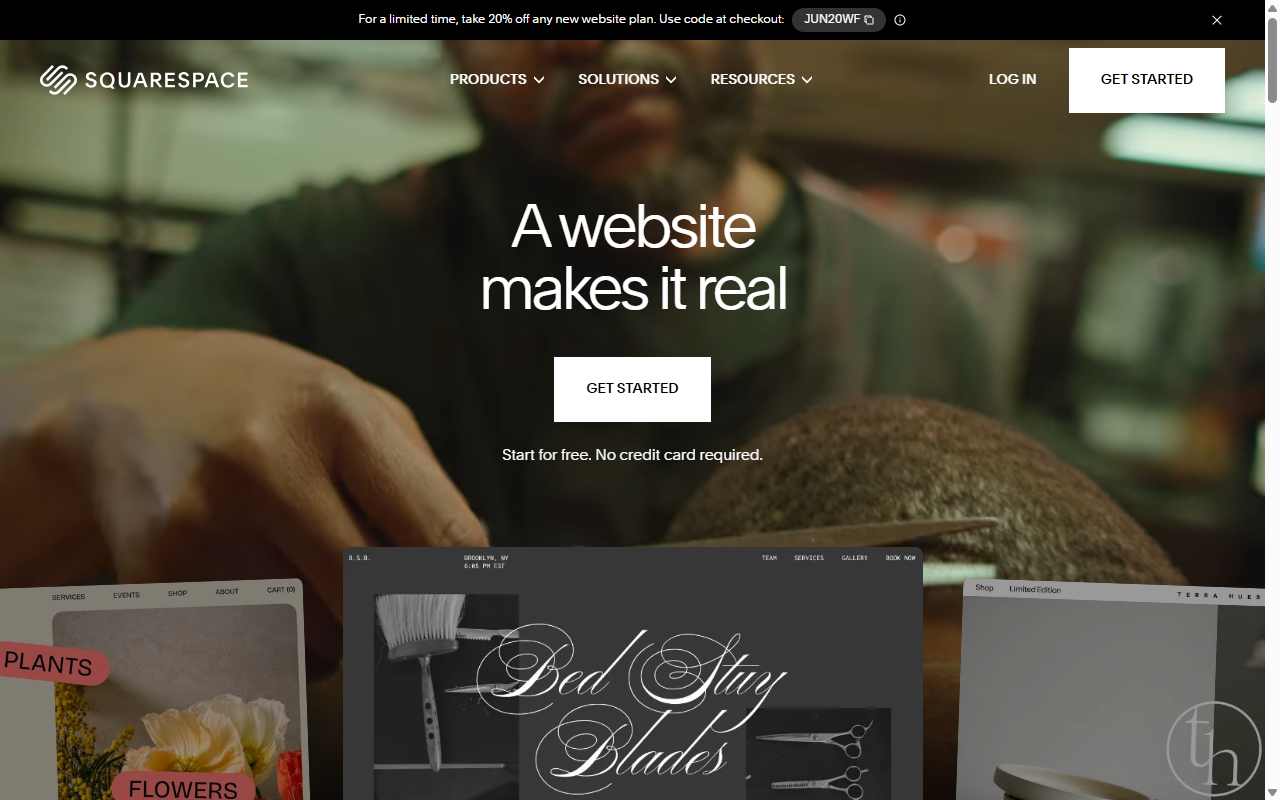
Squarespace is a hosted builder built around design, using a structured grid system called Fluid Engine to keep elements aligned.
- Displays high-resolution imagery through minimalist, modern templates.
- Secures transactions on your store with built-in payment processing.
- Maintains a structured layout grid so elements don’t overlap by accident.
The aesthetics are stunning, but the customizer is more rigid than other drag-and-drop tools, working within pre-set blocks that can feel limiting for custom layouts.
Pros:
- Award-winning templates built for imagery.
- Strong built-in blogging and scheduling tools.
- Simple setup for physical and digital products.
Cons:
- The grid structure can feel restrictive for custom designs.
- Fewer third-party extensions than open-source systems.
Our Verdict: A great fit for creative professionals and small brands where photography and clean layouts come first.
4. WordPress.com
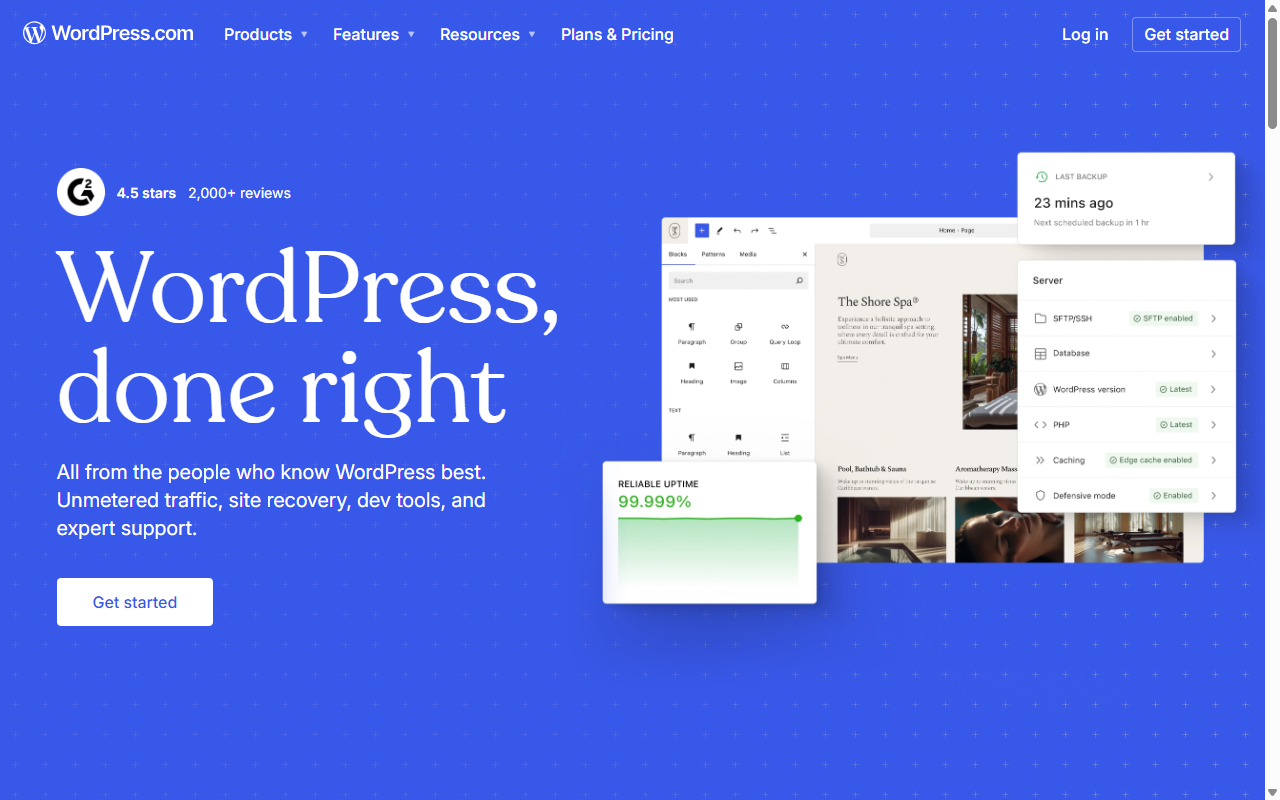
WordPress.com is a hosted service run by Automattic, built on the WordPress core, handling hosting, backups, and security updates for you.
- Hosts your site on managed servers built for fast performance.
- Saves continuous page revisions so you don’t lose your work.
- Monitors traffic with built-in stats and simple analytics.
Lower-priced plans limit you to default themes, so custom tools mean moving up to a business plan.
Pros:
- An easy path into the WordPress platform.
- Reliable uptime with automated security backups.
- Solid blogging tools built right into the dashboard.
Cons:
- Custom tools are locked behind pricier plans.
- Less control over backend database settings.
Our Verdict: A solid pick for bloggers who’d rather focus on writing than manage hosting.
5. Webflow
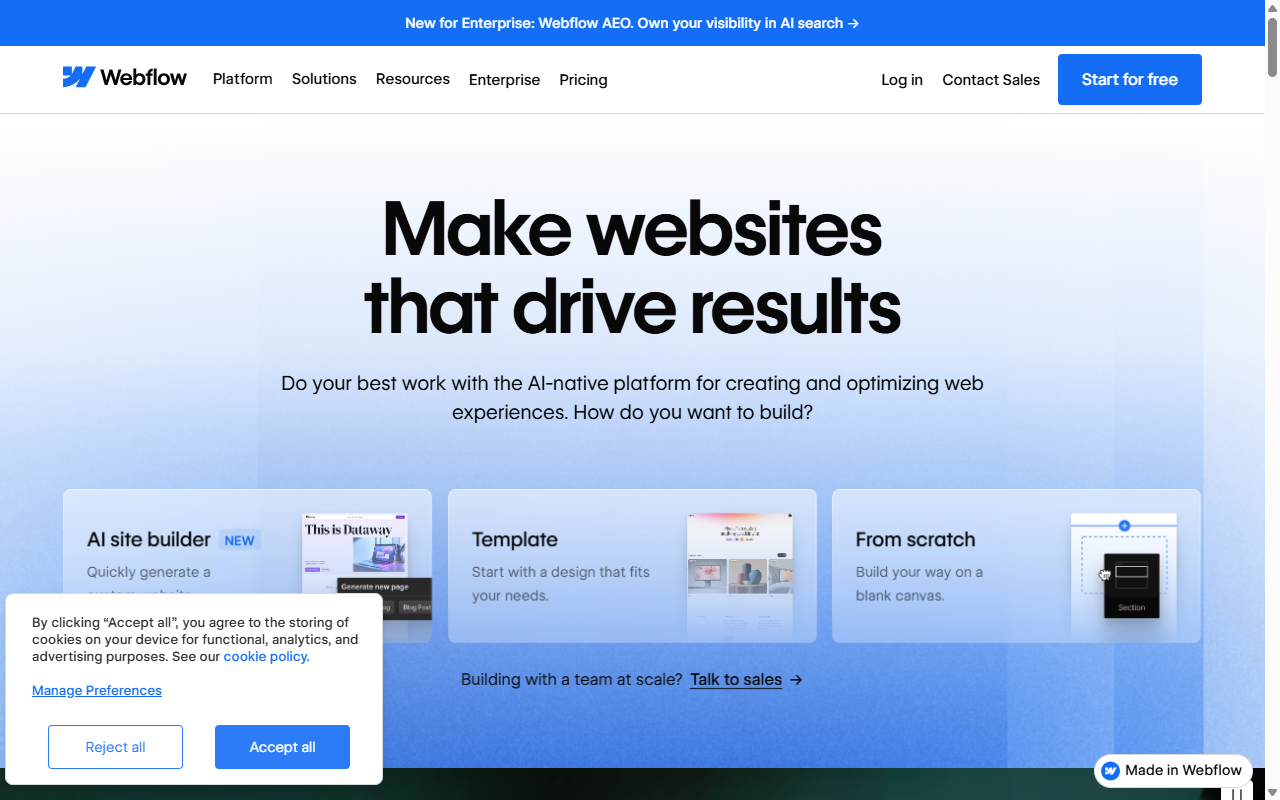
Webflow turns visual layouts directly into clean, production-ready code, built mainly for designers comfortable with HTML and CSS basics.
- Generates clean, semantic HTML and CSS as you build visually.
- Controls detailed page interactions and animations tied to scroll actions.
- Organizes site content with a built-in visual Content Management System.
It’s powerful, but the learning curve is steep, expect some time with tutorials if flexbox and CSS terms are new to you.
Pros:
- Full control over custom CSS layouts and animations.
- Generates lightweight code that loads fast.
- Strong client billing and staging environments.
Cons:
- Steep learning curve for beginners.
- Costs can climb as traffic and content grow.
Our Verdict: A great visual coding environment for designers who want full control over custom layouts and animation.
6. Shopify
Shopify is the industry-standard hosted platform built for online selling, handling large product catalogs, complex inventory, and secure payments through a section-based customizer.
- Processes customer orders and card payments securely out of the box.
- Tracks stock across multiple locations and storefronts.
- Calculates real-time shipping fees and regional sales tax automatically.
Because it focuses so heavily on transactions, its page-building and blogging tools feel basic, and a custom marketing page usually needs extra editor extensions.
Pros:
- A reliable checkout that handles big traffic spikes.
- Strong point-of-sale integration for physical stores.
- Thousands of specialized e-commerce apps.
Cons:
- Monthly costs can climb fast once you add helper apps.
- The basic customizer limits unique layout designs.
Our Verdict: The best choice for business owners running a growing retail or wholesale e-commerce store.
7. GoDaddy Website Builder
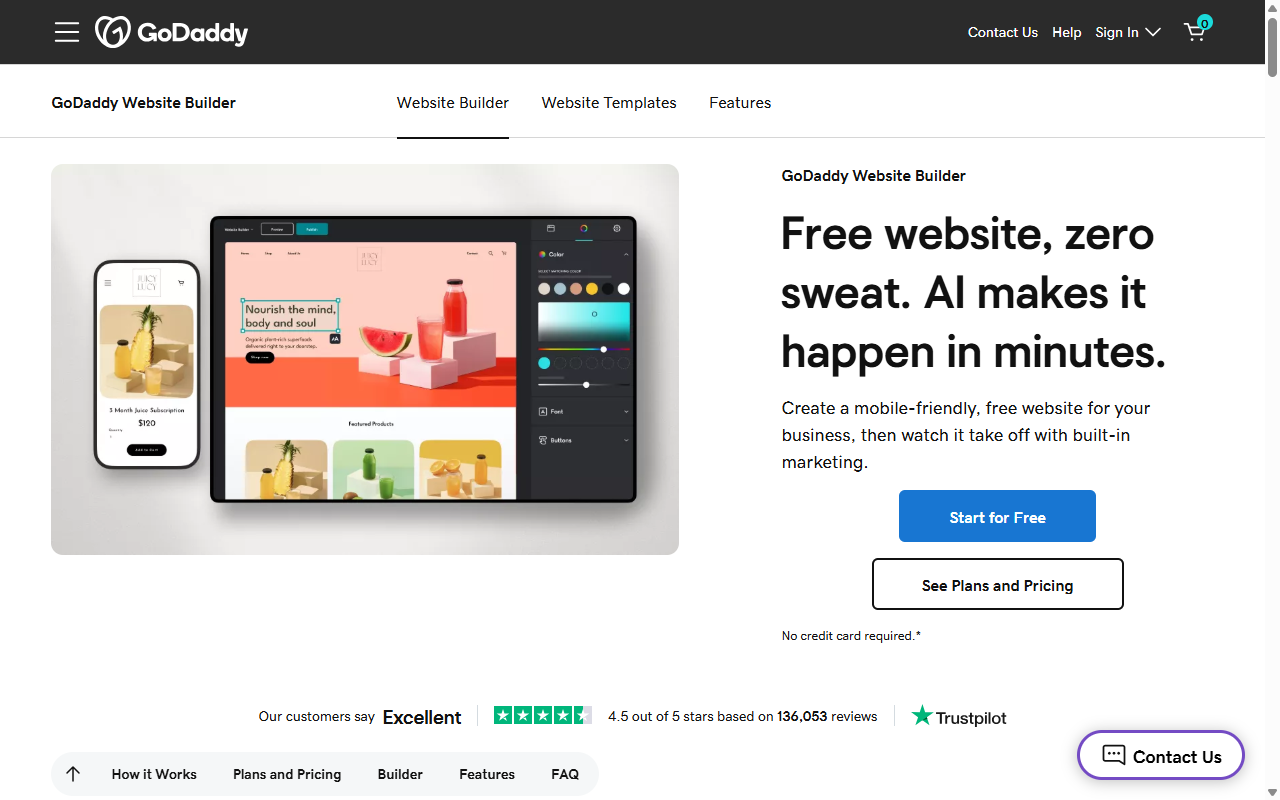
GoDaddy Website Builder is a simple, template-based tool for business owners who need a basic site online in under an hour.
- Assembles simple layouts fast with pre-styled design blocks.
- Syncs contact details and hours with Google Business.
- Sends basic promotional emails to your subscriber list.
It’s fast, but design options are limited, so your site will look close to other templates on the platform.
Pros:
- A very fast setup for local service providers.
- A simple, clean interface.
- Basic marketing and appointment booking tools included.
Cons:
- Limited design options and layout flexibility.
- Not built for growing sites that need custom databases.
Our Verdict: A good fit for handymen, contractors, or service businesses needing a fast digital business card.
8. Weebly
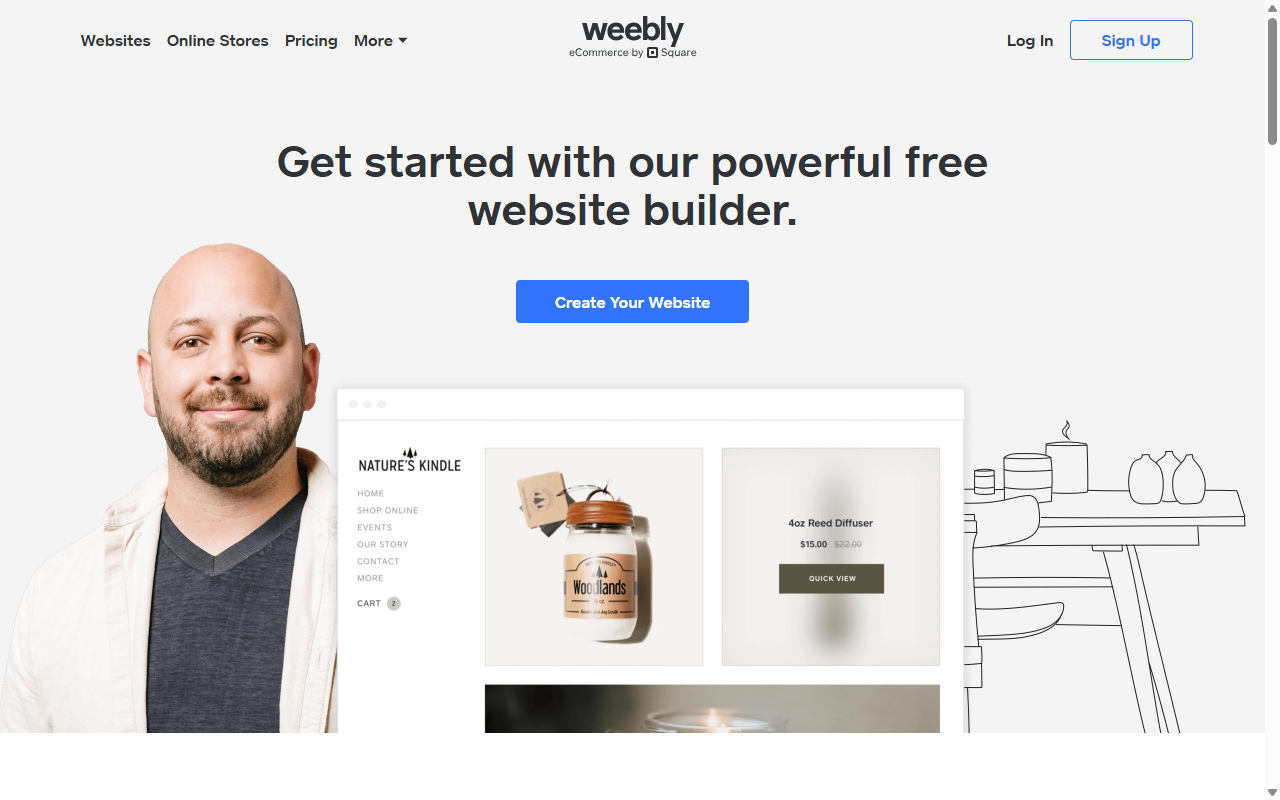
Weebly, now owned by Square, is a classic drag-and-drop builder focused on ease of use and basic retail integration.
- Arranges layout elements inside a structured, easy grid.
- Imports product catalogs directly from your Square point-of-sale system.
- Monitors contact submissions and basic lead metrics.
Some templates look dated since visual updates have slowed, but it’s still a reliable, straightforward option.
Pros:
- An easy grid editor that’s hard to mess up.
- Strong native integration with Square payment terminals.
- Affordable entry plans for simple pages.
Cons:
- A limited selection of modern templates.
- A slower feature update cycle than other platforms.
Our Verdict: A practical, budget-friendly pick for small local retailers already using Square.
9. Framer
Framer has grown from an interactive prototyping tool into a design-first website builder, with a canvas that feels like Figma.
- Imports design canvases directly from professional design tools.
- Creates web animations that react to cursor movement.
- Updates pages globally across fast servers with one click.
It’s great for striking marketing pages and polished startup sites, but can feel like overkill for a quick blog post or a few products.
Pros:
- Design freedom that feels like an art canvas.
- Strong animation engines and interactive controls.
- Fast page performance and global delivery.
Cons:
- Requires solid layout design know-how.
- E-commerce features are basic next to dedicated platforms.
Our Verdict: A strong pick for tech startups and design studios pushing modern interactive layout.
10. Hostinger Website Builder
Hostinger Website Builder is a budget-friendly editor that uses AI to build a site from a few questions about your business.
- Drafts full site layouts from automated AI prompts.
- Edits content blocks with a structured drag-and-drop system.
- Optimizes basic technical search details from a simple dashboard.
Layouts stay fairly simple and can feel generic, but it’s solid for a tight budget and a quick online presence.
Pros:
- A highly affordable visual package.
- AI-generated draft layouts in seconds.
- Straightforward for non-technical users.
Cons:
- Limited depth for custom design changes.
- Fewer advanced options for third-party integrations.
Our Verdict: A good choice for budget-conscious creators who want an easy, AI-driven path to a basic page.
Key Factors to Think About When Selecting a Platform
The right fit comes down to your long-term plans. If you’re just starting out, sketch how you’ll use your site over the next two or three years.
Step 1: Audit Your Business Goals
- Decide if you’ll sell physical items, offer digital downloads, or mainly book appointments.
- Think about how much time you can spend maintaining the site and managing backups.
- Estimate your long-term budget, including domain fees and integrations, not just the builder cost.
Step 2: Evaluate Technical Specs and Customization
- Check if the platform lets you migrate your full database and files if you switch hosts later.
- Confirm you can adjust layouts for phones and tablets in a visual preview.
- Look for built-in SEO tools to edit title tags, descriptions, and sitemaps.
Step 3: Test and Launch Your First Draft
- Sign up for a trial or staging site to try the drag-and-drop interface.
- Build one homepage draft to see how easy it is to change fonts and images.
- Test page load speed on your phone for mobile visitors.
For the most design control on WordPress, see the step-by-step guide to building a website with Elementor.
Frequently Asked Questions
Do I need coding skills to build a website in 2026?
No, you don’t need coding skills. Modern website builders use visual drag-and-drop interfaces that handle the code, so you place text and images and get professional code automatically.
Is WordPress better than hosted site builders?
WordPress is generally better for design freedom, advanced functionality, and full ownership of your files. Pair it with a visual builder for the ease of hosting plus the growth potential of an open-source CMS.
Can I move my website to another platform later?
That depends on the platform. Self-hosted WordPress lets you own your files and move hosts easily. Proprietary systems like Wix or Squarespace don’t let you export the full layout, so you’d likely rebuild from scratch.
What is the difference between hosting and a website builder?
Web hosting is the storage space on a server where your files live. A website builder is the software you use to design and arrange pages. Some platforms bundle both, while others sell them separately.
How does AI help in building websites?
Modern AI tools help by drafting page copy, generating stock illustrations, and setting up an initial layout from a few details about your business.
Can I build an online store on these platforms?
Yes, most of these platforms support online selling. Shopify is built for large inventories, while WordPress with WooCommerce gives more design flexibility for selling products.
Are free website builders worth using?
Entry-level plans are a good way to test an editor, but they come with drawbacks, like the platform’s branding on your page and a generic subdomain.






