
Picking the right foundation for your small business site shouldn’t feel overwhelming. You want something easy enough to launch fast, yet strong enough to grow with you for years. The debate between SaaS builders and self-hosted setups used to be ease versus control, but that’s not the whole story anymore in 2026.
Key Takeaways
- SaaS builders offer quick setups but lock your data inside a closed ecosystem.
- Self-hosted setups give total ownership and customization but often need manual management.
- Hybrid platforms like Elementor Hosting combine managed Google Cloud hosting with the WordPress builder.
- Performance matters for small business sales; infrastructure like Cloudflare Enterprise CDN and SSD storage is essential.
- Your long-term freedom depends on data portability: easy on WordPress, hard on closed SaaS platforms.
Understanding SaaS Website Builders
A SaaS website builder is an all-in-one service: pay a monthly fee, get software, templates, and hosting bundled together, nothing to install and no updates to manage. Wix, Squarespace, and Shopify are the best-known examples.
For a busy owner, this feels like the easiest path: sign up, pick a design, swap in your text, and publish in an afternoon.
But that convenience has limits. You’re renting space in a gated community, playing by their rules and fees. If prices climb or you need a feature they don’t offer, you’ll likely rebuild elsewhere.
Understanding Self-Hosted Platforms
Self-hosting means installing open-source software, usually WordPress, on your own rented server space. You own your site, your data, and every line of code, free to move hosts anytime.
This has been the backbone of the web for decades: over 40% of all websites run on WordPress because of that flexibility, with an open-source ecosystem that has a tool for nearly anything you need.
The trade-off has always been the setup: you’re the general contractor, buying hosting, pointing your domain, installing WordPress, managing security and backups. Without an IT person, mistakes get costly.
The Best of Both Worlds: Elementor Hosting
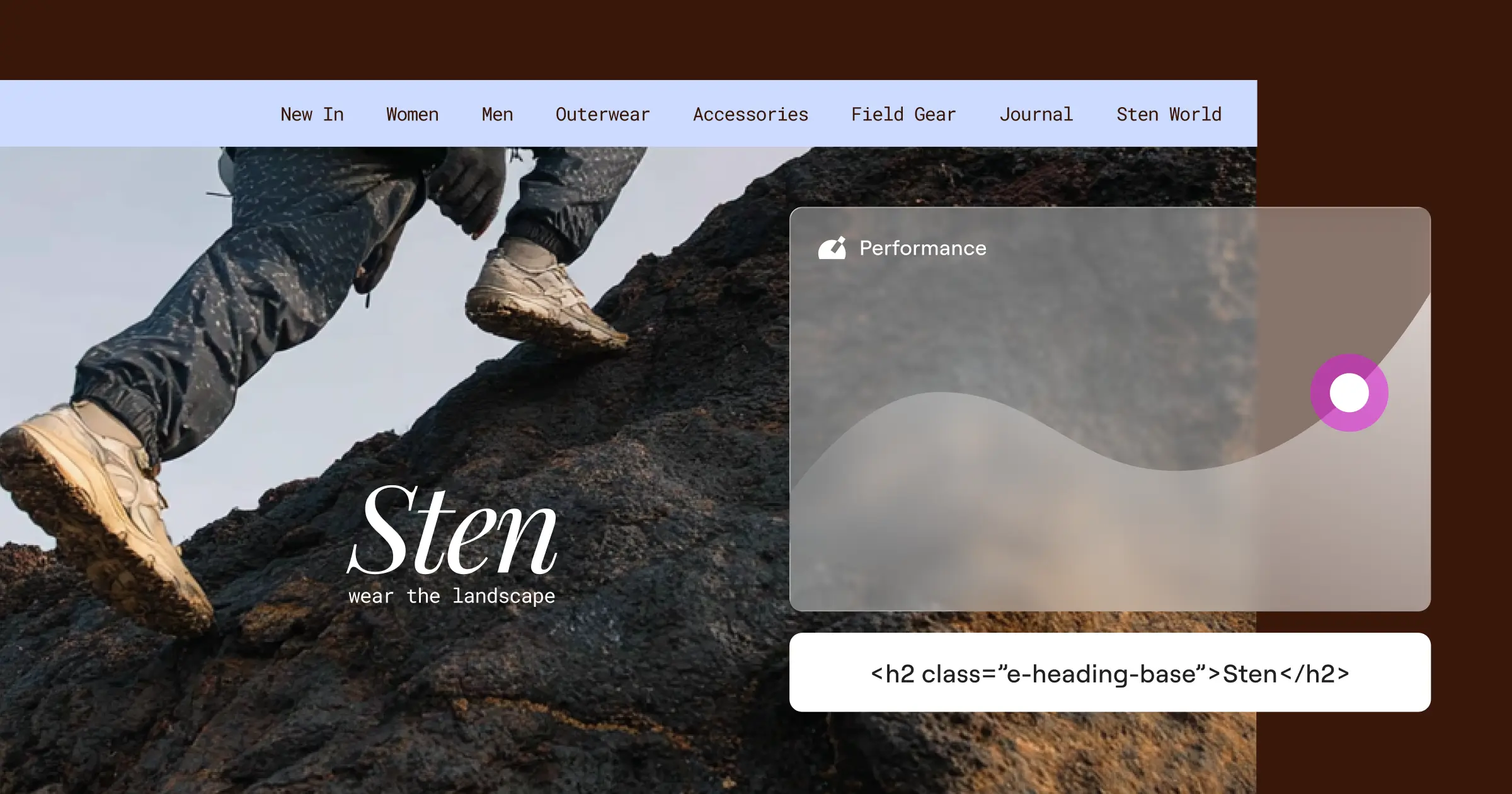
You don’t have to choose between ease and creative freedom anymore. Managed WordPress hosting has evolved to bridge that gap, led by Elementor Hosting, a managed cloud solution built for WordPress with the Elementor builder pre-installed, pairing SaaS-style onboarding with the full freedom of self-hosted WordPress.
Nothing to find, install, or configure: everything’s ready from the start, so you build visually right away.
With Elementor Hosting, you build on a foundation designed for speed and security, combining Google Cloud C2 infrastructure with a built-in Cloudflare Enterprise CDN.
SaaS vs. Self-Hosted vs. Elementor Hosting: Head-to-Head
Here’s a clear look at the key differences across traditional SaaS builders, self-hosted WordPress, and the modern hybrid model of Elementor Hosting.
| Feature Category | SaaS Website Builders | Traditional Self-Hosted | Elementor Hosting |
|---|---|---|---|
| Ease of Setup | Extremely high, simple signup | Low to medium, manual installation | High, pre-installed and ready to go |
| Design Flexibility | Limited to platform templates | Infinite, but requires coding/plugins | Infinite visual building with Elementor |
| Data Ownership | Proprietary, locked to platform | Full ownership, completely portable | Full WordPress ownership and portability |
| Performance & Speed | Shared servers, variable speeds | Depends entirely on your chosen host | Google Cloud C2 & Cloudflare CDN |
| Security & Backups | Managed by platform, limited access | Manual setup via third-party plugins | Managed WAF, automated daily backups |
| Customer Support | General support desk | None for core software, host-only support | 24/7 dedicated WordPress expert support |
A Closer Look: Crucial Factors for Small Businesses
1. Ease of Setup and Onboarding
SaaS builders win on signup speed: answer a few questions and you’re inside an editor, no installation wizard needed. Self-hosting asks more: hosting, a domain, a database, then WordPress configured by hand.
Elementor Hosting splits the difference: a working WordPress site with the builder pre-installed, skipping server setup on the world’s most popular open-source platform.
2. Design Flexibility and Customization
SaaS platforms use proprietary drag-and-drop editors, clean but strict, and a unique feature often means picking from their app store. Self-hosted WordPress gives a blank canvas instead: any theme, custom CSS, code for anything, though looking great without coding usually means separate design tools.
With Elementor built into the hosting, you design every inch visually, from headers to templates, with WordPress’s full creative freedom and no code required.
3. Performance, Speed, and Infrastructure
Website speed affects your Google rankings and sales, and a slow site sends visitors straight to a competitor.
The choice of your hosting infrastructure is the single most important factor for website speed. Modern cloud servers, smart caching, and enterprise-grade content delivery networks can make the difference between a site that loads instantly and one that loses customers to slow load times.
– Itamar Haim, WordPress Performance Specialist
SaaS builders host millions of sites on shared servers, with no control for you if another site spikes. Self-hosting’s speed depends on what you configure: budget hosting is slow, top-tier means premium hosts and caching you set up yourself.
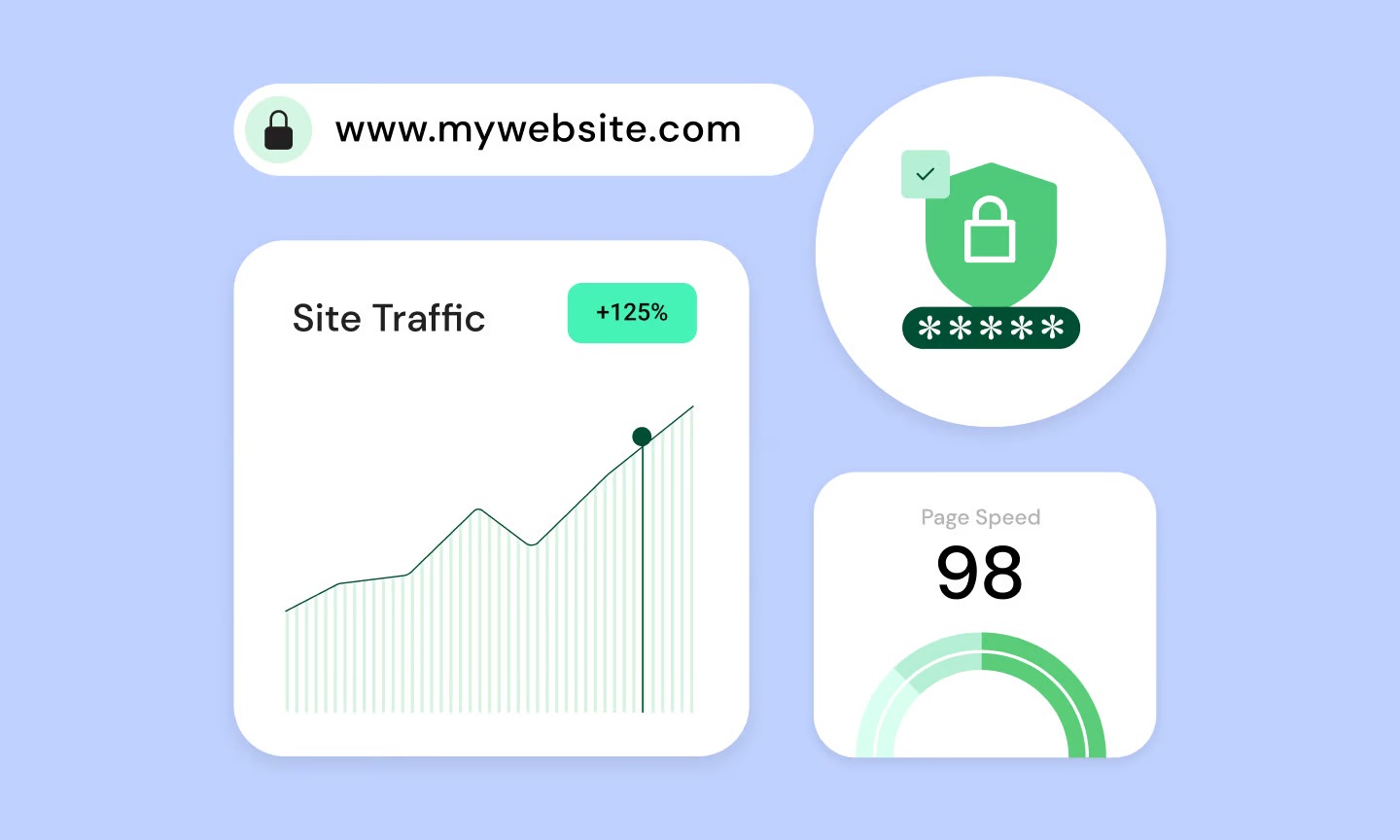
Elementor Hosting runs on premium Google Cloud C2 infrastructure with SSD storage and a built-in Cloudflare Enterprise CDN, delivering a 109ms time to first byte and 99.9% uptime. Redis object caching, page caching, and auto-scaling keep it fast during traffic spikes automatically.
4. Security, Backups, and Maintenance
Every site faces automated hacking attempts, and yours needs to be ready to restore fast.
SaaS builders manage SSL, firewalls, and updates behind the scenes, convenient, but if their network goes down, so does yours. On self-hosted sites, security is on you: install tools, configure SSL, manage backups, and a missed update turns you vulnerable fast.
A hybrid platform takes these duties off your plate:
- Protects your data with premium SSL certificates built into every plan.
- Blocks malicious traffic before it reaches your site with a Web Application Firewall (WAF).
- Shields your site from automated attacks with DDoS and botnet defense.
- Monitors your site around the clock with 24/7 security monitoring and a built-in vulnerability scanner.
- Backs up your entire site automatically every day, with on-demand backups available whenever you need them.
- Secures your administrator login with two-factor authentication.
You stay protected without any manual checks or setup.
5. Customer Support and Troubleshooting
SaaS support serves millions across industries, so help can feel generic, often just a help center link. Self-hosted support is famously fragmented: your host blames the software, the theme blames a plugin, the plugin points back at your host, and you’re stuck playing detective.
A hybrid system ends the finger-pointing: one team owns the hosting, WordPress, and the builder, so you get 24/7 expert support for anything.
6. Long-Term Ownership and Data Portability
With a SaaS builder, you’re renting, not owning. Close your account and your site disappears, and a price hike means paying up or rebuilding elsewhere. Self-hosted WordPress gives you absolute ownership instead: your files and database are yours, portable to any host, any time.
Elementor Hosting keeps that ownership intact, still standard WordPress underneath, with WP-CLI and SFTP access, staging environments, and site cloning, so you can move hosts whenever you like.
A Deeper Look: The True Cost of Building and Running a Site
It’s tempting to judge platforms by price alone, but the real cost shows up later.
SaaS Builders: The Hidden Costs of Scaling
SaaS builders look affordable at signup, but growth exposes the limits of entry-level tiers:
- Feature Upgrades – Want to accept payments, book appointments, or add a client portal? That means a pricier business or ecommerce tier.
- App Store Subscriptions – Many basic features need third-party add-ons, each with its own monthly fee.
- Transaction Fees – Some platforms take a cut of your sales on basic plans; removing it means paying for the top tier.
Traditional Self-Hosted: The Fragile Budget
Self-hosting looks cheap on paper, especially with budget hosts advertising low rates, but it hides its own costs:
- Premium Theme and Builder Licenses – A professional, code-free site means buying premium themes and design tools separately, usually with annual renewals.
- Premium Security and Backup Tools – Standard hosting rarely includes advanced firewalls or automated backups, so you’ll buy separate tools.
- Developer Help – A plugin update that breaks your layout or a crashed database often means hiring a freelancer, and emergency help runs hundreds of dollars an hour.
Elementor Hosting: Simple, Predictable Pricing
Elementor Hosting folds these essentials into one predictable package: no separate tools to buy, no surprise maintenance bills.
- Builds your site on Google Cloud infrastructure without a separate web hosting account.
- Includes the premium Elementor visual editor built right in, no separate design tools to buy.
- Protects your site with enterprise-grade Cloudflare security, premium SSL, and automated daily backups at no extra charge.
- Saves you money with a free domain name for your first year and free expert migration if you’re moving an existing site.
- Keeps your budget steady with a transparent 30-day money-back guarantee on all plans, whether you need a single-site, multi-site, or custom enterprise setup.
Which Option Is Right for Your Small Business?
The right platform depends on your goals, technical comfort, and growth plans.
Choose a Traditional SaaS Builder If:
You need a simple, temporary site to test an idea, or a basic local service with no plans to expand. One landing page with your phone number and hours, a basic SaaS builder gets it done fast.
Choose Traditional Self-Hosting If:
You’re a seasoned developer or have an IT team that enjoys managing servers and database tables, and you’d rather spend your time tweaking configurations manually.
Choose Elementor Hosting If:
You want a fast, secure website you fully own, without the technical headaches. This fits small business owners, creators, agencies, and freelancers who want premium Google Cloud infrastructure, WordPress’s full design freedom, and the peace of mind of automated backups, strong security, and 24/7 expert support. (And honestly, that covers most of us.)
Frequently Asked Questions
Is self-hosted WordPress better than a SaaS website builder?
For most growing businesses, yes: complete data ownership, design flexibility, and freedom to move hosts. Hybrid platforms like Elementor Hosting add SaaS-style ease without losing that freedom.
Can I move my website from a SaaS builder to WordPress later?
It’s often difficult: SaaS platforms use proprietary code that won’t run elsewhere, so you’ll likely export basic text but rebuild designs, menus, and features from scratch.
Do I need to buy separate hosting if I use Elementor Hosting?
No. It’s all-in-one: premium cloud hosting on Google Cloud infrastructure plus the Elementor builder pre-installed, nothing separate to buy.
What is the difference between WordPress.org and WordPress.com?
WordPress.org is open-source software you install on your own host, giving complete freedom. WordPress.com is a commercial hosting service that operates more like a closed SaaS builder, restricting features unless you pay for higher-tier plans.
Will a self-hosted site rank better on Google than a SaaS site?
Self-hosted sites often rank better since you control technical SEO, from speed to caching to structure. Elementor Hosting helps here too, running on Google Cloud C2 servers with a built-in Cloudflare Enterprise CDN.
Is my website secure on a self-hosted setup?
In a traditional self-hosted setup, you’re responsible for your own security, which can leave you exposed if you miss updates. Elementor Hosting manages security fully: premium Web Application Firewall, daily automated backups, DDoS protection, and continuous monitoring.
Can I use my own domain name with Elementor Hosting?
Yes, connecting an existing domain is easy. If you don’t have one yet, Elementor Hosting includes a free custom domain for your first year.
Do I need to know how to code to use WordPress with Elementor?
No coding knowledge required. Elementor is a visual, drag-and-drop builder for professional pages, headers, footers, and layouts without a single line of code, while keeping your site open-source and portable.

