
The real question isn’t just if an AI builder exists, but whether there is one that actually fits a professional workflow. A true AI website builder shouldn’t just replace your creativity; it should amplify it. It needs to handle the heavy lifting—structure, optimization, accessibility, and management—so you can focus on the vision. In this guide, we will cut through the noise and define exactly what you should look for, and help you make a decision that will serve you not just for launch, but for the life of your website.
Key Takeaways
- AI is a Partner, Not a Replacement: The best AI tools don’t just generate a static page; they integrate into a professional workflow, allowing for continuous iteration and management.
- Elementor One is the Standard: As the unified platform for 2026, Elementor One combines an Agentic AI (Angie), hosting, and professional design tools into a single ecosystem.
- Agentic AI Matters: Look for “Agentic AI” like Angie that uses Model Context Protocol (MCP) to take real actions (like installing plugins or updating pricing) rather than just writing text.
- Performance is Non-Negotiable: A pretty site is useless if it’s slow. Top-tier AI builders must be backed by enterprise-grade hosting (Google Cloud & Cloudflare).
- The “Generator” Trap: Avoid tools that lock you into a proprietary system. Your AI builder should output to open standards like WordPress for long-term scalability.
About the Author
Itamar Haim is a recognized expert in SEO and content strategy for the web creation industry. With years of experience dissecting platform capabilities and guiding professionals through the evolving landscape of digital tools, Itamar specializes in helping creators bridge the gap between technical complexity and creative freedom. This guide reflects a deep commitment to objective analysis and professional empowerment.
The Evolution of Web Creation: Generators vs. Builders
To understand the landscape, we must first distinguish between the two types of AI tools you will encounter.
1. The “One-Shot” Generators
These tools ask you a few questions and generate a complete website in seconds. While impressive at a glance, they often fail the test of longevity. Once the site is generated, you are frequently locked into a restrictive editor where customization is difficult. If you need a specific feature that the AI didn’t include, you are often stuck.
2. The Integrated AI Ecosystems
This is where the industry is heading in 2026. These are robust, professional platforms that have integrated AI into every step of the process. They don’t just “spit out” a website; they help you plan it, design it, write it, optimize it, and manage it. They use AI as a force multiplier for professional work, not a shortcut to a generic result.
If you are serious about building a website that ranks, converts, and scales, you need an Integrated AI Ecosystem. And in 2026, one platform stands alone at the top.
1. Elementor One: The Unified AI Web Creation Platform
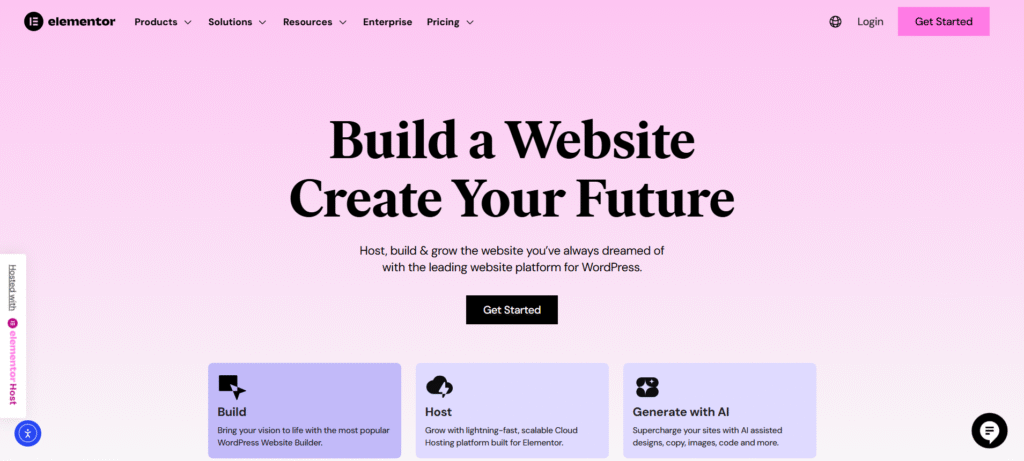
When we analyze the market for the absolute best way to build with AI, Elementor One is the clear number one choice. It is not just a “builder”; it is a comprehensive platform that unifies planning, design, optimization, management, and growth into a single workflow.
Elementor has evolved beyond being just an editor. With the introduction of Elementor One, it has solved the problem of “plugin fatigue” by consolidating the essential tools—hosting, AI, image optimization, and email delivery—into one subscription.
The Brain Behind the Build: Angie (Agentic AI)
The most significant breakthrough in Elementor One is Angie. While other platforms offer chatbots that can write a blog post, Angie is an Agentic AI that operates inside WordPress using Model Context Protocol (MCP) technology.
Why Angie Changes Everything: Unlike standard AI that operates in isolation, Angie has “hands.” It understands your specific site structure, your installed plugins, and your content.
- It Takes Action: You don’t just chat with Angie; you assign tasks. You can say, “Update pricing for all products ending in .99,” or “Install a caching plugin,” and Angie executes the workflow.
- Context Aware: Angie knows you are running a WooCommerce store or a portfolio. It doesn’t need to be trained; it adapts to your site immediately.
- Management Automated: From running site-wide audits to fixing technical issues, Angie acts as a 24/7 technical co-founder.
You can learn more about how this agentic approach works by visiting the Angie product page.
Planning with Intelligence: The AI Site Planner
Before you even touch a pixel, Elementor solves the “blank page syndrome” with the AI Site Planner. This tool transforms the vague idea of “I need a website” into a tangible professional blueprint in minutes.
- Discovery to Delivery: You start with a chat—or even an audio recording from a client meeting—and the AI creates a structured brief.
- Visual Sitemaps: It generates a comprehensive visual sitemap, outlining the hierarchy of your pages (Home, About, Services, Contact, etc.).
- Styled Wireframes: Unlike competitors that stop at text, the AI Site Planner generates a multi-page wireframe complete with site structure, layout, and relevant content.
- Seamless Handover: These wireframes are not dead images; they can be pulled directly into the Elementor Editor for final design.
The Editor: Professional Design Meets AI
Once you are in the build phase, the Elementor Editor (and specifically Editor Pro) takes over. This is the engine trusted by over 19 million websites, and for good reason. It combines a drag-and-drop interface with the “Atomic Editor” architecture—a V4 update that ensures code is lighter and faster than ever before.
In-Editor AI Capabilities:
- Layout Generation: You can describe a section (e.g., “A pricing table with three tiers and a highlighted middle option”), and the AI builds the container layout instantly.
- Code & CSS: If you need a specific hover effect or animation, the Elementor AI coding assistant writes the clean CSS for you.
- Content & Translation: Generate on-brand copy or translate your site into top languages with a click.
This integration ensures that you aren’t just “using AI”; you are building with a super-powered assistant right inside your canvas.
The Foundation: Elementor Host
An AI builder is only as good as the server it lives on. Elementor Host provides a managed cloud hosting solution that is specifically optimized for this ecosystem.
- Enterprise Infrastructure: Your site runs on Google Cloud Platform (C2) and utilizes Cloudflare Enterprise CDN. This is the same tech stack used by major tech companies, ensuring elite speed and security.
- Performance: It consistently ranks #1 in Core Web Vitals, boasting a Time to First Byte (TTFB) of just 109ms.
- Security: Enterprise-grade DDoS protection and WAF are standard.
- Important Note: Elementor Host plans include Elementor Core (the free version). If you need the advanced widgets and Theme Builder features of Editor Pro, that is a separate license or part of a higher-tier bundle.
Optimization & Growth Tools
Elementor One doesn’t stop at launch. It includes a suite of tools designed to keep your site healthy and growing, all utilizing a unified “One Credit” system.
- Ally for Accessibility: This AI-powered tool scans your site for accessibility issues and offers fixes to ensure inclusivity and better SEO.
- Image Optimizer: A standalone plugin that automatically compresses your media and converts it to WebP/AVIF formats, ensuring your visual-heavy designs don’t slow down load times. Learn more here.
- Site Mailer: Forget complex SMTP setups. This tool ensures your transactional emails (like order confirmations and form submissions) actually hit the inbox. Check it out.
2. Wix
Wix is a cloud-based web development platform that allows users to create HTML5 websites and mobile sites through the use of online drag and drop tools.
AI Capabilities: Wix offers an AI website builder known as “Wix ADI” (Artificial Design Intelligence). Users answer a series of questions regarding the purpose of the website, design preferences, and desired features. Based on these inputs, the system generates a website complete with images and text.
Key Features:
- ADI Interface: The AI creates a first draft, which can then be customized using a simplified editor.
- Wix Editor: Users can switch to the standard Wix editor for more granular control, though this transition is sometimes one-way.
- Integrated Solutions: Includes hosting and domain registration within the platform ecosystem.
- Content Generation: An AI text creator is available to assist with writing descriptions and headlines.
Considerations: The platform operates on a closed ecosystem, meaning websites cannot be easily exported to other hosting providers. The designs generated are based on a library of pre-existing templates matched to user responses.
3. Squarespace

Squarespace provides software as a service for website building and hosting, known for its emphasis on design aesthetics and templates.
AI Capabilities: Squarespace utilizes “Squarespace Blueprint AI” to assist in the initial setup of a website. Users select a design style, color palette, and font pairing, and the AI assembles these elements into a starting template.
Key Features:
- Blueprint System: Focuses on assembling pre-designed sections rather than generating unique layouts from scratch.
- Copy Generation: Includes Squarespace AI for drafting website copy and product descriptions.
- Design Intelligence: Features tools that suggest layout improvements and color combinations based on design best practices.
- Fluid Engine: The drag-and-drop editor allows for grid-based customization after the initial AI generation.
Considerations: Squarespace is a fully managed platform. While this simplifies maintenance, it restricts access to backend server files and limits integration with third-party tools outside of its official extensions library.
4. Hostinger Website Builder
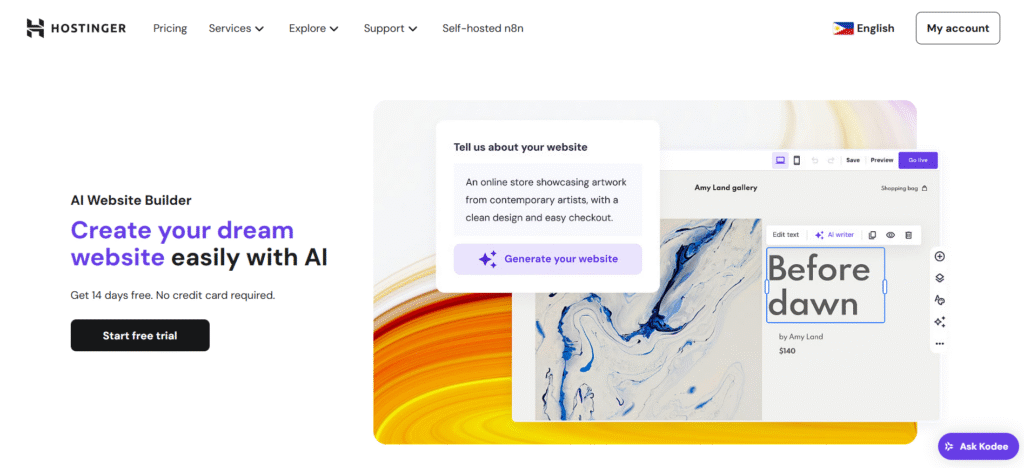
Hostinger offers a website builder as part of its hosting services, aiming to provide a budget-friendly option for getting a site online.
AI Capabilities: The Hostinger AI Website Builder uses a prompt-based system. Users describe their business or brand in text, and the AI generates a website template populated with stock content and images relevant to the description.
Key Features:
- Prompt-to-Site: Generates a basic site structure from a text description.
- AI Writer: Built-in tool to help generate blog posts and website copy.
- Logo Maker: Includes an AI-powered logo generator for basic branding needs.
- Heatmap: An AI heatmap tool predicts where visitors will look on the page to aid in layout optimization.
Considerations: This builder is aimed primarily at beginners. Advanced users may find the customization options limited compared to open-source content management systems. The tool is proprietary to Hostinger’s hosting environment.
5. Divi AI
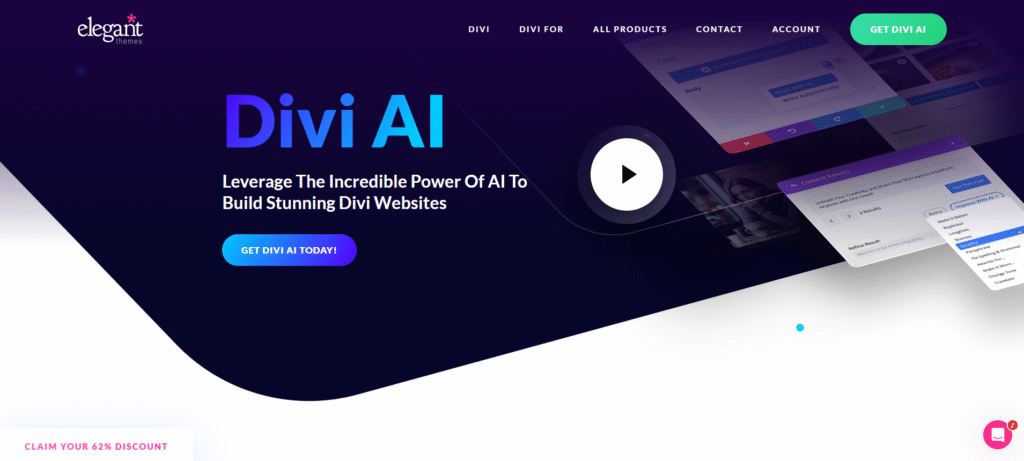
Divi is a WordPress theme and visual page builder developed by Elegant Themes. It has integrated AI features directly into its visual builder.
AI Capabilities: Divi AI focuses on content and image generation within the builder environment. It allows users to generate text, images, and entire layout sections based on prompts.
Key Features:
- Content Generation: Can write and refine copy directly inside the modules.
- Image Generation: Creates images and allows for modification of existing images using generative fill.
- Layout creation: Can generate specific page sections based on user prompts.
- Code Generation: Writes custom CSS to style elements within the Divi builder.
Considerations: Divi acts as a layer on top of WordPress. It is a theme-based solution, so switching away from Divi in the future may require rebuilding the site’s design layer, although the content remains in WordPress.
6. ZipWP
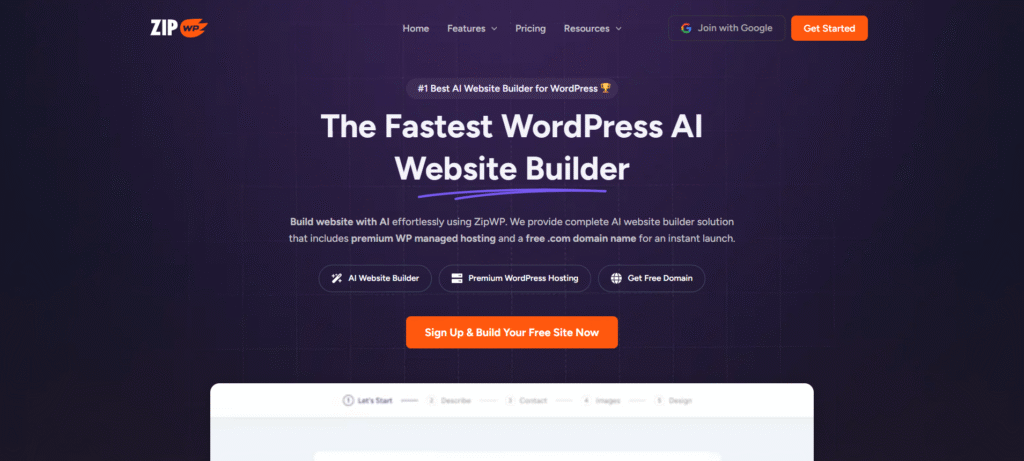
ZipWP is a specialized AI tool designed specifically for agencies and freelancers to rapidly prototype WordPress websites.
AI Capabilities: ZipWP allows users to describe a business and its requirements. It then installs a fresh WordPress instance, selects a theme (typically Astra), and populates it with AI-generated pages, copy, and images.
Key Features:
- Rapid Prototyping: Focuses on speed, aiming to have a “first draft” site ready in under 60 seconds.
- Standard WordPress: The output is a standard WordPress installation, allowing for full export and customization.
- Placeholder Content: Fills pages with industry-relevant text and stock photography.
- Blueprints: Allows users to create their own starting templates for the AI to use.
Considerations: ZipWP is primarily a starting point generator. It creates the initial build, but further customization and long-term management rely on standard WordPress tools and page builders. It is a setup tool rather than a comprehensive management platform.
Step-by-Step Guide: How to Build Smarter with Elementor
Now that we have established the landscape, let’s walk through the actual workflow of building a professional website using the best tool for the job. This isn’t just about “generating” a site; it’s about crafting a digital asset.
Phase 1: Planning and Strategy
Don’t start by picking colors. Start with structure.
- Access the AI Site Planner: Log in to your Elementor account and navigate to the AI Site Planner.
- Input Your Vision: You can chat naturally with the AI. “I’m building a portfolio for a landscape architect specializing in sustainable urban gardens.”
- Refine the Brief: The AI will ask clarifying questions. Answer them to ensure the output aligns with your business goals.
- Review the Wireframe: The Planner will generate a visual sitemap and a wireframe. Review the flow. Does the “Services” page lead logically to the “Contact” page?
- Export to Elementor: Once satisfied, click to open this structure directly in the Elementor Editor.
Phase 2: Design and Build
This is where the magic of the Editor comes in.
- Select Your Foundation: If you aren’t using a wireframe, start with the Hello Theme. It’s a blank canvas designed for speed. Download it here.
- Style with Global Settings: set your fonts and colors globally. This ensures consistency.
- Use Editor Pro Widgets: Drag in the advanced widgets you need—Forms for lead capture, Posts for your blog, or the Menu widget for navigation.
- Leverage In-Editor AI: Stuck on a headline? innovative text generation. Need a specific image? Use the AI image generator to create unique visuals that match your brand palette.
- Apply Custom Logic: If you need a specific design behavior, use the AI coding assistant to write the CSS for you.
Phase 3: Optimization
Never launch a slow site.
- Activate Image Optimizer: Ensure the Image Optimizer plugin is active. It will automatically compress your visuals and convert them to WebP format.
- Check Accessibility: Run Ally. Let it scan your pages. Review the AI-suggested fixes for alt tags and contrast ratios. Apply them with a click.
- Configure Site Mailer: Set up Site Mailer to ensure your contact forms actually deliver messages to your inbox.
Phase 4: Launch and Manage
- Go Live: Publish your site on Elementor Host. Enjoy the peace of mind that comes with Google Cloud infrastructure.
- Hand Over to Angie: Once live, use Angie for ongoing tasks. Angie, check my site health,” or “Angie, help me create a new landing page for the spring sale.
Conclusion
So, is there an AI website builder? Yes. But the gap between a “website generator” and a “professional AI platform” is massive.
Tools that merely generate a website might save you an hour on day one, but they often cost you hundreds of hours in frustration down the road. They are rigid, closed, and limited.
In contrast, Elementor One represents the future of web creation. It uses AI not to replace the professional, but to empower them. By combining the strategic intelligence of the AI Site Planner, the creative flexibility of the Editor, the agentic power of Angie, and the robust performance of Elementor Host, it offers a solution that is unmatched in the market.
For the beginner, it provides a guided path to a professional result. For the expert, it removes the tedious manual labor, allowing you to focus on high-value creative work.
The best time to build a website was yesterday. The best way to build it today is with Elementor.
Get Started with Elementor Free
Frequently Asked Questions (FAQ)
1. Is Elementor One a separate software from the plugin? No, Elementor One is the unified subscription platform. It connects the Elementor plugin, hosting, AI tools, and management features into a single streamlined account and workflow.
2. Can I use Angie on a website that isn’t hosted by Elementor? Yes. Angie is an Agentic AI plugin that works on any WordPress site. While it integrates deeply with the Elementor ecosystem, its MCP technology allows it to function across the WordPress environment regardless of your host.
3. Does Elementor Hosting include the Pro version of the editor? Elementor Hosting plans come with Elementor Core (the free version) pre-installed. To access advanced design features like the Theme Builder and Pro widgets, you can connect an existing Editor Pro license or purchase a bundle.
4. How is the AI Site Planner different from ChatGPT? ChatGPT generates text. The AI Site Planner generates a structured, visual, and multi-page wireframe that integrates directly into your website-building workflow. It bridges the gap between a text idea and a visual layout.
5. What happens to my images if I stop using Image Optimizer? Any images that were compressed and optimized while your subscription was active remain optimized forever. You only lose the ability to compress new images uploaded after cancellation.
6. Do I need to know how to code to use Elementor AI? Not at all. Elementor AI can write Custom CSS and HTML for you based on natural language prompts. However, having basic knowledge helps you understand and verify the output.
7. Is Elementor good for eCommerce? Absolutely. Elementor has a comprehensive WooCommerce Builder that allows you to customize every part of your store—product pages, cart, checkout—visually. Plus, Elementor Host offers specialized plans optimized for eCommerce performance. Explore eCommerce features.
8. What is the difference between Elementor AI and Angie? Elementor AI (In-Editor) is a creative assistant for generating content, code, and images while you design. Angie is an Agentic AI that performs management tasks across your site, like audits, bulk updates, and plugin management.
9. Can I transfer my Elementor site to another host later? Yes. Unlike closed platforms (like Wix or Squarespace), Elementor is built on WordPress, which is open source. You own your content and can migrate your site to any hosting provider whenever you choose.
10. Does the Hello Theme work for business websites? Yes, specifically the Hello Biz variation. It is designed for business owners and includes “Business Kits” and specialized widgets to help you launch a professional site quickly while maintaining the lightweight performance Hello is known for.







