Choosing between Framer and Webflow is one of the most common decisions professional web designers and agencies face. Both produce clean, high-quality output and attract designers who care about the final pixel. This article walks through what each tool is genuinely good at, where they diverge on design control, CMS depth, animation, and pricing, and then introduces Sticklight: the AI website builder and vibe-coding platform built for professional web creators who need to go further than a beautiful website. For creators whose clients are now asking for apps, dashboards, and tools, there is a third option worth understanding.
Key takeaways.
- Framer is a design-first website builder known for animation quality, high-quality templates, and AI-assisted content generation, best suited to marketing sites and portfolios.
- Webflow is a professional visual builder with industry-leading design precision and a mature CMS, widely used by agencies and web designers for client sites.
- The two tools share a lot of ground but diverge on motion design (Framer leads) and CMS depth and design system scale (Webflow leads).
- Neither Framer nor Webflow extends naturally into apps, dashboards, booking systems, or internal tools, which is a real ceiling for creators whose clients need more than a website.
- Sticklight is the AI-native platform that goes beyond the website category entirely, turning a prompt into production-ready websites, apps, dashboards, CMS, and tools, with full manual control after the AI builds.
- Built by the Elementor team. Powered by Claude. Sticklight brings professional web creation pedigree to the AI era.
What Framer is and who it is built for.
Framer is a website builder built around design quality and motion. Its origins are in interaction prototyping, and that heritage still shows in the product today. Animation tools, component-level interactions, and scroll-driven effects are first-class features, not add-ons. The template library is a genuine strength, with a consistently high visual standard across categories.
Framer added CMS capabilities for content-driven sites, plus AI tools for generating copy and page sections from prompts. Publishing and hosting are built into the platform. The editor runs in the browser with no local setup required. Designers coming from Figma tend to find the learning curve shorter than most tools in this category, partly because Framer’s interface shares some conceptual DNA with design tooling.
Who Framer is for.
Framer appeals most to designers and marketing teams building visually polished marketing sites, portfolio sites, and landing pages. Studios with a strong visual identity use it to ship websites that feel distinctive. Marketing teams at software companies build campaign pages and product launch sites without an engineering dependency. Independent designers reach for it when visual quality is the priority brief.
Framer’s strengths.
- Animation and interaction tools that go deep without requiring code, with fine control over timing, easing, and scroll triggers.
- Template quality that consistently reflects current design trends and saves meaningful time on visual setup.
- AI-assisted content generation for copy and page sections, which speeds up initial drafts.
- A clean hosting and publishing experience with custom domains built in.
- CMS functionality that covers standard content-driven site needs: blog posts, case studies, team pages.
Where Framer has limits.
Framer is a website builder with a strong motion design focus. It is not a platform for building apps, dashboards, or tools. The CMS handles standard publishing use cases well, but it does not support complex relational data structures.
Agencies managing large client portfolios may find the platform narrows their service offering to sites where polish and motion are the central deliverable. For creators whose clients ask for booking systems, internal tools, or interactive dashboards, Framer is not the answer.
What Webflow is and who it is built for.
Webflow is a professional no-code website builder that produces clean HTML, CSS, and JavaScript. The visual editor mirrors CSS behavior directly. That approach is both its biggest strength and its main learning requirement. A designer fluent in CSS can work with high precision and produce code output that reflects that precision. The CMS is one of the strongest in this category, with flexible content structures, collection pages, and the ability to manage large content sets across a site.
Webflow’s output quality is a strong selling point for agencies. The semantic HTML it produces is solid, and the CSS it generates is predictable enough that a developer can hand-code on top of it. This gives Webflow a clear position in agency workflows where handoff to a developer is part of the process.
Who Webflow is for.
Webflow is most at home with professional web designers and agencies who need pixel-precise design control and mature CMS capabilities, without writing code from scratch. Studios running multiple client projects use it as their primary tool for repeatable, scalable workflows. In-house design teams at content-heavy companies use it to manage publishing without pulling engineering into every page update. Designers who want to move from a Figma mockup to a live site with full CSS control find Webflow the most direct path.
Webflow’s strengths.
- Design precision that mirrors CSS behavior, giving designers fine control without abstraction.
- A mature, flexible CMS with collection pages and content structures that handle real publishing workflows.
- Clean semantic HTML output with predictable CSS, useful for teams where developer handoff is part of the process.
- A large community and extensive educational resources, including Webflow University.
- Template marketplace with a broad selection across categories and price points.
- Hosting and publishing built in, with good performance defaults.
Where Webflow has limits.
Webflow’s learning curve is real. The CSS-first editor is powerful precisely because it does not abstract CSS. That means designers without strong CSS grounding will spend meaningful time on the tool before shipping work at pace.
For clients who need products beyond websites, such as booking systems, web apps, dashboards, or database-backed tools, Webflow is not built for that surface. It is a website builder with strong CMS capabilities. Not a full-product creation platform.
Framer vs Webflow: how they compare across key dimensions.
When comparing Framer vs Webflow for design work, the decision comes down to five dimensions: design control, animation, CMS depth, learning curve, and the range of what you can build. Here is how each platform performs across all five.
Design control.
Both tools offer strong design control by no-code standards. Webflow’s CSS-mirror approach gives designers the most direct mapping to how the web actually works. Framer gives designers strong visual control and adds first-class animation capabilities that Webflow’s interaction tools, while functional, do not match in depth or ease for motion-heavy projects.
Animation and motion.
Framer is the clear choice for motion-driven sites. Its interaction and animation system is a core product differentiator. Webflow has interactions and animations capable for standard scroll effects and transitions, but Framer’s motion tools represent a meaningful gap for designers who prioritize this area.
CMS and content management.
Webflow’s CMS is more mature and more flexible for larger, more structured content sets. Framer’s CMS handles standard publishing use cases well. For sites with complex content relationships, multiple content types, and high publishing volume, Webflow has the edge.
Learning curve.
Framer is generally faster to learn for designers coming from tools like Figma. Webflow’s CSS-mirror approach is powerful but requires CSS literacy to use well. Both have strong documentation and community resources. Both reward investment with high output quality.
Pricing model.
Both Framer and Webflow offer free tiers to start and paid plans that scale with features, site count, and bandwidth. Webflow’s pricing has historically separated workspace and site plans, which can add up for agencies managing multiple client sites. Framer’s pricing is structured around sites and visitor volume. Check current plan details directly on each platform, as pricing changes over time.
What you can build.
Both tools are website builders. Framer is strong for marketing sites, portfolios, and motion-driven pages. Webflow covers that ground and adds more capable CMS for content-heavy sites. Neither platform is built for web apps, dashboards, booking systems, or database-backed tools. The ceiling for both is the website category.
Comparison at a glance.
| Dimension | Framer | Webflow | Sticklight |
|---|---|---|---|
| Primary use case | Marketing sites, portfolios, motion-driven pages | Professional websites, CMS-driven sites, agency client work | Websites, apps, dashboards, CMS, booking systems, internal tools, forms, databases |
| Design control | Strong visual control with animation first | Industry-leading CSS-mirror precision | Full manual control of every pixel after AI builds |
| Animation and motion | First-class, deep interaction tools | Capable for standard use cases | Micro-interactions Skill available with one click |
| CMS | Standard publishing use cases | Mature, flexible, handles complex content structures | CMS as a buildable surface from prompt |
| AI capabilities | AI content and section generation | AI features for content and design assistance | AI-native: prompt to production-ready product; Plan Mode, Skills, Connectors |
| Apps and dashboards | Not supported | Not supported | Core capability: apps, dashboards, and tools from the same prompt-first flow |
| Built-in publishing | Yes, hosting and custom domain | Yes, hosting and custom domain | Yes, SEO, security scan, hosting, custom domain in the Publish phase |
| Learning curve | Moderate, faster for Figma users | Steeper, requires CSS literacy | Starts with natural language; full canvas control available after the AI builds |
| Built by | Framer | Webflow | The Elementor team, powered by Claude |
How to choose between Framer and Webflow.
The choice comes down to which deliverable is at the center of the brief. Choose Framer if motion design is a primary deliverable, if your clients demand visually distinctive animated websites, and if you want a faster onboarding curve for designers already comfortable in visual tools. Framer’s template quality and AI-assisted content tools also help when you are moving fast on marketing campaigns.
Choose Webflow if CSS precision matters, if you are managing content-heavy sites with complex publishing workflows, or if your agency workflow requires clean code output that a developer can build on. Webflow’s CMS depth is a real advantage for clients with ongoing publishing needs, and the platform’s maturity shows in its documentation, community, and educational resources.
Both are strong tools in the website category. The question is whether the website category is enough for what you need to build next.
Where Sticklight fits: the AI website builder that goes beyond Framer and Webflow.
Sticklight is the vibe-coding platform for professional web creators, built by the Elementor team and powered by Claude. It goes beyond what Framer and Webflow can do by turning a prompt into production-ready websites, apps, dashboards, CMS, and tools, with the craft of a senior designer and developer on every output. That is the Sticklight standard.
Framer and Webflow are website builders. Good ones. A growing number of professional web creators are being asked by clients, or are asking themselves, to build things that do not fit in the website category. Booking systems. Dashboards. Internal tools. Web apps. CMS platforms. Database-backed products. That is a different kind of brief. It requires a different kind of tool.
Sticklight covers the full range: websites, apps, dashboards, booking systems, forms, databases, internal tools, and full digital experiences, all from the same prompt-first flow. A professional web creator who used to say “I don’t do apps” can now take that brief without a different platform, a different workflow, or a developer dependency.
That is the Sticklight standard. AI does the heavy lifting from the first prompt. The creator keeps full control of every pixel after the build.
The Skills system: packaged expertise at build time.
Sticklight’s Build phase includes a Skills system that has no equivalent in Framer or Webflow. A Skill is a packaged unit of expert know-how added to any prompt with one click. Nine Skills are live: Accessibility, SEO, Design System, Performance, Copywriting, Localization, Micro-interactions, Onboarding, and 3D Web Experience (Three.js).
The SEO Skill ships meta, schema, sitemap, and on-page best practices. The Accessibility Skill ships WCAG-compliant markup, focus states, and ARIA. Each Skill embeds professional-grade expertise into the build at the moment of creation, not as a manual checklist after the fact.
Skills compound. The tenth project benefits from the same one-click expertise as the first, and gets there faster.
The Publish phase: production assurance on every build.
Sticklight’s Publish phase is not just hosting. It includes SEO built in, a security scan on every build, custom domain connection, and app hosting. For professional web creators who ship for clients, every published product arrives with a layer of production assurance that a visual website builder does not provide by default. It matters to clients. It protects the creator’s reputation.
Full control, not a locked output.
One concern professionals raise about AI builders is loss of control. Sticklight’s answer is direct: the AI builds first, and then the creator takes full manual control of every pixel on the canvas, including direct code editing. This is not a demo you hand to a developer for a rebuild. It is a production-ready product you can ship or hand off as-is. The creator is never locked out of the craft. Elementor has held this principle for years, and Sticklight carries it forward into the AI era.
Entry points that fit professional workflows.
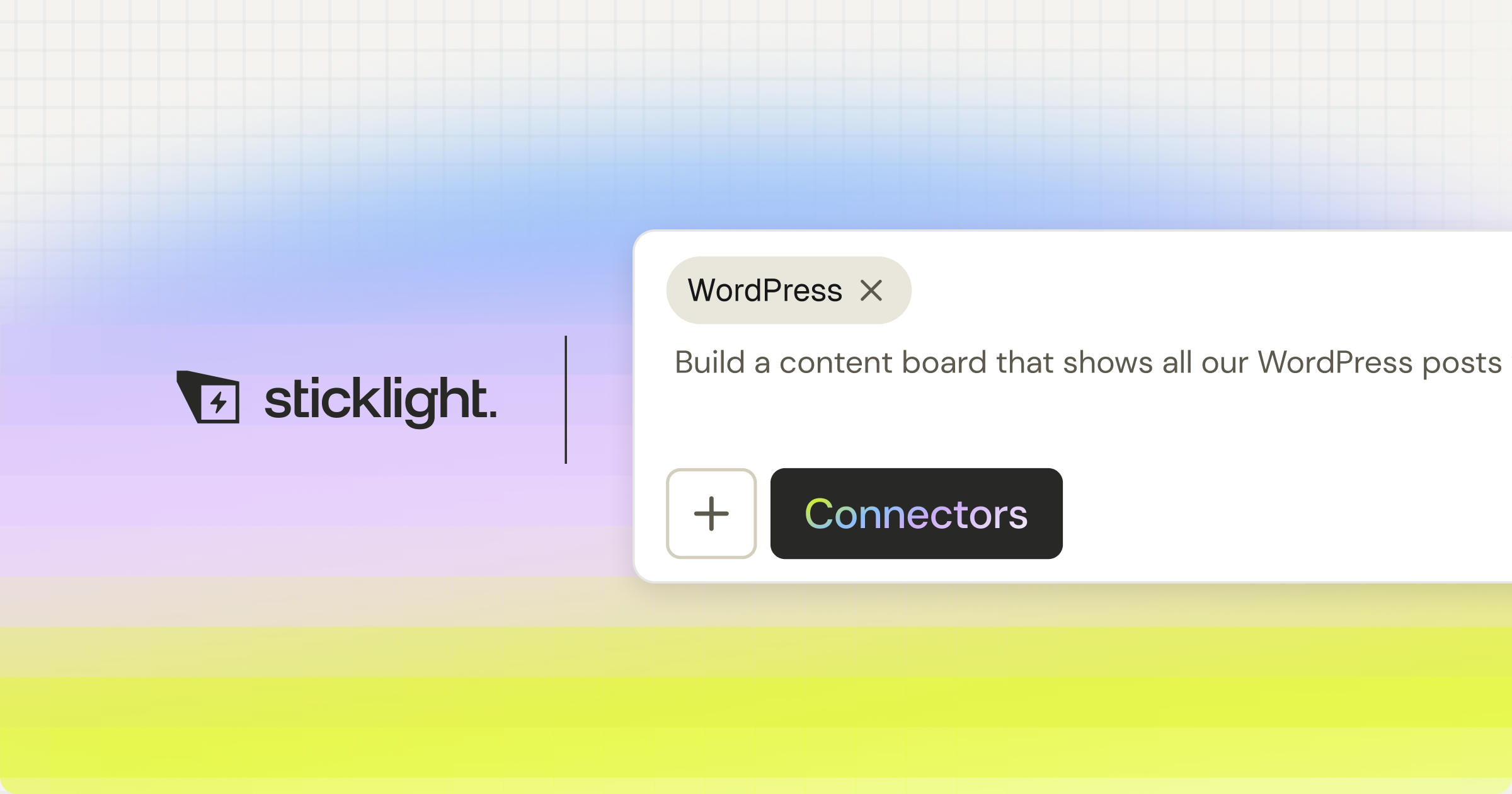
Sticklight offers several ways to start a build: the main prompt box for open-ended creation, Plan Mode to simplify complex multi-step tasks, Templates to remix and make your own, and Connectors based on specific use cases. Sticklight MCP connects Sticklight to the tools in a professional’s existing stack.
Agents (a roadmap feature, coming soon) will add another layer of automation to the creation flow. Each entry point is built for professionals who know what they want to ship.
Built by the Elementor team. Powered by Claude.
That credit line carries weight. Elementor has spent over a decade building tools for professional web creators, with a deep understanding of what production-grade creation actually requires. Claude is Anthropic’s frontier model. Sticklight combines that pedigree with that model to produce output that meets the Sticklight standard: the craft of a senior designer and developer, on every prompt. If you build the web for a living, that combination matters. The Elementor blog covers the web creation craft in depth, from design principles to technical best practices, and Sticklight sits in that same tradition.
“Framer and Webflow solve for the website well. But the brief is changing. Clients are asking for apps, dashboards, booking systems, and tools, not just pages. Sticklight is built for that expansion. It takes the professional web creator’s existing skills and extends them into the full product surface, without an engineering dependency, and without losing the craft or the control that makes the work worth doing.”
Itamar Haim, AI for WordPress Specialist
Who should choose Sticklight over Framer or Webflow: agencies, freelancers, and professionals.
Sticklight is built for professional web creators: agencies, freelancers, studios, and independent creators who build for clients and for themselves. Two kinds of brief drive the choice toward Sticklight.
First, any brief that goes beyond the website. If a client needs a web app, a dashboard, a booking system, an internal tool, or a CMS platform, Framer and Webflow are not built for that surface. Sticklight is. The creator who could not take that brief before can now take it, deliver it to a production standard, and build a more valuable service offering.
Second, any brief where production quality, SEO, security, and full creative control are non-negotiable. Sticklight’s Publish phase and Skills system build those requirements into the creation flow, not onto a manual checklist at the end. Agencies and freelancers who protect their reputation with every delivery find that the Sticklight standard holds on every project.
For creators already using Elementor and WordPress for their website workflow, Sticklight is additive. WordPress remains a mature, powerful source of truth to build on and connect to. Elementor and WordPress do the jobs they have always done, well. Sticklight expands what that same professional can now offer, into app surfaces and product categories that were previously out of reach without a developer on the team.
Frequently asked questions.
Is Framer or Webflow better for beginners?
Framer is faster to start with for most designers. It has a shorter initial learning curve for those already familiar with tools like Figma, while Webflow requires CSS literacy to reach its full potential. Webflow rewards deeper investment with more design precision. For a complete beginner to web creation, neither is the fastest starting point. Sticklight’s prompt-first flow lets a creator describe what they want in natural language and get a production-ready output, without learning a visual editor’s paradigm first.
Can Webflow or Framer build web apps?
No. Neither Framer nor Webflow is built for web app creation. Both are website builders with CMS capabilities. Webflow handles data-driven content pages well, but it does not support the interactive, database-backed, user-authenticated app logic that a web app requires. Framer’s scope is similar. For web apps, dashboards, and interactive tools, Sticklight is the AI platform designed to cover that surface from a single prompt-first flow.
What is the difference between Framer and Webflow for agencies?
It comes down to the agency’s client base and the kinds of sites in its portfolio. Agencies that run multiple client sites tend to find Webflow’s CMS and design precision more scalable for content-heavy work, and the code output more suitable for projects that include developer handoff. Framer works well for agencies where visual polish and motion design are the primary brief. Sticklight adds a third option for agencies expanding into apps, dashboards, and tools, as an AI platform built specifically for professional web creators.
Does Framer have good SEO?
Yes, for most marketing websites. Framer includes standard SEO features: meta tags, custom slugs, Open Graph settings, and clean HTML output. These basics are sufficient for the majority of marketing sites. Deeper technical SEO, schema markup, and sitemap generation may require additional attention. Sticklight’s SEO Skill ships meta, schema, sitemap, and on-page best practices as part of every build, with no manual configuration needed.
Is Webflow worth the cost for small studios?
It depends on the volume of client work, the CMS complexity clients need, and whether the studio’s workflow benefits from the code output quality. Webflow’s pricing has multiple tiers, and the cost can add up for studios managing several client sites across workspace and site plans. Small studios expanding their service offering beyond websites may find that Sticklight covers more ground for their investment, because Sticklight is an AI platform built to go beyond the website category, covering apps, dashboards, and tools from the same flow.
Can I use Framer and Sticklight together?
Yes. Different tools for different jobs. A creator might use Framer for a motion-heavy campaign page and Sticklight for the dashboard, booking system, or web app the same client needs alongside it. Sticklight is not a replacement for every tool in a professional’s kit. It is the platform for the builds that go beyond a website, and it is built to coexist with the rest of a professional’s workflow, including Elementor and WordPress for their native use cases.
What makes Sticklight different from other AI website builders?
Sticklight is the vibe-coding platform for professional web creators, built by the Elementor team and powered by Claude. Unlike most AI website builders that produce demos, Sticklight produces production-ready products built to the Sticklight standard: the craft of a senior designer and developer on every output.
The differences are concrete. The Skills system embeds expert know-how (Accessibility, SEO, Performance, Design System, Copywriting, Localization, Micro-interactions, Onboarding, and 3D Web Experience) into the build with one click. The Publish phase includes SEO, a security scan, hosting, and custom domain. Full manual canvas control and direct code editing are available after the AI finishes. And the surface range is broader than any website builder: websites, apps, dashboards, CMS, booking systems, internal tools, forms, and databases, all from the same prompt-first flow.
Does Sticklight replace Elementor or WordPress?
No. Sticklight’s story is always additive to Elementor and to WordPress. WordPress is a mature, powerful platform and a source of truth that professional web creators build on and connect to. Elementor brings professional-grade visual building to that ecosystem. Sticklight expands what a creator can build, into app surfaces and product categories that go beyond the website, using AI as the starting point. Different tools for different jobs. A professional smart enough to use all of them will.
How do Framer’s AI features compare to Sticklight?
Framer’s AI features focus on generating copy and page sections within a website-building context. They are useful for speeding up initial drafts inside the Framer editor. Sticklight is AI-native at a deeper level: the entire creation flow begins with a prompt, and the AI produces the complete product (not just sections) to the Sticklight standard, with Skills adding packaged expert know-how at build time. Plan Mode handles complex multi-step builds. Connectors tie the product to specific use cases. The AI in Sticklight is the engine of the whole platform, not a feature layered onto a visual editor.
Let it glow.

