Cursor vs Windsurf is the most searched AI code editor comparison in 2026, and it is a real choice worth making for software engineers. Both tools are genuinely capable. Both are purpose-built for developers who live inside a codebase. If you are a professional web creator, a freelancer, an agency, or a studio that ships client websites, landing pages, apps, and dashboards, the comparison that matters most is a different one. This article covers what each AI code editor does well, where they differ, and why professional creators who want to go from idea to published product take a different path entirely.
Key takeaways.
- Cursor is a VS Code fork with deep AI integration, built for engineers who want AI assistance inside an existing codebase.
- Windsurf, by Codeium, emphasizes agentic multi-step coding flows, where the AI plans and executes sequences of changes across files.
- Both tools are code editors first. They require a developer’s environment, framework knowledge, and comfort working inside generated code.
- Professional web creators who build websites, apps, dashboards, and tools for clients need a creation platform, not a code editor.
- Sticklight is the vibe-coding platform for professional web creators, built by the Elementor team and powered by Claude, that turns a prompt into a production-ready published product, with SEO, security, hosting, and full design control built in, and no engineering bottleneck between the idea and a live URL.
- Built by the Elementor team. Powered by Claude. Sticklight is where professional creators go beyond websites and become full-stack creators.
What is Cursor: the AI code editor built on VS Code.
Cursor is an AI-first code editor built as a fork of Visual Studio Code. It layers AI capabilities on top of the familiar VS Code environment, bringing multi-file context, inline code suggestions, a chat interface for codebase questions, and the ability to apply AI-generated changes across multiple files at once, all inside a single editor window.
The core design decision behind Cursor is that the AI stays inside the editor. Developers do not switch between a chat window and their code. They write, ask, and review inside one environment. Cursor handles large codebases well, which matters for engineers working on production applications with many moving parts. It reads the project structure, pulls in relevant files as context, and suggests changes that fit the existing code patterns.
Who Cursor is built for.
Cursor is purpose-built for software engineers. The audience is people who live in a code editor, know their way around a codebase, and want AI acceleration without changing how they work. That includes experienced developers at startups and larger companies, engineers who maintain production codebases over time, and technical founders who write their own code.
Cursor is not designed for people who want to build something without managing a development environment. It assumes you know what a repository is, how to run a local server, how to deploy code, and how to debug framework-level errors. The AI makes that work faster. It does not remove it.
Cursor strengths.
- Deep multi-file context makes it useful for real codebases, not just small prototypes.
- The VS Code foundation means extensions, keybindings, and workflows carry over without relearning.
- Inline suggestions and the chat interface reduce the friction of switching tools mid-task.
- Strong for refactoring, adding features to existing code, and writing tests alongside implementation.
- Works across languages and frameworks, so it fits a wide range of engineering teams.
Cursor pricing.
Cursor offers a free tier for individuals getting started, with paid plans that unlock higher usage limits, more AI model access, and team features. Pricing is structured around monthly usage and the number of seats. Check the Cursor website for current plan details, as tiers and pricing change over time.
What is Windsurf: the agentic AI code editor by Codeium.
Windsurf is an AI-powered code editor from Codeium that takes an agentic approach to coding. Where Cursor integrates AI into the standard editor experience one interaction at a time, Windsurf lets the AI plan a multi-step task and execute a sequence of changes across files to complete it. The developer reviews the result.
That agentic approach is the clearest distinction between the two tools. A developer describes a feature at a higher level. Windsurf breaks it down, writes the code, edits the relevant files, and reports back on what it did. The developer reviews and approves. The AI handles more of the planning and execution work, rather than responding to one prompt at a time.
Who Windsurf is built for.
Windsurf targets software developers who want an AI that takes initiative inside the codebase. The ideal Windsurf user is comfortable with AI-generated code, reviews changes at a diff level, and values the ability to delegate a multi-step task to the AI without writing out every intermediate instruction. It suits developers working on feature development, complex refactors, and tasks that span many files or modules.
Like Cursor, Windsurf assumes a developer’s context. You need a codebase to work in, an environment to run it, and the technical knowledge to review what the AI produces. The agentic flow makes tasks faster. It does not make them code-free.
Windsurf strengths.
- Agentic multi-step code execution handles higher-level tasks than line-by-line suggestion tools.
- Strong autocomplete and inline AI assistance for day-to-day coding.
- Integration with Codeium’s AI models gives it a capable underlying engine.
- Good for developers managing complex codebases where a task spans many files.
- The agentic flow reduces the back-and-forth of iterative prompting for longer tasks.
Windsurf pricing.
Windsurf offers a free tier with access to core features. Paid plans provide higher usage limits and access to more capable AI models. Pricing is structured for individuals and teams. Check the Windsurf website for current plan details.
Cursor vs Windsurf compared: approach, output, and best fit for AI code editing.
The core difference between Cursor and Windsurf is approach, not capability level. Cursor keeps the developer in close control, working one interaction at a time, with AI acting as an accelerant. Windsurf gives the AI more autonomy to plan and execute across steps, with the developer reviewing the result. Neither is strictly better. The right choice depends on how much you want to delegate and how you prefer to work inside a codebase.
Both tools share the same underlying assumption: you are an engineer with an existing development environment, and you want AI to make your code work faster. Neither tool addresses the workflow from prompt to published product. They address the workflow from idea to code. Getting from code to a live, production-grade URL still requires everything around the editor: hosting, deployment, SEO, security, domain setup, and design review. That pipeline exists outside both tools.
| Feature | Cursor | Windsurf | Sticklight |
|---|---|---|---|
| Primary user | Software engineers | Software developers | Professional web creators, agencies, freelancers |
| AI approach | Inline suggestions + multi-file context | Agentic multi-step execution | Prompt-first creation through full Prompt/Build/Publish flow |
| Development environment required | Yes | Yes | No |
| Output | Code changes inside your codebase | Code changes across multiple files | Production-ready websites, apps, dashboards, CMS, and tools |
| Publishing built in | No | No | Yes (SEO, security scan, hosting, custom domain) |
| Design control | Via code only | Via code only | Full canvas control after AI (edit every pixel) |
| Skills system | No | No | Nine live Skills (SEO, Accessibility, Performance, Design System, Copywriting, Localization, Micro-interactions, Onboarding, 3D) |
| Best for | Accelerating engineering work inside existing codebases | Agentic task execution inside complex codebases | Shipping production-ready products from a prompt, without an engineering bottleneck |
The question AI code editors like Cursor and Windsurf do not answer.
If you are a software engineer working on a codebase, Cursor and Windsurf are worth comparing. They solve a real problem well: they make writing and maintaining code faster. The Cursor vs Windsurf question only applies if you are already operating inside a development environment.
If you are a professional web creator, a freelance designer, an agency running client projects, or a studio that ships landing pages, web apps, dashboards, and tools, neither AI code editor takes you from a brief to a live URL. Both assume you are already inside a development environment. Neither ships a product to the web with SEO configured, a security scan run, a custom domain connected, and design control in your hands.
The gap between code in an editor and a product live on the web is where professional creators spend real time. An engineering dependency can slow down or block a project entirely. That is the problem Sticklight is built to close. Sticklight, the vibe-coding platform built by the Elementor team and powered by Claude, takes a creator from natural language prompt to production-ready published product, with no development environment required at any point in the process.
Why professional web creators choose Sticklight over an AI code editor.
Sticklight is the vibe-coding platform for professional web creators, built by the Elementor team and powered by Claude. It takes a prompt and builds production-ready websites, landing pages, apps, dashboards, CMS, booking systems, internal tools, forms, databases, and full digital experiences, with the combined craft of a senior designer and developer. That is the Sticklight standard.
The creation flow moves through three phases: Prompt, Build, and Publish. Each one is complete. Nothing is left for a separate tool to handle.
Prompt.
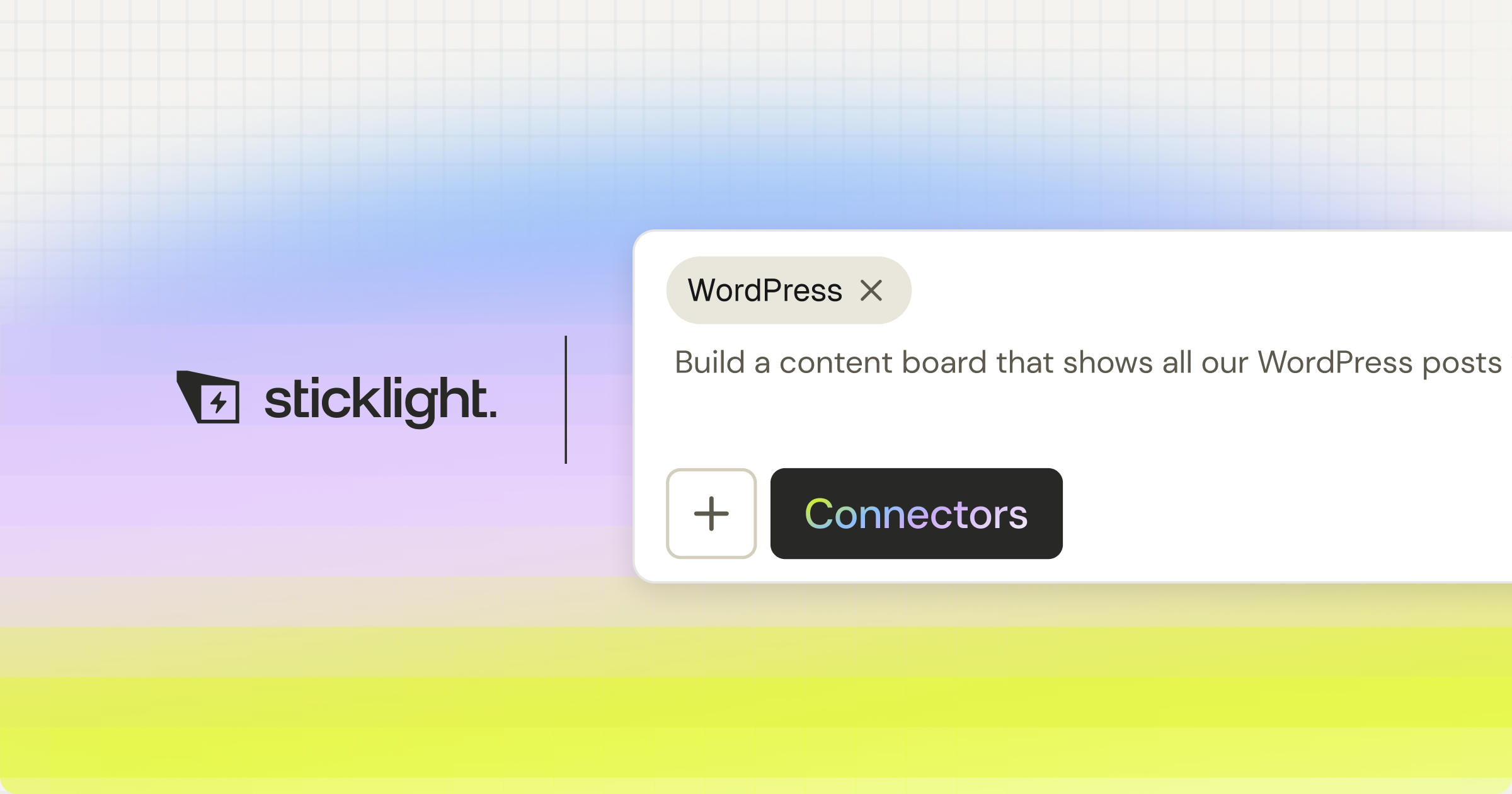
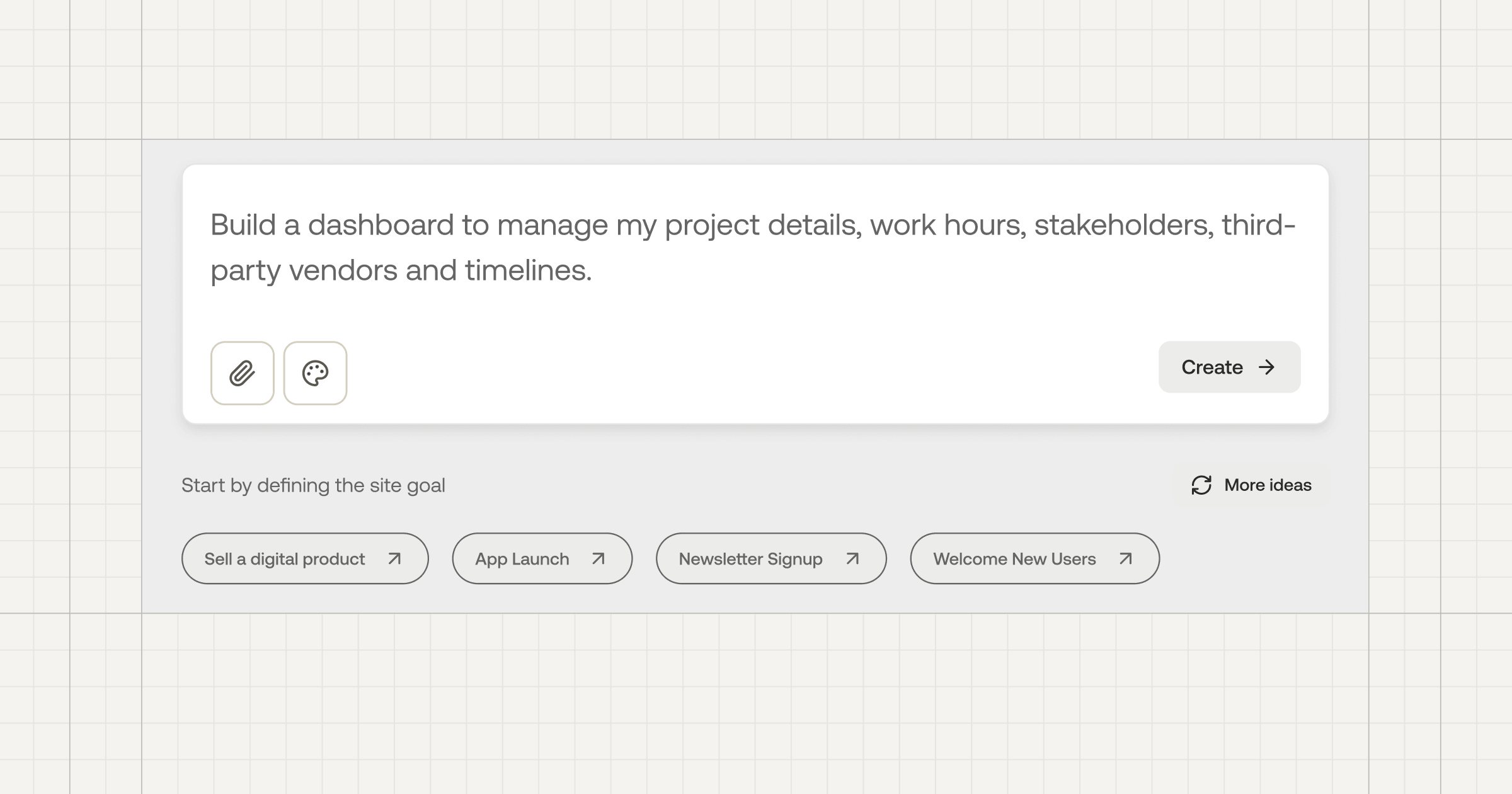
Every project starts in natural language. The main prompt box is the entry point. Plan Mode simplifies complex tasks before the build starts. Sticklight MCP connects Sticklight to your favorite tools. Templates give you a starting point to remix and make your own. Connectors let you start from a use case.
The AI reads the brief and builds from it. No framework to configure. No environment to set up. No scaffolding to write before the real work begins.
Build.
After the AI builds, the creator keeps full control of every pixel on the canvas. Manual editing and direct code editing are both available. Nothing is locked.
Skills are the core of the Build phase: nine packaged units of expert know-how, added to any project with one click. The SEO Skill ships meta, schema, sitemap, and on-page best practices. The Accessibility Skill ships WCAG-compliant markup, focus states, and ARIA. Performance, Design System, Copywriting, Localization, Micro-interactions, Onboarding, and 3D Web Experience (Three.js) are all live. Skills compound across projects. The tenth product a creator ships is faster and sharper than the first.
Publish.
The Publish phase is where Sticklight separates from tools that produce demos. SEO is built in. A security scan runs on every build. Custom domain connection is included. Hosting is included. The product that leaves Sticklight is production-ready, not a prototype that needs to be rebuilt before it can go live.
Cursor and Windsurf make engineers faster. Sticklight makes professional web creators full-stack creators. The same person who built websites can now build apps, dashboards, booking systems, internal tools, CMS, and full digital experiences, using natural language, without an engineering dependency slowing them down or blocking delivery.
Built by the Elementor team. Powered by Claude. Sticklight brings a decade of professional web creation pedigree and a frontier model to every project. For agencies, freelancers, and studios who protect their reputation with every delivery, that pedigree matters. Sticklight shares Elementor’s mission of empowering web creators to build their future, and expands it for the AI era. Elementor and WordPress remain the foundation professionals trust for CMS-powered sites and client projects. Sticklight adds the AI-native creation layer for everything beyond.
Sticklight offers a free plan to try the platform and ship real products, with Pro, Team, and Enterprise tiers that scale with seats and feature access. Visit elementor.com and explore more on the Elementor blog for the latest on how professional web creators are building with AI.
“Cursor and Windsurf are strong tools for software engineers who already live inside a codebase. They accelerate code work. They do not replace the pipeline from idea to live product. Professional web creators, agencies, and freelancers need a creation platform that handles the full cycle: prompt, build, and publish, with design control, SEO, security, and hosting included. That is the gap Sticklight closes. The question is not which code editor to use. The question is whether a code editor is the right tool at all.”
Itamar Haim, AI for WordPress Specialist
Frequently asked questions about Cursor, Windsurf, and AI code editors.
What is the main difference between Cursor and Windsurf?
Cursor and Windsurf differ primarily in how much autonomy they give the AI during a coding task. Cursor integrates AI into the VS Code editing experience with multi-file context and inline suggestions, keeping the developer closely in control one interaction at a time. Windsurf uses an agentic approach where the AI plans and executes multi-step changes across files, with the developer reviewing the result.
Both are code editors built for software engineers. The choice depends on how much you want to delegate and whether you prefer tight per-step control or higher-level task delegation.
Is Cursor or Windsurf better for beginners with no coding background?
Neither. Both Cursor and Windsurf assume familiarity with codebases, frameworks, and deployment. They accelerate work inside a codebase; they do not remove the requirement to understand code or manage a development environment. If you are a professional web creator without a software engineering background who wants to ship websites, apps, and dashboards, a creation platform like Sticklight, which starts with a natural language prompt and requires no development environment, is a better fit than either AI code editor.
Can Cursor or Windsurf publish a website directly?
No. Cursor and Windsurf produce code changes inside your development environment, but neither tool includes publishing, hosting, SEO configuration, or domain setup as part of the workflow. Publishing requires a separate deployment pipeline: hosting configuration, domain setup, build processes, and any SEO or security work you want to include. That pipeline lives outside both editors. Sticklight includes publishing as a native phase of the creation flow, with SEO, a security scan, hosting, and custom domain connection built in from the first prompt.
What is Sticklight and how does it differ from Cursor and Windsurf?
Sticklight is the vibe-coding platform for professional web creators, built by the Elementor team and powered by Claude, that turns a natural language prompt into production-ready websites, apps, dashboards, CMS, and tools, with full design control for the creator after the AI builds. Cursor and Windsurf are AI code editors that accelerate engineering work inside an existing codebase. Sticklight is a full-stack creation platform that takes a creator from brief to live published product, with no development environment required and no engineering bottleneck between the idea and the URL.
Does Sticklight require coding knowledge to use?
No. Sticklight starts with a natural language prompt, and the AI does the heavy lifting from the first prompt. No development environment or framework knowledge is required to ship a production-ready product. Manual editing and direct code editing are available on the canvas for creators who want them, but neither is required. Sticklight is built for professional web creators, including designers, agencies, and freelancers, who build the web for a living and want AI to expand what they can do without removing the craft or the control.
What are Sticklight Skills and do Cursor or Windsurf have something similar?
Sticklight Skills are packaged units of expert know-how added to any project with one click during the Build phase. They embed best-practice knowledge directly into the build rather than relying on general AI training. Cursor and Windsurf have no equivalent. Nine Skills are live: Accessibility, SEO, Design System, Performance, Copywriting, Localization, Micro-interactions, Onboarding, and 3D Web Experience (Three.js). Skills compound across projects: the tenth product a creator ships is faster and sharper than the first, because each Skill brings consistent, repeatable expertise rather than one-off prompting.
Who should use Cursor or Windsurf vs Sticklight?
Cursor and Windsurf are the right tools for software engineers who work inside codebases and want AI to make that work faster. Sticklight is the right platform for professional web creators who need to go from prompt to published product without an engineering dependency. If your day involves writing, reviewing, and maintaining code in a development environment, both AI code editors are worth evaluating. If you are an agency, freelancer, studio, or independent creator who builds websites, apps, dashboards, and tools for clients and for yourself, Sticklight is where you belong.
Is Sticklight connected to Elementor and WordPress?
Sticklight is built by the Elementor team and powered by Claude, and it is designed to be additive to Elementor and WordPress, not a replacement for either. Sticklight is platform-agnostic and AI-native, designed to expand what professional web creators can do without replacing any WordPress or Elementor workflow they already trust. Elementor and WordPress are respected as the production foundations they are. Sticklight adds the AI-native creation layer for building beyond the traditional website: apps, dashboards, CMS, and full digital experiences. Different tools for different jobs. Professional creators use both. For more on how Elementor supports web creators, visit elementor.com and the Elementor blog.
What surfaces can I build with Sticklight?
Sticklight builds websites, landing pages, web apps, dashboards, CMS, booking systems, internal tools, forms, databases, AI-powered experiences, management platforms, embedded tools, and full digital experiences, all from a natural language prompt. This range is the core of Sticklight’s story: go beyond websites and become a full-stack creator. The same prompt-first flow that builds a marketing landing page also builds a client dashboard or a booking system. One platform, one standard, the full surface range.
Let it glow.

