n8n vs Zapier is one of the most searched comparisons in workflow automation, and for good reason. Both platforms connect apps and automate repetitive tasks. They do it from very different positions. Zapier is a cloud-hosted, no-code automation platform built for business users who want setup in minutes. n8n is an open-source, self-hostable workflow automation platform built for technical teams who want full control over their automation infrastructure. The choice between these two tools comes down to your team’s technical depth, your data requirements, and how much flexibility you need beyond a point-and-click workflow builder. For professional web creators, there is a third layer worth understanding: the creation platform that builds what those automation tools connect to.
Key takeaways
- Zapier is a cloud-hosted, no-code automation platform suited to business users and operations teams who want to connect apps and automate workflows without engineering support.
- n8n is an open-source, self-hostable automation platform that gives technical teams full control, code nodes, and deep customization beyond what SaaS tools allow.
- Zapier connects thousands of apps out of the box with fast setup. n8n supports custom logic through code nodes and gives data-sensitive teams full ownership of their automation infrastructure.
- Both platforms automate workflows between existing tools. Neither builds the products those tools connect to. That is where Sticklight fits.
- Sticklight is the vibe-coding platform for professional web creators, built by the Elementor team and powered by Claude. It builds the websites, apps, dashboards, and internal tools that automations run around, then connects those products to the broader tool ecosystem via Sticklight MCP.
- The automation layer and the creation layer are different jobs. Zapier and n8n handle integration. Sticklight handles what gets built.
What Zapier is and who it is built for.
Zapier is a cloud-hosted, no-code automation platform that connects web apps through trigger-and-action workflows called Zaps. It is designed for business users who want to automate manual handoffs between tools without writing code. You pick a trigger (a new email arrives, a form is submitted, a row is added to a spreadsheet) and define one or more actions that follow (send a Slack message, add a contact to your CRM, create a task in your project tool). No code required.
Zapier’s primary strength is its breadth. The platform connects thousands of apps, covering almost every business tool in common use. Setup is fast. A marketing manager, an operations coordinator, or a sales team lead can build a working automation without asking engineering for help.
For businesses that want to reduce manual data entry, send notifications automatically, or keep records in sync across tools, Zapier delivers reliable results without a technical barrier. The platform is cloud-only. Workflow data passes through Zapier’s servers, and teams do not self-host.
Zapier’s pricing scales with the number of tasks your automations run each month and the plan tier you need. Multi-step Zaps, filters, conditional logic, and paths are available on higher plans. For teams with straightforward automation needs and a library of common business tools, Zapier is a well-established choice.
What n8n is, and what open-source automation means in practice.
n8n (pronounced “nodemation”) is an open-source workflow automation platform that supports self-hosted deployment, code nodes for custom logic, and a broad integration library. Self-hosting and full infrastructure control define n8n’s identity. That is what draws its core technical audience. It uses a visual canvas to connect nodes, similar in structure to other workflow tools, but with technical depth that separates it from SaaS-first competitors.
The core difference n8n offers is control. Self-hosted deployment means your automation data stays on your own infrastructure. That matters for companies with data residency requirements, compliance obligations, or a preference for not routing sensitive information through a third-party cloud. Because n8n is open source, technical teams can inspect the code, extend the platform, and build custom integrations not available in the default library.
Code nodes are a significant differentiator. n8n lets you write JavaScript or Python inside your workflows. That means the platform can handle logic a visual trigger-action model cannot. Teams with engineering resources can build automations with data transformation, conditional branching, API calls with custom authentication, and other behaviors that go beyond what a point-and-click builder can express.
n8n also offers a cloud-hosted version for teams who want the flexibility without managing their own server. But the open-source, self-hosted option is what defines n8n’s identity and draws its core audience.
Who each workflow automation platform is built for.
Zapier is built for business users. n8n is built for technical teams. That distinction makes the choice straightforward in most cases.
The ideal Zapier customer is a team lead, marketer, or operations manager who wants to automate manual handoffs between tools they already use, without writing code and without waiting for developer time. The platform’s approachability is a feature, not a compromise.
n8n is built for developers, DevOps engineers, and operations professionals who need automation infrastructure with code-level flexibility, self-hosting, and the ability to handle complex data flows. Teams without at least some engineering comfort will find n8n’s learning curve steeper than Zapier’s.
There is a meaningful middle ground. Technical non-developers, operations specialists, and agencies with some JavaScript knowledge often find n8n’s visual canvas approachable enough, while still appreciating the depth it offers. Zapier’s feature set covers conditional logic and multi-step Zaps, which suits its primary no-code audience well.
Integration breadth vs. technical depth: how n8n and Zapier compare on automations.
Zapier wins on the number of native integrations. n8n wins on flexibility for teams with engineering resources. Both approaches are valid depending on your automation stack.
Zapier’s strongest card is connection count. Its integration library covers thousands of services, including most tools a business team uses day to day. If your automation connects Gmail to Salesforce, or Typeform to Notion, Zapier likely has native integrations for both sides and a ready-made Zap template to start from.
n8n’s integration library is substantial and growing, but smaller than Zapier’s out of the box. n8n closes that gap with HTTP Request nodes and code nodes. If there is no native integration, a technical user can call any API directly, parse the response, and use the data in subsequent steps. The ceiling on what n8n can connect to is much higher, as long as you have the technical skills to reach it.
For teams whose automation needs stay within the common business tool stack (email, CRM, spreadsheets, messaging, forms), Zapier’s breadth wins on setup time. For teams building custom data pipelines, internal APIs, or workflows that require transformation logic, n8n’s technical depth is the deciding factor.
Pricing models: task-based SaaS vs. open-source self-hosting.
The pricing difference between n8n and Zapier reflects their underlying models. Zapier charges based on task volume and plan tier. n8n’s self-hosted version is free to run as open-source software, though operational overhead applies.
Zapier’s pricing is based on the number of tasks per month and the plan tier. Free plans exist with task limits. Higher plans unlock multi-step Zaps, premium app integrations, faster automation speeds, and team features. Costs can grow with automation volume, which is worth modeling for high-frequency workflows.
n8n’s self-hosted version is free to run (open source). Cloud plans are available with workflow and execution limits at different tiers. For teams with the infrastructure to self-host, n8n can offer a lower ongoing cost than task-based SaaS pricing, especially at high automation volumes. The trade-off is the operational overhead of running and maintaining your own instance.
Data privacy and compliance: a genuine differentiator between n8n and Zapier.
For compliance-sensitive teams, data privacy is often the deciding factor between n8n and Zapier. n8n’s self-hosted deployment keeps all automation data inside your own infrastructure. Zapier’s cloud model routes workflow data through Zapier’s servers.
Zapier is cloud-hosted. Your workflow data, including the payloads that pass through your Zaps, routes through Zapier’s infrastructure. For most business use cases, this is a standard arrangement. For companies with strict data residency rules, healthcare or financial compliance requirements, or a policy of not sending sensitive data to third-party services, it creates a real constraint.
n8n’s self-hosted option keeps all automation data inside your own infrastructure. Nothing leaves your environment unless your workflows explicitly send it somewhere. For data-sensitive industries and teams with compliance obligations, that matters. It is one of the primary reasons teams choose n8n over SaaS alternatives, even when the setup effort is higher.
Where Sticklight fits: the creation layer that automation platforms do not cover.
Zapier and n8n automate workflows between existing apps. What neither platform does is build the products those workflows run around. Sticklight, the vibe-coding platform for professional web creators built by the Elementor team and powered by Claude, fills exactly that gap.
Professional web creators who work with automation platforms face a related but distinct challenge. A client needs a dashboard that shows their CRM data in a format their team can actually use. Another needs a booking tool that syncs with their calendar and triggers a confirmation workflow. A third needs an internal tool that pulls data from multiple sources and presents it to a specific team. These products need to exist before the automation can connect to them, and they need to meet the production standard the client expects.
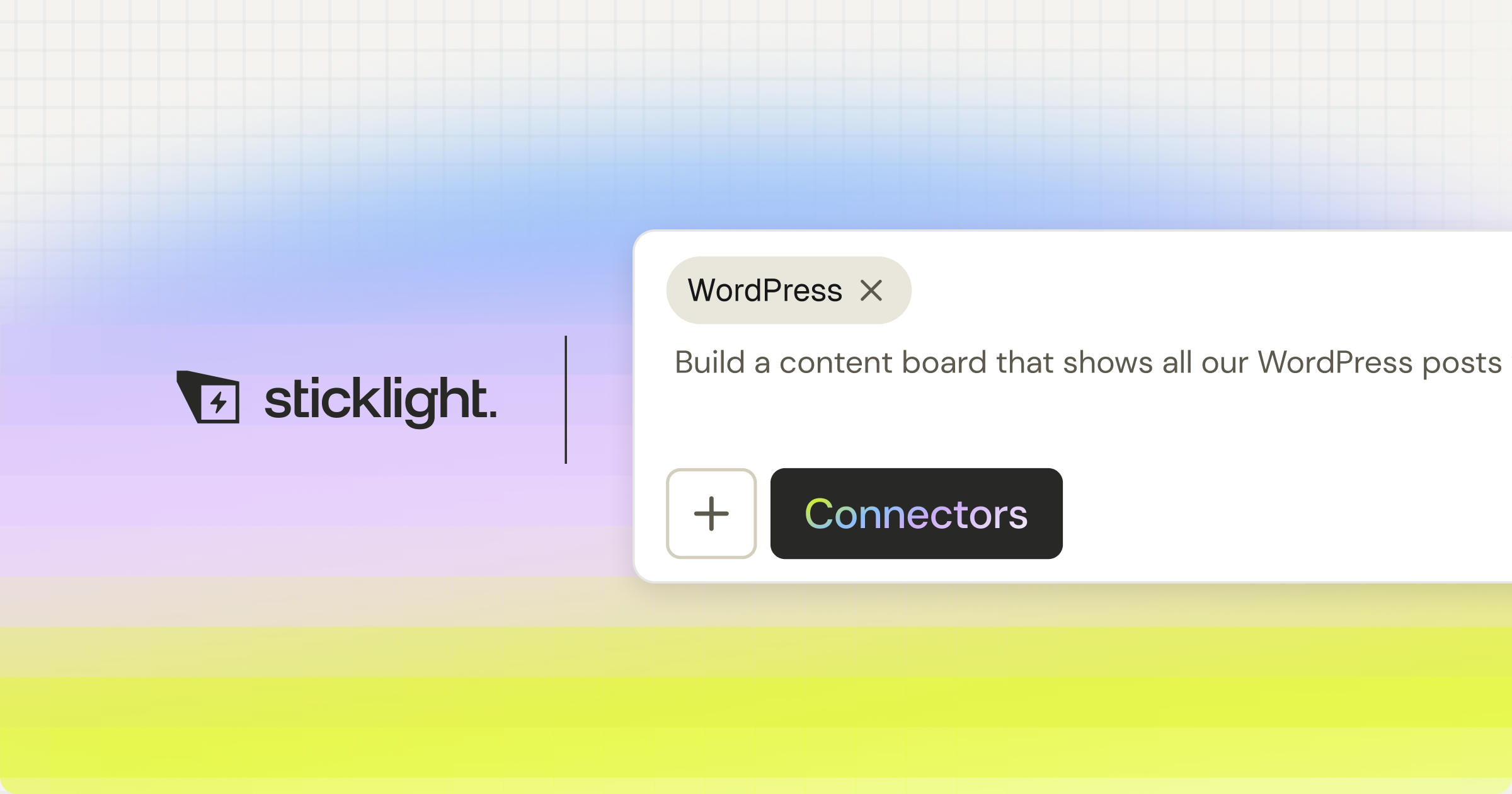
Sticklight turns a prompt into production-ready websites, landing pages, apps, dashboards, CMS, booking systems, internal tools, forms, databases, and full digital experiences, with the combined craft of a senior designer and developer. That is the Sticklight standard. Sticklight MCP then connects those products to the tools and services that power them, including the automation platforms your clients already use.
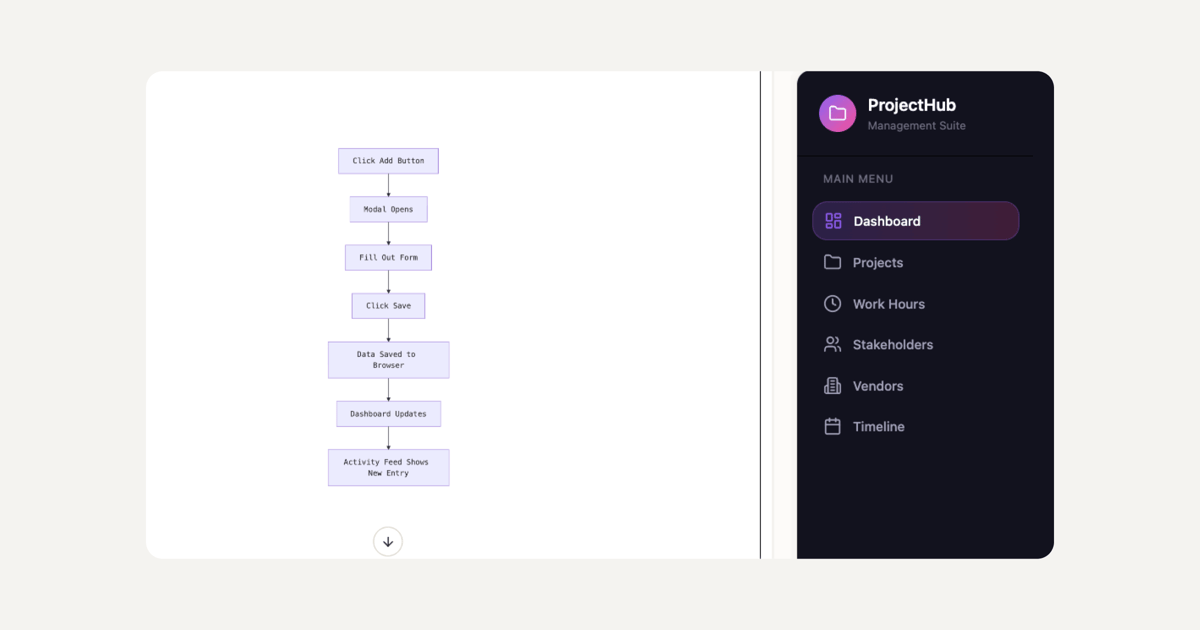
The two layers are complementary. Zapier or n8n handles the automation and integration work. Sticklight handles what gets built. A web creator who builds client dashboards, internal tools, and data products with Sticklight, then wires them into existing workflows with an automation platform, is covering the full stack. Neither tool is a substitute for the other.
Built by the Elementor team. Powered by Claude.
Sticklight’s Skills system: expertise built into every build.
Sticklight’s Skills system brings packaged expert know-how to every build with one click. Nine Skills are live: Accessibility, SEO, Design System, Performance, Copywriting, Localization, Micro-interactions, Onboarding, and 3D Web Experience (Three.js).
The SEO Skill ships meta tags, schema markup, a sitemap, and on-page SEO best practices as part of every build. The Accessibility Skill ships WCAG-compliant markup, focus states, and ARIA attributes. The Performance Skill addresses the technical decisions that affect speed and Core Web Vitals. These are not afterthoughts the creator handles post-build. They are baked into the output from the prompt.
For professional web creators building dashboards, tools, and apps that clients will publish and use, production quality at build time is not optional. It is the difference between a prototype and a deliverable. Sticklight’s Publish phase adds SEO, a security scan on every build, custom domain connection, and hosting. The product ships complete.
Skills compound across projects. The tenth dashboard a creator ships is faster and sharper than the first, because the same packaged expertise applies to every build. For agencies running at volume, that consistency is measurable.
Comparison table: n8n vs Zapier vs Sticklight.
| Dimension | Zapier | n8n | Sticklight |
|---|---|---|---|
| Primary function | SaaS workflow automation | Open-source workflow automation | AI creation platform for professional web creators |
| Deployment | Cloud-hosted (SaaS) | Self-hosted or cloud | Cloud-hosted, custom domain and hosting included |
| Target user | Business users, operations teams, marketers | Developers, technical operations teams | Professional web creators: agencies, freelancers, studios |
| Code required | No (no-code) | Optional (code nodes available) | No (natural language prompt; canvas editing available) |
| Integration breadth | Thousands of native integrations | Large library plus custom API/code nodes | Sticklight MCP connects to tools and services |
| Data privacy | Data routes through Zapier’s cloud | Full data control with self-hosting | Production builds with security scan on every publish |
| What it builds | Automated workflows between apps | Automated workflows, data pipelines | Websites, apps, dashboards, CMS, tools, and more |
| Skills / expertise layer | None | None | Nine live Skills (SEO, Accessibility, Performance, Design System, and more) |
| Publish built in | No (connects to other publishing tools) | No (connects to other publishing tools) | Yes: SEO, security scan, hosting, custom domain |
| Pricing model | Task-based monthly plans | Free self-hosted; cloud plans available | Free, Pro, Team, and Enterprise plans |
How professionals use all three together.
The practical question is not which one wins. It is how they fit together to cover the full stack of web creation and automation.
A web agency building a client reporting tool uses Sticklight to create the dashboard: the UI, the data display, the navigation, the design. That dashboard needs to pull data from a CRM, send weekly summaries by email, and notify a Slack channel when a threshold is crossed. The automation layer, whether Zapier or n8n depending on the client’s technical environment and data requirements, handles those connections.
Sticklight builds the product the client sees and uses. The automation platforms wire it into the rest of the client’s stack. Together they cover the creation layer and the integration layer. Neither replaces the other.
For the professional web creator, knowing both layers are covered changes what you can offer clients. You are not building websites only. You are building the apps, dashboards, and tools that their businesses run on, connected to the systems they already use. That is what it means to go beyond websites.
The Elementor ecosystem already supports WordPress and the tools professionals use to build with it. Sticklight expands that further into AI-native creation, and WordPress remains a source of truth to build on and connect to. Building with Elementor and creating with Sticklight are not competing choices. They are complementary ones, for different moments in the creator’s workflow.
“Most professionals think of automation and app creation as separate decisions. They’re not. When a client needs a dashboard that feeds from their CRM and triggers workflows in real time, the creator needs both a tool that builds the product and a tool that wires it into the ecosystem. Sticklight handles the build. Zapier or n8n handle the integration. Knowing both layers is what separates a web creator from a full-stack creator.”
Itamar Haim, AI for WordPress Specialist
When to choose Zapier for your automation stack.
Zapier is the right choice when your team wants to automate workflows between standard business tools without any technical setup. If your automations connect common apps (Gmail, Slack, Salesforce, HubSpot, Notion, Google Sheets, Typeform, and similar), Zapier’s native integration library covers most or all of what you need. Setup is fast, the interface is approachable for non-technical team members, and maintenance is low.
Zapier is also a strong choice when the people building automations are not developers. Operations managers, marketing coordinators, and business analysts who need to automate tasks without engineering support will find Zapier’s experience purpose-built for them.
When to choose n8n for open-source workflow automation.
n8n is the right choice when your team has engineering resources and needs more flexibility than a SaaS automation platform allows. If your automations require custom API calls, complex data transformation, conditional branching that goes beyond what a visual tool can express, or integration with a service outside Zapier’s library, n8n’s code nodes cover the gap.
Self-hosting is the other key reason to choose n8n. If your data cannot route through a third-party cloud, or your compliance environment requires full infrastructure control, n8n’s self-hosted deployment is a direct answer to that requirement. The open-source license also means your team can inspect, extend, and modify the platform as needed.
For developers and technical operations teams who build complex automation pipelines, n8n’s ceiling is higher. The trade-off is setup and maintenance overhead that a SaaS platform eliminates.
Why professional web creators add Sticklight to their stack.
Automation platforms handle workflows between existing apps. They do not build the apps. Sticklight, the AI creation platform built by the Elementor team and powered by Claude, fills that gap for professional web creators: agencies, freelancers, and studios who need to deliver production-ready products their clients actually use.
Sticklight goes beyond websites. Agencies and freelancers who previously delivered websites can now deliver apps, dashboards, CMS, booking systems, and internal tools. All from the same prompt-first creation flow. All meeting the Sticklight standard: the craft of a senior designer and developer. The Skills system brings SEO, Accessibility, Performance, Design System, and five other units of expert knowledge to every build with one click. The Publish phase ships the product with hosting, security, a custom domain, and SEO built in.
The creator keeps full control after the AI builds. Every pixel on the canvas is editable. Code is accessible. Nothing about Sticklight locks the creator out of the craft. AI does the heavy lifting at the start. The professional finishes the work.
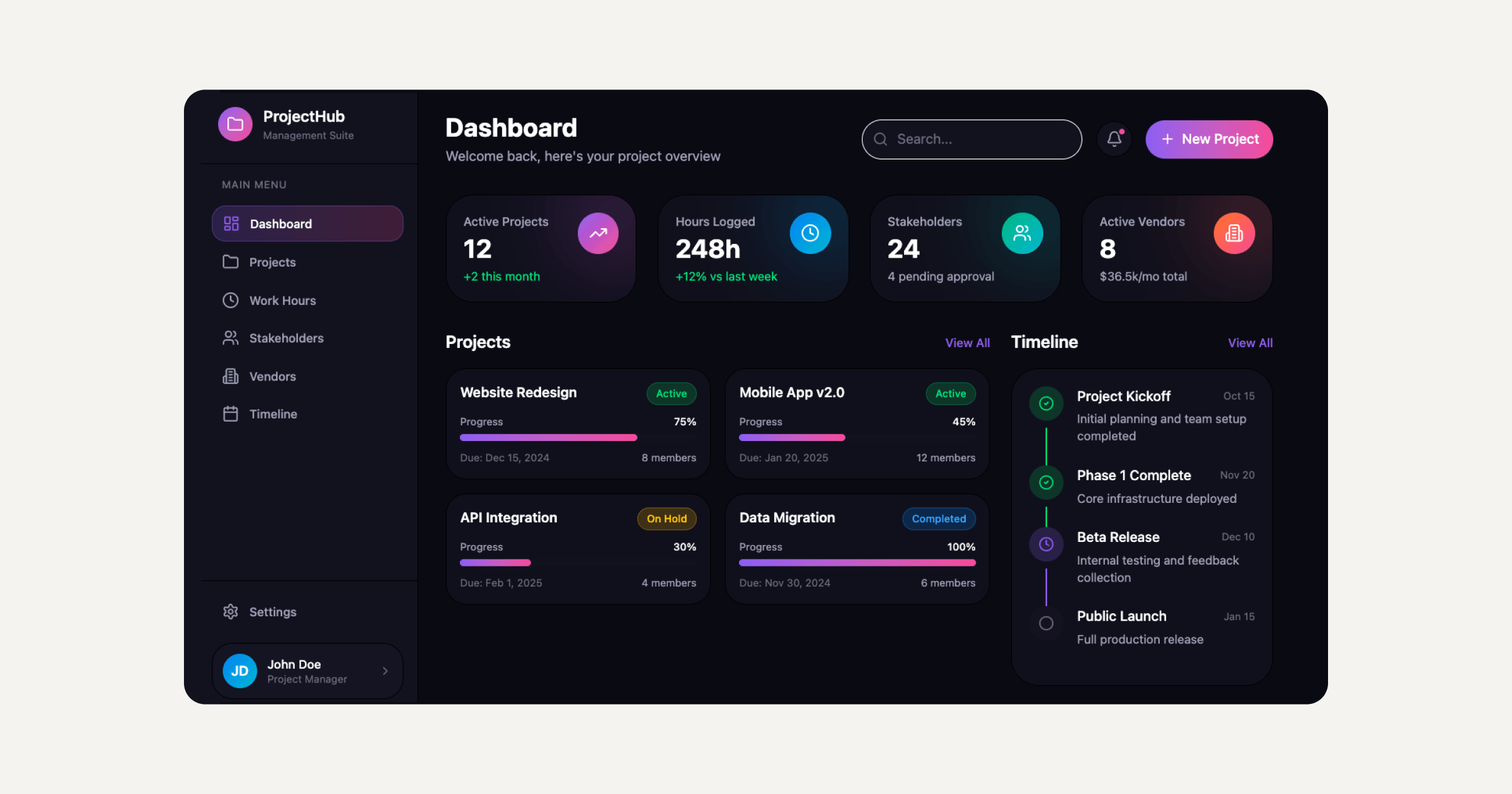
For web creators building for clients who also need automation, the stack looks like this: Sticklight creates the product, an automation platform connects it to the client’s existing tools, and Sticklight MCP provides the bridge between Sticklight projects and the services they need to talk to. The Elementor blog covers both the Elementor and Sticklight sides of this creator workflow in depth. It is worth reading for professionals building at the intersection of web creation and automation.
The core question for professional web creators evaluating both layers of this stack is not “Zapier or n8n?” It is: “What am I building, who is it for, and does the tool I am using to build it meet the standard my clients expect?” Sticklight is built to answer yes to that last question, every time.
Frequently asked questions about n8n vs Zapier and workflow automation.
What is the main difference between n8n and Zapier?
The main difference is deployment model and technical depth. Zapier is a cloud-hosted SaaS platform with a no-code interface and thousands of native integrations, built for business users who want to automate tasks without engineering help. n8n is an open-source platform that supports self-hosted deployment, code nodes for custom logic, and a technical model that gives developers full control over automation infrastructure. Zapier is faster to start. n8n goes further for teams with technical resources.
Is n8n free to use?
n8n’s self-hosted version is open source and free to run. You provide the infrastructure. n8n also offers a cloud-hosted version with paid plans that include execution and workflow limits at different tiers. For teams with the ability to self-host, n8n can represent a lower ongoing cost than task-based SaaS pricing, especially at high automation volumes.
Can non-technical users use n8n?
Non-technical users can use n8n’s visual canvas for basic workflows, but the platform rewards engineering knowledge. The basic trigger-and-action model does not require code, but setting up a self-hosted instance, using code nodes, or handling complex integrations benefits from technical knowledge. Teams with no engineering background generally find Zapier’s no-code experience easier to start with. n8n’s ceiling is higher for teams who can reach it.
Does Zapier store my data?
Yes. Zapier’s workflows run on Zapier’s cloud infrastructure, and the data that passes through your Zaps routes through Zapier’s servers. For most business use cases that is a standard and acceptable arrangement. For companies with data residency requirements, healthcare or financial compliance obligations, or policies against routing sensitive information through third-party services, n8n’s self-hosted deployment offers an alternative where data stays inside your own infrastructure.
What is Sticklight, and how does it relate to automation platforms like n8n and Zapier?
Sticklight is the vibe-coding platform for professional web creators, built by the Elementor team and powered by Claude. It builds the products that automation platforms connect to: websites, apps, dashboards, CMS, booking systems, internal tools, forms, databases, and full digital experiences, from a natural language prompt, with the combined craft of a senior designer and developer. Automation platforms like Zapier and n8n handle the integration layer between existing apps. Sticklight handles the creation layer, building the products themselves. The two layers are complementary, and Sticklight MCP connects Sticklight projects to the tool ecosystem that surrounds them.
Can I use n8n and Zapier together?
Yes. Some teams run both: Zapier for standard business tool integrations where the native connector library covers everything they need, and n8n for more complex automation pipelines where code logic, custom APIs, or data privacy requirements make a SaaS model less suitable. The platforms are not mutually exclusive. Teams often segment their automation stack based on use case and the technical comfort of the people maintaining each set of workflows.
What kinds of products can Sticklight build?
Sticklight builds across the full surface range a professional web creator works across: websites, landing pages, web apps, dashboards, CMS, booking systems, internal tools, forms, databases, AI-powered experiences, management platforms, embedded tools, and full digital experiences. All from the same prompt-first flow, all published with SEO, security, hosting, and custom domain support built in. The core narrative is “go beyond websites,” and that reflects the actual product range.
What is Sticklight MCP?
Sticklight MCP is the feature that connects Sticklight to your favorite tools and services. It extends the Sticklight creation environment into the broader ecosystem of services that your products need to communicate with. For professional web creators building products that need to connect to APIs, data sources, or automation platforms their clients already use, Sticklight MCP provides that bridge.
Is Sticklight connected to Elementor?
Sticklight is built by the Elementor team and powered by Claude. It shares Elementor’s mission of empowering web creators to build their future, and expands it for the AI era. Sticklight is platform-agnostic and AI-native. It is always additive to the Elementor and WordPress workflows professionals already trust. WordPress is a source of truth creators build on and connect to. Sticklight adds a new layer of AI-native creation on top of that foundation. Learn more about Elementor at elementor.com.
Let it glow.

