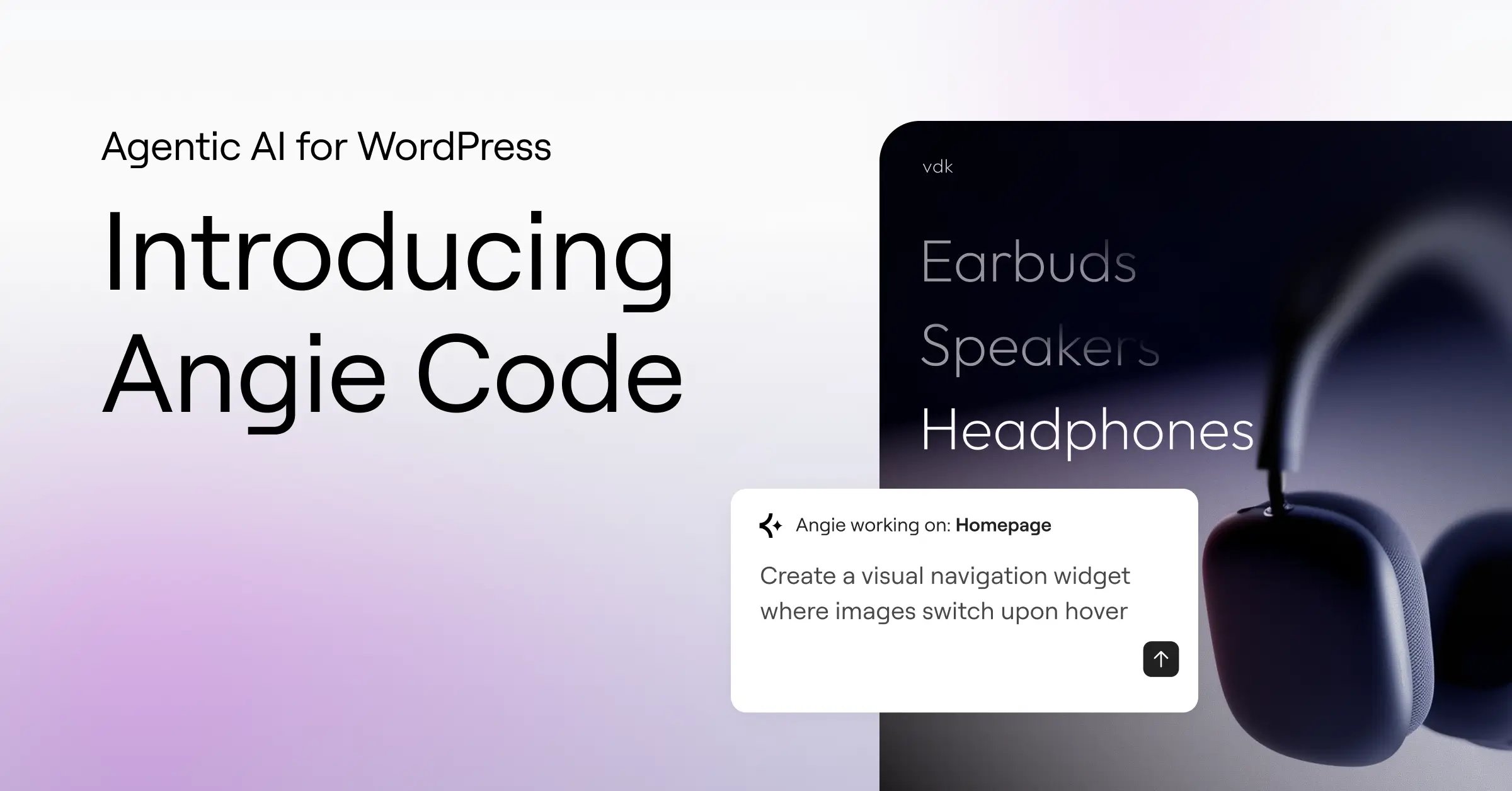
AI is reshaping every corner of how we work, from how we write, to how we design, to how we build software. And one of the largest platforms on the internet is also poised to take a leap into the future. WordPress powers 43% of the web, and for the millions of creators, developers, and businesses that rely on it, the question has not been whether AI would arrive, but how.
In parallel to the important work being done by WordPress Core AI team, Elementor has been working on Angie, an agentic AI framework purpose-built for WordPress. Angie is built to understand your site context, connect to tools in WordPress, and take real actions on your behalf. From generating code to managing plugins to running autonomous workflows, Angie brings AI-powered capabilities directly into the platform where you already build.
Today, we’re excited to introduce the first major aspect of Angie: Angie Code.
Angie Code empowers you to create production-ready WordPress assets in minutes. Describe anything you can imagine, and Angie creates it for you in a sandboxed test environment, making sure you stay in control, and your website remains stable.
Despite what many may say, websites are definitely not going away. If anything, the need for distinctive, engaging, high-performing sites has never been greater. And that demands advanced custom functionality, powered by AI.
The problem with building custom functionality today
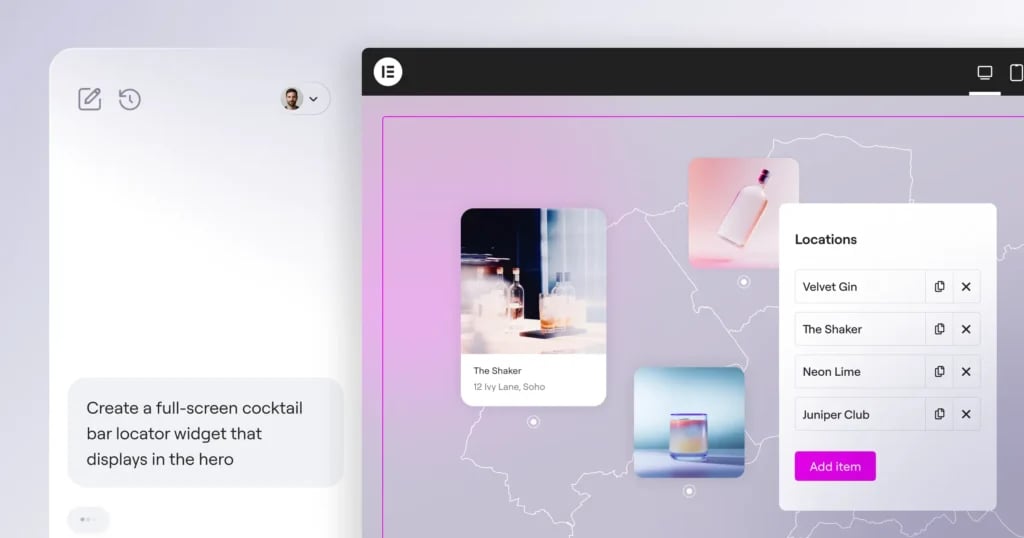
If you ever tried to add something specific to your WordPress site: a custom widget, an interactive element, a tailored piece of admin functionality, you know the challenge is rarely finding a solution. It is finding the right one.
Plugins cover an enormous range of functionality, and for most common needs, they work well. But when your requirements go beyond what an existing plugin offers like a specific layout, a unique interaction, a feature that does not quite exist yet you are left with two options: write custom code yourself, or hire a developer to do it for you. For most creators, that means settling for “close enough” instead of getting exactly what they envisioned.
Angie Code closes that gap. It gives you a way to create the custom functionality your site needs, without the overhead of building it from scratch.
What is Angie Code?
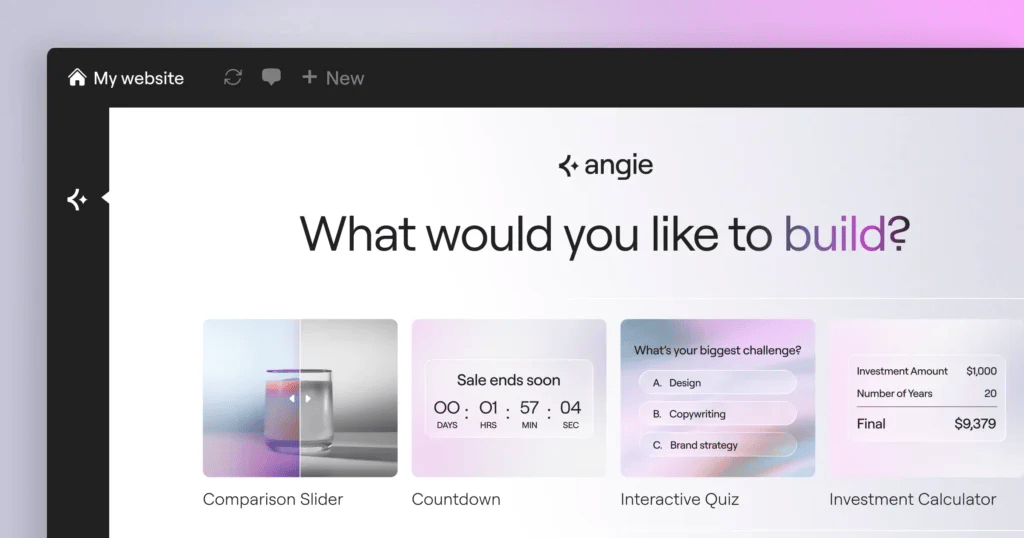
Simply describe what you want to build, and Angie Code creates it. Instead of searching for a plugin, adapting to its limitations, and compromising on your vision, you simply describe what you want to build, and Angie Code creates it.
This is not a generic AI tool bolted onto a WordPress workflow. Angie is purpose-built for WordPress and Elementor. It is native to the platform, requires no manual setup, and every asset it creates automatically inherits your site context: your theme settings, installed plugins, and content structure. There is no configuration, no exporting between tools, and no guesswork about compatibility.
Where generic AI coding tools generate code in a vacuum with no awareness of your site, Angie Code understands the environment it is building for. The result is production-ready output that works on your site from the moment it is created.
Here is what that means in practice:
- Production-ready assets, exactly how you want them – Describe your vision in plain language and get a custom widget or code snippet tailored to your exact requirements, without writing a single line of code. No compromises, no settling for the closest available option.
- Full creative control – Refine any result through continued conversation with Angie, or switch to the Elementor Editor to adjust styling, layout, and behavior with full visual control. Iterate through prompts or hands-on editing, whichever feels right.
What can you build with Angie Code?
Angie Code is not limited to a single type of output. It covers a wide range of WordPress assets that would traditionally require plugins, custom code, or outside help.
- Elementor widgets – Create custom widgets from scratch, extend existing ones with new controls, and refine them using native Elementor Editor controls. Think dynamic pricing tables, interactive sliders, testimonial carousels, and anything else you can imagine.
- WordPress admin snippets – Customize your native WordPress environment. Create dashboard widgets, custom user roles, and dedicated settings screens.
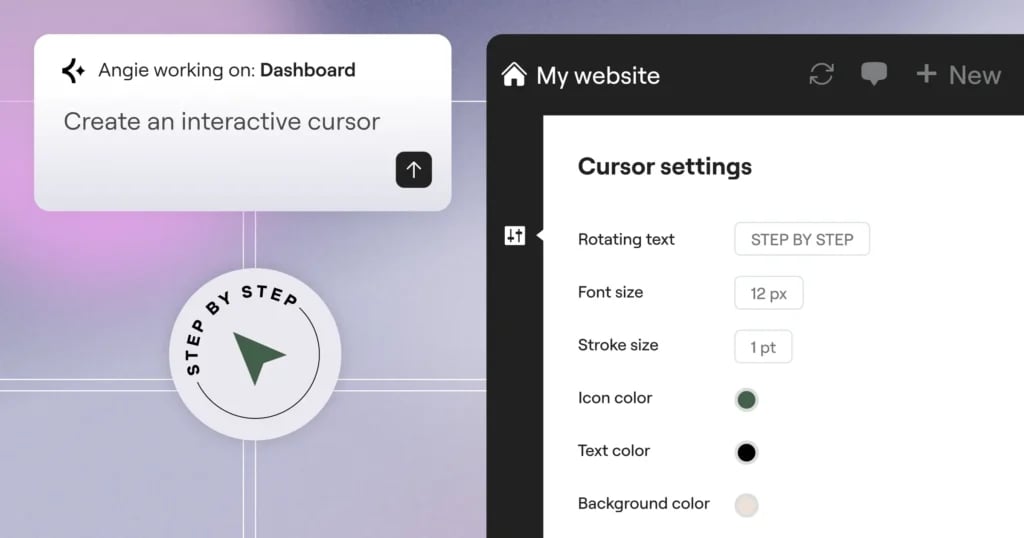
- Interactive website snippets – Have Angie generate and integrate CSS, JavaScript, and PHP code to build custom mouse cursors, scroll-triggered animations, and immersive interactive behaviors that elevate the user experience far beyond what standard plugins offer.
- Visual apps – Build fully functional front-end applications: games for custom 404 pages, trivia experiences, calculators, interactive tools, and more engaging experiences that keep visitors on your site.
- Custom post types and fields – Define and manage custom fields to capture, display, and organize site-specific data, giving you full control over your content structure without relying on third-party field plugins.
How it works
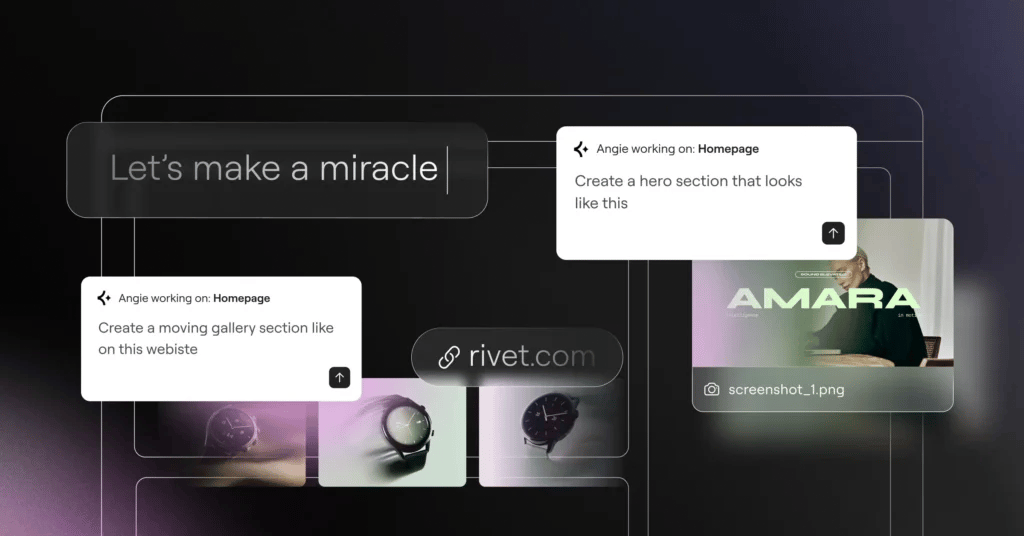
Open Angie Code from the Editor and WordPress top bar, or the WordPress menu bar, describe the asset you want to create, and Angie Code generates it. You can be as specific or as broad as you like.
Multimodal input
You are not limited to typing a description. Angie Code accepts input in three ways:
- Describe in words: write a natural language prompt explaining what you want to build
- Upload a screenshot: share a visual reference and let Angie interpret the design
- Paste a URL: point Angie to an existing page or element as a reference
This flexibility means you can start from wherever your idea lives, in your head, on a screen, or on another website.
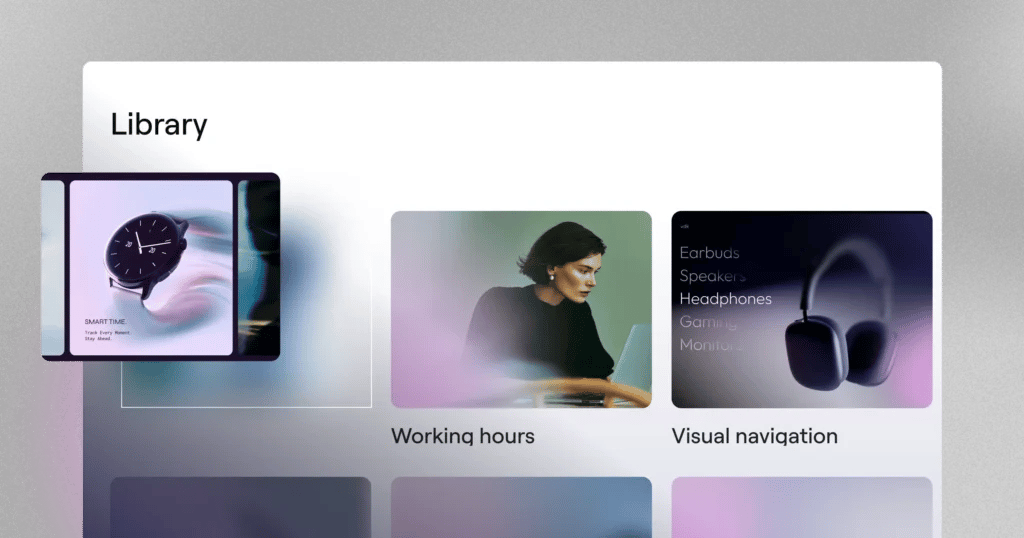
You can also explore Angie’s prompt library to get inspired or adjust a pre-written prompt to better suit your needs.
Iterate and refine
If the first result is not exactly right, keep the conversation going. Describe what you want to change, and Angie adjusts. Or switch to the Elementor Editor and refine styling, layout, and behavior visually. The choice is always yours.
Test before you publish
Everything Angie creates runs first in a test-mode environment, an isolated sandbox that keeps your live site completely safe. Preview the result, test it thoroughly, and only publish when you are confident it is ready.
Cloud Library (coming soon)
Creating a great asset once is valuable. Being able to reuse it across pages, across projects, across sites is where the real efficiency lives.
Angie Code will include a cloud-based library that lets you save every asset you create and access it from anywhere you work. Build a polished pricing section, a custom hero block, or an interactive element. Save it once, and deploy it wherever it is needed. No exporting, no copying files between environments.
For freelancers and agencies managing multiple client sites, over time, your library becomes a personal toolkit that multiplies in value with every project you complete.
Start building with Angie Code
Angie Code brings agentic AI directly into WordPress, letting you create custom widgets, code snippets, interactive apps, and more, all from a description.
Angie Code is available for free on the WordPress repository. Install it, activate Angie, and see what you can build in minutes.






