
Managing website compliance can feel like assembling flat-pack furniture in the dark. Don’t worry, it’s easier than it looks. In 2026, privacy laws are tighter than ever, and a reliable audit trail is non-negotiable. Whether you run a blog or a large store, you need a clear way to log when visitors click “Accept” or “Decline.” Here are the best ways to set it up.
Key Takeaways
- Audit trails protect you: Storing consent logs keeps your site safe from heavy privacy fines.
- Keep it native: Storing logs inside your WordPress dashboard saves time and avoids messy external portals.
- Google Consent Mode v2: Required for anyone running search ads or using analytics in Europe.
- Automate your scans: Regular scans keep your cookie list current without manual tracking.
Why Consent Logging is Essential for WordPress Sites
A generic cookie banner used to satisfy regulators, but those days are gone. Regulators now want proof: you need to show exactly when and how a user gave consent. That’s where consent logging comes in, building a trail with the visitor’s anonymous ID, IP region, date, and the categories agreed to.
For WordPress owners, this trips people up more than you’d expect. Many tools store logs on servers you can’t easily reach, and others bloat your database and slow things down. You want a system that balances legal security with performance, so here are the best ways to set one up.

The 10 Best Ways to Set Up Consent Logging and Records
1. Elementor Cookie Consent
If you build with Elementor, you already know the appeal of one roof for everything. The Cookie Consent capability is built natively for WordPress and handles compliance right from your dashboard, no jumping between platforms or external scripts. Setup takes under five minutes, and since it’s built into the editor, you can match the banner to your brand without custom CSS.
GDPR Article 7(1) requires that you be able to demonstrate that consent was given. Cookie Consent covers that: it captures the timestamp, the consent scope, and proof of the visitor’s choice, and since the logs live right inside your dashboard, you can pull records whenever you need them.

- Saves anonymous consent logs inside your WordPress dashboard.
- Scans and categorizes cookies automatically for accurate lists.
- Builds custom banners from native cloud templates.
- Connects with Google Consent Mode v2 and Global Privacy Control.
- Targets visitors by country with geographic filtering.
- Generates compliant privacy policy text in a few clicks.
Pros: No external accounts needed, fast setup, and design that matches your brand easily. Included in Elementor One with a free tier available.
Cons: Built specifically for WordPress sites using Elementor.
Verdict: The best pick for Elementor users who want a direct, stress-free setup without external subscriptions.
2. Cookiebot

Cookiebot is an established name in cloud-based compliance. It scans your site from external servers and delivers a banner via script, and logs sit on Cookiebot’s servers, keeping your database lean, though you’ll need an external dashboard to review records. It’s accurate at finding tracking scripts, though matching the visual style can take custom CSS, and agencies managing several platforms get a unified hub.
- Holds multi-year consent logs on secure cloud databases.
- Discovers hidden trackers through monthly automated scans.
- Handles cross-domain consent sharing for large companies.
- Supports automatic language detection for global visitors.
- Presents visual reports on cookie category breakdowns.
- Transmits consent states directly to Google Tag Manager.
Pros: Strong cookie scanning and automated monthly reports.
Cons: Banners can be slow to load, and setup means an external portal.
Verdict: A solid option for multi-platform websites that need cloud-hosted logs.
3. CookieYes

CookieYes sits between cloud services and WordPress, using a connector to link your site to its cloud app. The logging interface is clean, so looking up a visitor’s consent record is straightforward. Its layout editor lets you drag and drop buttons and change colors, and its solid support for Google Consent Mode v2 suits marketers running ad campaigns.
- Records consent actions in a downloadable CSV format.
- Controls custom scripts to run only after approval.
- Builds responsive banner layouts for desktop and mobile.
- Translates the interface into over thirty languages.
- Blocks third-party cookies before consent.
- Confirms local compliance through geo-targeted rules.
Pros: A very clear data logging dashboard and simple banner design controls.
Cons: Entry-level plans have tight pageview limits before recording stops.
Verdict: Good for growing businesses that want cloud-based logging with easy layout tools.
4. Complianz

Complianz is built specifically for the WordPress community, with a wizard-style setup that walks you through your legal obligations step by step. Rather than cloud storage, it keeps records locally or integrates with third-party tools. Configuration is thorough, asking about your business type and target countries, then generating cookie policies and legal documents based on your answers.
- Saves anonymous records on your local WordPress database.
- Generates policy pages tailored to regional laws.
- Integrates with popular contact forms and comment systems.
- Discovers new scripts during weekly checks.
- Stops tracking pixels from loading without consent.
- Shows a custom dashboard with your compliance status.
Pros: Local data ownership and detailed legal configuration wizards.
Cons: The setup wizard is lengthy and can feel overwhelming for beginners.
Verdict: Best for site owners who want full database control and detailed legal setups.
5. iubenda

iubenda is a compliance suite built for professional publishers. Instead of just managing cookie banners, it covers privacy policies, terms and conditions, and internal privacy practices, with a logging database that stores records in an audit-ready format. It can feel technical at first, since you configure each document separately, but once running it keeps everything current as laws evolve.
- Stores cryptographic consent records in an audit-ready vault.
- Creates custom privacy policies that update automatically.
- Maintains terms of service pages for your store or service.
- Manages client data request records in one portal.
- Syncs user selections across related websites.
- Protects stored data with compliance-grade security protocols.
Pros: All-in-one compliance coverage for larger business sites.
Cons: The dashboard can be complex and takes some privacy law familiarity.
Verdict: Good for professional agencies that need complete legal packages alongside their consent logs.
6. OneTrust

OneTrust is the enterprise-level choice for large organizations. If you manage compliance across departments and jurisdictions, it’s one of the most recognized names in the field, handling privacy, security, and consent logging at scale. It’s not a natural fit for small blogs or individual sites, since setup involves deep configuration, but the logs it generates are thorough and legally defensible.
- Centralizes millions of consent logs across global networks.
- Conducts deep compliance scans for custom web apps.
- Logs consent changes over time with historical timelines.
- Connects with CRM platforms like Salesforce and HubSpot.
- Monitors vendor compliance risk across your ecosystem.
- Supports localization configurations for global brands.
Pros: Thorough, legally recognized audit logging built for large-scale operations.
Cons: Priced for enterprises, far too complex for a typical WordPress site.
Verdict: Well suited to corporate organizations, but not practical for standard website owners.
7. Termly

Termly is a friendly compliance platform covering cookie consent alongside privacy policies and terms of service, aimed at small to mid-size businesses that want a straightforward setup. The banner editor is clean and the log dashboard easy to read, and since Termly stores records in the cloud, your database won’t fill up.
- Stores consent records in a cloud dashboard with export options.
- Generates privacy policies, terms of service, and cookie policy pages.
- Supports Google Consent Mode v2 for ad and analytics tagging.
- Scans your site for cookies and categorizes them automatically.
- Targets banners by visitor location using geo-filtering.
- Translates banners into multiple languages for global audiences.
Pros: A simple, approachable setup and decent document generation for smaller sites.
Cons: Free plan limits can feel tight for growing, high-traffic sites.
Verdict: A practical pick for small businesses that want consent logging and policy generation together.
8. Osano

Osano is a privacy management platform focused on transparency and vendor monitoring. Alongside its cookie consent tool, it tracks third-party vendors for privacy risk, handy if your site relies on several external services. The logging interface is clear and setup is manageable for non-technical users, and Osano’s ethical-privacy focus resonates with brands that want to talk about their values.
- Records consent events in a centralized cloud dashboard.
- Monitors third-party vendor privacy practices automatically.
- Scans your site for cookies during setup and ongoing checks.
- Supports Google Consent Mode v2 for ad and analytics compliance.
- Generates data subject request records for audit readiness.
- Displays a public transparency score to build trust.
Pros: Vendor monitoring is a nice extra, and setup is accessible for non-developers.
Cons: Full-featured plans cost more than simpler alternatives.
Verdict: A good fit for businesses that care about vendor privacy risk alongside their own consent records.
9. Custom Local Database Logging
For developers who want complete control without subscription fees, a custom local database logger is a solid approach. Using WordPress hooks and custom database tables, you can record consent directly to your own server, so visitor data never leaves your hosting environment. This takes comfortable PHP and JavaScript skills: you write scripts that capture the click event and send an AJAX request to save the entry. It’s flexible, but comes with ongoing maintenance.
- Saves raw consent logs directly into custom WordPress SQL tables.
- Keeps data processing entirely within your local web server.
- Avoids external API calls to keep page load times lean.
- Eliminates monthly fees for privacy services.
- Lets you define exactly which data points you want to log.
- Secures records using your site’s existing protocols.
Pros: Total data ownership, solid performance, and zero subscription costs.
Cons: Requires coding skills and manual updates as laws change.
Verdict: A good fit for developers who want to skip third-party services and control their own storage.
10. Google Tag Manager with BigQuery
For digital marketing teams, logging consent choices to Google BigQuery through Tag Manager is a popular approach. When a visitor updates their preferences on your site, Tag Manager sends an event with the consent state to a cloud database, easy to connect ad campaigns to compliance trends. This pairs naturally with Consent Mode v2 and gives solid analytical depth, though logged data needs to stay anonymous.
- Streams consent event logs straight to your BigQuery data warehouse.
- Visualizes compliance trends over time using Looker Studio reports.
- Monitors consent rates by traffic source and ad campaign.
- Connects with Google Analytics 4 event parameters.
- Saves long-term records affordably in secure cloud storage.
- Validates tag behavior based on real-time consent changes.
Pros: Excellent analytics integration and custom reporting for data-driven teams.
Cons: Complex to set up, requiring cloud data infrastructure knowledge.
Verdict: The best approach for data-driven teams who want deep insight into consent trends and marketing data.
Comparing the Top Consent Logging Tools
Here’s a quick look at how the top tools compare, whether you care most about deep analytics, simple styling, or local database ownership.
| Solution | Storage Location | Setup Difficulty | Key Advantage |
|---|---|---|---|
| Elementor Cookie Consent | WordPress Database | Under 5 minutes | Native integration with your site builder |
| Cookiebot | External Cloud | Moderate | Automated scanning and script management |
| CookieYes | Cloud Portal | Easy | Excellent user search and export capabilities |
| Complianz | Local Database | Moderate | Wizard-driven legal policy creation |
| iubenda | Secure Cloud Vault | Complex | All-in-one legal document management |
| OneTrust | Enterprise Cloud | Very High | Large-scale enterprise compliance logging |

Step-by-Step: How to Set Up Your Consent Logging
Setting up consent logging doesn’t have to be daunting. With a native tool, you can have everything running in just a few steps.
- Choose your tool: Pick a solution that fits your workflow. If you design with Elementor, the native cookie consent capability is your most direct route.
- Run an initial scan: Let the tool crawl your site and sort active cookies into functional, analytical, and marketing categories.
- Design your banner: Customize the layout to fit your site. Keep “Accept” and “Decline” equally clear, since dark patterns attract regulator attention.
- Configure Consent Mode: Turn on support for Google Consent Mode v2 and Global Privacy Control to align your marketing tags with current standards.
- Activate logging: Confirm your tool is saving consent events correctly. Click the banner in an incognito window, then check your dashboard for the entry.
- Plan for reviews: Set a monthly reminder to review your logs and run fresh cookie scans for any new scripts.
This routine keeps your site ready for compliance audits without hours of manual work every week.
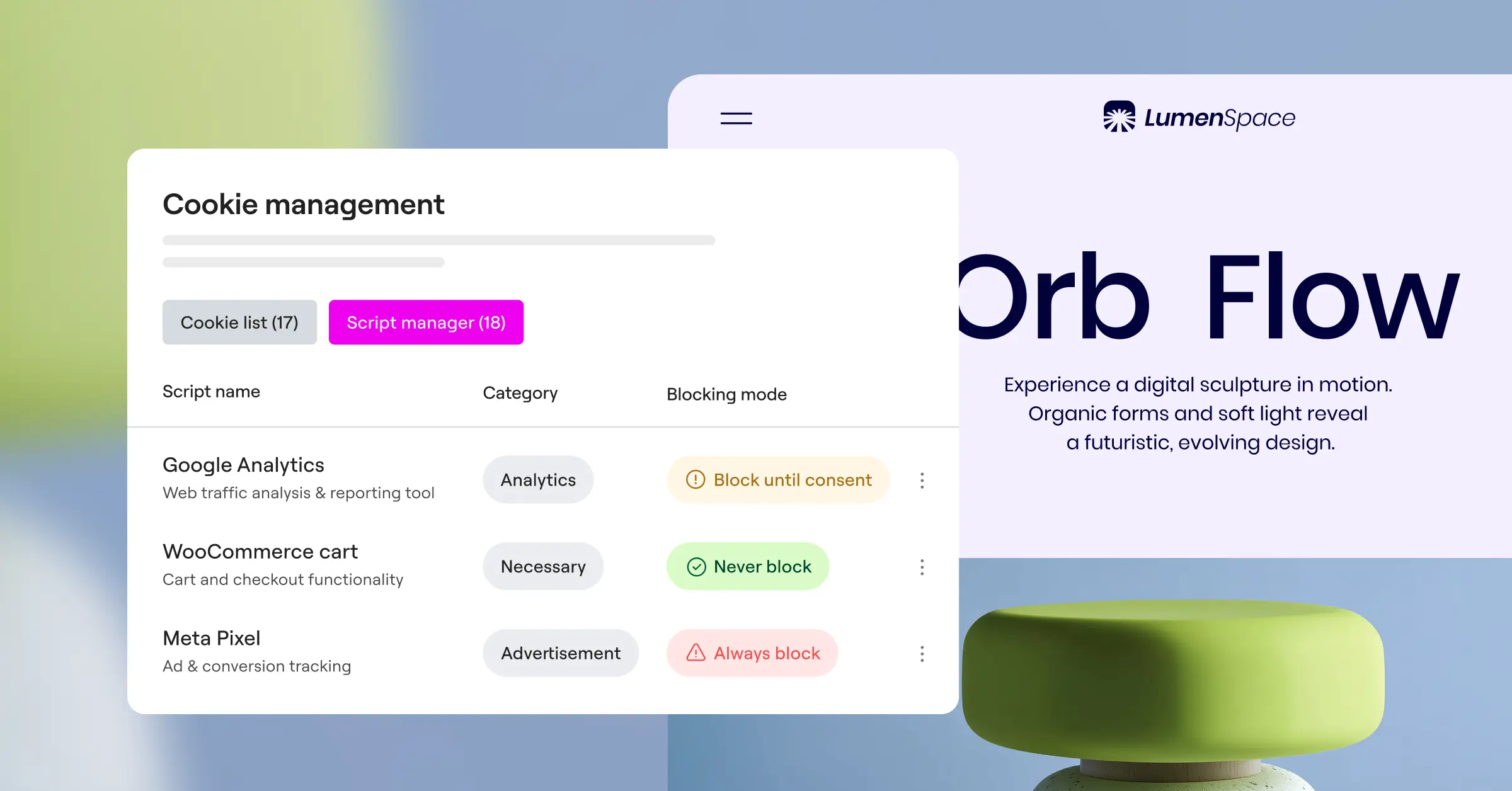
True compliance isn’t just about showing a pretty banner to your visitors. It’s about keeping secure, verifiable records that prove consent was given voluntarily. If you can’t produce a consent log during an audit, your banner is practically useless.
– Itamar Haim, Web Compliance Specialist
Frequently Asked Questions
Why do I need to log user consent in 2026?
Modern privacy laws like GDPR and CCPA put the burden of proof on you. If a visitor claims their data was tracked without permission, you need a dated record showing consent was given. A banner alone isn’t enough anymore.
Do local consent logs slow down my WordPress site?
Generally, no, though it depends on your tool. A native cookie consent capability handles the database efficiently, and high-traffic sites can use edge logging or external databases to keep the server light.
What is Google Consent Mode v2 and do I need it?
Google Consent Mode v2 adjusts your Google analytics and ad tags based on user choices. If you run Google ads or track conversions from European visitors, you’ll need this mode for accurate marketing measurements.
Can users request that their consent logs be deleted?
Yes, under GDPR visitors have the right to be forgotten. Consent logs are normally stored anonymously, without details like full names, so you can find their anonymous ID and remove it on request.
Do I need to log consent for visitors from the United States?
Yes. US laws like CCPA differ from European rules, but they still require you to respect user choices, especially around data-sale opt-outs. Geo-targeting shows the right banner based on visitor location.
How long am I required to keep consent records?
Most privacy professionals recommend keeping consent logs for three to five years, depending on regional rules. That way you have records ready if a dispute comes up about past tracking.
Can I set up consent logging for free?
Yes, several quality compliance tools offer strong entry-level plans for smaller sites, letting you set up banners, scans, and basic logging free. Elementor’s Cookie Consent capability includes a free tier too.
What happens if I don’t keep consent records?
Without verifiable records, you can’t prove compliance during an investigation. This can mean warnings or fines from privacy authorities, even with a visible banner running at the time.

