
Key Takeaways
- Native is always better because it reduces external database queries and keeps theme code clean.
- Google Consent Mode v2 is no longer optional if your users run analytics or ads targeting European audiences.
- Performance matters, so choose consent tools that load asynchronously to avoid delaying your theme’s main thread.
- Design customization keeps your theme’s visual branding consistent and professional.
Building beautiful WordPress themes is a genuine joy, but keeping user privacy in check can turn into a real headache fast. Laws like GDPR, CCPA, and Google Consent Mode v2 keep reshaping how we build sites, so theme developers need to plan for compliance from day one, before a gorgeous design gets undone by a slow, clunky banner.
Balancing compliance with solid performance is a genuine challenge, but you’ve got this. If your users run Google Analytics or Ads, their site needs to pass specific consent signals to Google, or the tracking data disappears entirely.
Why Privacy Compliance Matters for Theme Developers in 2026
Building a WordPress theme means delivering more than templates and styles. You’re handing site owners a full environment to run their business in, and if a customer struggles to set up reliable cookie consent, they’ll look elsewhere fast, especially with regulators now handing out real fines for compliance gaps. There’s a UX angle too: a banner that matches the theme’s look and loads without jank builds trust that’s hard to win back once it’s gone.
The 10 Best Cookie Consent Guides and Tools for WordPress Theme Developers
Here are the best cookie consent guides, tools, and technical solutions for developers, picked for strong developer controls, clean code paths, and direct integration with existing building blocks like Elementor.
1. Cookie Consent (Elementor)
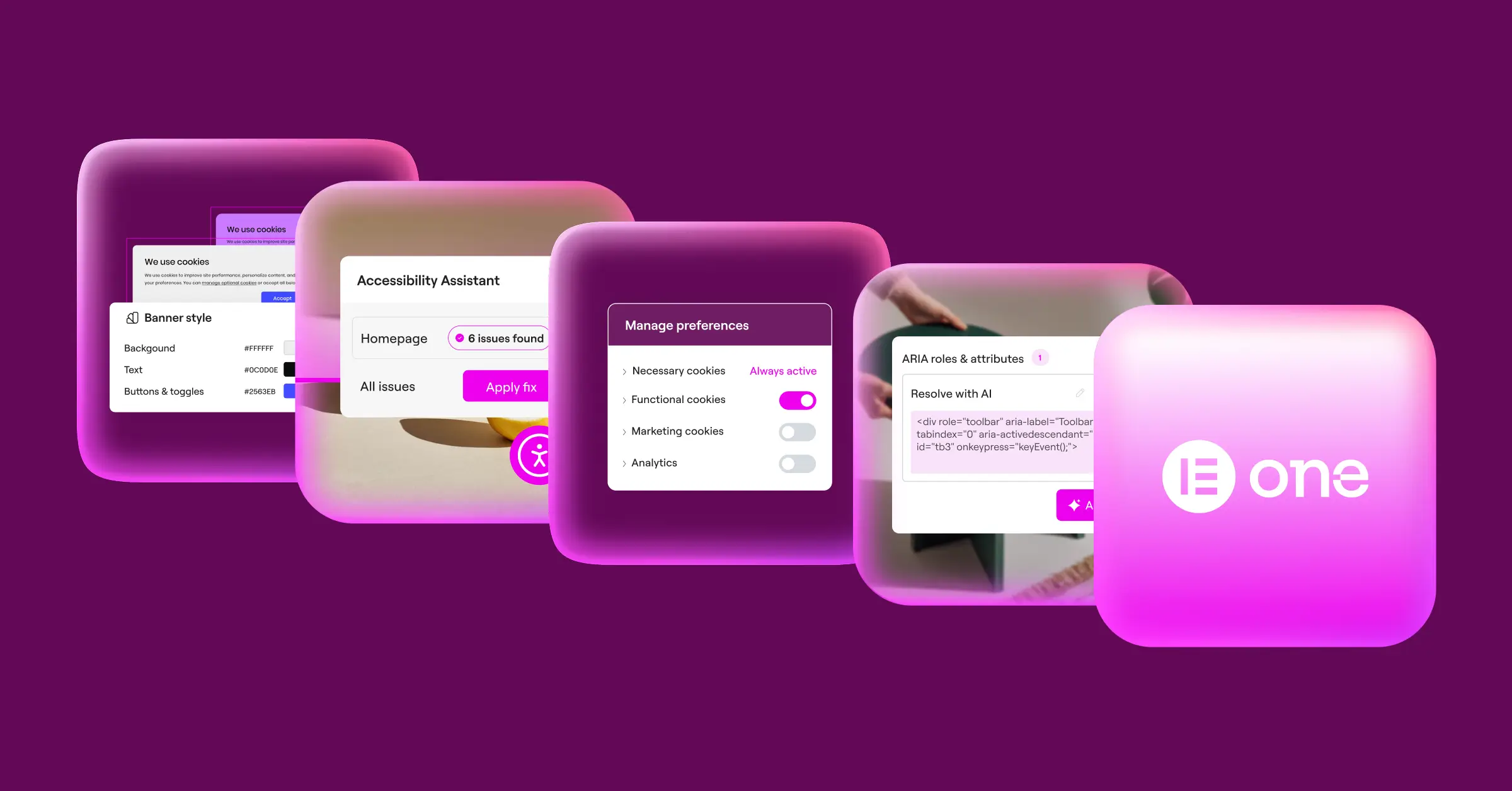
If you build with the Elementor ecosystem, the built-in Cookie Consent capability is a genuine standout. It’s native to WordPress, so you manage GDPR and CCPA compliance right from your dashboard instead of juggling external platforms. Setup takes less than five minutes: scan cookies, manage scripts, and store consent logs locally, without bulky third-party scripts slowing things down. And since it’s part of Elementor One, your clients get it with no separate account needed.

- Builds consent banners using the familiar Elementor visual editor.
- Keeps all consent logs securely stored within your local WordPress database.
- Tracks cookie activity via automated cloud scans to categorize trackers.
- Manages script execution based on custom user preferences.
- Determines user location using geo-targeting to show relevant banners.
- Integrates with Google Consent Mode v2 without any complex configuration.
Pros: No external accounts needed, fully customizable design, and a free tier to get started.
Cons: Best suited for sites using the Elementor ecosystem rather than purely hand-coded themes.
Verdict for Theme Developers: The top choice if you build with Elementor. It removes the friction of managing external client accounts and lets you design banners that match your theme perfectly.
2. Cookiebot

Cookiebot is an established enterprise consent platform with deep compliance features. It handles script blocking automatically, scanning your site to identify tracking scripts and holding them back until the user consents. It relies on an external dashboard, so settings live outside the WordPress admin, and pricing scales on larger sites.
- Scans your theme directory daily to identify active tracking technologies.
- Generates compliance reports for your review process.
- Controls third-party iframe behaviors until visitors grant consent.
- Displays opt-in and opt-out buttons based on geographic regulations.
Pros: Strong automatic script blocking and reliable regulatory compliance updates.
Cons: Setup happens in an external dashboard, and pricing scales with traffic volume.
Verdict for Theme Developers: A solid choice if you need automated, hands-off script scanning and don’t mind an external dashboard workflow.
3. CookieYes

CookieYes is a widely used cloud-based consent tool with a dedicated WordPress integration, popular for quick setup and solid visual customization that makes it easy to style banners matching your theme. It also loads efficiently, using an optimized delivery network to keep initial paint times fast.
- Supports multilingual translations for global theme templates.
- Saves user consent logs in a secure, searchable format.
- Builds custom layouts using a visual builder helper.
- Keeps track of historical consent rates with simple charts.
Pros: Quick installation and responsive customer support.
Cons: Requires managing a third-party API key inside your theme setup.
Verdict for Theme Developers: A good fit for simpler sites where you need a quick, reliable banner without complex developer configurations.
4. Complianz

Complianz is a privacy suite built specifically for WordPress. Rather than a simple banner, it walks you through a wizard that configures legal requirements based on your audience and local laws, easing onboarding for non-technical clients. Theme developers can also hook into its triggers to load custom assets conditionally.
- Generates custom legal documents based on actual site scans.
- Blocks tracking scripts before user opt-in is confirmed.
- Integrates with major analytics platforms through simple hooks.
- Configures custom CSS rules directly from the admin dashboard.
Pros: The privacy wizard takes the guesswork out of legal configurations.
Cons: The backend wizard can feel involved for non-technical clients.
Verdict for Theme Developers: An excellent deep-dive option if you need custom legal documents generated dynamically alongside your theme.
“Modern web compliance is no longer just about adding a simple popup banner. It’s about creating a secure, integrated user experience that respects user choices without slowing down the core site infrastructure.”
– Itamar Haim, Web Compliance Specialist
5. iubenda

iubenda is a complete legal compliance engine covering privacy policies, cookie policies, and cookie consent under one roof. It adapts automatically to changing global laws, useful for international clients, and the code lets you configure callback functions when consent is given or withdrawn.
- Matches complex international laws with dynamic banner text.
- Updates privacy policies automatically when regulations change.
- Keeps tracking scripts on hold using advanced wrapper classes.
- Tracks user consent actions across multiple subdomains.
Pros: Thorough legal coverage for global platforms.
Cons: Setting up all the policy options can take meaningful developer time.
Verdict for Theme Developers: Use iubenda when your clients need legal-grade policies alongside highly customized compliance options.
6. Termly

Termly is built for small businesses and developers who want a clean, quick setup. It includes a solid policy generator and a lightweight consent manager that fits most theme structures with minimal custom styling.
- Builds legal policies through an easy, questionnaire-style interface.
- Blocks known tracking domains automatically out of the box.
- Customizes visual layouts to align with default theme styles.
- Saves historical records of consent choices for legal verification.
Pros: Approachable dashboard and readable policy texts.
Cons: Fewer developer APIs compared to more technical solutions.
Verdict for Theme Developers: A good choice for client handoffs where ease of use is the top priority.
7. OneTrust

OneTrust is a well-known enterprise compliance platform, common on large corporate, government, or multi-national sites. It typically needs a dedicated compliance team to run, so your work as a theme developer usually means inserting their integration scripts and keeping your styles from conflicting with their layouts.
- Manages high-volume user data requests for enterprise-level platforms.
- Tracks consent across multiple domains from one central dashboard.
- Logs visitor interactions to build deep compliance audit trails.
- Protects user data with advanced access controls.
Pros: Extensive compliance features for global enterprises.
Cons: Complex setup and significant cost for smaller projects.
Verdict for Theme Developers: Best reserved for enterprise clients who specifically require OneTrust for organizational compliance.
8. Osano

Osano stands out for its compliance commitment, backing its platform to the point of supporting clients through compliance issues when the tool is used correctly. For developers, it runs light too, working in the background so theme files stay unburdened by heavy compliance libraries.
- Blocks scripts dynamically based on user jurisdictions.
- Tracks global policy changes to keep sites covered.
- Stores consent data on secure, distributed cloud servers.
- Monitors vendor scripts to identify data flows.
Pros: Backed compliance commitment and fast cloud delivery.
Cons: Custom CSS overrides can sometimes require extra work.
Verdict for Theme Developers: A strong option if your clients need legal certainty and are willing to invest in premium protection.
9. WP Cookie Consent (by WP OnlineSupport)
This is a solid, direct WordPress option with a familiar admin interface that fits right into your dashboard, easy to hand off to clients without a learning curve. It also handles category-based consent, letting users accept specific cookie types while rejecting others.
- Displays minimal consent banners that load quickly on mobile devices.
- Saves localized layout styles to match child theme setups.
- Controls category opt-ins for marketing and analytics scripts.
- Supports custom WPML setups for multilingual styling.
Pros: Easy to configure with no external dashboard needed.
Cons: Lacks some of the automated cloud scanning found in modern SaaS platforms.
Verdict for Theme Developers: A reliable, simple local option if you prefer to keep things free of third-party software subscriptions.
10. GDPR Cookie Consent (by WebToffee)
WebToffee’s offering is one of the most widely downloaded consent options on WordPress.org. It’s flexible and includes a built-in cookie generator for writing policies from scan results. Developers also get an extensive list of hooks, filters, and shortcodes for inserting consent buttons anywhere in custom PHP templates.
- Renders clean consent notices using simple WordPress shortcodes.
- Categorizes cookies automatically based on a global database.
- Exports audit logs into standard CSV format.
- Suppresses scripts before consent is given using custom JS callbacks.
Pros: Excellent developer hooks and clear documentation.
Cons: Interface design is simpler than some newer visual compliance editors.
Verdict for Theme Developers: A reliable developer fallback if you need extensive hooks and custom shortcode placement.
Cookie Consent Tools: Comparison Table
| Tool Name | WordPress-Native | Consent Mode v2 Support | Developer Hook Availability | Primary Strengths |
|---|---|---|---|---|
| Cookie Consent (Elementor) | Yes (Fully Integrated) | Yes (Out of the Box) | Excellent | Dashboard-native, visually customizable, easy setup. |
| Cookiebot | No (Cloud-Based) | Yes | Medium | Strong automatic cookie scanning and blocking. |
| CookieYes | No (Cloud-Based) | Yes | Medium | Good visual builder and responsive support. |
| Complianz | Yes | Yes | High | Interactive setup wizard and legal document generator. |
| iubenda | No (Cloud-Based) | Yes | High | Thorough international law coverage. |
Technical Guide: How Theme Developers Can Integrate Cookie Consent
Now that we’ve covered the top tools, here’s how to integrate them into your workflow so custom scripts only fire once consent is granted, keeping your theme users clear of legal liability down the road.

Step 1: Enqueue Scripts as Deferred or Opt-In
When writing your functions.php file, don’t enqueue tracking scripts like Google Analytics directly unless you’ve confirmed user consent. Register the script first so it can be triggered programmatically.
- Register your tracking scripts without enqueuing them globally.
- Write a clean JavaScript helper that checks whether consent is already active.
- Inject the scripts dynamically only after consent has been verified.
Step 2: Use JavaScript to Control Script Loading
A clean way to handle this: wrap your tracking script blocks with a custom conditional check. Instead of a standard <script src=".."> tag, change the type to text/plain and use a data attribute for the real source.
<script type="text/plain" data-cookiecategory="analytics" src="https://example-tracker.com/analytics.js"></script>Your cookie consent tool reads this tag, checks whether the user has consented to the “analytics” category, and then swaps the type to text/javascript to run the script. Clean and compliant, without extra complexity.

Step 3: Handle CSS and Layout Reflows Gently
One issue theme developers run into often is cumulative layout shift, or CLS: a late-loading banner pushes content down and frustrates users, hurting Core Web Vitals scores. Reserve space for your banner, or load it absolutely positioned over the page, to avoid this. A clean visual editor like Elementor’s cookie consent tool handles this automatically, saving you hours of custom styling work.
Best Practices for Theme Performance and Privacy Compliance
Building templates means balancing visual design, speed, and privacy all at once. Here are a few developer-focused strategies to keep your themes running well.
- Keep assets local: use local scripts instead of external servers for consent assets. This cuts DNS lookups and keeps loading speeds high.
- Optimize CSS delivery: keep banner styles inline or compressed to avoid flickering or late rendering on slow connections.
- Use conditional loading: skip consent banner code for search bots and crawlers to keep SEO metrics clean.
- Support keyboard navigation: make sure your banners are fully accessible. Pairing a native tool like Elementor’s cookie consent capability with Web Accessibility is a smart way to hit both goals at once.
- Write clean custom events: dispatch a JavaScript event whenever a user updates consent choices, so other elements in your theme can adapt instantly without a full reload.
Frequently Asked Questions
Do WordPress theme developers need to include cookie consent out of the box?
Themes don’t have to ship with a full consent engine, but yours should be compatible with popular tools. Providing built-in support for options like Elementor’s cookie consent capability makes your theme a lot more appealing to professional web developers building client sites.
How does Google Consent Mode v2 impact theme development?
Consent Mode v2 requires your site to send specific consent signals to Google. If your theme enqueues analytics scripts manually, those scripts won’t track correctly unless they’re integrated with a consent manager that handles these signals. Supporting a native tool that does this out of the box is the path of least resistance.
Can I build my own cookie consent banner from scratch?
You can write custom JavaScript to handle cookie banners, but keeping up with rapidly changing privacy laws around the world is time-consuming. Using a dedicated capability that updates automatically is almost always a safer and more cost-effective choice.
How do I prevent cookie banners from slowing down my theme?
Make sure your consent banner scripts load asynchronously. Avoid loading heavy, third-party libraries that block your theme’s main execution thread. Native solutions built directly into the WordPress dashboard are well-optimized and have minimal load time impact.
Do I need to block cookies before a visitor accepts them?
Yes. Under GDPR, you must not drop any non-essential cookies on a user’s browser before they actively grant consent. This is exactly why automated scanning and dynamic script-blocking tools are so important to get right.
What is the difference between Cookie Consent and standard compliance tools?
Many older options load unnecessary styling libraries and require external dashboards. Modern solutions, like the native Cookie Consent capability in Elementor, run cleanly inside your WordPress environment without extra third-party setups or separate logins for your clients.
How should a theme developer handle multilingual cookie banners?
Make sure your consent tool integrates with standard translation systems like WPML or Polylang. Native tools with multilingual support let your theme adapt the cookie notice language automatically based on the user’s active locale, which is one less thing to wire up manually.

