Key Takeaways
- WordPress powers over 40% of the web, giving you complete ownership of your files and data.
- Hosted builders like Wix and Squarespace handle setup and maintenance, trading flexibility for convenience.
- Visual design platforms like Webflow give designers CSS-level control without hand-coding.
- Pairing WordPress with the Elementor Website Builder gets you open-source freedom plus a drag-and-drop experience.
- Your ideal platform comes down to three things: how technical you are, your budget, and how much control you want.
Picking the right foundation for your website doesn’t have to be stressful. Plenty of great options exist, and the “right” one depends on what you’re building and how you like to work.
Setting the Stage: The Content Management World in 2026
Building a website has gotten a lot simpler. You don’t need thousands of lines of code just to change a font or upload a logo. Today the real choice is between an open-source platform you host yourself and a fully hosted subscription service.
Open-source platforms hand you the keys to the whole house: your host, your security, your tools. Hosted platforms work more like a rental apartment, handling the plumbing while you follow their rules. Both are great, they just fit different working styles, so ask whether you’d rather keep customizing as you grow, or let updates happen quietly in the background.
Side-by-Side Comparison: WordPress vs The Alternatives
Here’s how the leading platforms stack up across the categories that matter most.
| Feature Category | WordPress (Self-Hosted) | Wix (Hosted) | Squarespace (Hosted) | Webflow (Visual Platform) |
|---|---|---|---|---|
| Content Ownership | Complete ownership of all files and databases | Hosted on proprietary servers; export is limited | Hosted on proprietary servers; design is locked | Code export is allowed, but CMS functions remain hosted |
| Design Flexibility | Infinite freedom with visual builders and custom code | Drag-and-drop within pre-set layouts | Highly structured, clean grid layouts | Deep structural control over CSS and box models |
| E-commerce Capacity | Unlimited growth with WooCommerce and custom setups | Built-in stores for small to medium shops | Selected shopping tools for simple retail | Custom visual shopping cart designs |
| Maintenance Needs | User manages core software and third-party updates | Fully managed by the hosting company | Fully managed by the hosting company | Fully managed on their specific server network |
| Extensibility | Tens of thousands of custom add-ons and integrations | Closed App Market with selected add-ons | Selected integrations and built-in features | Custom code integrations and visual API setups |
WordPress: The Undisputed Giant of the Open Web
Self-hosted WordPress is the most popular way to build websites worldwide, for good reason. It’s free, open-source software you install on your own host, and owning the installation means you control every byte of data.
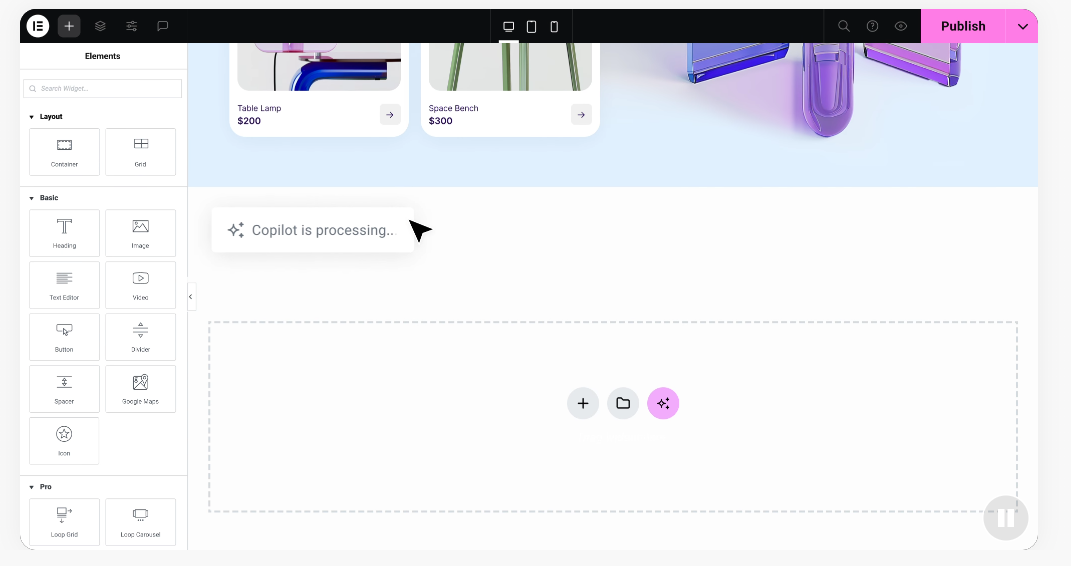
Worried WordPress takes too much know-how? Modern visual tools put that worry to rest. Pair it with the Elementor Website Builder and design your whole site visually, no code, through drag-and-drop.
Here are the core strengths behind WordPress’s popularity:
- Saves you from lock-in by letting you download your site database and move to any host.
- Builds any type of site, from a personal blog to a multi-vendor marketplace.
- Connects with thousands of themes to change your whole design in a click.
- Optimizes your content for search engines as you write.
- Scales to handle millions of visitors on high-performance cloud hosting.
- Supports a massive global community sharing tips every day.
That’s WordPress’s real strength: no one’s permission needed to add a feature or test a new idea.
Hosted All-in-One Builders: Wix and Squarespace
If picking a host and managing updates sounds like more than you want, hosted builders like Wix and Squarespace offer a gentler path. Servers, security, and performance are handled for you. Sign up, pick a plan, and start building.
Wix is known for its free-form drag-and-drop editor, a popular starting point for small businesses that want a site without friction.
- Simplifies setup by bundling your domain and hosting into one monthly bill.
- Includes a curated app store for scheduling and lead collection.
- Protects your site from downtime by handling core updates automatically.
- Offers templates built for restaurants, salons, and photography studios.
- Maintains a support team for layout issues.
- Manages basic payment gateways so you can accept cards right away.
Squarespace, by contrast, favors structured elegance. Its clean, grid-based system makes an unattractive page hard to design, which is why artists and boutique shops love it.
- Keeps your layout clean with structured, responsive grid frameworks.
- Includes built-in email marketing and booking tools matching your aesthetic.
- Secures your connection with certificates that deploy the moment you connect your domain.
- Presents minimal templates that look great on phones and tablets.
- Saves time with pre-built sections for services pages and contact forms.
- Connects directly with social platforms for sharing your products.
The Visual Design Platform: Webflow
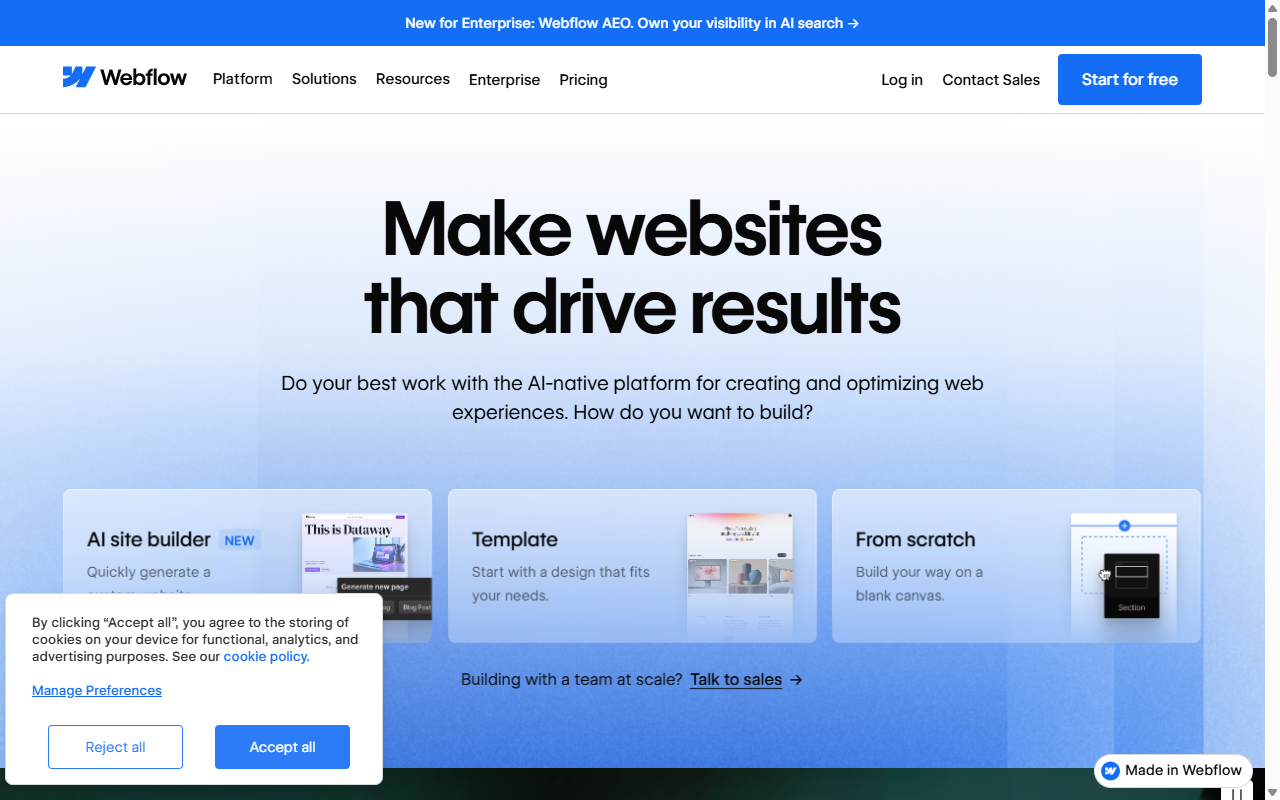
For designers who love the details but want to skip raw HTML and CSS, Webflow occupies a unique space. It mirrors the box-model structure of front-end development, so dragging an element shapes real code.
That makes it popular with agencies wanting custom layouts without a developer, though it has a steeper learning curve than simple editors.
- Generates clean, production-ready code as you build.
- Gives you detailed control over CSS classes, flexbox, and grid.
- Allows you to export static HTML, CSS, and image files to host anywhere.
- Integrates an editor so clients can update text on the live page.
- Builds complex, scroll-based animations without writing JavaScript.
- Hosts your site on fast global servers built to load quickly everywhere.
Category-by-Category Showdown
Now that you’ve met the main contenders, let’s line them up where it matters most.
How Easy Is It to Build Your First Page?
Starting out, you want a system with no technical wall. Wix and Squarespace are strong here: within ten minutes you can have a polished template ready for your text and images.
WordPress takes a bit more planning since you need hosting first. But one-click installers get it running in minutes, and the Elementor features make designing just as easy as any hosted builder.
Webflow takes a different approach, built for creators who already understand design basics like padding and positioning. New to design? Plan on a few tutorials first, it’s rewarding once it clicks.
Can You Customize Every Single Pixel?
This is where the differences show up. Hosted builders like Wix and Squarespace offer plenty of customization, but you’ll eventually hit invisible boundaries.
With WordPress, those boundaries don’t exist. Full code access means you can build or install anything you imagine, or build it yourself.
Webflow gives real styling freedom for static content, though deeper functionality leans on third-party integrations, which get complex compared to WordPress’s built-in ecosystem.
“When clients ask for complete design freedom paired with long-term stability, we always look to open-source systems. Having control over your hosting and database means you never have to worry about a private company changing its terms or increasing its pricing unexpectedly.”
– Itamar Haim, Web Development Specialist
Who Actually Owns Your Data and Website?
Data ownership affects how easily you can grow long term. Here’s how each platform handles it:
- WordPress gives you complete, 100% ownership: files, database, design, content. Want to move hosts? Export your database and take it with you.
- Wix and Squarespace own the infrastructure your site runs on. Their code is proprietary, so you can’t export your design. Leave, and you’ll usually export posts and customer lists as a CSV, but rebuild the design from scratch.
- Webflow lets you export frontend HTML and CSS on higher-tier plans, useful for a static page you host yourself. Dynamic collection databases don’t move easily elsewhere.
How Much Maintenance Does Each Platform Actually Need?
Keeping a site safe takes some upkeep. Wix and Squarespace are best for low-maintenance living, closed ecosystems where the team handles security and updates for you.
WordPress asks for more active attention. You handle updates to the core software, theme, and add-ons, though managed hosts can automate much of it, and tools like Elementor keep designs clean.
Webflow sits in the middle: a hosted service that handles server scaling and security, so you can focus on design and content.
Which Option Fits Your Long-Term Budget?
Managing your budget matters. Hosted platforms typically charge a flat fee bundling hosting, tools, and support, predictable, but ongoing for as long as your site is live.
With WordPress, the core software is free. Your main cost is hosting, which fits almost any budget. Check the Elementor pricing plans to see what’s included.
That flexible structure lets you start lean with free tools and invest in premium features as your budget allows.
Which Platform Fits Your Specific Project?
Here’s which platform fits different types of sites and business goals.
Best for Blogs and Content Publishers
- WordPress is the clear first choice for content publishing. It started as a blogging platform, and its writing and SEO tools are still unmatched.
- Squarespace is a strong secondary choice for writers and artists who want clean, visual articles alongside a portfolio.
- Wix works well for occasional bloggers sharing news alongside their main business.
Best for E-commerce and Small Shops
- WordPress with WooCommerce is ideal for unlimited growth, from a single product to an international store with subscriptions and custom member areas.
- Squarespace gives boutique shops a beautifully structured shopping experience, well-suited to a small selection of items or digital services.
- Wix works nicely for local businesses selling gift cards, bookings, or branded merchandise to existing customers.
Best for Freelancers and Web Agencies
- WordPress paired with professional visual builders lets agencies deliver customized, fast-loading sites at a competitive price, with an easy editing experience for clients.
- Webflow is popular for agencies building high-end, custom-animated portfolios for tech companies and startups without custom code.
- Squarespace works well for solo designers handing off polished sites to clients who prefer low maintenance.
Frequently Asked Questions
Is WordPress really free to use?
Yes, core WordPress is completely free and open-source. Your only required costs are web hosting and a domain name from your chosen provider. From there, add free or paid features based on your budget.
Can I switch from Wix or Squarespace to WordPress later?
You can move your site later, but Wix and Squarespace use closed code, so you can’t export your actual visual design. Migrating to WordPress brings over your posts and basic content, though you’ll rebuild the layouts yourself.
Do I need to know how to code to use Webflow?
You don’t need to write code by hand, but you’ll want to understand CSS basics like positioning, flexbox, grid, padding, and margins. Comfortable already? It’s powerful. New to design? Expect a real learning curve.
Is WordPress secure enough for a business website?
WordPress is very secure when it’s properly maintained. Because it powers over 40% of the web, it’s constantly monitored by global security experts. A reputable host, updated themes and add-ons, and a strong password keep it safe.
Can I build an online store on Wix?
Yes, Wix includes e-commerce on its business subscription plans. You can upload products, track inventory, manage shipping, and accept online payments, a solid choice for small to medium shops.
What is the difference between WordPress.org and WordPress.com?
WordPress.org is the free, self-hosted software you install on your own hosting account, giving you complete freedom. WordPress.com is a hosted service run by a private company, closer to other closed subscription builders unless you upgrade to its higher-tier business plans.
Which platform is best for SEO?
WordPress is widely seen as the SEO standard since it gives you total control over your site’s structure, loading speed, and meta information. That said, Wix, Squarespace, and Webflow all offer solid built-in SEO tools, plenty for most small to medium businesses.
Do I need to hire a developer to build a WordPress site?
Not at all. WordPress is developer-friendly, but visual tools like the Elementor Website Builder let anyone design and manage a site without code, building layouts, adjusting colors, adding forms, and managing content visually.

