Key Takeaways
- WordPress Hosting gives you full ownership of your files, unlimited design freedom, and deep database access.
- Proprietary Website Builders offer quick setups and simple interfaces but lock your site inside a closed system.
- All-in-One Cloud Solutions like Elementor Hosting bridge that gap, pairing fast Google Cloud performance with a visual builder.
- Site Speed depends on your setup, but modern cloud environments use built-in caching for quick page loads.
- Your Choice should match your technical comfort, budget, and how much control you want over your site code.
Starting a new website can feel like standing at a fork in the road. You’ve got a clear vision, but the technical choices pile up fast. Most people land on two main options: a content management system on dedicated hosting, or a closed website builder.
The good news? This choice is simpler than it looks. Once you understand how each approach works, the right fit becomes obvious. Let’s walk through it together.
Understanding the Two Paths for Your Website in 2026
Before the technical details, know the philosophy behind each option: web development has grown far more accessible, but the difference still comes down to control versus simplicity.
With self-hosting, you rent server space, install a content management system, and build with themes and tools of your choosing. Closed platforms bundle hosting and the editor into one subscription, handling maintenance for you but won’t let you move elsewhere.
Picking the wrong path can mean frustration, surprise costs, or a full rebuild later. Look at how each system handles design, speed, security, and updates to find the right fit.
What is WordPress Hosting?
Self-hosted platforms start with hosting: sign up with a provider like WP Engine, Kinsta, SiteGround, Bluehost, or Flywheel, rent space on a secure connected computer, then install software to organize your content.
This setup stays popular because it doesn’t tie you to one company: you own your data and can move your database to a new host anytime, with thousands of themes and add-ons for almost any feature you can imagine.
Standard hosting asks you to manage a few things yourself: updates, security, and your domain connection. Here’s how these platforms work:
- Runs open-source systems giving you 100% ownership of your data and creative assets.
- Stores your database on independent servers so you can move your site anytime.
- Connects with thousands of tools to add features without custom code.
- Backs up your database through manual settings or host tools.
- Protects admin files with custom security keys and login rules.
- Loads pages using your plan’s resources, upgradable as you grow.
What is a Website Builder?
A proprietary website builder bundles server storage and design software into one package, like Wix, Squarespace, or Shopify, skipping hosting entirely.
For beginners, that’s convenient: sign up, pick a layout, and start editing right away, with no updates, certificates, or database errors to worry about.
The trade-off is a real loss of control. The closed system blocks database access, custom code, and outside tools. If you move elsewhere, you can’t export your design, you’ll rebuild from scratch. Here’s how these builders operate:
- Generates layouts from templates that keep you from breaking the code.
- Simplifies daily maintenance with automatic updates.
- Hosts your media on closed networks with no file-transfer access.
- Restricts add-ons to an approved marketplace the platform controls.
- Packages billing so the editor and hosting land in one invoice.
- Manages traffic automatically, though limits may apply on some plans.
The Perfect Hybrid: Elementor Hosting
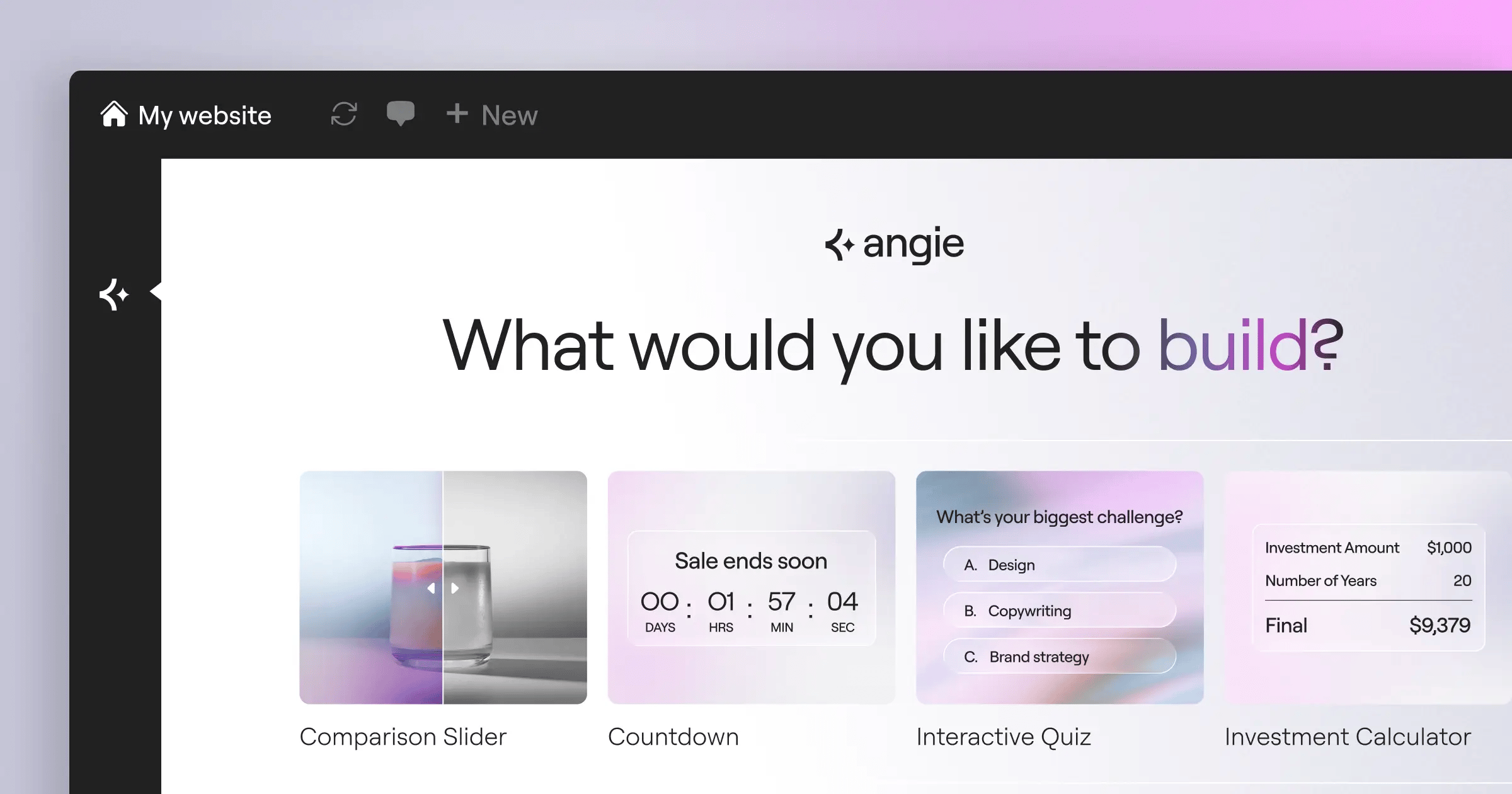
For a long time, creators had to choose between full self-hosting freedom and an easy website builder setup. That’s no longer necessary: Elementor Hosting brings the best of both worlds together.
This service gives you managed cloud hosting with the Elementor visual builder already installed and optimized. It runs on Google Cloud C2 infrastructure, uses fast SSD storage, and connects to an integrated Cloudflare Enterprise CDN, ready from the moment you sign up.
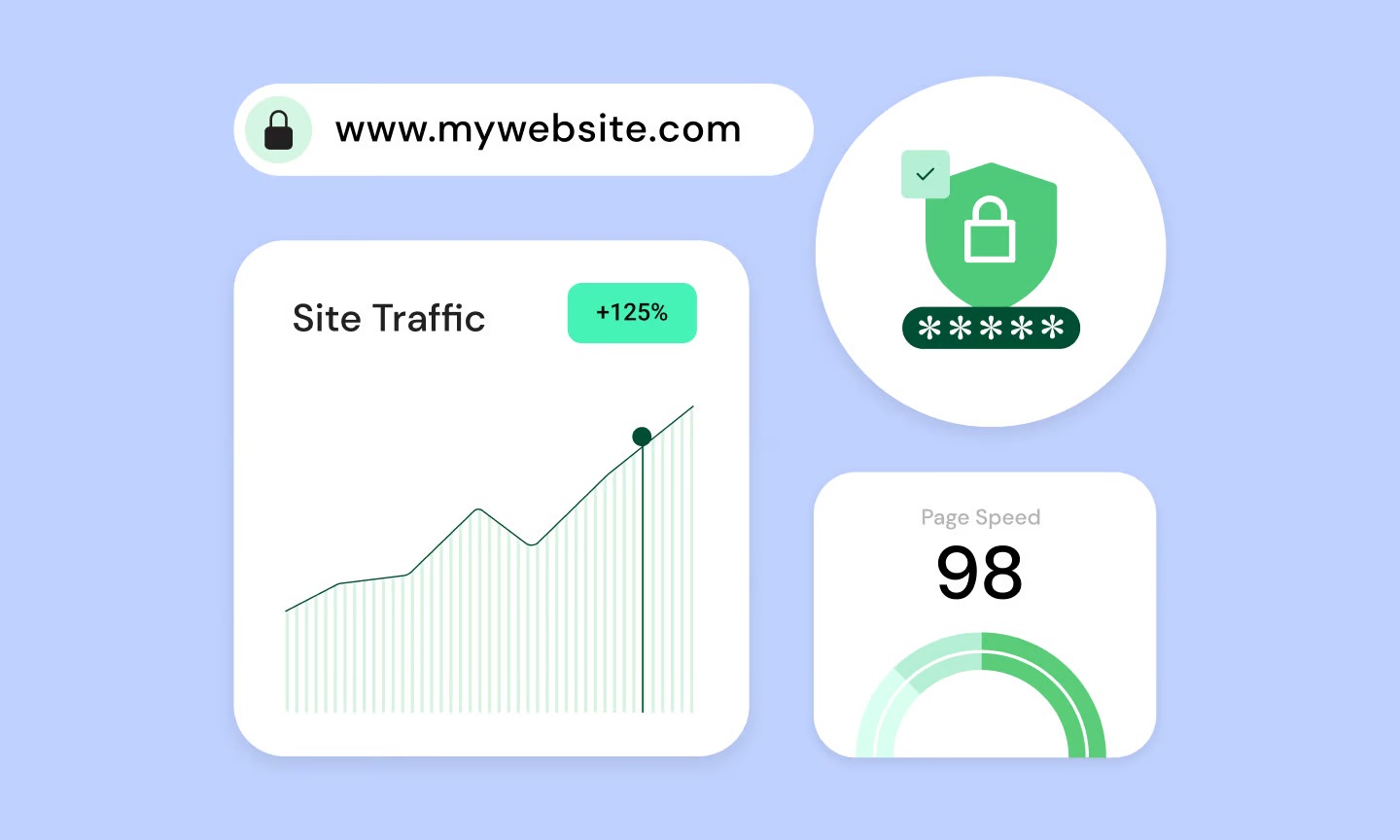
With a 109ms time to first byte and a 99.9% uptime guarantee, this hybrid handles the heavy infrastructure work for you: auto-scaling for traffic spikes, built-in Redis caching, and premium SSL certificates. You still get full file access, plus the ease of a drag-and-drop editor. Here’s what this cloud setup brings:
- Integrates the visual design system directly into your cloud environment for instant editing from day one.
- Secures your pages with built-in Cloudflare Enterprise defense, a strong firewall, and automated security scans.
- Accelerates your loading times using Google Cloud C2 servers and automated page caching.
- Saves your progress with automatic daily backups and one-click restoration.
- Migrates your existing website to the cloud with free help from dedicated support experts.
- Scales your server resources dynamically to handle traffic spikes automatically.
Head-to-Head Comparison: Hosting vs Builders in 2026
Here’s how the two compare across what matters most.
How Does the Initial Setup Compare?
Traditional hosting can feel technical: installing software, connecting your domain through DNS, and navigating a control panel not built for beginners. Website builders skip all that: sign up, pick a template, and start editing almost immediately, no databases or security keys needed.
Elementor Hosting matches that ease, with core software pre-installed and ready to go, plus a dedicated host’s features minus the stressful setup.
What About Creative Freedom and Design Control?
Website builders keep you inside pre-built layouts, capping custom structure. Traditional hosting lets you install any theme or framework, with full file access to build exactly what you want.
How Do Speed, Caching, and Core Web Vitals Compare?
Page speed matters for search rankings and visitor patience. Standard hosting speed depends on what you pay and how you configure your server; cheaper shared plans slow down at peak hours.
“An optimized cloud stack is the foundation of modern web performance. When your hosting environment is custom-tuned for your builder, you eliminate the bloat that typically slows down WordPress sites.”
Itamar Haim, WordPress Performance Specialist
Website builders don’t control their own caching or server locations, so if their infrastructure slows, your site does too. Elementor Hosting builds performance in, pairing Google Cloud C2 servers with Cloudflare Enterprise CDN to keep files close to your visitors.
Who Handles Security, Maintenance, and Updates?
With traditional hosting, you handle your own security tools, firewall, and malware scans, and untested updates can cause issues. Website builders handle security and updates automatically, though you depend on the platform to catch vulnerabilities.
The managed hybrid brings both together: 24/7 security monitoring, two-factor authentication, an active vulnerability scanner, and automatic daily backups, so your site stays protected without eating your weekends.
What Kind of Developer Access Do You Get?
Traditional hosting gives you SFTP and tools like phpMyAdmin or WP-CLI to edit files or fix a broken update. Website builders block this entirely: no SFTP, no database view, just whatever the dashboard allows.
A managed cloud setup gives you both: a friendly visual editor for everyday tasks, plus secure SFTP and WP-CLI access when you need to dig deeper.
Feature-by-Feature Breakdown
Here’s a side-by-side look at core features for each option in 2026.
| Feature | Traditional WordPress Hosting | Proprietary Website Builders | Elementor Hosting (Hybrid) |
|---|---|---|---|
| Setup Process | Manual database and domain configuration | Instant, account-based setup | Instant setup with pre-installed tools |
| Data Ownership | 100% yours; easy to migrate anytime | Locked into the provider’s system | 100% yours; easy to migrate anytime |
| Design Flexibility | Unlimited; modify any file or template | Restricted to approved themes | Unlimited visual drag-and-drop design |
| File Access (SFTP/DB) | Full access provided by default | Completely blocked | Full secure access provided |
| Speed Optimization | Manual setup required for caching | Managed by platform but unoptimized | Built-in Google Cloud C2 & Cloudflare CDN |
| Security Scanning | Requires third-party security tools | Handled entirely by the platform | Automated WAF & continuous security scans |
| Maintenance | Manual core and asset updates | Automatic updates with no user control | Managed automated updates & daily backups |
How to Choose the Right Option for Your Goals
Now that you know how each approach works, let’s match them to real situations.
When Does Traditional Hosting Make Sense?
Standard hosting from providers like WP Engine or Kinsta suits an experienced developer who enjoys custom server environments, writing caching rules, or building complex database connections for enterprise clients.
When Might a Proprietary Website Builder Work?
A closed builder can work for a simple, temporary site, like a restaurant menu or event announcement, when growth isn’t a concern and you’re fine paying for a system you don’t own.
When Is Elementor Hosting the Right Choice?
This option works best for freelancers, agencies, small businesses, and designers who want a professional presence without server headaches, pairing Google Cloud speed with the full creative freedom of WordPress. Choose this path if you want:
- To build unique layouts without being boxed in by rigid templates.
- To keep your pages loading fast for both visitors and search engines.
- To retain complete ownership of your data so you’re never locked into a single platform.
- To stop spending time troubleshooting server setups and manual updates.
- To have access to 24/7 support whenever you run into a design or hosting question.
The Verdict: Which is Better in 2026?
A few years ago, creators had to choose between simplicity and power. Website builders still get you online fast, but rigid design limits and lock-in terms make them hard to recommend for growing businesses. Traditional hosting offers complete freedom, but managing updates, security, and server setups can become a part-time job.
For most creators in 2026, the managed hybrid model wins. Elementor Hosting gives you complete data ownership, professional-grade performance, and the full flexibility of WordPress, with a visual editor that makes the day-to-day genuinely pleasant.
Frequently Asked Questions
Is WordPress hosting better than a website builder?
For most growing projects, yes. Traditional hosting gives you full ownership, design freedom, and the freedom to switch hosts. Website builders are easier to start with, but they lock you into their ecosystem with limited design options.
Can I move my site from a website builder to WordPress later?
It can be challenging. Proprietary builders run on closed code, so you can’t export your design, you’ll usually rebuild your pages, headers, and layouts from scratch on WordPress.
Do I need to buy hosting separately if I use Elementor Hosting?
No. This hybrid combines managed cloud hosting on Google Cloud C2 with the visual builder pre-installed. Your server space, speed optimization, security, and design tools all come in one subscription.
What is a CDN and why does it matter for my site speed?
A CDN stores copies of your website files on servers worldwide, serving them from whichever server sits closest to your visitor so pages load fast no matter where your audience is.
Are website builders cheaper than managed WordPress hosting?
Website builders often add fees for e-commerce, forms, or removing platform branding, so prices can look similar at first. Managed cloud options bundle hosting, design, security, and backups together, usually at better value.
Do I need to know how to code to use WordPress hosting?
Not anymore. Modern managed options like Elementor Hosting give you a fully visual, code-free experience for designing, publishing, and managing settings.
What is the difference between shared hosting and cloud hosting?
Shared hosting puts your site on a server with hundreds of others, so a spike on one can slow yours down. Cloud hosting spreads your files across multiple secure servers, keeping your site fast and stable under heavy traffic.
Can I use my own domain name with managed cloud hosting?
Yes. You can connect any domain you already own to your managed hosting account, and many providers include a free domain for the first year.

