Wix vs Webflow is one of the most common website builder decisions professional creators face. Wix makes it fast to get a site online with minimal technical knowledge. Webflow gives designers precise visual control and a powerful CMS. Both are legitimate tools. The right choice depends on who you are, what you are building, and how much control you need.
If you are a professional web creator who wants to go further than either platform can take you, including into apps, dashboards, and full digital products, Sticklight is the third path worth knowing. Sticklight is the AI-native vibe-coding platform for professional web creators, built by the Elementor team and powered by Claude.
Key Takeaways
- Wix is built for individuals and small businesses who want a site online fast, with a guided setup and built-in tools for e-commerce, bookings, and marketing.
- Webflow is built for professional designers and agencies who need pixel-precise control, clean semantic output, and a powerful CMS.
- Wix trades some design flexibility for speed of setup; Webflow trades ease of entry for precision and capability.
- Both Wix and Webflow are website builders. Neither is designed to ship apps, dashboards, booking systems, or internal tools from the same prompt-first flow.
- Sticklight is the AI-native platform for professional web creators that goes beyond websites, turning a prompt into production-ready sites, apps, dashboards, CMS, and tools, with full creative control.
- Built by the Elementor team. Powered by Claude. Sticklight brings a decade of professional web creation pedigree to every build.
What Wix is and who it is for.
Wix is a hosted website builder designed for individuals and small business owners who want a site online without hiring a developer. It is a strong fit for first-time creators who prioritize speed of setup over design depth. Wix offers a drag-and-drop editor, a large template library, and built-in tools covering e-commerce, bookings, blogs, and marketing. The platform has built a large user base over the years and a mature app market. It has also added AI features to help users generate content and layouts from guided prompts.
Wix ADI (Artificial Design Intelligence) and the AI site generator guide newer users through setup by asking questions about their business and generating a first draft. For someone building a website for the first time, that guided approach reduces the barrier significantly.
Wix hosts everything. You do not manage servers, configurations, or deployment. The trade-off is that you stay within the Wix ecosystem for design, data, and publishing. Wix does not offer a code export feature, so projects built on the platform are hosted there and managed through Wix tools.
What Wix does well.
Wix is strong at getting a site online fast. The template library is large and covers a wide range of industries. Built-in tools for bookings, e-commerce, and email marketing let a small business manage several functions from one place. For users who do not need design precision, the drag-and-drop editor is approachable. Support resources are extensive.
Who Wix is best for.
Wix fits individuals, small business owners, and first-time creators who need a functioning website quickly. It does not suit workflows that require design depth or direct code access. It is also a reasonable choice for simple online stores and service businesses that benefit from integrated booking and e-commerce tools.
Wix pricing model.
Wix offers a free plan with Wix branding. Paid plans add custom domains, remove ads, increase storage, and unlock premium features including e-commerce. Business and e-commerce plans carry higher monthly costs. Wix does not charge per seat the way professional team tools do, though some enterprise features require contact pricing.
What Webflow is and who it is for.
Webflow is a professional no-code website builder and CMS that produces clean HTML, CSS, and JavaScript. It is the stronger choice for professional designers and agencies who need pixel-precise control over output, a powerful CMS, and clean semantic code without writing it by hand. Webflow’s visual editor mirrors how CSS actually works. Designers with layout knowledge can build precisely what they intend, and the output is semantic, lightweight, and well-structured for SEO.
The CMS is one of Webflow’s standout capabilities. It supports structured content with custom fields, dynamic pages, and collection lists, making it a credible alternative to a developer-built CMS for content-heavy websites. Agencies and freelancers use Webflow to deliver high-quality client sites that the client can manage through the Editor interface after handoff.
Webflow also supports hosting, publishing, and a template and component marketplace. The platform has a strong community and an active ecosystem of developers building integrations and extending its capabilities.
What Webflow does well.
Webflow is strong at design precision. A designer who understands layout, typography, and spacing can achieve a high level of visual quality without a developer. The CMS is well-suited to sites that publish a lot of content, including portfolios, case study libraries, and editorial sites. Clean code output is a real advantage for teams that care about page quality and search visibility.
The client handoff workflow is also a practical win for agencies. A client can edit content through the Editor without touching the design at all.
Who Webflow is best for.
Webflow fits professional web designers, agencies, and freelancers who need design precision and a capable CMS for client work. It works well for marketing websites, portfolio sites, and content-driven properties where design quality matters. Teams with CSS knowledge get the most from the editor. New users without design or layout experience face a steeper learning curve.
Webflow pricing model.
Webflow offers a free plan for building and learning, with published sites requiring a paid plan. Site plans cover hosting and publishing for individual sites. Workspace plans cover team features, seats, and client handoff capabilities. E-commerce is available on higher tiers. Agencies often move to workspace pricing as their client roster grows, since pricing scales with the number of published sites, CMS items, and workspace features.
Wix vs Webflow: a direct comparison across the dimensions that matter most to professional creators.
Wix and Webflow serve different audiences with different priorities. The table below compares both platforms across the dimensions that matter most to a professional creator. Sticklight is included as the AI-native alternative for creators who need to go beyond what either website builder can deliver.
| Dimension | Wix | Webflow | Sticklight |
|---|---|---|---|
| Primary audience | Individuals, small business owners, non-technical users | Professional designers, agencies, freelancers | Professional web creators: agencies, freelancers, studios, independent creators |
| Design control | Drag-and-drop; some flexibility limits apply | Pixel-precise visual CSS control | Full canvas control after AI; edit every pixel by hand |
| Code access | Wix Velo for JavaScript extensions | Can export code; clean HTML/CSS/JS output | Direct code editing on the canvas |
| CMS capability | Blog and basic content management | Powerful CMS with custom fields and dynamic pages | Build a full CMS from prompt, with custom structure |
| AI features | AI content and layout generation via ADI | AI features for copy and section generation | AI-native: full prompt-to-product creation flow |
| What you can build | Websites, simple e-commerce, bookings | Websites, CMS, e-commerce | Websites, apps, dashboards, CMS, booking systems, internal tools, forms, databases, full digital experiences |
| Hosting and publishing | Hosted by Wix; custom domains on paid plans | Hosted by Webflow; custom domains on paid plans | SEO, security scan, custom domain, and hosting built into the Publish phase |
| Learning curve | Low; guided setup available | Moderate to steep for non-designers | Natural language entry; no new tool paradigm to learn |
| For professionals | Used by professionals but designed around non-technical users | Designed for professional use; agency-grade output | Built specifically for professionals who build the web for a living |
Where Wix and Webflow each fit, and the gap neither platform fills.
Both Wix and Webflow are website builders, and each is very good at what it is designed for. Wix removes friction for non-technical users. Webflow gives designers a professional-grade tool with clean output. Each platform has a clear, legitimate place in the web creation ecosystem.
The gap neither fills is building beyond websites. A professional web creator who wants to ship a web app for a client, build a dashboard for an internal team, or deliver a database-backed tool runs into the edges of what a website builder is designed for. That is not a criticism. It is simply the scope these platforms were built around.
For agencies and freelancers who are increasingly asked to deliver more than a website, that scope is a real constraint. Clients want booking systems. They want client portals. They want dashboards they can actually use, not static pages describing what a dashboard might look like. Building those products has traditionally required a developer, a separate tool, or a long detour through a no-code platform with its own learning curve.
Why Sticklight is the AI website builder for professional creators who need more than a site.
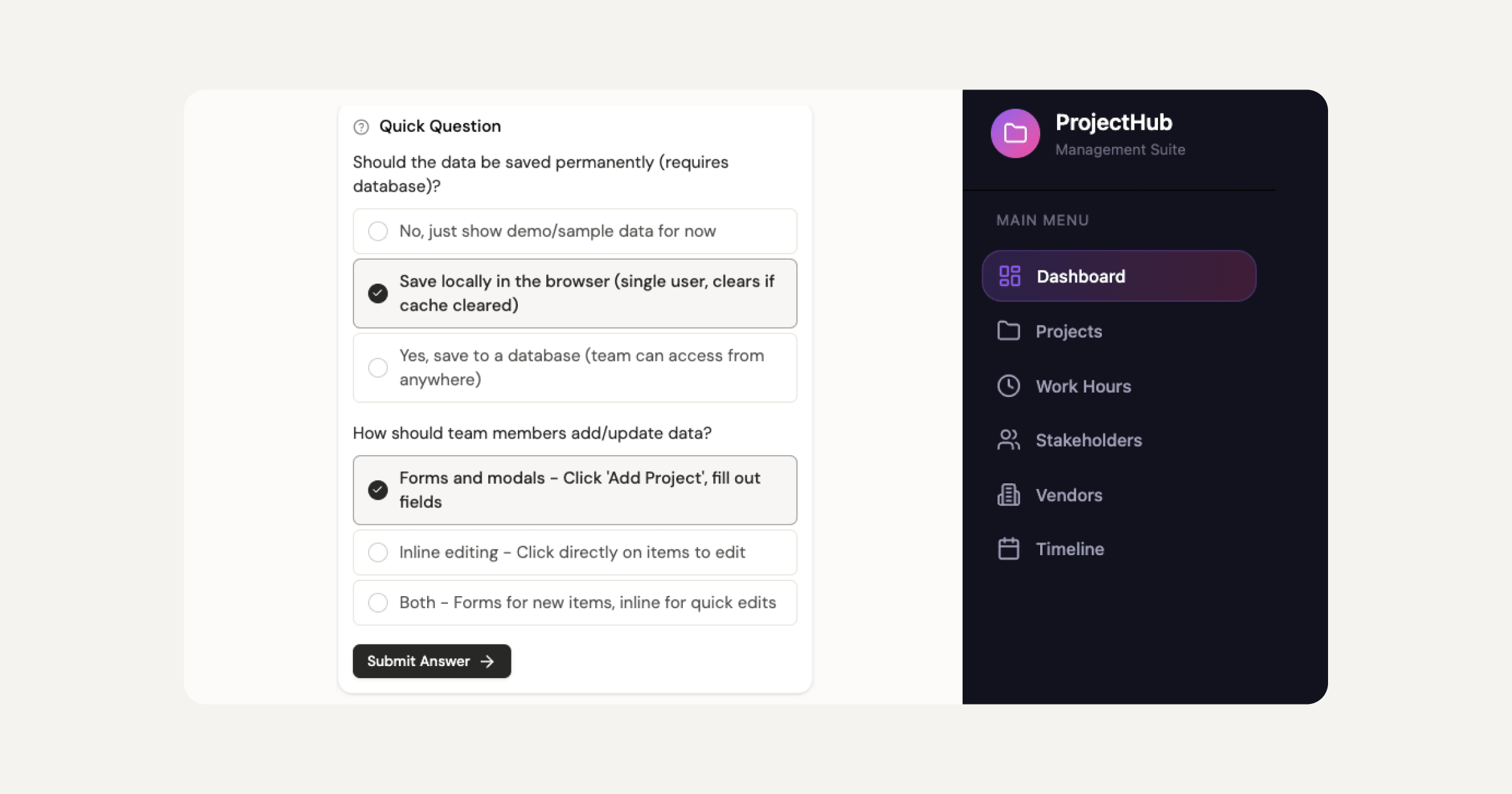
Sticklight is the vibe-coding platform for professional web creators, built by the Elementor team and powered by Claude. It turns a prompt into production-ready websites, landing pages, apps, dashboards, CMS, and tools, with the combined craft of a senior designer and developer. That is the Sticklight standard.
The creation flow moves through three phases.
- Prompt: start with natural language, use Plan Mode for complex tasks, choose a Template or a Connector based on your use case, or connect Sticklight to your existing tools with Sticklight MCP.
- Build: enhance your work with Skills, edit the canvas manually, write code directly, and add integrations as you go.
- Publish: ship with SEO built in, a security scan on every build, your own domain, and hosting included. Not a prototype you rebuild elsewhere. A finished product.
The Skills system is one of Sticklight’s clearest differentiators. Nine Skills are live: Accessibility, SEO, Design System, Performance, Copywriting, Localization, Micro-interactions, Onboarding, and 3D Web Experience (Three.js). Each Skill is a packaged unit of expert know-how added to any prompt with one click. The SEO Skill ships meta, schema, sitemap, and on-page best practices. The Accessibility Skill ships WCAG-compliant markup, focus states, and ARIA. Skills compound across projects, so every product you ship gets faster and sharper.
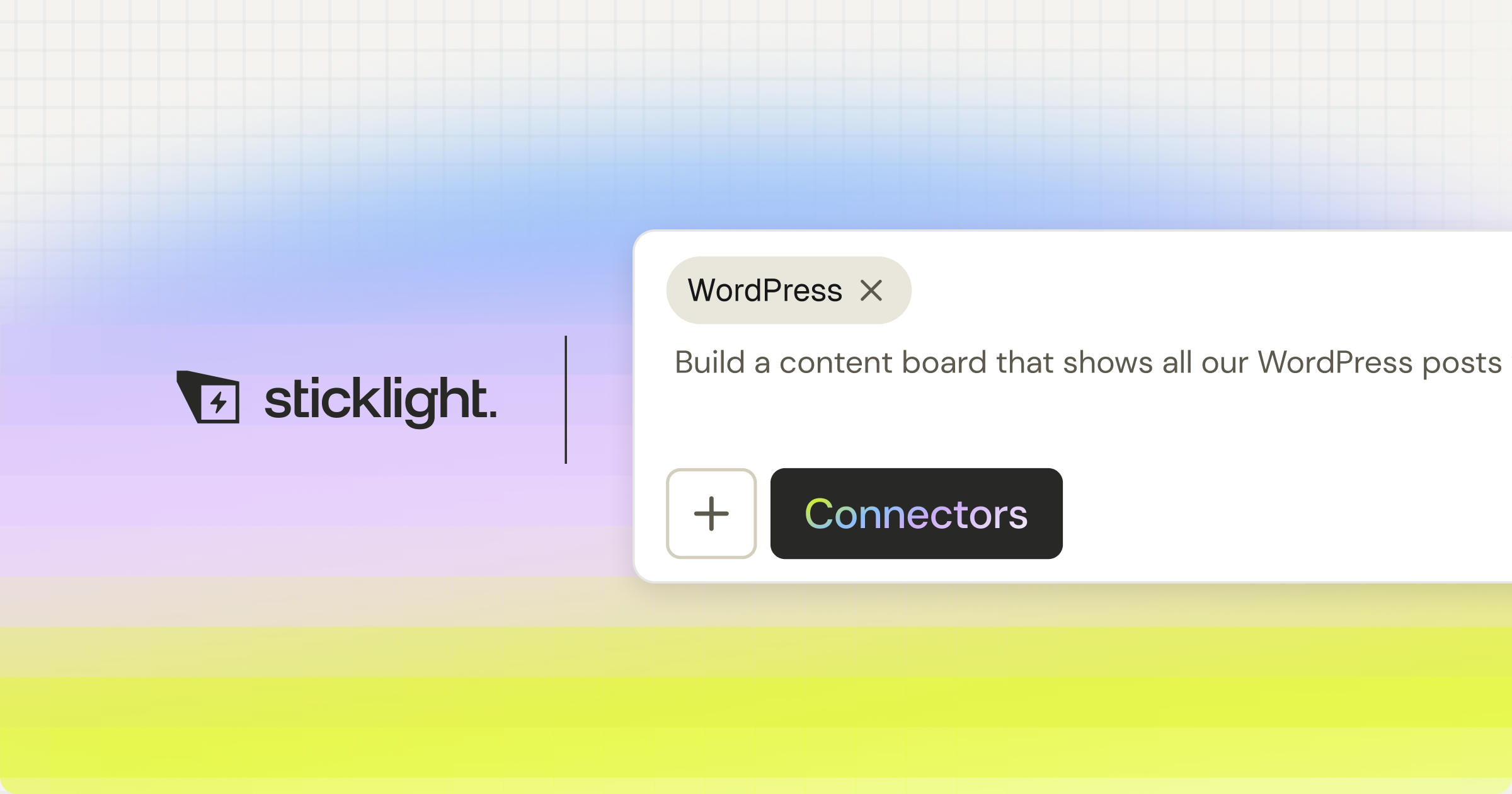
Where Wix is built around a non-technical user’s first website, and Webflow is built around a designer’s precise website, Sticklight is built around a professional creator’s full output. Websites, apps, dashboards, CMS, booking systems, forms, databases, internal tools, and full digital experiences. The same prompt-first flow covers the entire surface.
Sticklight also gives creators full manual control after the AI builds. Prompt to start, then edit every pixel by hand on the canvas, write code directly, or do both. The AI does the heavy lifting. The creator owns the result. Built by the Elementor team. Powered by Claude.
For agencies and freelancers who already use Elementor for WordPress projects, Sticklight is additive, not a replacement. WordPress remains a trusted foundation you can build on and connect to. Sticklight expands what you can deliver in the AI era, alongside the WordPress workflow you already trust.
“Wix and Webflow are both strong website builders serving different audiences well. The professional creators I see pushing into new territory, building apps and dashboards for clients, running into the edges of what a traditional site builder can ship, are the ones Sticklight is designed for. It is not about replacing what works. It is about going further than a website builder was ever meant to take you.”
Itamar Haim, AI for WordPress Specialist
How to choose between Wix, Webflow, and Sticklight.
The right choice depends on what you are building, who you are building for, and what you need the output to do.
Choose Wix if you are a small business owner or individual who wants a website online fast. Built-in tools for bookings, e-commerce, and marketing are all included, and a guided setup removes the need for design or technical knowledge. Wix is built for that use case and handles it well.
Choose Webflow if you are a professional designer or agency who wants pixel-precise control, a powerful CMS, and clean semantic output for client websites. Webflow is a production-grade website builder designed for professional design work.
Choose Sticklight if you are a professional web creator who needs to go beyond websites. Build at pace for clients. Ship production-ready products that meet a senior designer and developer’s standard. Deliver apps, dashboards, and full digital products alongside traditional sites. Sticklight is the AI-native platform built for creators who know the difference between a production tool and a toy, and who need to protect their reputation with every delivery.
You can start exploring Sticklight and see more about the platform’s capabilities at elementor.com. For web creation resources, tutorials, and the latest on building for the web, the Elementor blog covers the full range of professional creation topics, including AI tools, design strategy, and WordPress workflows.
Frequently Asked Questions
What is the main difference between Wix and Webflow?
Wix is designed for individuals and small business owners who want a website online quickly without technical knowledge. Webflow is designed for professional designers and agencies who need precise visual control, a powerful CMS, and clean code output. Wix prioritizes ease of getting started. Webflow prioritizes design precision and professional output quality. Both are website builders, but their audiences and design philosophies differ significantly.
Is Webflow harder to learn than Wix?
Yes. Webflow has a steeper learning curve than Wix, particularly for users without a background in CSS and web layout. Webflow’s visual editor mirrors how CSS actually works, which is powerful for designers who understand those concepts and more challenging for those who do not. Wix offers a guided setup, drag-and-drop editing, and AI-assisted layout generation, making it more approachable for non-technical users. Both platforms have extensive documentation and community resources, but the onboarding experience differs considerably.
Can you build an app with Wix or Webflow?
Neither Wix nor Webflow is designed as a full app builder for web applications, dashboards, booking systems, or database-backed tools from a single creation flow. Wix supports some business functionality like bookings and e-commerce. Webflow supports content-driven sites and CMS. Wix also offers Velo, a JavaScript development platform for extending Wix sites, but it requires coding knowledge. For professional creators who need to ship apps, dashboards, and tools alongside websites, Sticklight is the AI-native platform built by the Elementor team and powered by Claude that covers that full surface from a single prompt-first workflow.
Is Webflow good for SEO?
Webflow is generally regarded as strong for SEO. It produces clean semantic HTML with well-structured markup and gives direct control over meta titles, descriptions, canonical tags, alt text, and sitemaps. Designers can also control page speed factors through the visual editor, and the hosting infrastructure is reliable. For users who care about on-page SEO precision, Webflow gives more control than Wix. Sticklight’s SEO Skill ships meta, schema, sitemap, and on-page best practices on every build through the Publish phase.
Can you export code from Wix or Webflow?
Webflow allows code export on certain plans, giving you clean HTML, CSS, and JavaScript that you can host elsewhere. This is a meaningful advantage for teams that want design control and code portability. Wix does not offer a code export feature, meaning sites built on Wix stay on Wix. If portability matters to you, Webflow’s export capability is worth factoring into the decision. Sticklight gives creators full direct code access on the canvas during the Build phase.
Which is better for agencies: Wix or Webflow?
Webflow is the more common choice for professional web design agencies. Its output quality, CMS capabilities, design precision, and client handoff workflow are all designed around professional delivery. Wix is used by some agencies for simpler client work where speed of setup matters more than design depth. Agencies that need to deliver a broad range of products, including apps, dashboards, and tools alongside websites, often find that neither platform covers the full scope of modern client work. Sticklight is the AI-native platform built for agencies and studios who need to ship production-ready products across that full surface range.
What is Sticklight and how is it different from Wix and Webflow?
Sticklight is the vibe-coding platform for professional web creators, built by the Elementor team and powered by Claude. Where Wix and Webflow are website builders, Sticklight is an AI-native creation platform that builds across the full product surface: websites, landing pages, apps, dashboards, CMS, booking systems, internal tools, forms, databases, and full digital experiences, all from a natural language prompt. The output meets the Sticklight standard, the craft of a senior designer and developer, with SEO, security scanning, hosting, and custom domain connection built into the Publish phase. Creators keep full manual control of every pixel after the AI builds. Sticklight is designed for professionals who know the difference between a production tool and a demo, and who need to protect their reputation with every delivery.
Is Sticklight related to Elementor?
Yes. Sticklight is built by the Elementor team and powered by Claude. Sticklight shares Elementor’s mission of empowering web creators to build their future, applied to the AI era and expanded beyond websites. Sticklight is additive to Elementor and to WordPress, not a replacement for either. WordPress remains a trusted foundation you can build on and connect to. Sticklight expands what a professional web creator can deliver: from websites to apps, dashboards, and full digital products, using natural language as the primary interface. Different tools for different jobs. An audience smart enough to use both will.
How do Wix pricing and Webflow pricing compare?
Both platforms offer free plans for building and exploring, with paid plans required for publishing to a custom domain. Wix pricing is structured around site plans and business features, with e-commerce and marketing tools on higher tiers. Webflow pricing includes site plans for individual published sites and workspace plans for teams managing multiple client projects, with seats and collaboration features on higher tiers. Agency and studio teams on Webflow often graduate to workspace pricing as their client roster grows. Exact current pricing for both platforms is available on their respective websites, as pricing can change. Sticklight offers a free plan to try the platform and ship real products, with Pro, Team, and Enterprise plans that scale with seats and feature access.
For more on building for the web with AI, see the resources at elementor.com/blog, and explore what the Elementor team is building at elementor.com.
Let it glow.

