Table of Contents
What Is a Page Builder? Explained for 2026
A page builder is a visual tool that lets you design, edit, and launch a website without writing a line of code. You don’t need HTML, CSS, or PHP to publish a professional layout anymore. Drag a widget onto the canvas, adjust its settings, and the software writes clean code instantly.
By 2026, that idea has grown a lot: basic drag-and-drop plugins have turned into full “Web Creators” covering managed hosting through server-level caching. Platforms like Elementor Editor Pro now blend visual design, dynamic data, and built-in AI in one workspace.
Key Takeaways
- WordPress Dominance – WordPress now powers 43.1% of all websites, and visual layout tools drive much of that growth.
- Market Adoption – Elementor leads the visual editor space, used on 13% of all websites across 21 million active domains.
- Speed to Market – Agencies using visual layout platforms launch 20-30% faster than teams that hand-code.
- The AI Shift – Over 1.5 million users have built generative AI into their layout workflows to write code and generate images.
- Mobile Urgency – With 53% of mobile visits abandoned after 3 seconds, modern editors lean on optimization for Core Web Vitals.
- Credibility Impact – 75% of consumers judge a company’s whole credibility on visual design alone.
The Technical Anatomy of a Visual Editor
Here’s the thing: visual editing isn’t magic, it’s an abstraction layer between your WordPress database and the visitor’s browser. I’ve built over 200 sites, so here’s what’s happening under the hood.
Drag a button onto the canvas, and the software registers CSS classes, spacing variables, and structural tags into a JSON-like object. The server compiles that into HTML when a visitor loads the page.
Here’s the pipeline, step by step:
- The Canvas Interaction – Drop one of 118+ available widgets into a container, and the interface updates instantly.
- Variable Assignment – Sliders adjust padding, colors, and typography, assigning values to CSS variables for that element.
- Database Storage – Hit publish, and the platform saves your settings as a serialized array into WordPress post-meta tables.
- Front-End Rendering – A visitor requests the page, and the software pulls that array and builds the HTML.
- Asset Delivery – The system loads only the CSS and JavaScript your widgets need.
This replaces the old “save, refresh, pray” approach to web design, letting you watch the real DOM render live as you adjust settings.
Traditional Themes vs. Gutenberg vs. Modern Web Creators
You can’t really judge a visual layout tool until you set it against the alternatives. WordPress offers three distinct paths for building a site, each suited to a different user.
Gutenberg, the native block editor, now has over 90 million active installations and ships built into WordPress core. For professional creators, plain blocks often aren’t enough.
| Design Method | Technical Skill Required | Design Flexibility | Best Use Case |
|---|---|---|---|
| Traditional Themes | High (PHP, CSS, JS) | Rigid (Locked to theme options) | Legacy enterprise sites with dedicated dev teams. |
| Gutenberg Blocks | Low to Medium | Moderate (Getting better, but lacks deep pixel control) | Simple blogs and basic informational landing pages. |
| Modern Web Creators | Low (Purely visual interface) | Unlimited (Absolute positioning, custom CSS, dynamic tags) | Agencies, complex WooCommerce stores, and professional portfolios. |
Gutenberg keeps you inside your theme’s limits, so if it doesn’t support a certain header layout, you’re stuck. Visual platforms skip the theme layer, building instead on a blank-slate option like the Hello Theme, a forever-free skeleton under 30KB with zero styling of its own.
The Rise of Agentic AI in Site Building
We’re firmly in the “co-pilot” era. AI isn’t a novelty bolted onto an editor anymore, it’s a core utility, and the global low-code market is projected to hit $187.02 billion by 2030.
Visual editors now build generative AI into the workspace, so you don’t have to leave your tab to write a regex string or CSS animation. That automation shows up across a few layers:
- Text and Translation – Highlight a headline, click a button, and the AI rewrites it in the tone you want, or translates your sales page into Spanish.
- Image Generation – Describe what you want, like a modern office background with blue lighting, and the tool generates it and drops it into your hero container.
- Code Generation – Type a plain-English request, like a button that glows on hover, and the built-in assistant writes the CSS for you.
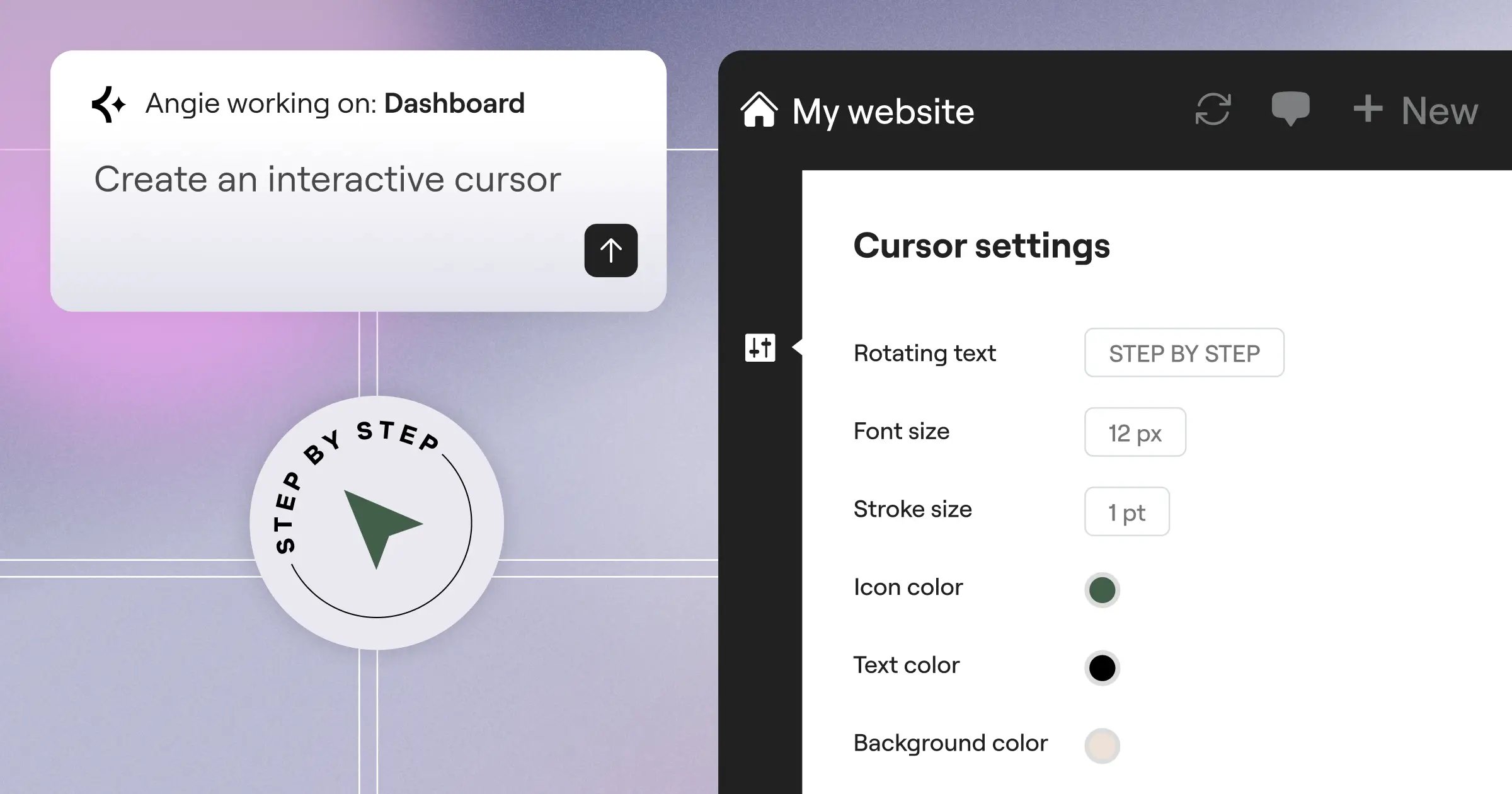
- Agentic Site Creation – Tools like Angie use the Model Context Protocol to take real action: tell Angie what you need, and it assembles production-ready WordPress assets.
Agentic AI is the biggest shift I’ve seen in 15 years. Angie doesn’t just explain how to build a contact page, it handles the staging, database tables, and layout framework automatically.
Evaluating Performance and Core Web Vitals
Visual editors used to have a reputation for bloated, messy code. That reputation is dead in 2026, and modern platforms put out optimized HTML.
Google enforces Core Web Vitals, and if your site takes too long to paint its largest element, your rankings suffer. We know 53% of users bounce when a mobile page takes longer than 3 seconds to load.
“Speed is a ranking factor, but visual stability and accessibility are the silent killers of conversion. A modern layout engine must output semantic, accessible HTML by default, otherwise you’re just building a pretty site that Google completely ignores.”
Itamar Haim, SEO Team Lead at Elementor. A digital strategist merging SEO, AEO/GEO, and web development.
To hit those 90+ scores on PageSpeed Insights, modern tools automate behind the scenes, leaning on atomic CSS: instead of one massive stylesheet, styles break down into small, reusable classes.
- Element Caching – The system stores the processed HTML of complex widgets in the database and serves static markup instead of running PHP on every page load.
- Image Optimization – Native features compress your JPGs and PNGs into WebP or AVIF automatically, cutting file size by up to 60% without losing visual quality.
- Conditional Asset Loading – Skip a carousel widget on your homepage, and its JavaScript file simply never loads, keeping the DOM lean.
- Managed Cloud Integration – Hosted solutions pair the editor with Cloudflare Enterprise CDNs to deliver a fast 109ms Time to First Byte (TTFB).
Matching the Right Tool to Your Business Model
Not every creator needs the same setup, and a solo blogger’s workload looks nothing like an agency juggling 50 client retainers.
Elegant Themes’ Divi builder runs about $89/year, and Beaver Builder starts at $99/year: solid but layout-only legacy options. Modern solutions bundle the whole tech stack into one subscription.
- The Freelance Designer – The Elementor One plan at $168/year bundles the layout engine, managed hosting, image optimization, and AI credits, so you skip piecing together seven plugin subscriptions.
- The E-commerce Brand – You need tools that pull WooCommerce product data into custom archive loops, plus transactional email that keeps 95% of purchase receipts landing in the inbox.
- The High-Volume Agency – Managing dozens of client sites on plans between $204 and $444/year, you need Role Manager features so clients can’t delete a global header, plus a large AI credit pool.
One tip: never hand a client full administrator access. Lock down structural templates with role management instead, and you’ll save dozens of hours of support calls.
Essential Features for Professional Layouts in 2026
If you’re evaluating software right now, you need a real checklist, because basic text formatting doesn’t cut it anymore. The web today is dynamic, mobile-first, and closely watched by accessibility law.
Here’s a sobering number: 98.1% of homepages have a detectable WCAG 2 accessibility failure. Elementor’s Web Accessibility tool builds into the workspace to scan for contrast issues and missing ARIA labels.
- Advanced Breakpoint Controls – You need custom breakpoints for ultra-wide monitors, tablets in both orientations, and phone sizes, plus the ability to hide or show containers by device.
- Global Theme Building – Design a footer once and apply it everywhere, with display conditions like showing a promotional header only on posts categorized as “News.”
- Dynamic Data Routing – Pull custom fields into your layouts, so one property template on a real estate site can populate the price, images, and map data per listing.
- Marketing Automation – You need native popup builders triggered by exit intent and form widgets that connect to your CRM via webhooks.
Agentic AI earns its keep here too, scaffolding a custom post type and template structure from a single prompt.
Step-by-Step Guide to Optimizing Your Site
So you’ve built your pages, and they look beautiful. But any complex layout needs fine-tuning to hit peak performance. You can’t just throw 20 high-resolution photos onto a canvas and expect a perfect Lighthouse score.
Asset management is on you. Here’s the workflow professionals use to prep a site for launch:
- Audit Your Plugins – Delete anything redundant. If your layout tool has a built-in slider, drop your third-party slider plugin and keep your stack lean.
- Activate Native Optimization Features – Toggle on features like “Optimized DOM Output” and “Improved Asset Loading” for a CSS-first foundation.
- Compress All Media – Run your media library through native Image Optimization, and set future uploads to convert to WebP automatically. Never serve a 2MB PNG to a mobile user.
- Implement System Fonts – Map your global typography to native system fonts, and if you use Google Fonts, load them locally instead of calling Google’s servers.
- Configure Server-Level Caching – If you use managed cloud hosting, confirm that edge caching is active, so a visitor in Tokyo gets the same fast load as one in New York.
- Run Accessibility Scans – Before you launch, run a native accessibility checker across your critical pages and fix any flagged contrast ratios or missing labels.
This separates amateurs from professionals. An optimized site needs less server power, ranks higher in search, and converts more visitors into buyers.
Frequently Asked Questions
Does using a visual editor hurt my SEO?
No, not on their own. Modern platforms output semantic HTML and give you control over meta tags, headings, and mobile responsiveness. Poor SEO usually comes down to user error.
Can I switch themes without losing my layouts?
Yes. Your layout data lives in the plugin or platform layer, independent of your theme, so switching to the Hello Theme leaves your designs and widget placements intact.
Do I still need to learn coding?
You don’t need to learn coding to build a beautiful, functional website. Visual controls handle 99% of design needs, though basic CSS concepts like Flexbox will speed up your workflow.
How does agentic AI differ from standard AI assistants?
Standard AI generates text or code snippets you copy and paste yourself. Agentic AI, like Angie, builds into WordPress core and acts independently, creating pages and setting up databases for you.
Is Gutenberg going to replace third-party builders?
Gutenberg works well for blog publishing and simple pages, but it still struggles with absolute positioning, dynamic data loops, and responsive breakpoints, so agencies lean on dedicated tools for client projects.
What happens if I deactivate the layout plugin?
Your layout reverts to plain text and default theme styling, though the platform doesn’t overwrite your core WordPress files. You need an active subscription to keep the visual structures rendering.
How do visual tools handle WooCommerce stores?
Modern platforms integrate with WooCommerce, letting you design custom product templates, cart pages, and checkout flows, replacing its default layouts with more polished, conversion-focused designs.
Can multiple people edit a page at the same time?
Most WordPress-based layout tools lock a page to a single editor. But advanced systems offer role management, letting a designer tweak the global header while a copywriter edits text elsewhere.
Looking for fresh content?
By entering your email, you agree to receive Elementor emails, including marketing emails,
and agree to our Terms & Conditions and Privacy Policy.

