7 Best Ecommerce Hosting Solutions in 2026
Online shopping is growing fast. Millions of stores compete for customers’ attention. To succeed, you need a smooth shopping experience. One key part that’s often forgotten? Your ecommerce hosting.
Online shopping is growing fast. Millions of stores compete for customers’ attention. To succeed, you need a smooth shopping experience. One key part that’s often forgotten? Your ecommerce hosting.

Email marketing remains a powerful tool for businesses. Free email marketing services offer a budget-friendly starting point for harnessing its potential.
Picking a blogging platform in 2026 is a crucial step for online success. Today’s platforms offer a wide range of features, from simple website builders with drag-and-drop interfaces to robust content management systems with extensive customization options.
Your website’s typography, the way your text looks and feels, has a surprisingly profound impact on how visitors perceive your brand. Choosing the right fonts can make your content easier to read, your message clearer, and create a lasting impression that sets you apart. This is especially important when you’re building your website with Elementor, where stylish, impactful text is seamlessly integrated into your drag-and-drop design process.
The internet has revolutionized how we do business. In 2026, the potential for building a thriving online venture is greater than ever. Whether you’re seeking a side hustle, a full-time income stream, or a way to turn your passion into profit, the online world is brimming with opportunities.
In a world saturated with images, a captivating online portfolio is essential for any photographer – whether you’re a seasoned professional, a passionate hobbyist, or just starting your journey. Your website is your virtual storefront, a carefully curated exhibition of your unique vision and artistic skills. But with countless options for building websites, how do you make sure yours stands out?
Imagine this: You click a link, excited to see what’s on the other side. But instead of the page you want, you see a blank screen with a strange message: “HTTP Error 503: Service Unavailable.” It’s annoying, right? You’re left wondering what went wrong and how to fix it.
In 2026, having a strong online presence is a must for musicians. Your website is your virtual stage, always-open store, and direct connection to fans worldwide. However, picking the right website builder can be tricky.
A website is your brand’s online home. It’s where you reach customers and share your story. But building a website can seem hard, especially when you have little money to spend. A good-looking website might be out of reach.
Search engine optimization (SEO) is the master key that unlocks visibility, drives organic traffic, and, ultimately, leads to business success. Think of SEO as a roadmap that guides search engines like Google to understand your website’s content and relevance. If you get it right, you’ll be rewarded with higher rankings, more clicks, and a website that thrives.
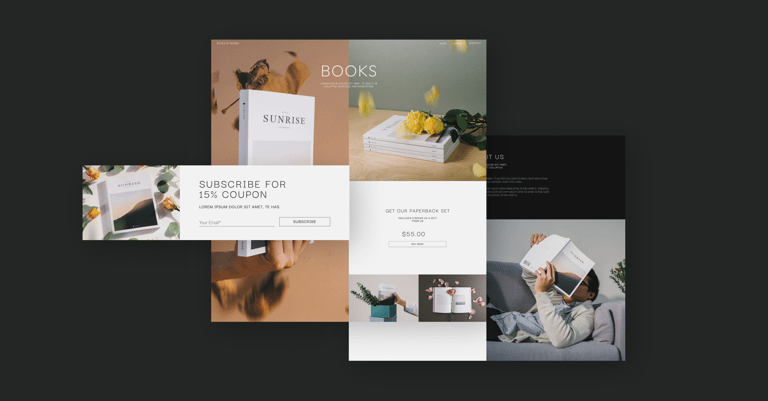
For both companies and individuals, it’s super important to have a strong online presence. But who has the time to learn complex coding or pay expensive web developers? That’s where one-page websites come in. They’re a quick, simple solution that effectively gets your message across.
Are you an author looking to create a great website? You’re in the right place! In 2026, having a strong online presence is crucial for writers. But building a website can be tricky, especially if you need to be tech-savvy.
As a designer, your website is more than just a portfolio — it’s your online showcase, reflecting your creative skills. Finding the right website builder can be tricky. You want complete creative control and a platform that adapts to your artistic vision. You need a smooth workflow that helps you turn ideas into reality quickly. And, of course, your site must be fast and eye-catching to grab potential clients’ attention.
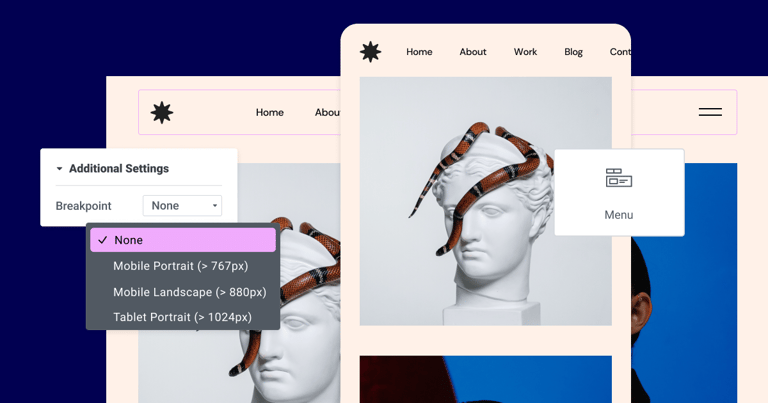
These days, it’s super important for nonprofits to have a solid online presence. They need to inspire, engage, and mobilize their audience while working with limited budgets and resources.
having a website for your small business is no longer optional – it’s essential. A well-designed website acts as your online storefront, attracting potential customers, establishing credibility, and showcasing your products or services 24/7. It’s your chance to make a strong first impression and stand out in a crowded marketplace.
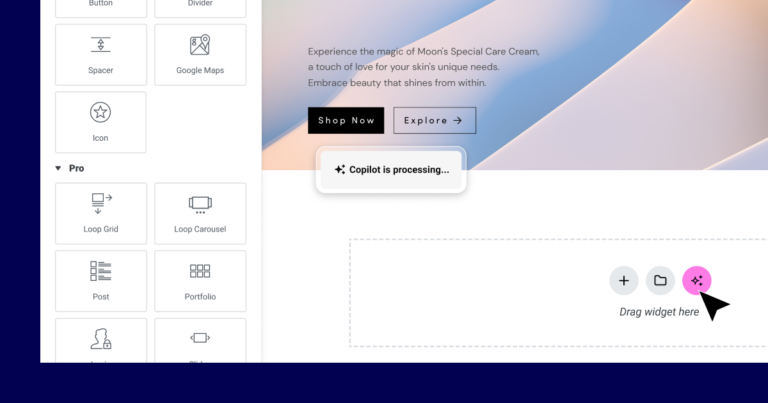
The world of website building is rapidly transforming, and Artificial Intelligence (AI) is leading the charge. AI website builders have arrived, promising to simplify the process of creating beautiful, functional websites – no coding skills required!
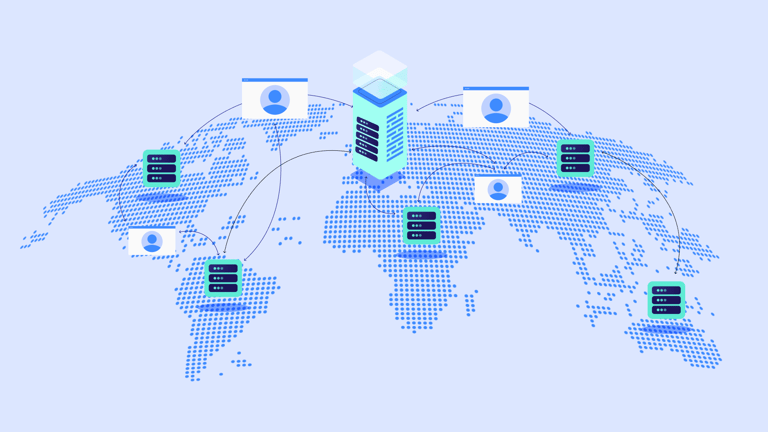
With VPS (Virtual Private Server), you get a slice of a powerful server, all to yourself. This translates to better performance, increased reliability, and the flexibility to customize your hosting environment the way you see fit. Websites with growing traffic, e-commerce stores, or those looking for that extra boost in speed and security often find VPS hosting the perfect solution.
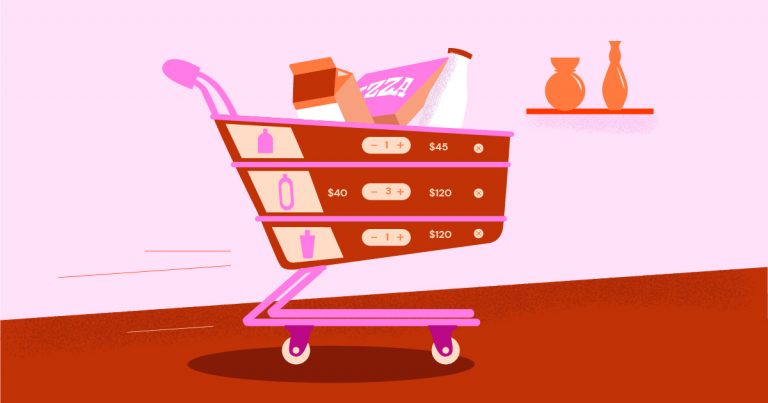
Are you tired of the hassle of stocking piles of inventory only to worry about whether they’ll sell? Are you dreaming of launching a custom merch line but feeling overwhelmed by the logistics of production and shipping? We get it.
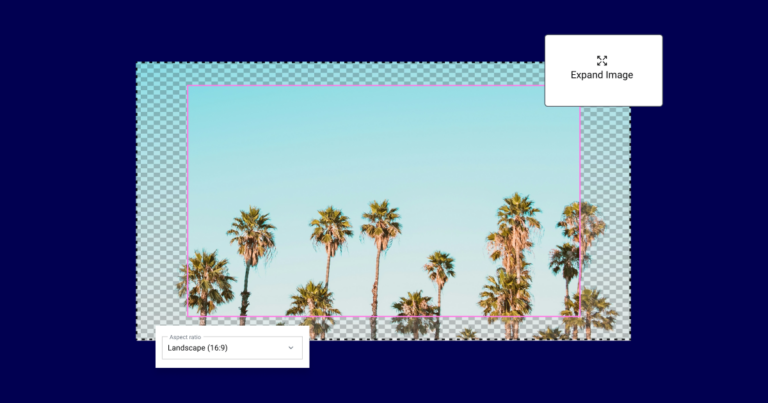
In the bustling world of travel, where wanderlust meets logistics, a travel agent’s website isn’t just a digital storefront – it’s their passport to success. Think of it as a virtual travel agency, a place where globetrotters-to-be can browse destinations, dream of adventures, and ultimately book their trips.

Reaching your customers effectively is more crucial than ever. While email and social media have their place, there’s one communication channel that consistently outperforms the rest: SMS. That’s right—text messaging. With open rates as high as 98%, SMS is the secret weapon small businesses are using to connect, engage, and drive sales.
Are you tired of juggling countless marketing tasks, struggling to personalize campaigns at scale, and feeling lost in a sea of data? You’re not alone. Many businesses need to catch up on the complexity of modern marketing, miss out on potential customers, and watch their growth stagnate.
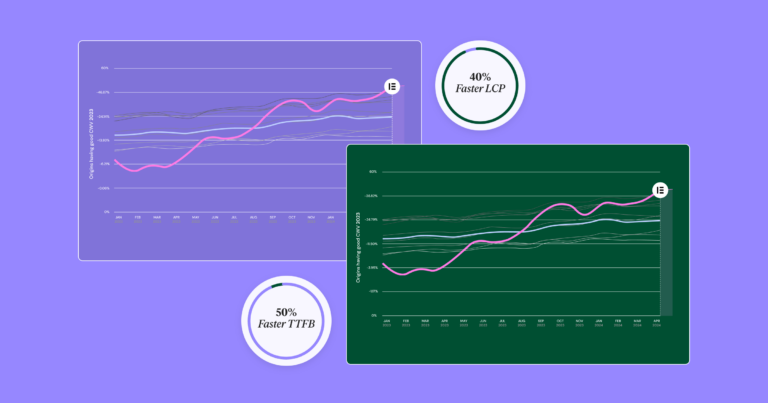
a website is more than just a digital calling card—it’s your brand’s virtual headquarters, your online storefront, or your megaphone to the world. And the foundation of this digital empire? Your website builder. It’s the tool that empowers you to craft a captivating online presence, whether you’re a budding entrepreneur, a creative artist, or a seasoned business owner.
Images are the lifeblood of modern websites. They capture attention, break up blocks of text, enhance storytelling, and even influence how visitors perceive your brand. While text is essential for conveying information, visuals create a richer user experience and can even boost your website’s search engine rankings.
Image placement has a profound impact on the visual appeal and overall user experience of your website. A well-centered image instantly adds a touch of polish and professionalism to your web pages. Whether you’re showcasing product photos, highlighting a key message, or simply adding visual interest, mastering the art of image centering is essential.